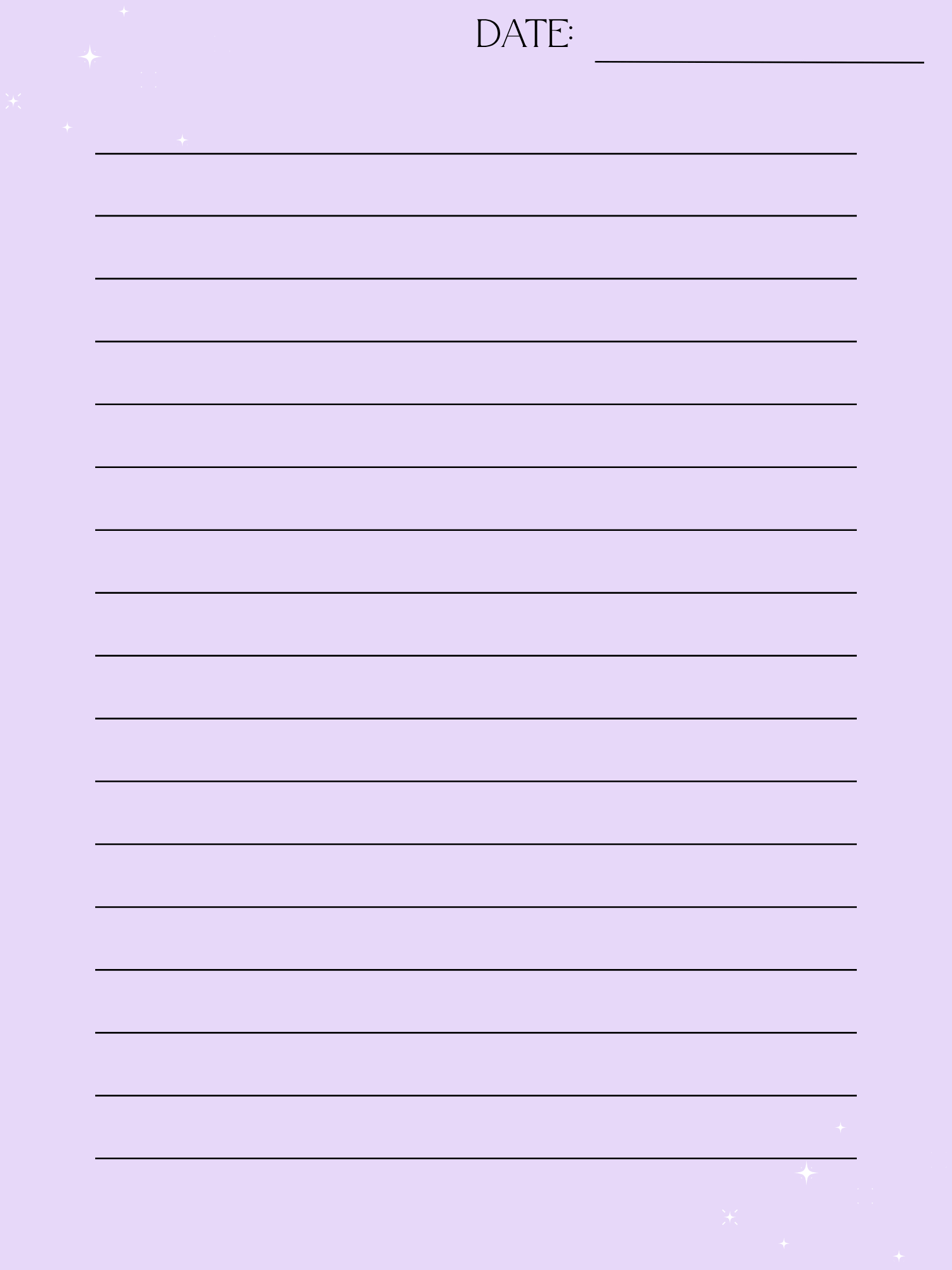
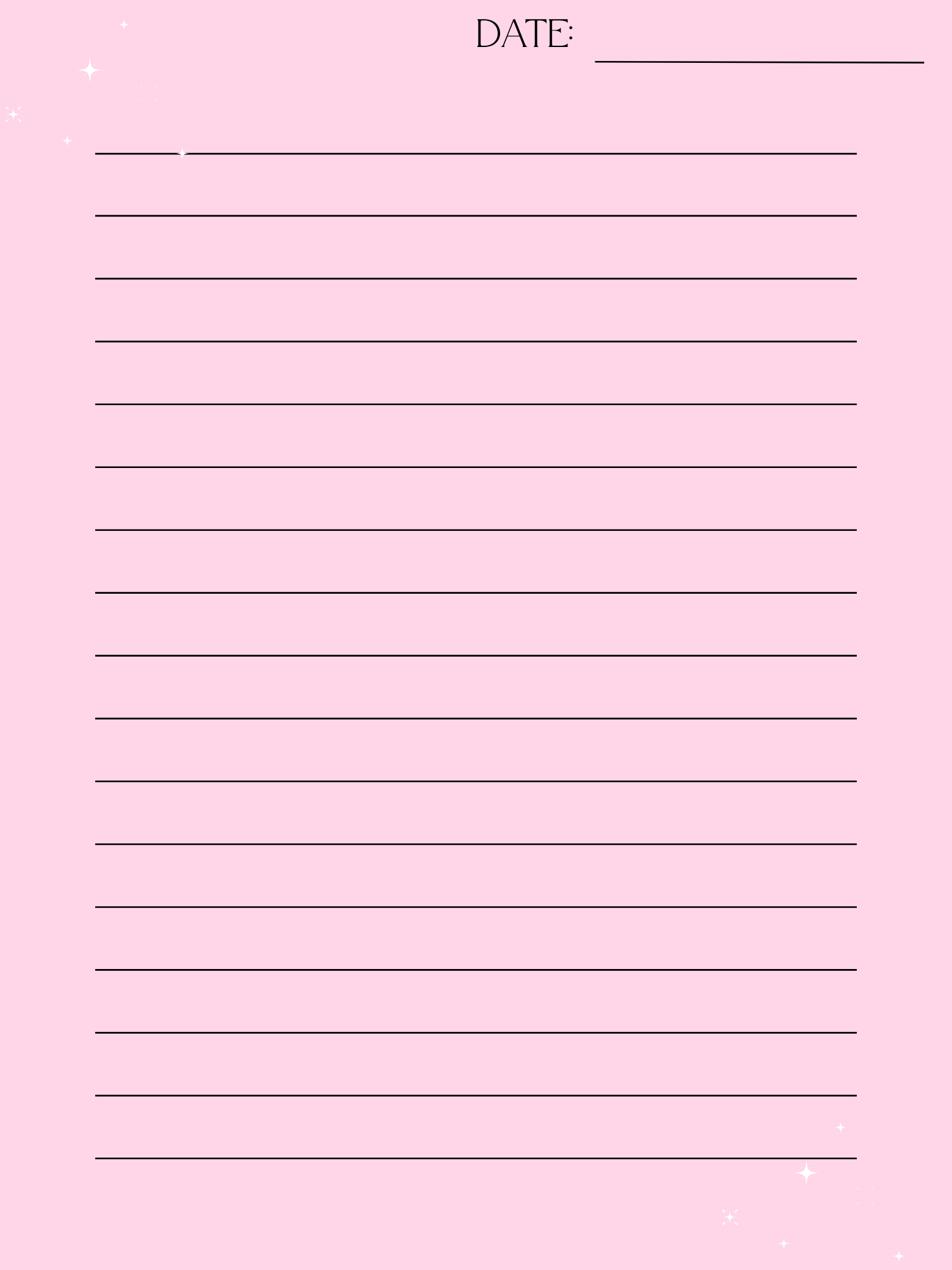


✨ Dreamy Cloud Digital Journal | Lavender & Celestial Lined Notebook for Writing, School & Nighttime Reflection (Digital ZIP) ☁️🌙
Your peaceful escape into the stars. ✨☁️
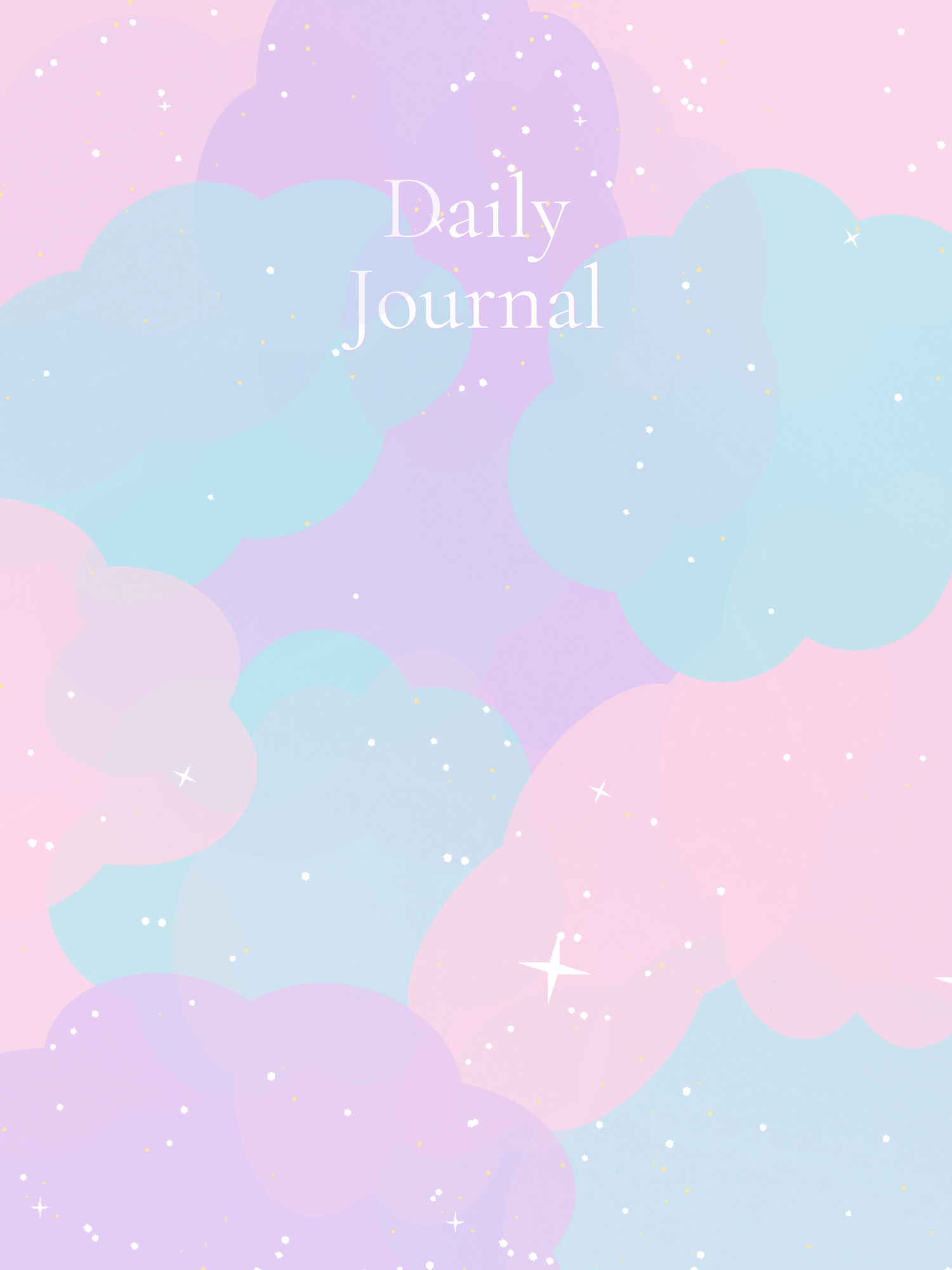
Tired of harsh, bright digital planners that feel like work? The Quietpaper Dreamy Cloud Journal is designed to be a soft, celestial sanctuary for your thoughts. Featuring a soothing palette of lavender, blush pink, and misty blue, this journal turns every note-taking session into a calming experience.
Whether you're a student capturing lecture notes or a dreamer recording your midnight reflections, this journal provides a weightless, aesthetic space to let your creativity soar.
✨ Why You’ll Love It:
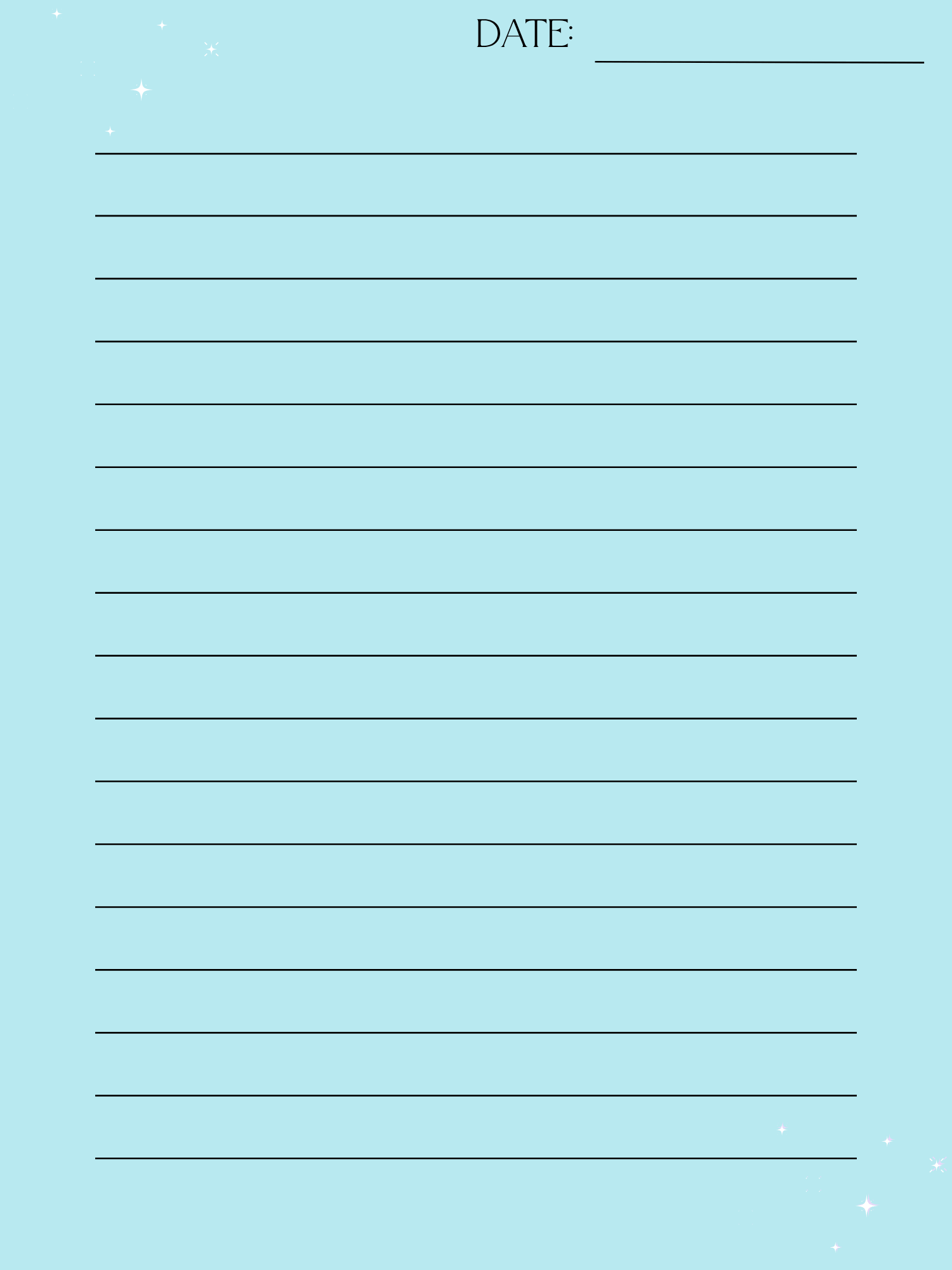
- 25 Celestial-Themed Pages: Beautifully designed with soft cloud gradients and subtle star accents to inspire your writing.
- Soothing Color Palette: Specifically chosen to be easy on the eyes—perfect for late-night journaling or early-morning planning.
- Versatile & Flexible: A clean, lined layout that works for everything from academic study to gratitude journaling.
- Unlimited Reusability: Print your favorite pages as many times as you like or duplicate them infinitely in your digital planning app.
📂 What’s Inside Your Download:
- 1 x Premium ZIP (The best choice for Goodnotes, Notability, or printing)
- Size: Optimized for A4 / US Letter.
✨ How to Use:
- Download: Save the ZIP file to your device.
- Unzip: Tap the file (iPad/iPhone) or right-click "Extract" (PC) to see your journal files.
- Write: Import the PDF into your favorite annotation app or print it out to create your own "head in the clouds" binder!
☁️ Perfect For:
- Student Life: Organizing notes with a "soft girl" or "celestial" aesthetic.
- Wellness: Nighttime reflection, habit tracking, and mindfulness.
- Creatives: Brainstorming, poetry, and "dream-dumping."
📥 Instant Download: This is a digital product. No physical item will be shipped. Start your journey into the clouds today!
Note: Due to the nature of digital products, all sales are final. Colors may vary slightly depending on your screen or printer settings.