
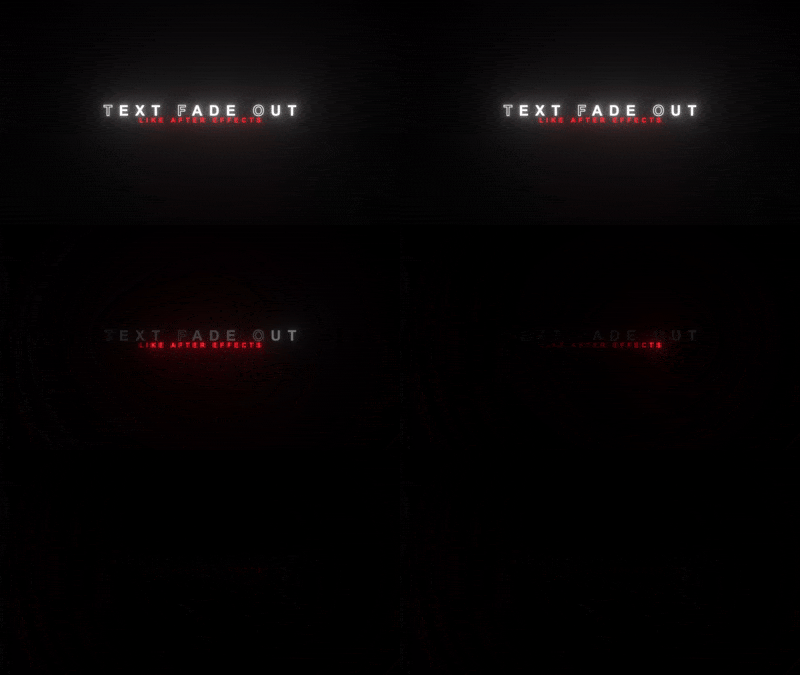
Scale in Fade out, Text Animation
On Sale
$5.00
$5.00
Its a little laggy in Payhip but smoother in DaVinci Resolve
This text animation is something people have been asking for for a long time — and now it’s finally available as a (.setting) file!
It’s priced at just $5.
Right now, you can only change the font in the Fusion page (not sure why yet, but I’ll fix that in a future update).
If the fade-out animation ever looks a bit choppy, here’s how to fix it:
- Go to Fusion
- Open the Spline panel
- Select Opacity
- Highlight all the keyframes
- Press S on your keyboard
- Set them to Out Cube
Since this is a .setting file, you’ll need to install it first — just search on YouTube for a quick tutorial.