


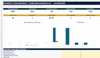
Construction Spreadsheet Excel Template | General Contractor Business OS | Job Costing, Estimates, Invoices & Profit
Run your construction business from one organised Excel system.
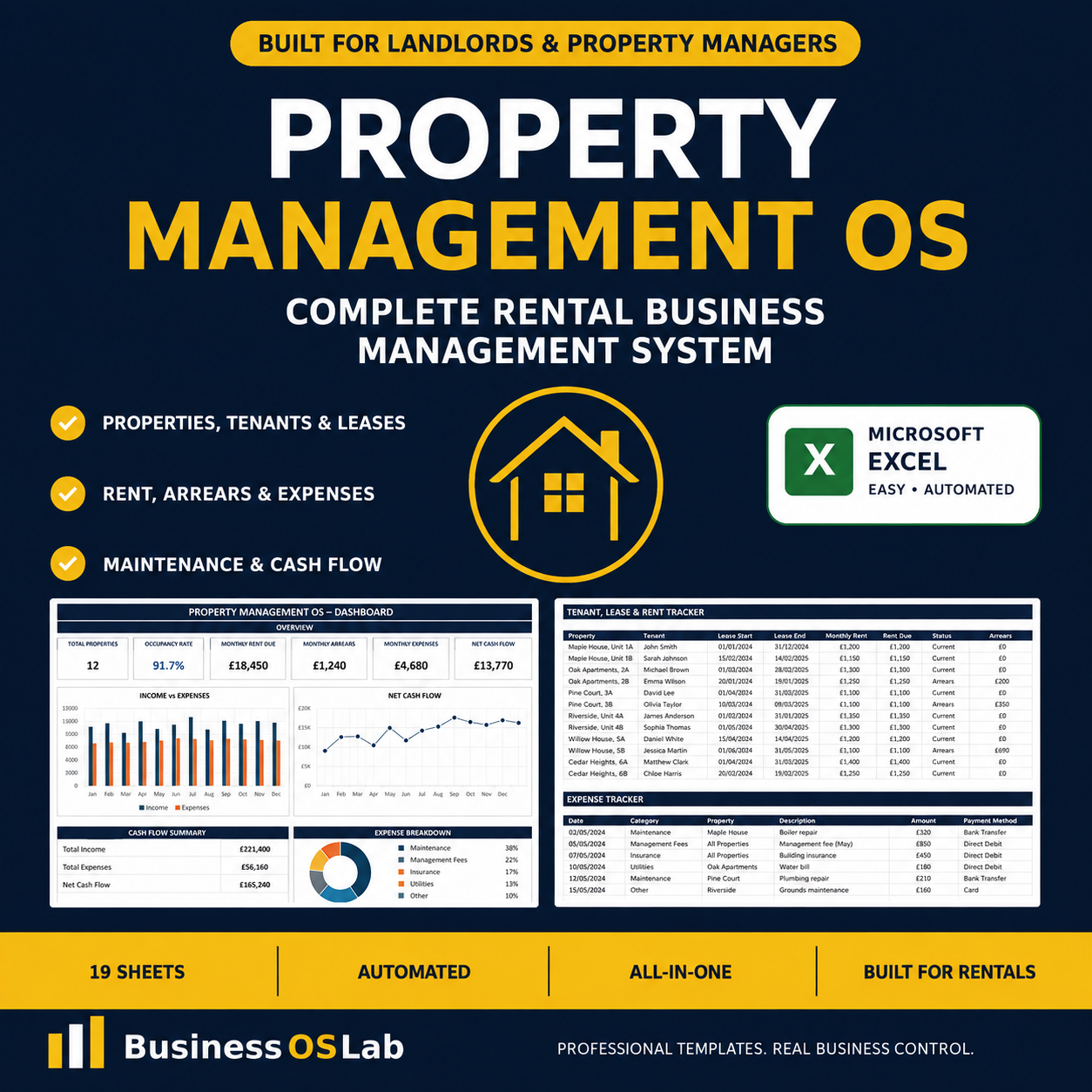
The BusinessOSLab Construction / General Contractor Business OS is a complete 19-sheet Microsoft Excel management system designed for general contractors, builders, remodelers and small construction companies.
Manage leads, clients, projects, estimates, job budgets, schedules, tasks, change orders, subcontractors, purchase orders, invoices, payments, expenses, labour, equipment and overall business performance.
Instead of juggling separate spreadsheets, follow the complete contractor workflow:
LEAD → ESTIMATE → PROJECT → BUDGET → SCHEDULE → BUILD → INVOICE → PAYMENT → REVIEW
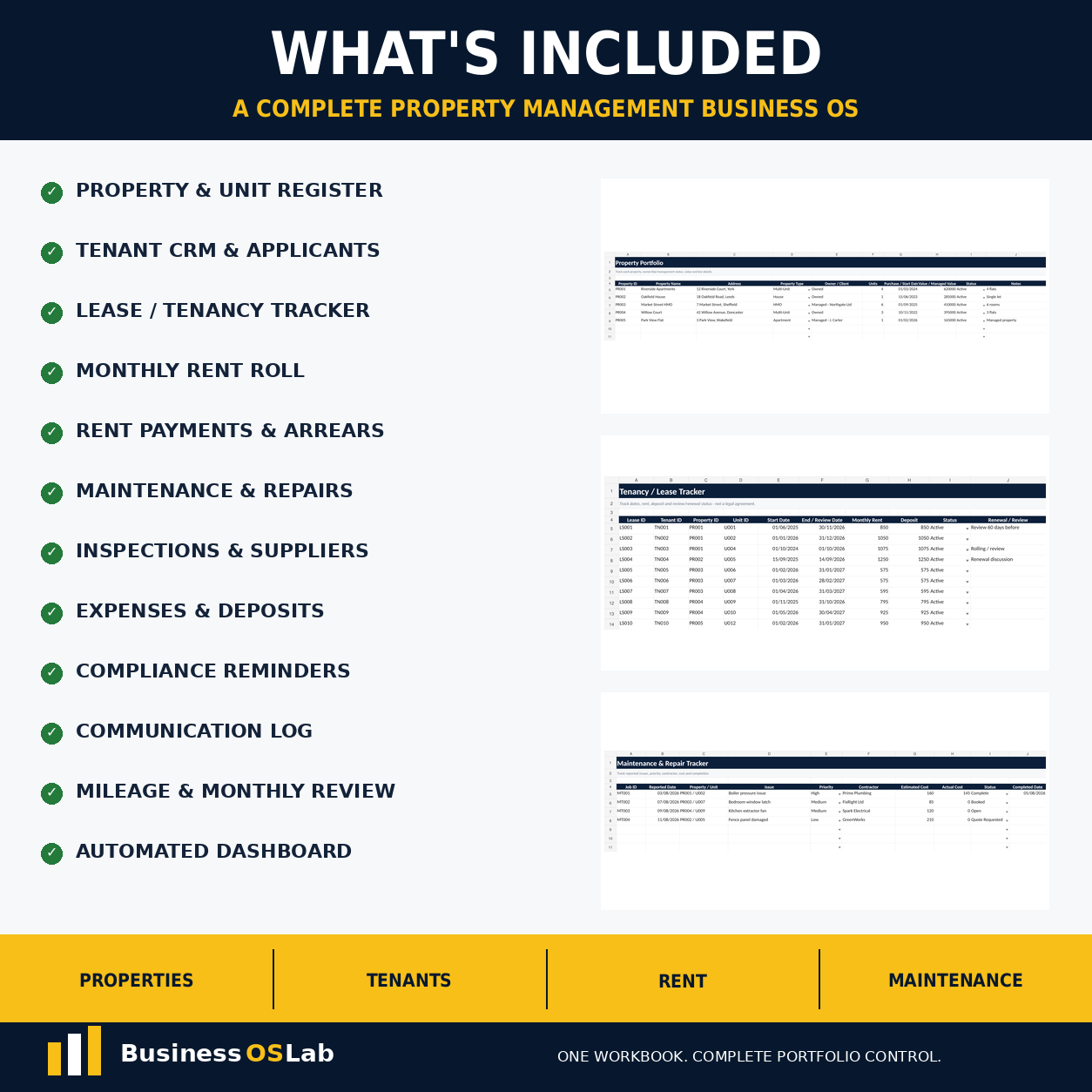
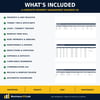
WHAT’S INCLUDED
• Automated contractor Dashboard
• Client CRM
• Project register
• Lead & opportunity tracker
• Estimates & bids
• Project budget vs actual cost tracker
• Project & site schedule
• Project task tracker
• Change orders / variations
• Subcontractor register
• Supplier & purchase-order tracking
• Invoices & debtors
• Payment register
• Business expenses
• Labour & timesheets
• Plant & equipment register
• Mileage & site travel
• Monthly business review
• Business setup & quick-start system
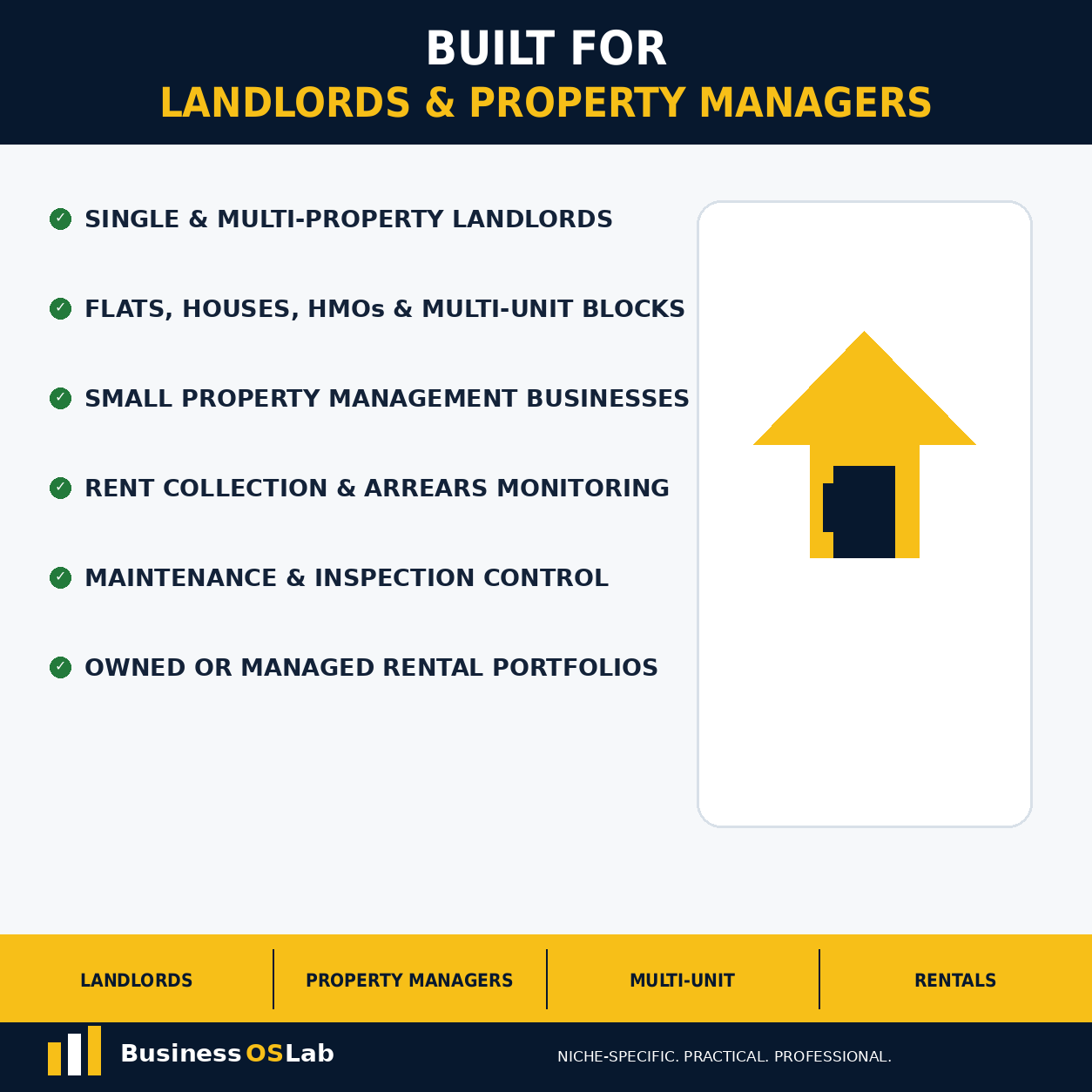
BUILT FOR CONTRACTORS
Suitable for:
• General contractors
• Builders
• Residential renovation businesses
• Remodelers
• Extensions and refurbishments
• Small commercial fit-out contractors
• Property developers and investors
• Sole traders and small construction teams
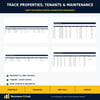
Create each project once and track contract value, project type, site address, dates, status and project manager.
CONTROL PROJECT COSTS & PROFITABILITY
Track each project budget across:
• Labour
• Materials
• Subcontractors
• Plant and equipment
• Overheads and other project costs
Compare Budget vs Actual vs Committed costs, monitor remaining variance and identify budget overruns before they grow.
ESTIMATES & JOB COSTING
Build and monitor estimates using labour, materials, subcontractors, plant/equipment and overhead costs alongside selling price and estimated margin.
CHANGE ORDERS & VARIATIONS
Protect project margin by recording additional work separately.
Track:
• Additional labour
• Materials
• Subcontractor costs
• Customer selling price
• Approval status
• Invoice status
INVOICES, PAYMENTS & CASH FLOW
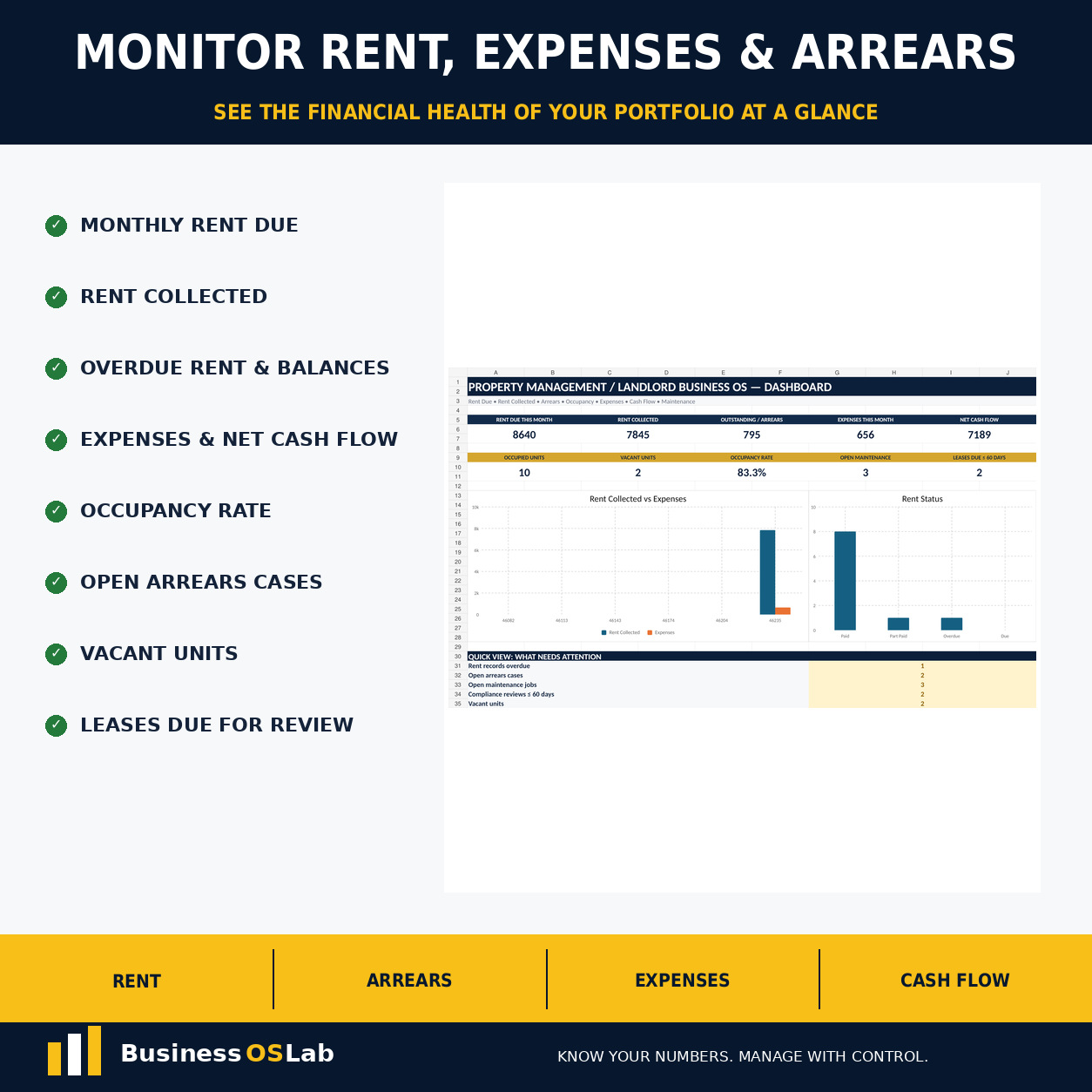
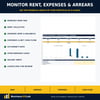
Monitor project invoices, due dates, payments, outstanding balances and overdue debtors.
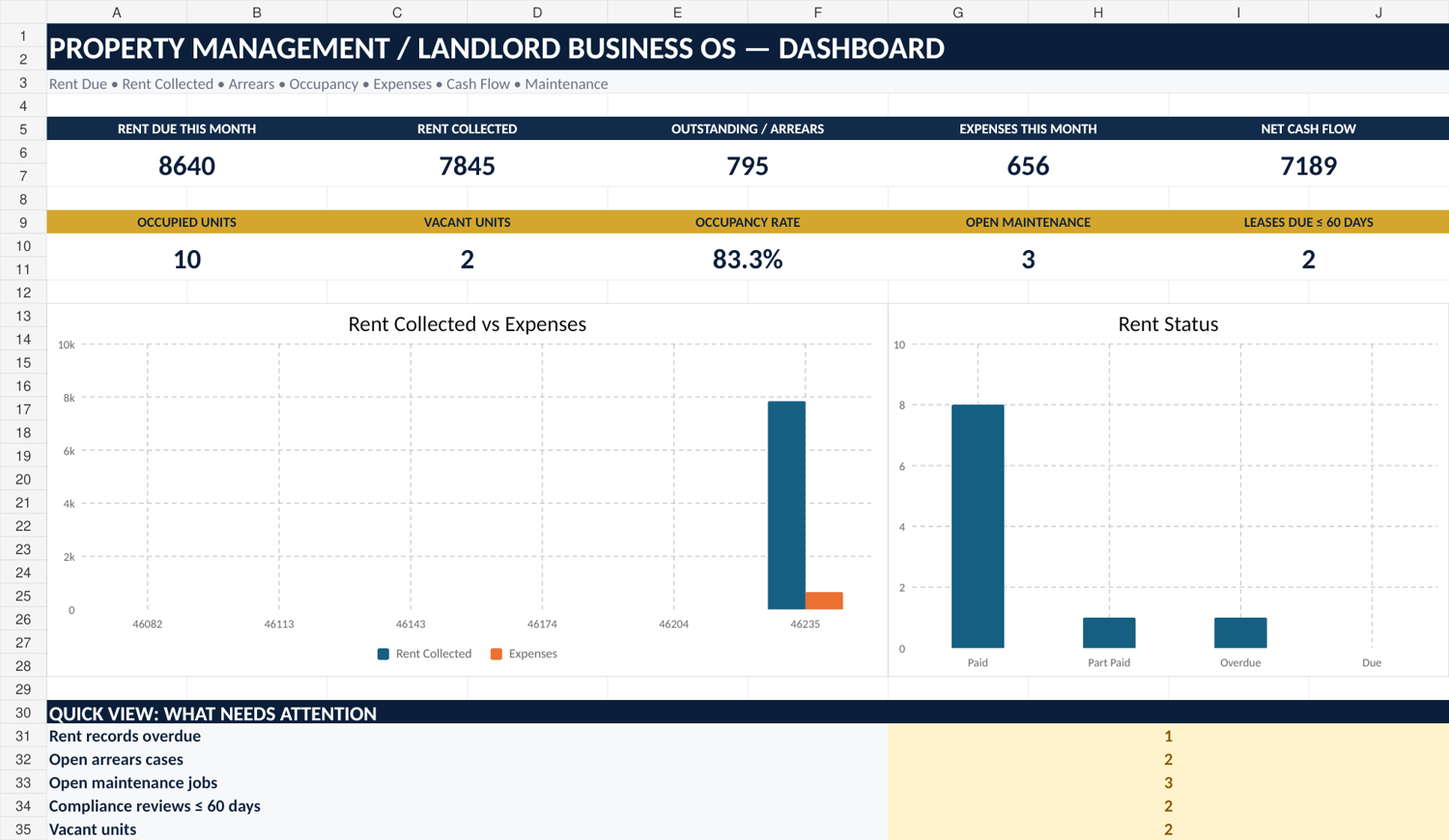
The Dashboard provides instant visibility of:
• Active contract value
• Cash collected
• Project cost to date
• Outstanding invoices
• Overdue invoices
• Approved change orders
• Estimated gross margin
• Lead pipeline
• Budget overruns
• Active projects
SUBCONTRACTORS, SUPPLIERS & SITE CONTROL
Manage subcontractor trades, rates, insurance expiry dates and approval status.
Track purchase orders, suppliers, project commitments, delivery dates, labour hours, plant/equipment and mileage.
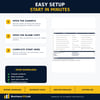
EASY TO SET UP
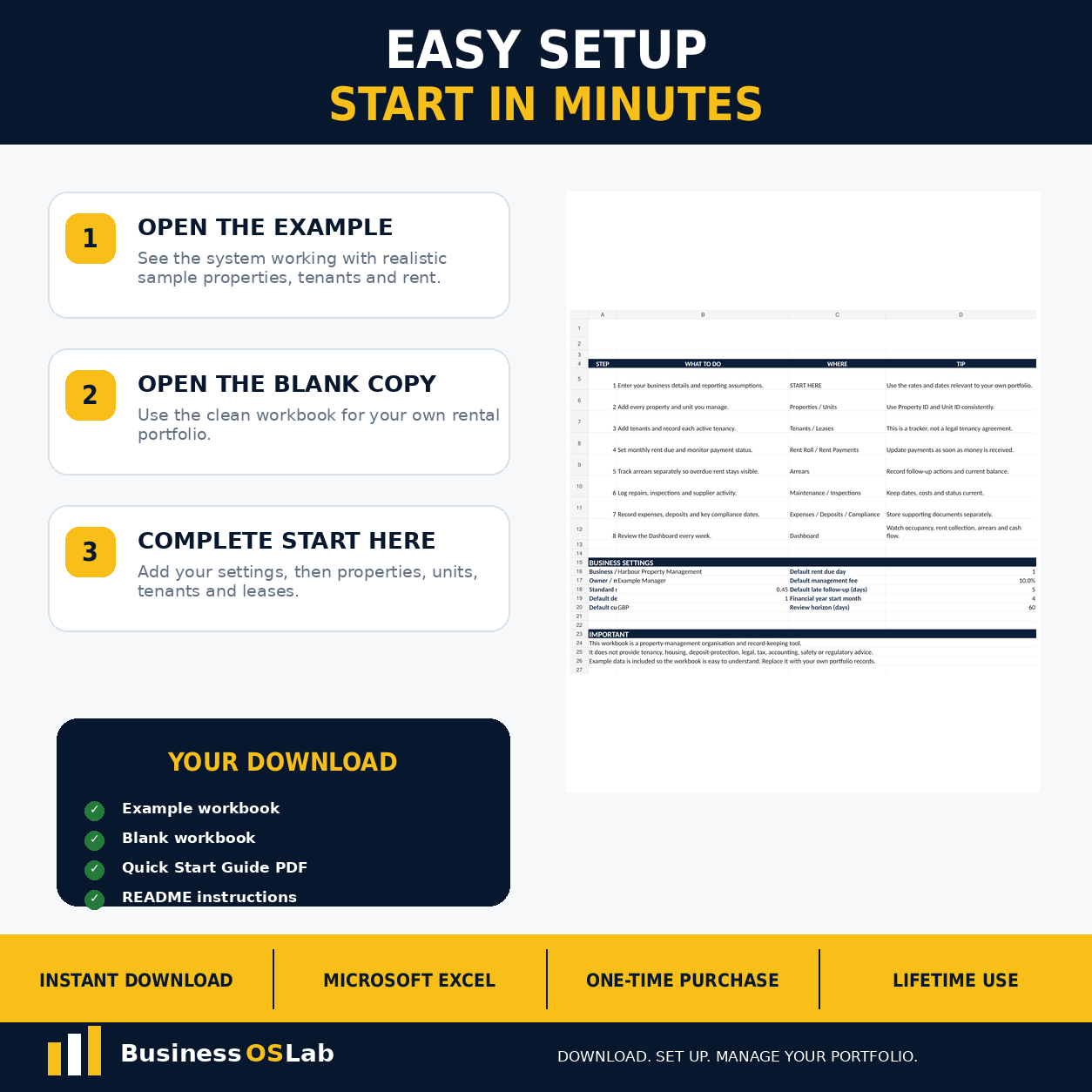
Your download contains both a fully populated Example workbook and a separate Blank workbook.
Open the Example workbook first to see the complete system working, then use the Blank copy for your own business.
A professionally formatted Quick Start Guide PDF is included with setup instructions and a sheet-by-sheet explanation.
YOUR DOWNLOAD INCLUDES
• BusinessOSLab_Construction_Contractor_OS_Example.xlsx — fully populated example workbook
• BusinessOSLab_Construction_Contractor_OS_Blank.xlsx — clean working copy
• BusinessOSLab_Construction_Contractor_OS_Quick_Start_Guide.pdf — setup and workbook guide
• README_Construction_Contractor_OS.txt — compatibility, usage and licence information
IMPORTANT INFORMATION
• Instant digital download
• No physical product will be shipped
• Microsoft Excel .xlsx format
• Best used in Microsoft Excel
• Compatibility with other spreadsheet programs is not guaranteed
• No subscription required
• Business organisation and project-control tool only
• Does not replace professional construction, contractual, legal, accounting, tax, health & safety, building-control or regulatory advice
• For the purchaser’s own personal/business use
• Resale, redistribution and sharing of the files is prohibited