


FocusFlow — The Calm Digital Planner for ADHD & Autism Brains
Most planners are built for people who find it easy to start, plan and remember. FocusFlow is built for everyone else. It's a gentle, colorful, low-pressure planner that helps you start tasks, stay focused and look after yourself, without guilt, clutter or overwhelm.
💻📱 Works on your phone AND your computer
Android app (APK): install it on your Android phone and get reminders even when the app is closed.
HTML version for PC & Mac: open it in any modern browser (Chrome, Edge, Firefox, Safari) on Windows, macOS or Linux. There is no installation, no account and no sign-up.
Move your data between devices anytime with the built-in backup export / import.
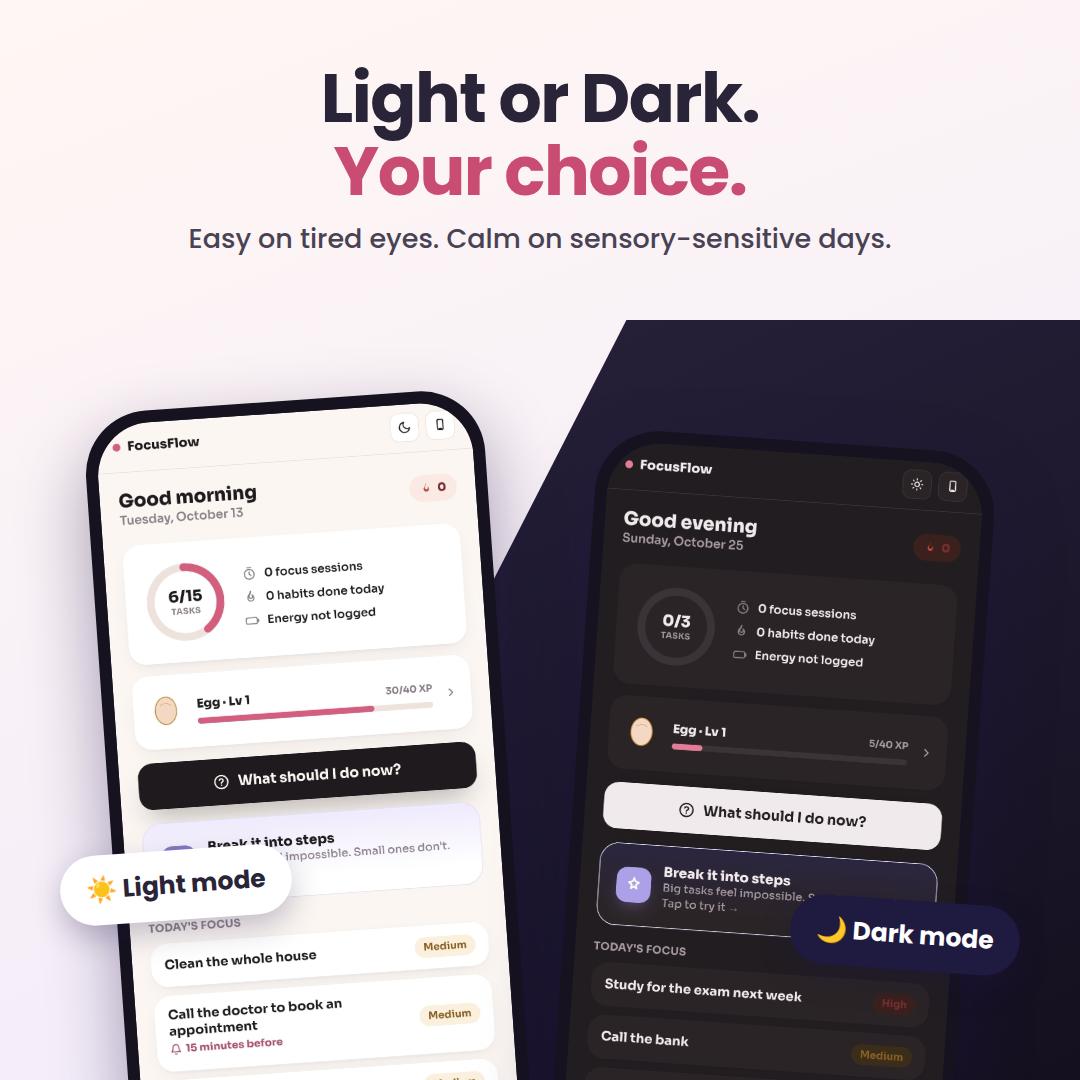
🌙 Light & Dark Mode
Switch with one tap. Dark mode is easy on tired eyes, perfect for evenings, low light or sensory-sensitive days. Light mode stays soft and calm during the day. There is also a Large text option for comfortable reading.
✨ Why you'll love it
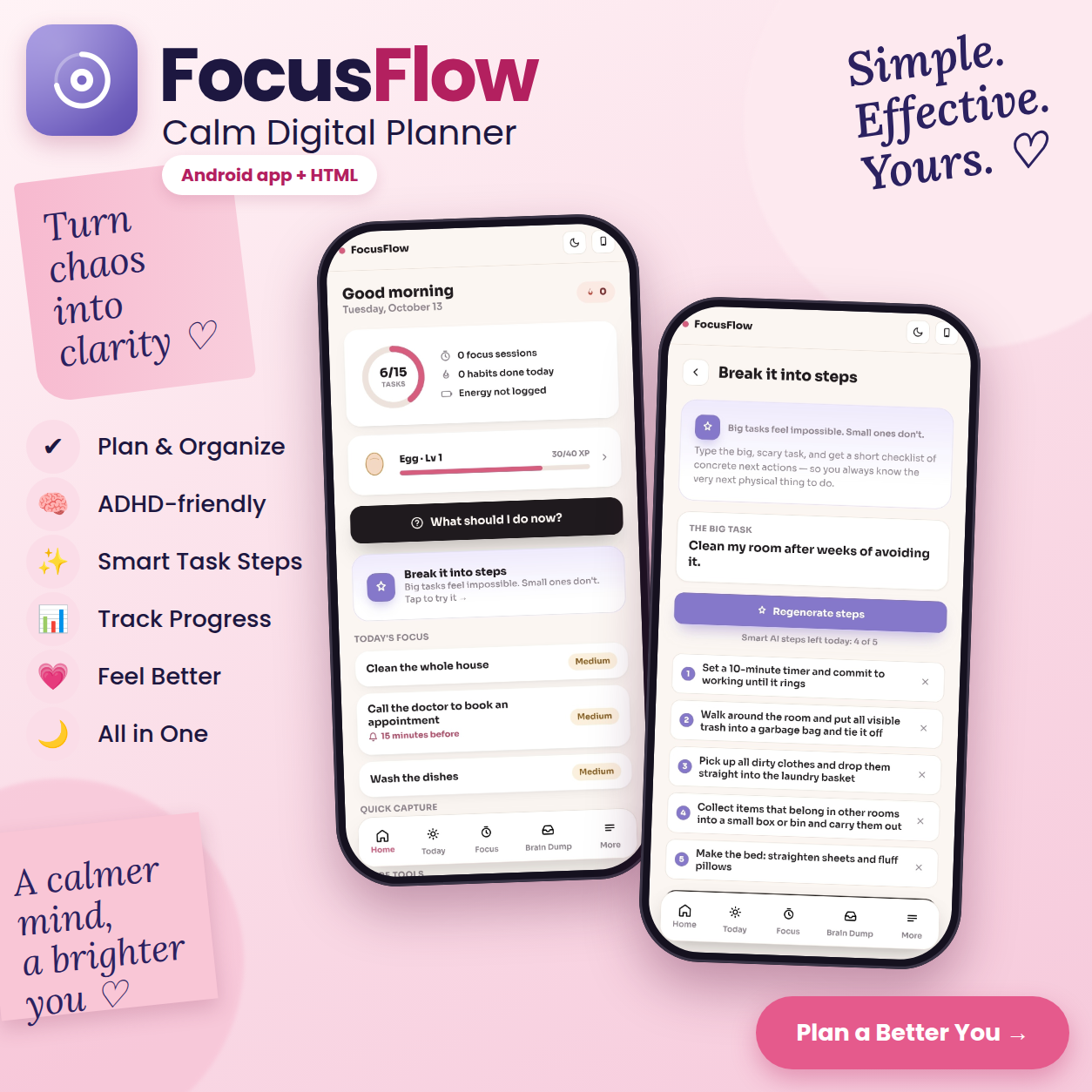
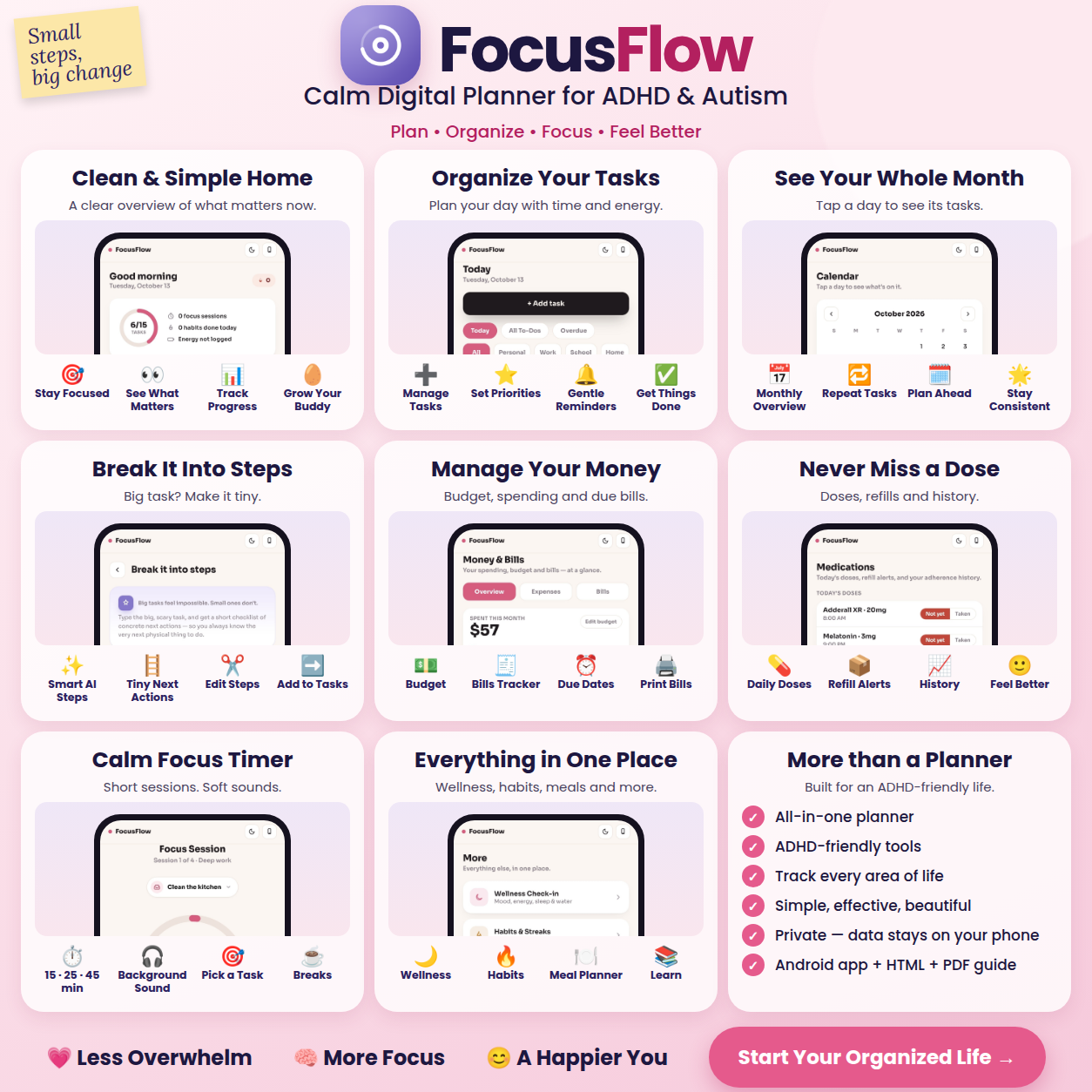
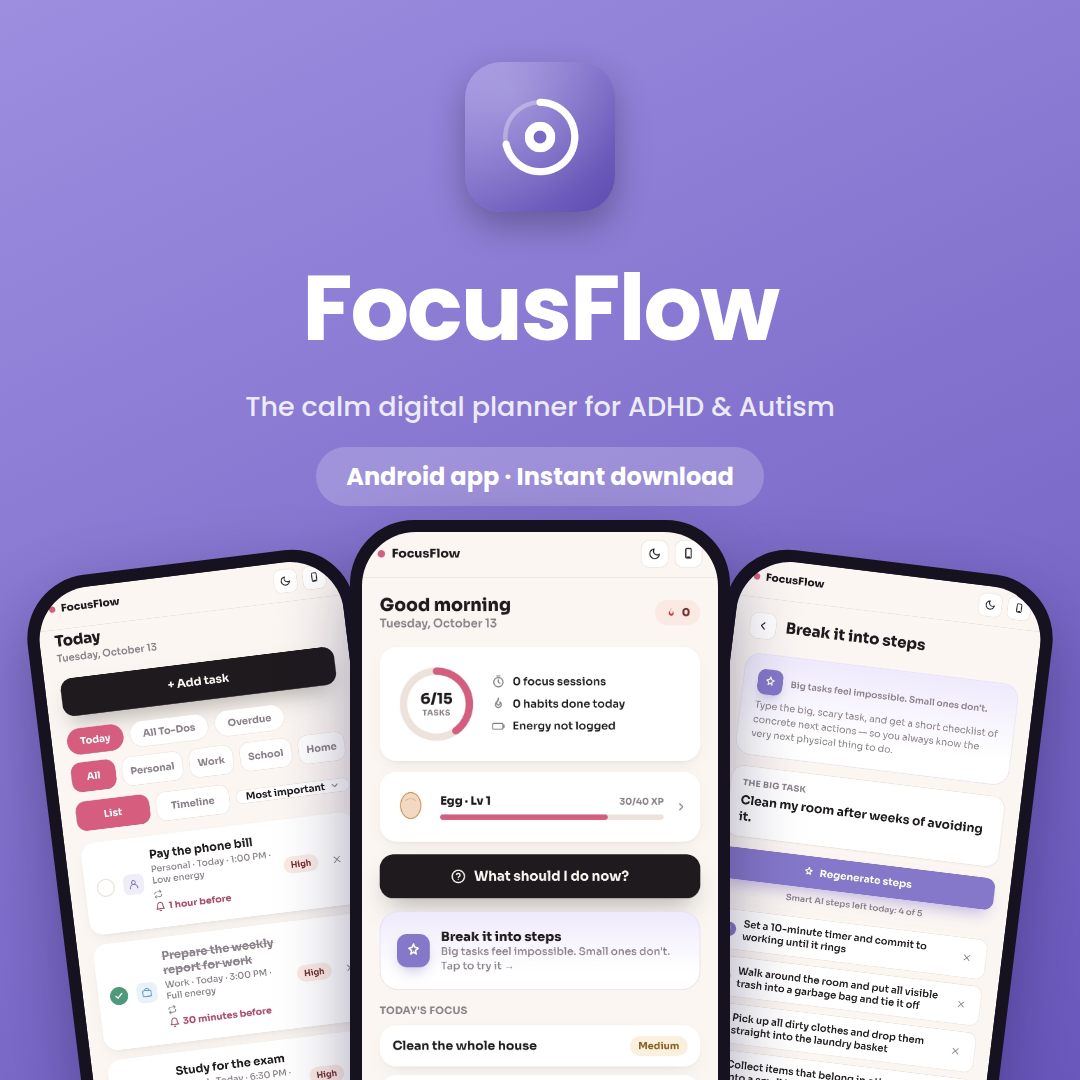
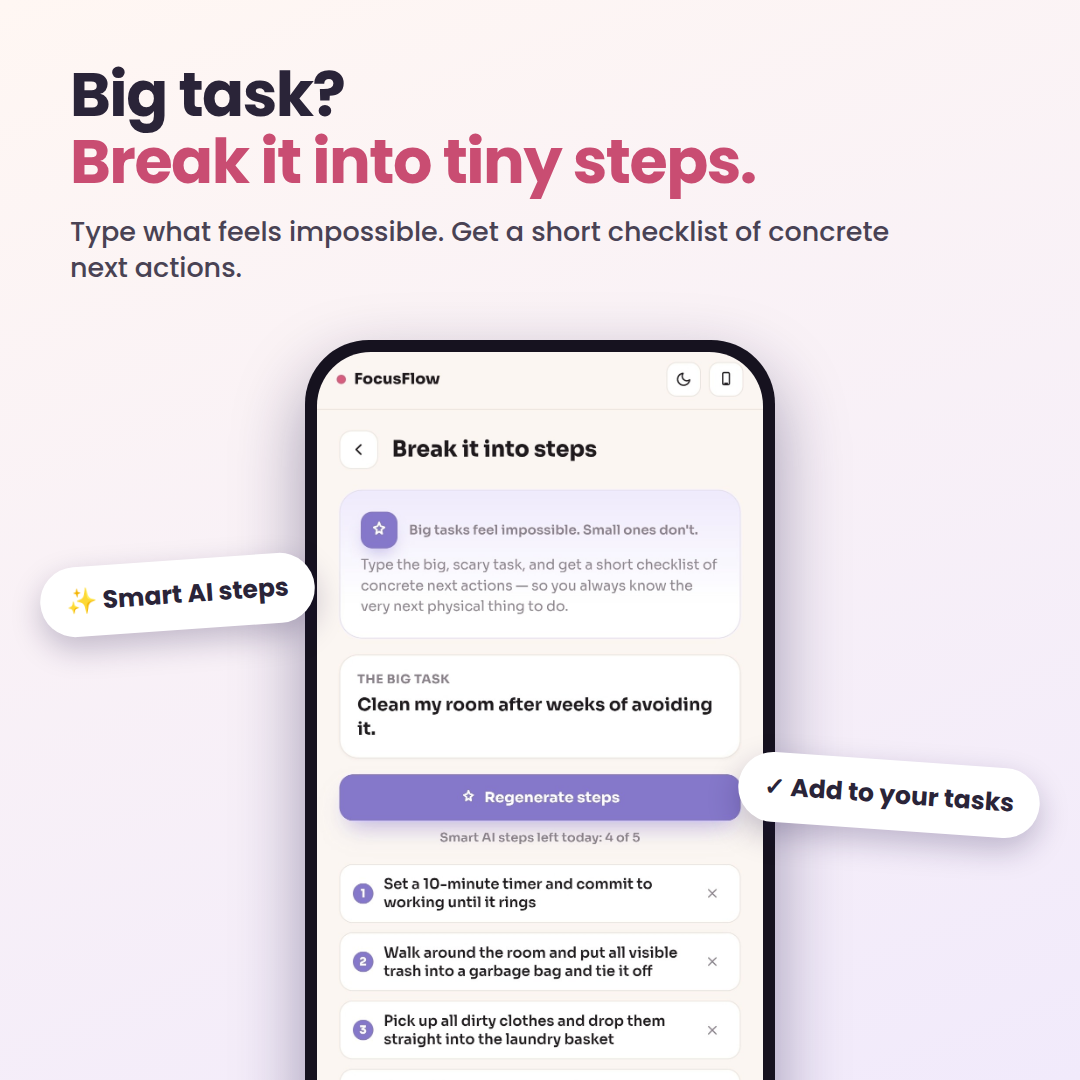
Break big tasks into tiny steps. Type the task that feels impossible, like "Clean my room after weeks of avoiding it", and get a short checklist of concrete next actions. Remove what you don't need, then tap Add to tasks.
Reminders that actually arrive. Set a nudge at the time, or 15 min, 30 min, 1 hour or 1 day before. The reminder shows right inside the task.
"What should I do now?" One button picks your next best task based on your energy and priorities.
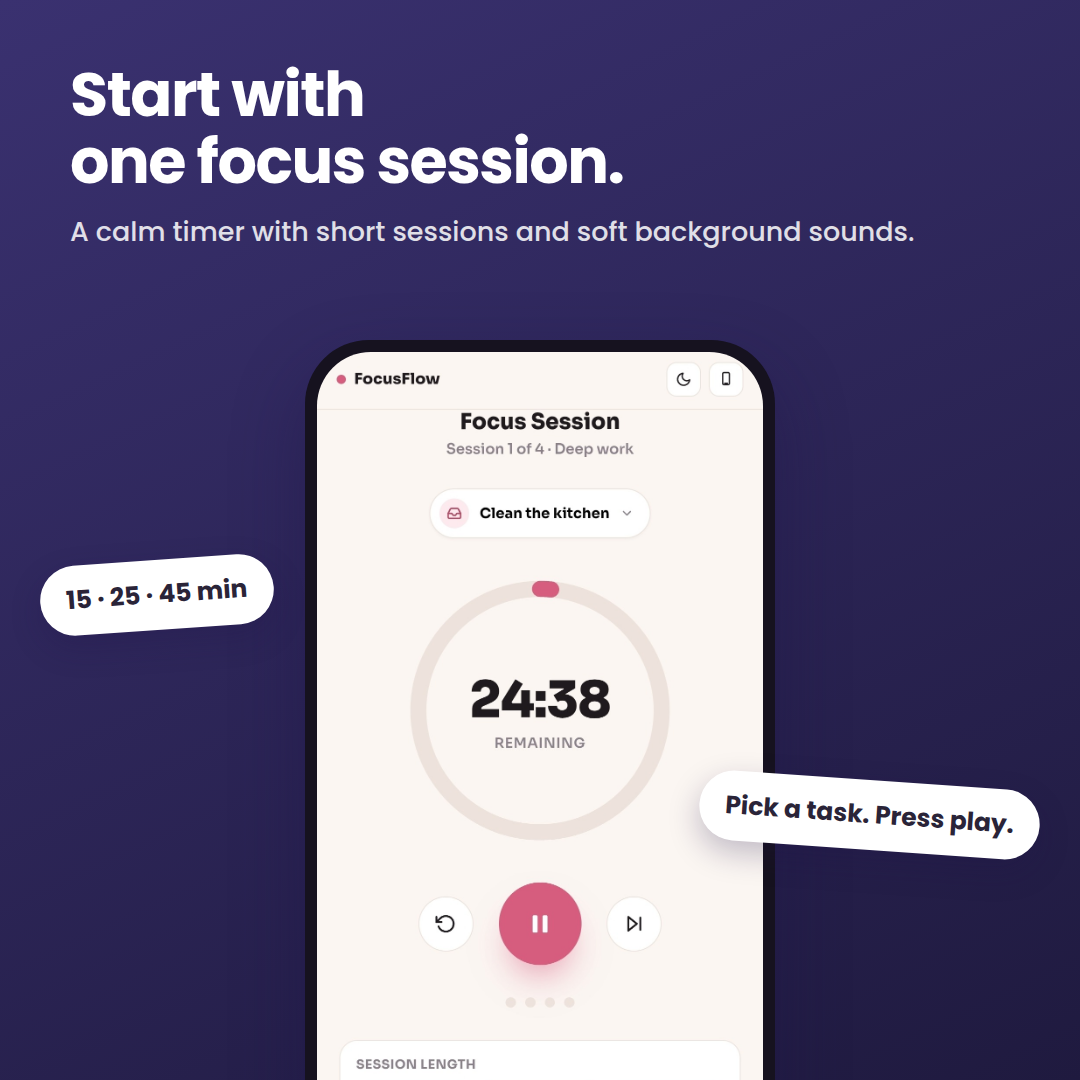
Calm focus timer. Sessions of 15, 25 or 45 minutes, linked to a task, with optional background sounds.
Speak it, don't type it. On the Android app, tap the mic, say what's on your mind, and it becomes a task.
🧰 Everything in one calm place
Today & Calendar: tasks by day, with category, priority and energy level, plus daily, weekly or monthly repeats
Brain Dump: empty your head now, sort it later
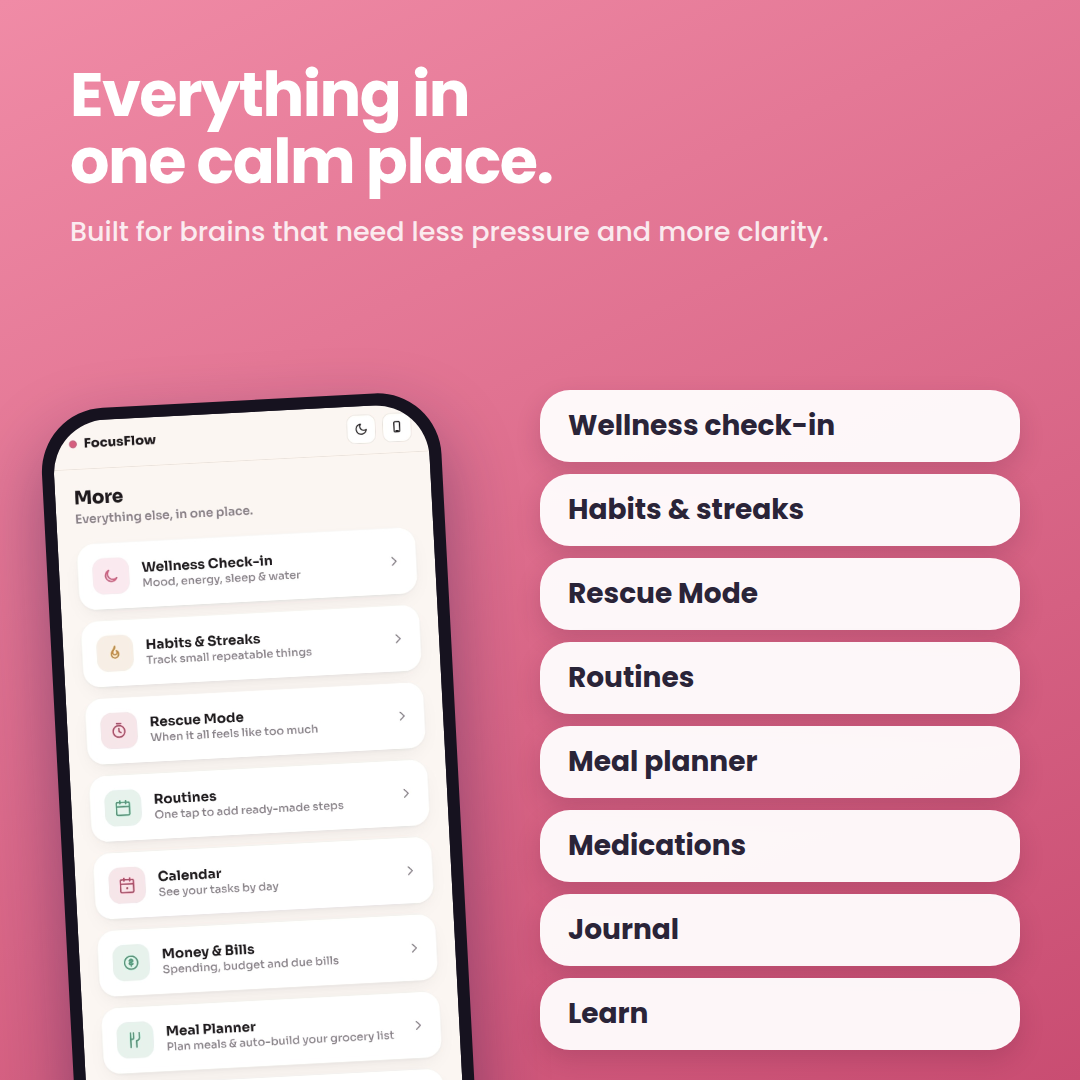
Habits & Streaks: track small things without pressure
Routines: one tap adds ready-made steps
Wellness Check-in: mood, energy, sleep and water
Rescue Mode: a calm reset for when it all feels like too much
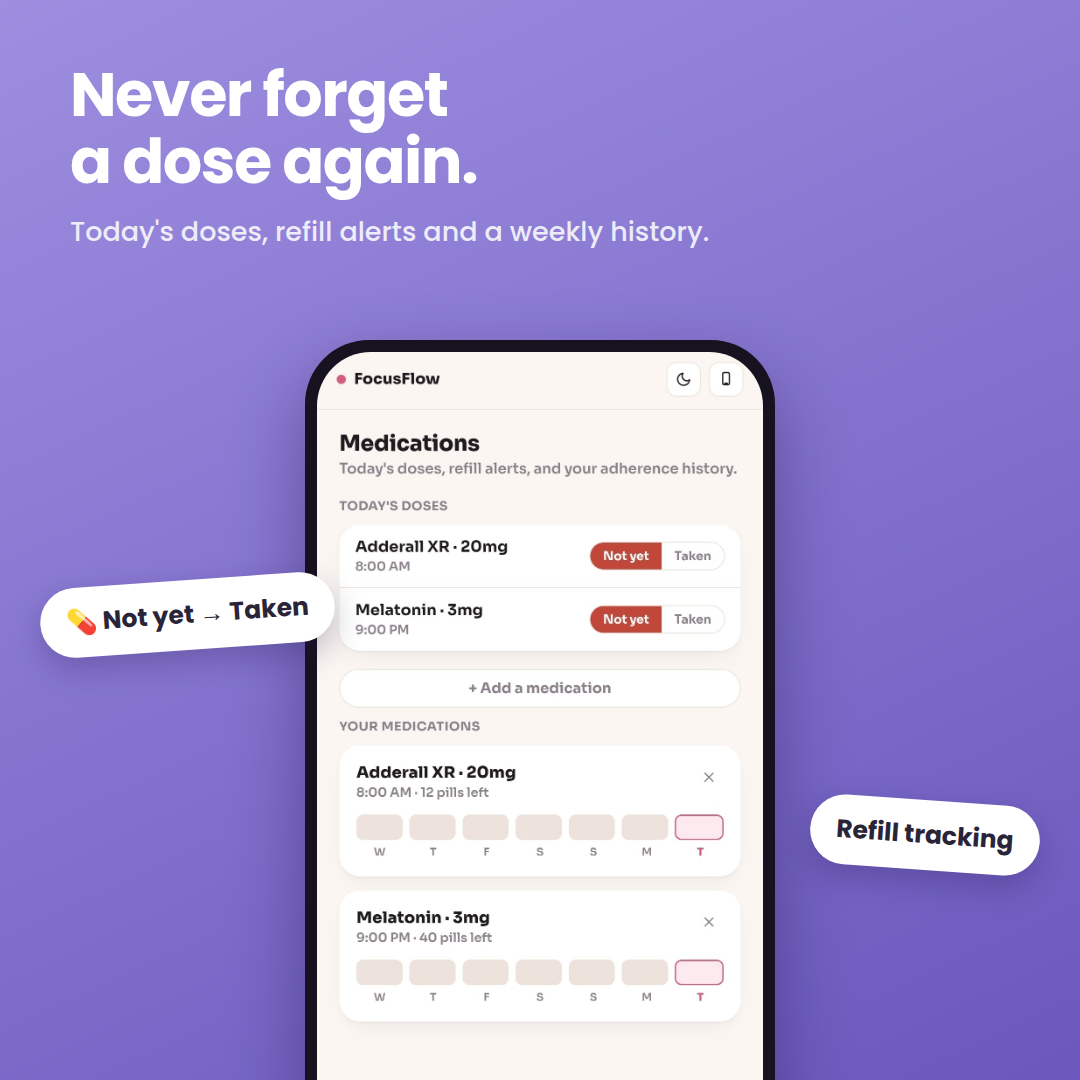
Medications: today's doses, refill alerts and adherence history
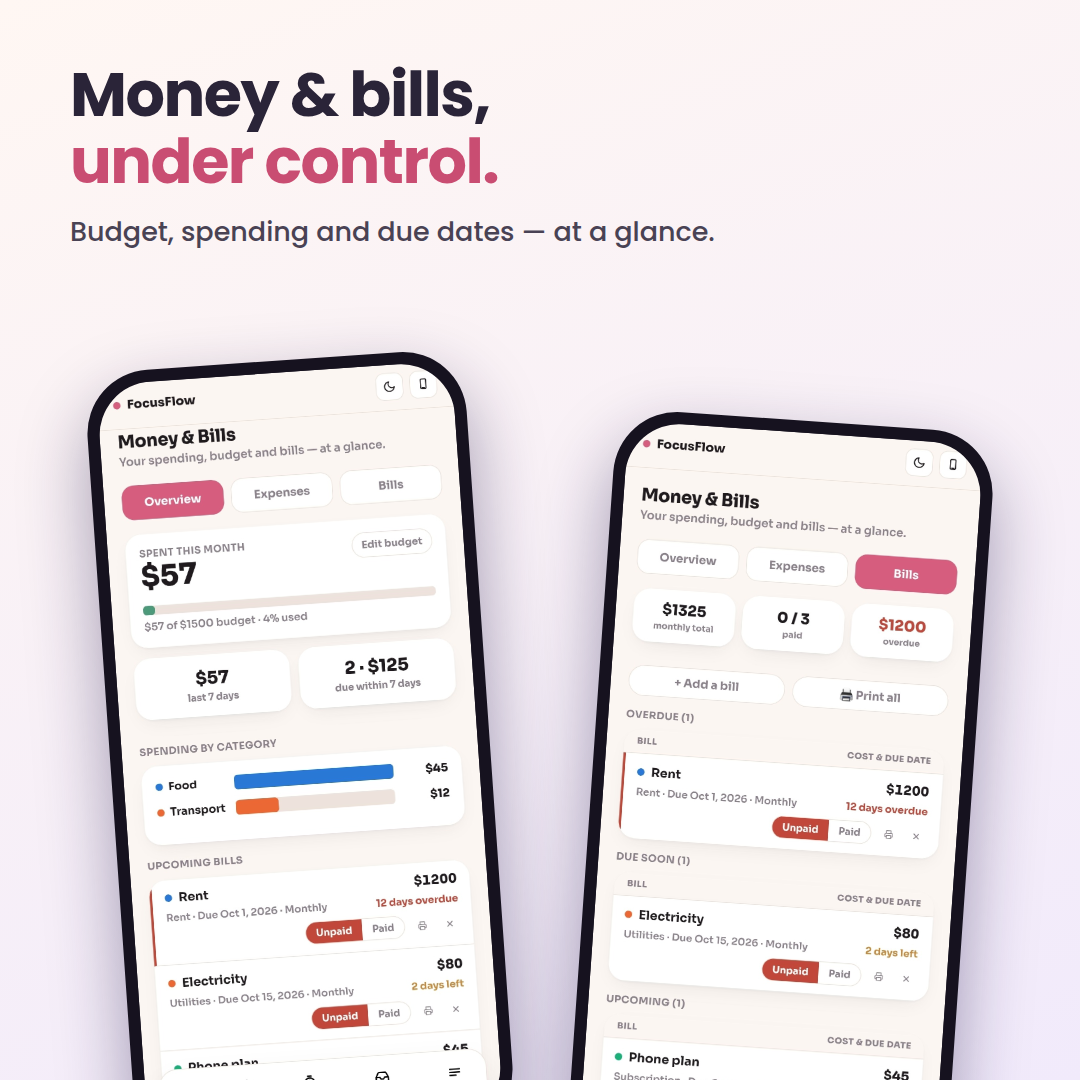
Money & Bills: budget, spending and due dates, with overdue, due-soon and paid status, plus print
Meal Planner: plan meals and auto-build your grocery list
Journal: dated entries with mood tags
Your Buddy: a companion that grows as you take care of yourself
Learn: short reads about ADHD & Autism
This Week: your focus, mood and habits at a glance
📦 What you get
✅ FocusFlow Android app (APK)
✅ FocusFlow HTML version for PC, Mac and browsers
✅ Step-by-step PDF User Guide covering installation, reliable reminders and a tour of the app
📲 How it works
Purchase and download instantly.
On Android: open the APK and follow the guide. Android may show a Play Protect notice for apps installed outside the Play Store. The guide shows exactly what to tap.
On PC: open the HTML file in your browser and start planning.
Turn on reliable reminders on your phone (a 1-minute setup shown in the guide).
🔒 Private by design
Your tasks, notes, medications and journal stay on your own device. No account and no sign-up. Export a backup file whenever you like.
💡 Good to know
The smart (AI) step breakdown needs an internet connection and is limited to 5 smart generations per day. After that, or offline, FocusFlow still gives you quick built-in steps.
Voice capture and background reminders are features of the Android app.
The PC (HTML) version keeps its data in your browser on that computer. Use backup export / import to sync with your phone. Clearing your browser data removes it, so back up regularly.
Medication and wellness tools are for personal tracking only. They are not medical advice.
The app version is for Android only (APK). It is not an iPhone app. The HTML version runs in browsers on any computer.
❓ FAQ
Does it work on my computer? Yes. Open the included HTML version in any modern browser on Windows, Mac or Linux.
Is there a dark mode? Yes, switch between light and dark anytime with one tap.
Will my data be lost if I change devices? No. Export a backup in Settings and import it on the new device.
Why does Android warn me when installing? Because the app comes from outside the Play Store. The guide walks you through the safe install.
Who is it for? People with ADHD, autism or any brain that finds planning, starting and remembering hard, and anyone who wants a calmer planner.
Small steps count. FocusFlow helps you take them