


PDF Rotate & Save Pro
PDF Rotate & Save Pro
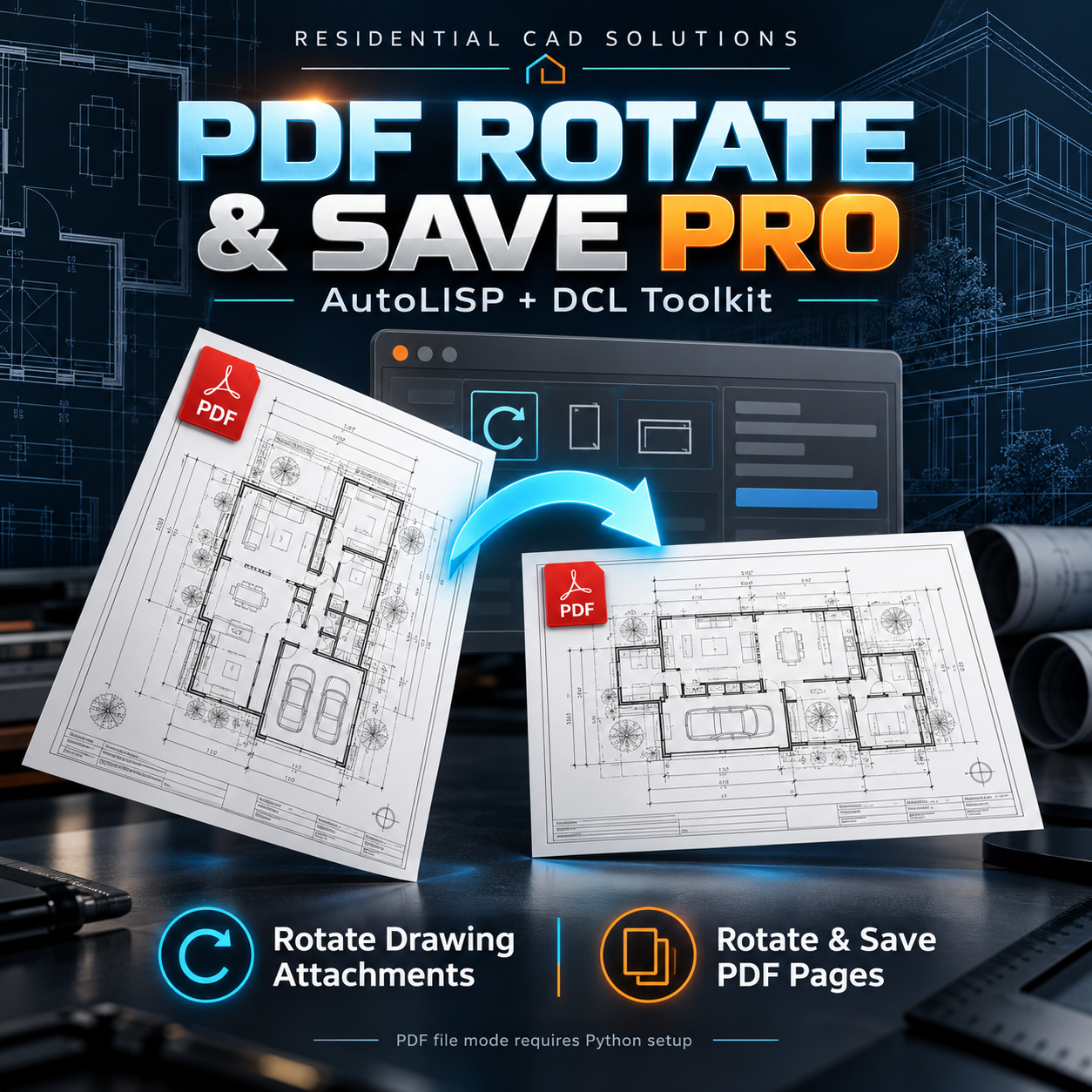
Two convenient rotation tools in one AutoLISP + DCL package.
Straighten drawing attachments and correct PDF page orientation with an easy-to-use dialog from Residential CAD Solutions.
Rotate Drawing Attachments
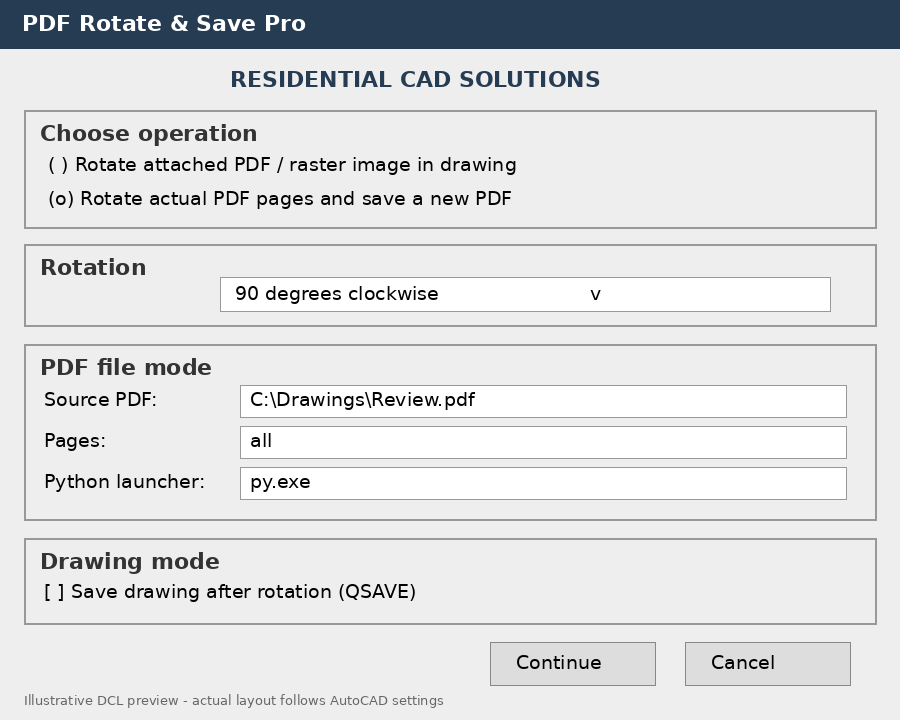
- Rotate attached PDF underlays or raster images around a selected base point.
- Choose 90° clockwise, 180°, or 90° counterclockwise.
- Optionally save your drawing after rotation.
Rotate & Save PDF Pages
- Rotate every page or selected pages using entries such as 1,3-5.
- Save the result as a new PDF while preserving the source.
- Keep all pages in their original order.
- Protect existing files from accidental overwriting.
Your Download Includes
- AutoLISP program and DCL dialog
- Python PDF-processing helper
- PDF-engine installation batch file
- Setup and operating instructions
AutoCAD Command: PDFROTATEPRO
Requirements: Designed for Windows AutoCAD with AutoLISP, Visual LISP ActiveX, and DCL support. AutoCAD 2002 supports attached raster images; PDF underlays require a version that supports them. Actual PDF-file rotation requires Python 3.9+ and the free pypdf package.
Please note: The PDF engine has been tested independently; operation inside AutoCAD still requires verification. Encrypted PDFs are not supported. Rotating a drawing attachment does not modify its source PDF.