
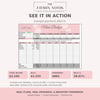
Main Budget Tracker Google Sheets | Paycheck Budget Planner, Auto Pay Dates, Income & Bills Tracker
On Sale
$5.99
$5.99
Payday plan, not payday panic.
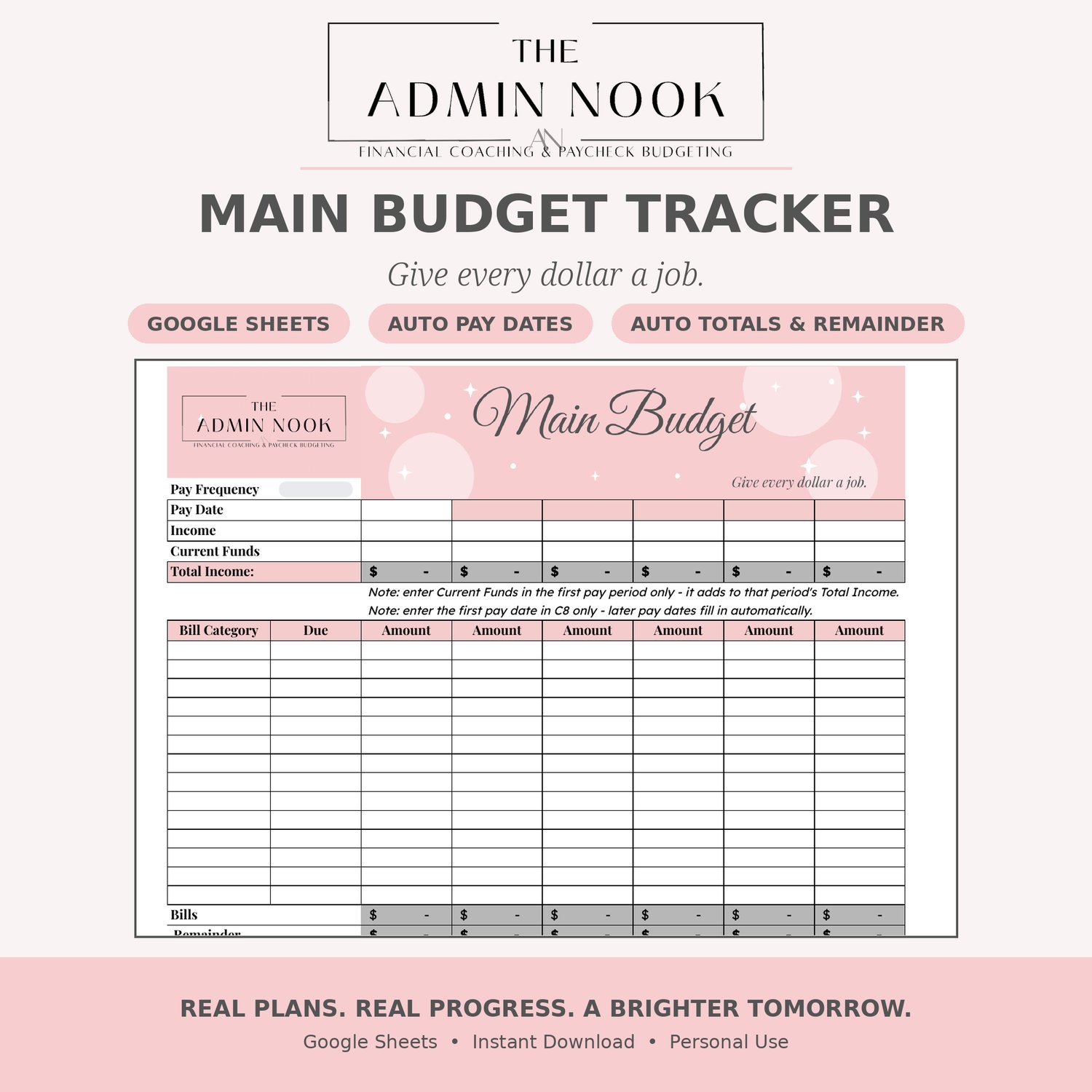
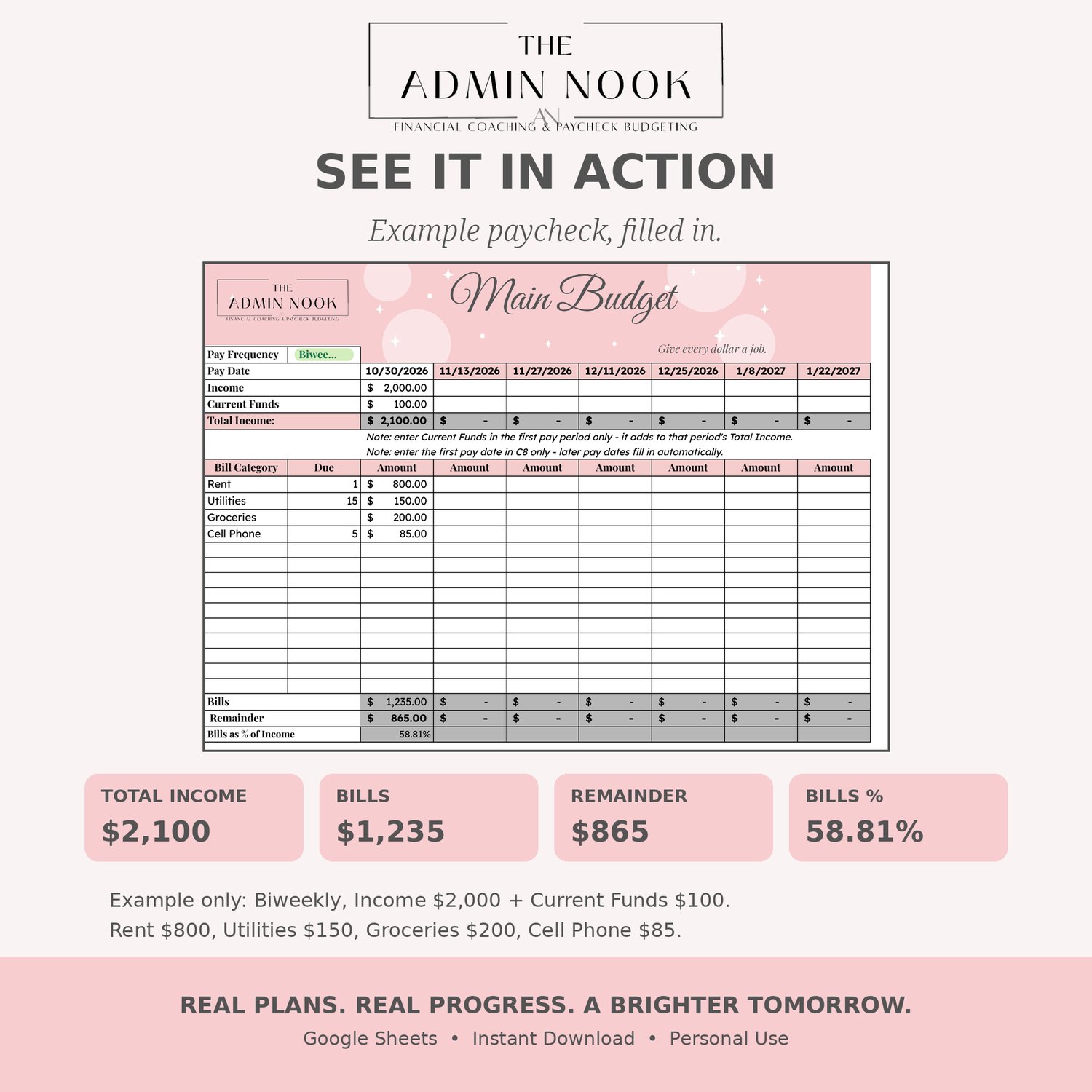
The Main Budget Tracker is the paycheck-by-paycheck budget from The Admin Nook's Money Reset Workbook, as a standalone Google Sheet. Enter your pay once, enter your bills once, and the sheet does the rest.
What it does:
- Pick your pay frequency — Weekly, Biweekly, Monthly, or Semi-Monthly (1st & 15th / 15th & Last)
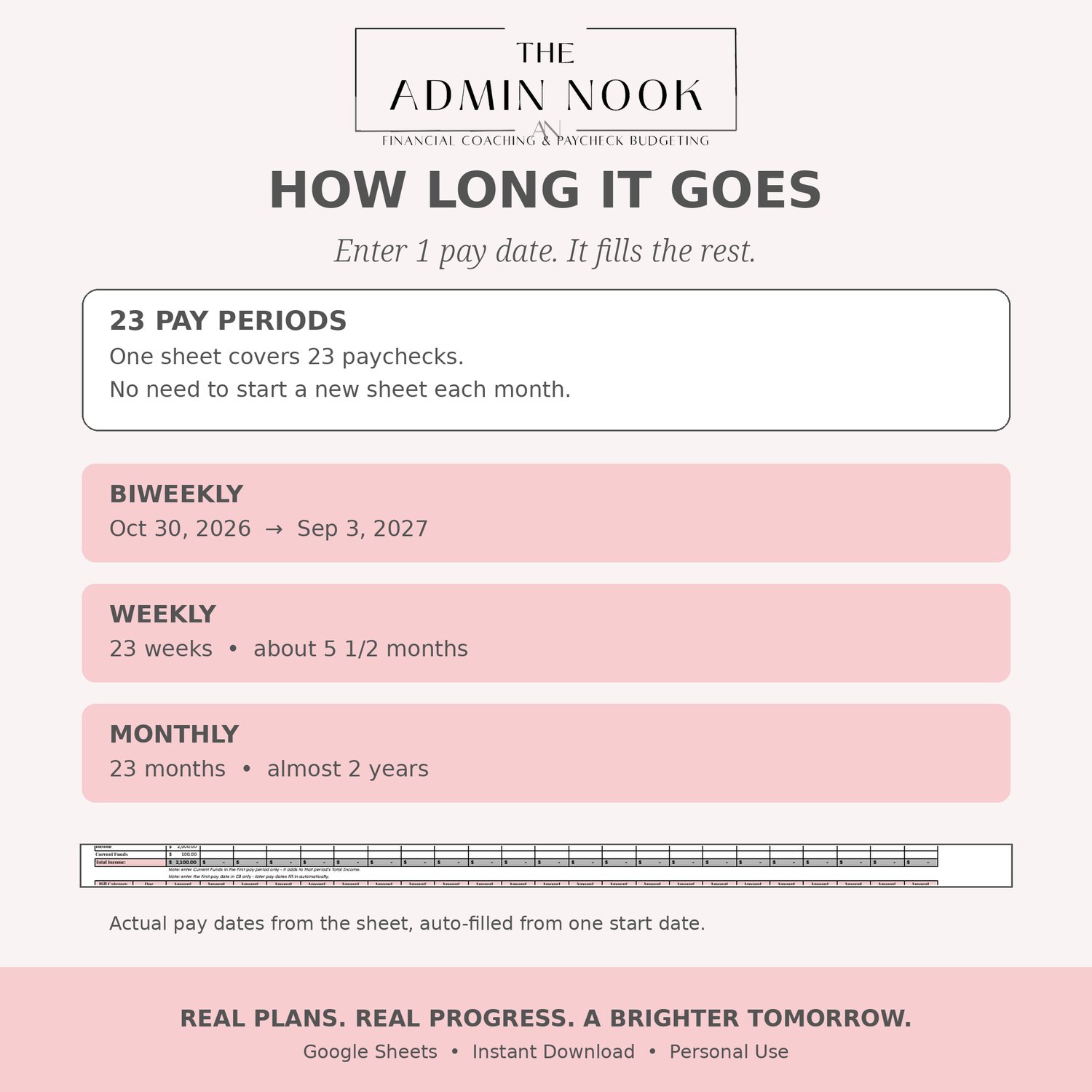
- Enter your first pay date in C8 only — later pay dates fill in automatically
- Enter Income and Current Funds (first pay period only — Current Funds adds to that period's Total Income)
- List each bill with its category and due date, and the amount for each pay period
- Total Income, Bills, Remainder, and Bills as % of Income update automatically for every pay period
What you get:
- 1 Google Sheets template — Main Budget tab, with the Admin Nook banner
- Works with a free Google account — no app to install, no subscription
- Blank template, ready for your numbers — totals start at $0
- Instant download PDF with step-by-step setup instructions
How to use it:
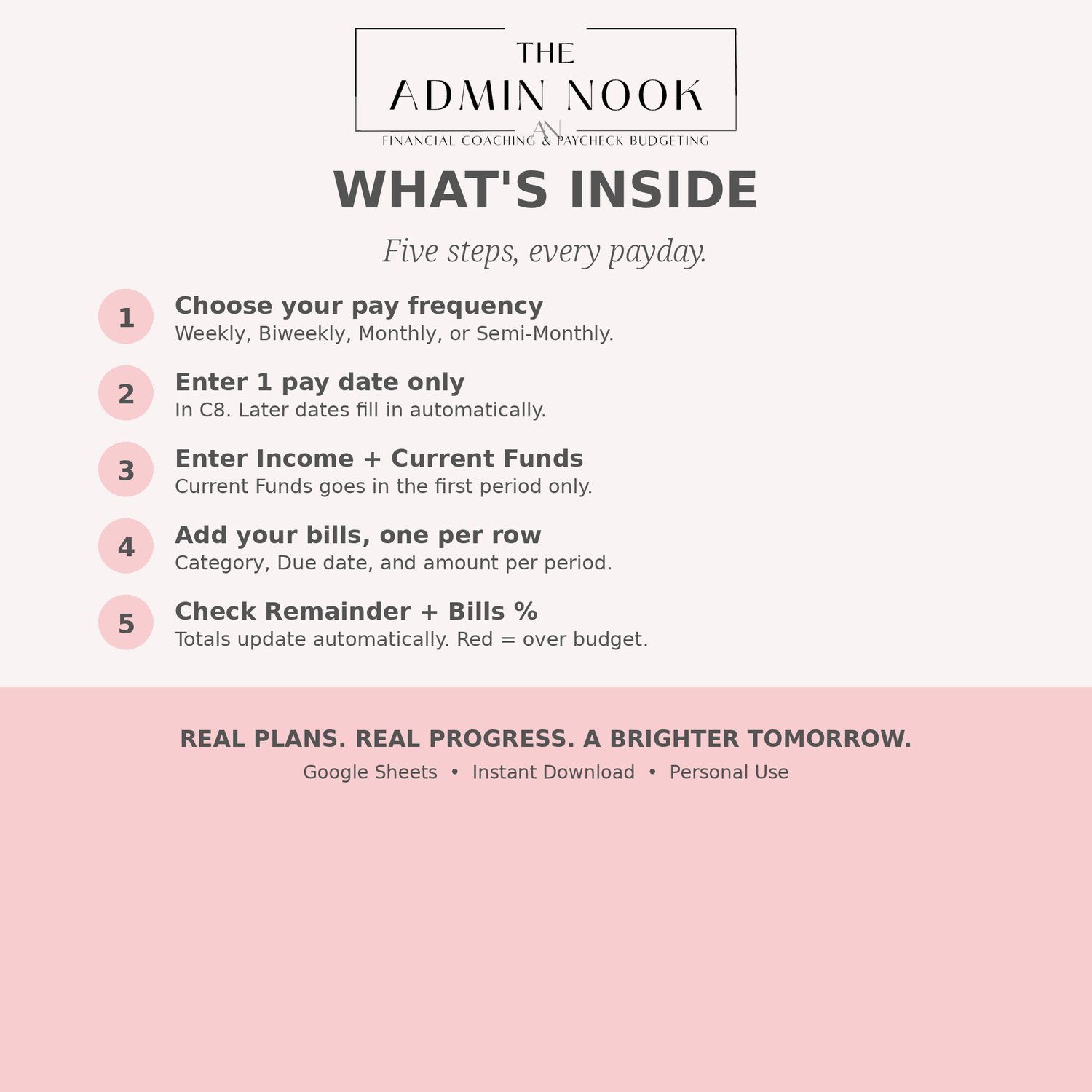
- Open the PDF after purchase and click the Make a Copy link
- Choose your Pay Frequency
- Enter your first pay date in C8 only
- Enter your Income, then your Current Funds in the first pay period only
- Add your bills, one per row, with the amount due in each pay period
- Check your Remainder and Bills as % of Income before each payday — if Remainder goes negative, it shows in red
Perfect for: payday budgeting, biweekly paychecks, keeping bills and income in one place, and seeing exactly what's left after bills — before you spend it.
This is a digital download. No physical product will be shipped. For personal use only.