



💕 Headpat Counter + Effects
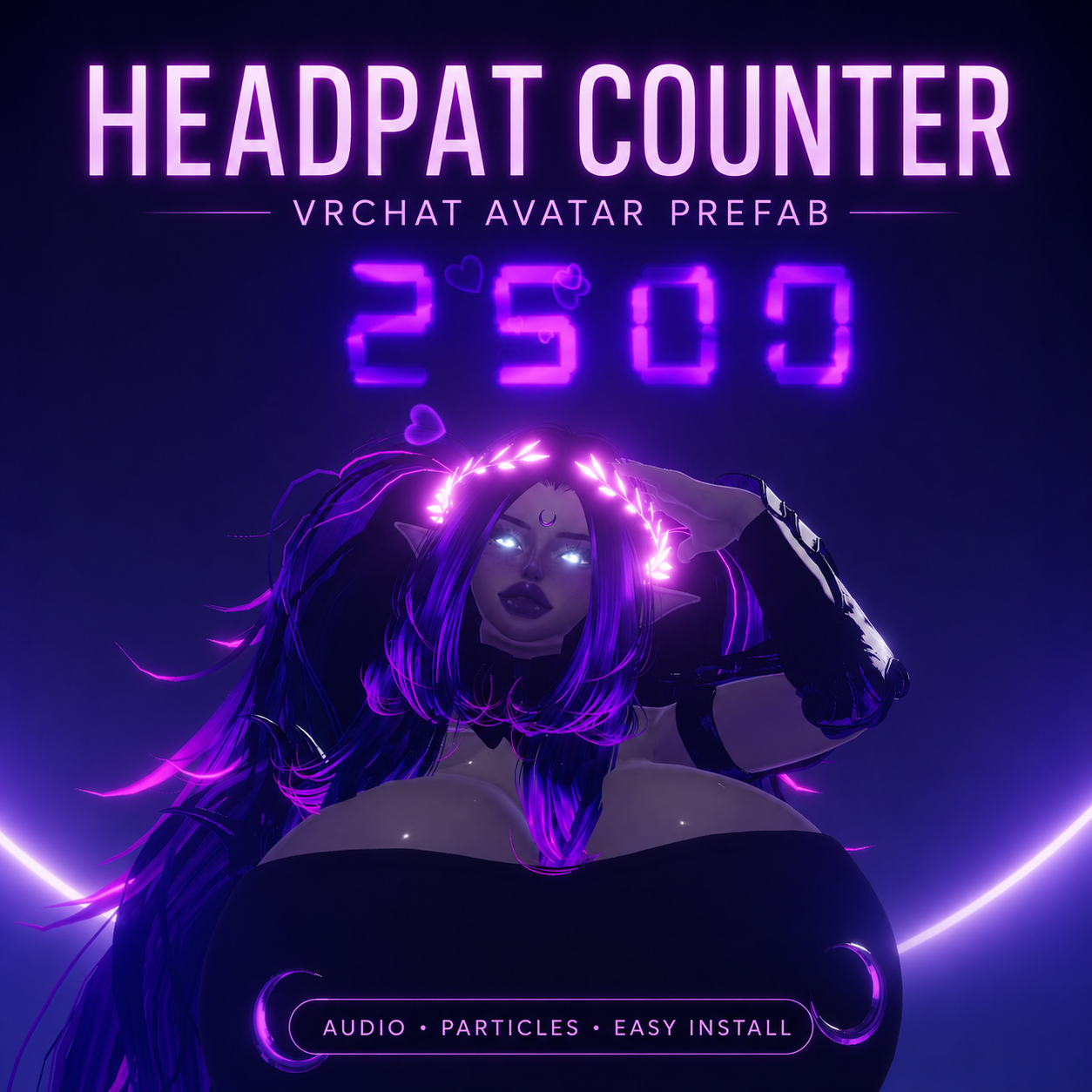
Turn every headpat into a visible score!
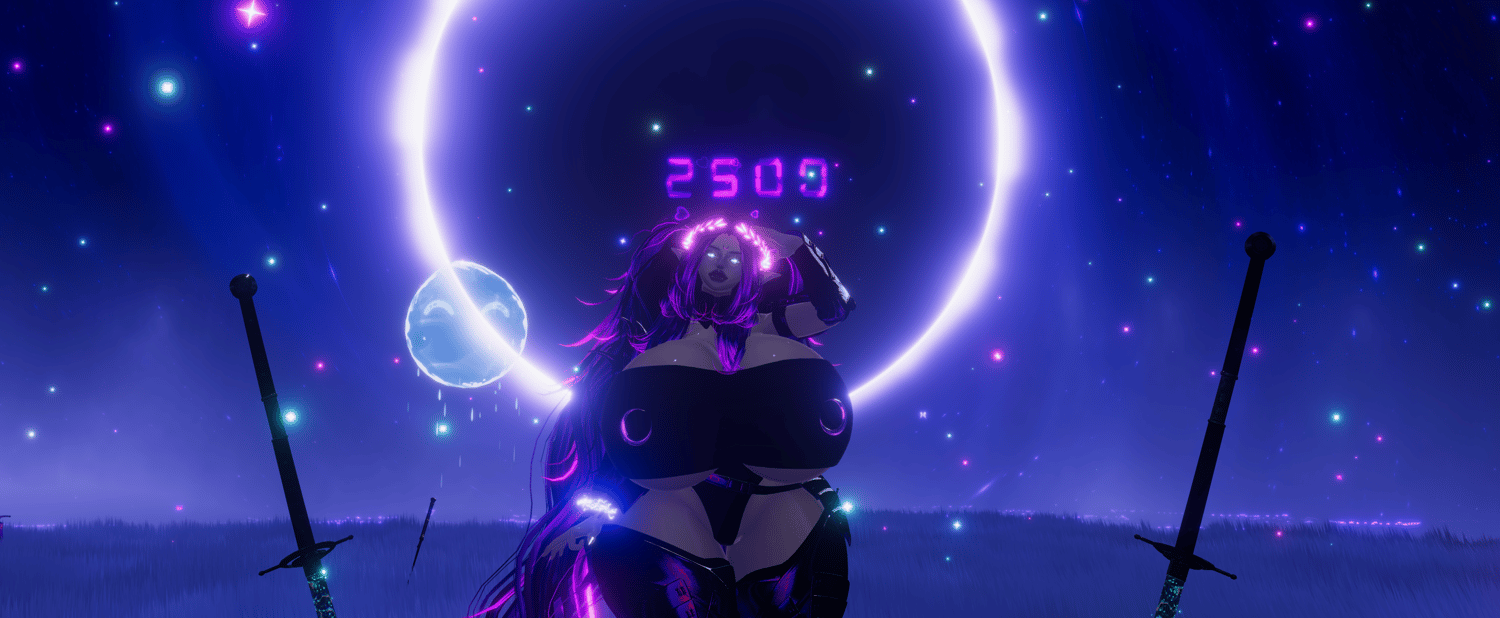
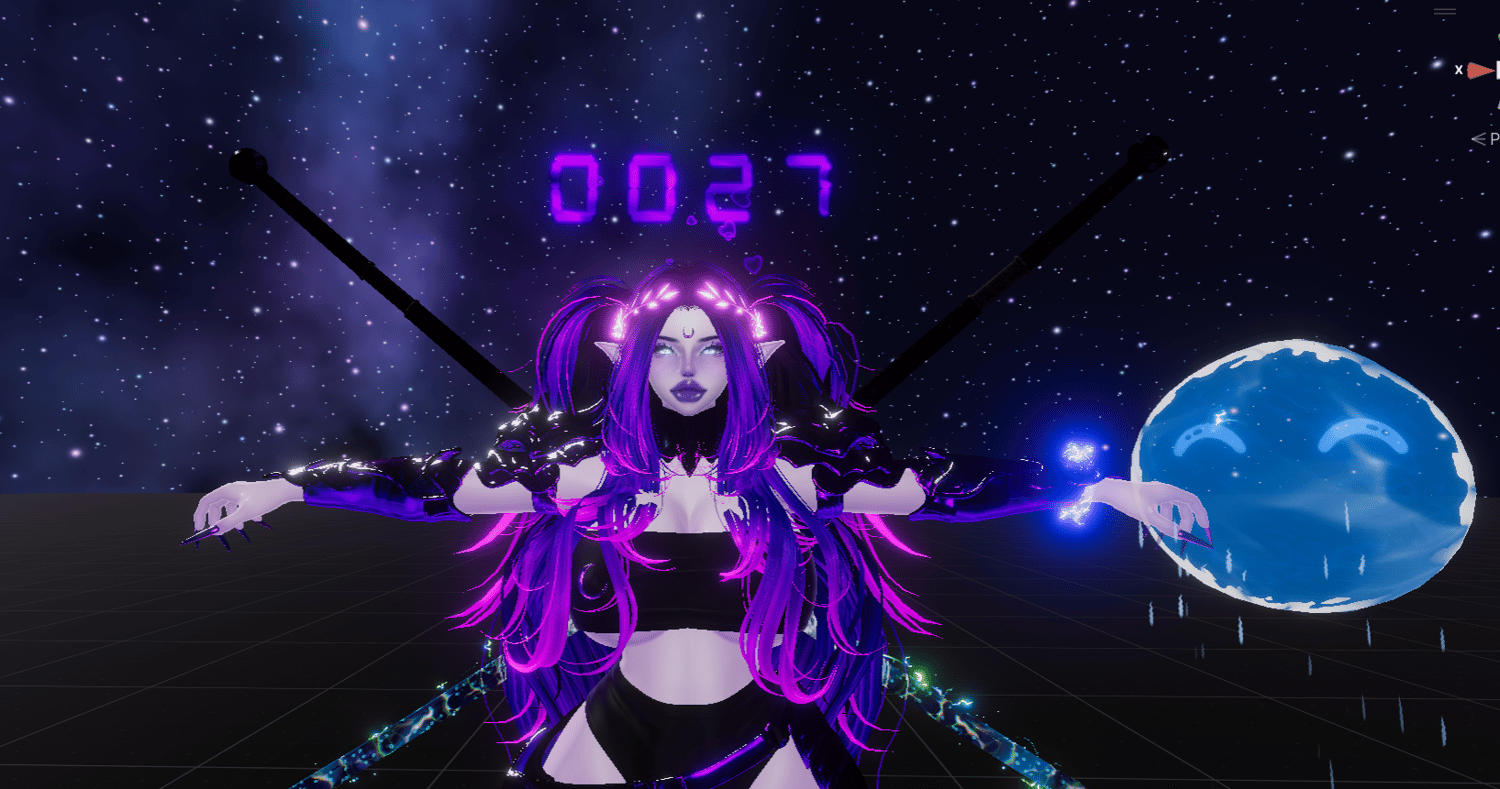
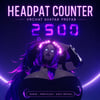
The CyberLuna Headpat Counter adds an interactive counter to your VRChat avatar that keeps track of the headpats you receive. Each registered headpat can increase the displayed number while playing optional heart particles and audio feedback.
Installation is handled through VRCFury. Simply drag the prefab onto your avatar, position it around the head, adjust its scale to fit your avatar, and upload.
💗 Interactive Headpat Counting
💕 Interactive Headpat Counter — Counts registered headpats received by your avatar.
🔢 Counts Up to 9,999 — A four-digit procedural display keeps track of even the most heavily headpatted champions.
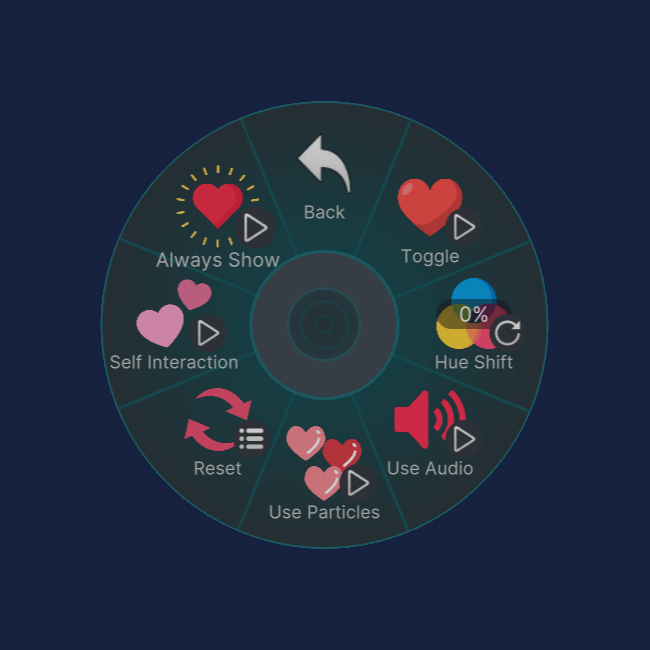
✨ Particle Feedback — Play cute heart particles whenever a headpat is registered.
🔊 Audio Feedback — Add an optional sound effect to every successful headpat.
🎨 Hue Shift Control — Change the appearance of the counter directly from your VRChat radial menu.
🙌 Optional Self Interaction — Choose whether your own hands are allowed to activate the counter.
👁️ Always Show Mode — Keep the counter visible instead of showing it only during its normal feedback behaviour.
🔄 Counter Reset — Return the counter to zero whenever you want.
🧩 VRCFury Installation — Drag the prefab onto your avatar, position it, and upload.
🖥️ Custom Display Shader — Includes an advanced CyberLuna shader and custom material inspector for extensive visual customization.
🧩 Easy VRCFury Installation
Installation Steps
- Install VRCFury in your VRChat avatar project.
- Import the CyberLuna Headpat Counter package.
- Drag the included headpat counter prefab onto the root of your avatar.
- Move the prefab so the interaction area is positioned around the avatar’s head.
- Scale the prefab to match the size of your avatar.
- Position and scale the visible counter display as desired.
- Upload your avatar.
VRCFury automatically installs the required menu controls, parameters, animator logic, and object references during the avatar build process.
🔢 Advanced Procedural Counter Shader
The number display is powered by the included CyberLuna Headpat Counter Shader.
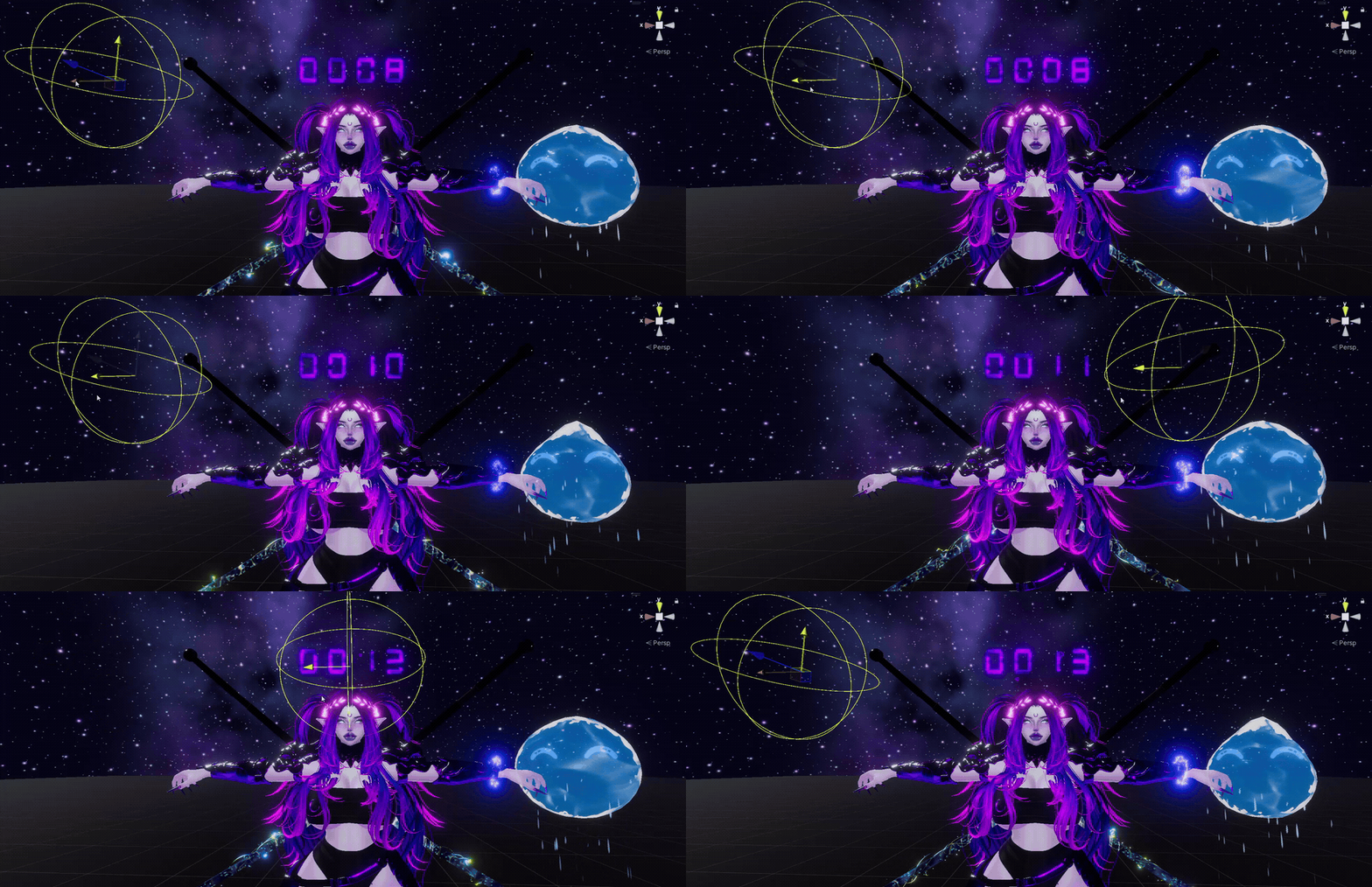
Unlike a simple spritesheet counter, the digits are procedurally generated and can be customized directly through the material.
Digit Controls
- Display between one and four digits
- Values from 0 to 9,999
- Optional leading zeros
- Adjustable segment thickness
- Adjustable spacing between digits
- Adjustable foreground scale and position
Color and Glow
- HDR digit color
- Hue shifting
- Emission strength
- Additional emission multiplier
- Saturation control
- Opacity control
- Adjustable glow strength
- Adjustable glow size
- Optional background color
Texture Effects
- Optional foreground texture
- Texture scrolling
- Foreground chromatic aberration
- RGB or digit-silhouette aberration modes
- Flow-map distortion
- Optional distortion of the procedural digits themselves
Background Effects
- Independent background texture
- Background tint and opacity
- Background texture scrolling
- Independent chromatic aberration
- Independent flow texture and mask
Display Orientation
Choose how the counter behaves when viewed from different directions:
- Standard mesh orientation
- Spherical billboard
- Y-axis billboard
Animated Scanline Effects
An optional animated Voronoi scanline system can be applied across the completed display, including:
- Adjustable scanline density
- Animation speed
- Static and animated rotation
- UV warping
- Warp direction
- Optional digit-shape distortion
- Adjustable alpha influence
All advanced effects are optional, allowing the material to remain simple when those features are not needed.
🛠️ Custom Shader Inspector
The included shader uses a custom CyberLuna material inspector with organized foldout sections for:
- Digits
- Foreground
- Background
- Final Scanlines
- Render Settings
Each section includes descriptive tooltips and its own controls for:
- Copying settings
- Pasting settings
- Resetting the section to its defaults
This makes it easy to experiment with different counter styles or transfer settings between multiple materials.
📋 Requirements
- Unity 2022 VRChat avatar project
- VRChat SDK – Avatars
- VRCFury
- VRChat PC avatar
📜 License
This asset is licensed for personal use only.
You may:
- Use the asset on avatars owned and uploaded by you
- Customize its materials, effects, settings, and placement for your own avatars
You may not:
- Share or redistribute the package or any of its contents
- Resell the asset or include it in another downloadable product
- Extract and redistribute the shader, scripts, particles, animations, icons, audio, or other components
- Upload the asset as part of a public, shared, or commercially distributed avatar package
- Redistribute modified versions of the asset or its components