
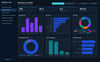
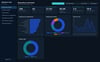
Workforce Hub – Interactive HR Analytics Dashboard | Excel Upload | Employee Management & Workforce Insights | HTML
Workforce Hub – Interactive HR Analytics Dashboard
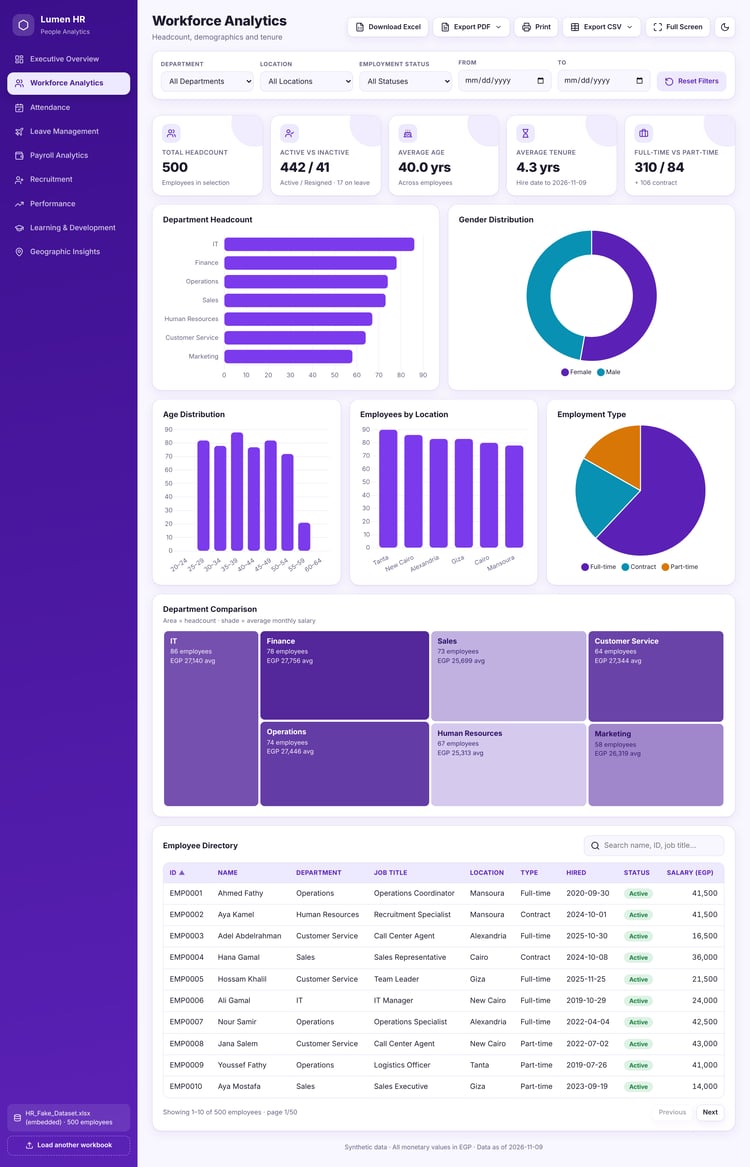
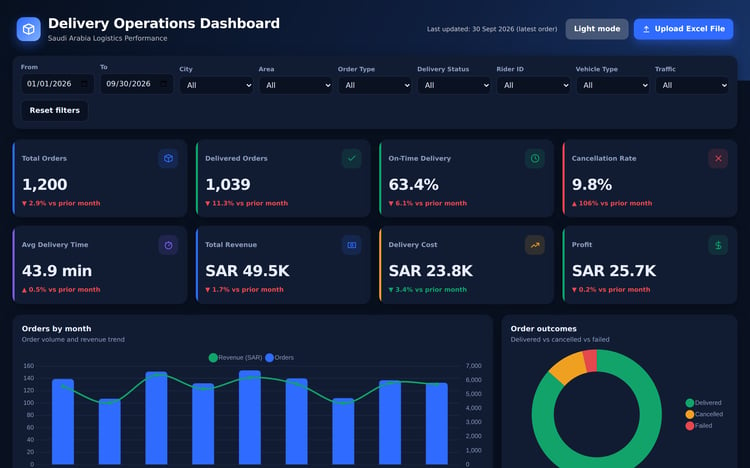
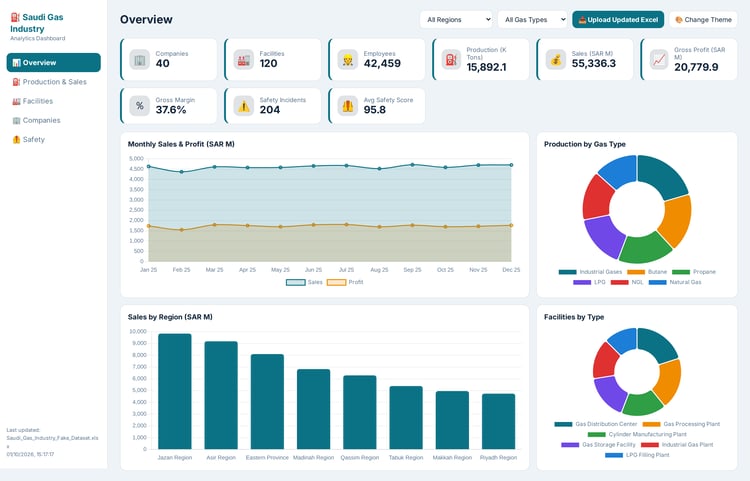
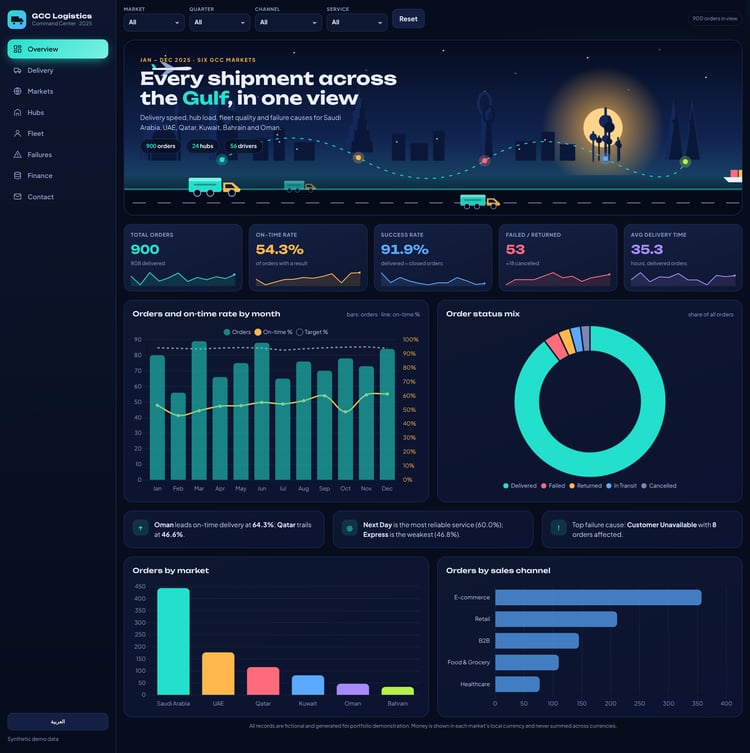
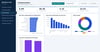
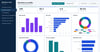
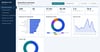
Turn your employee data into powerful HR insights with Workforce Hub, a modern and interactive HR Analytics Dashboard built with HTML.
Designed for HR professionals, business owners, and workforce analysts, this dashboard helps you monitor employee performance, analyze compensation, track recruitment, measure employee engagement, and understand workforce trends.
Simply upload your updated Excel file and watch your dashboard metrics, charts, and reports update automatically.
Key Features
- Excel File Upload: Import your employee data directly from Excel.
- Automatic Dashboard Updates: Refresh KPIs, charts, and analytics using your uploaded data.
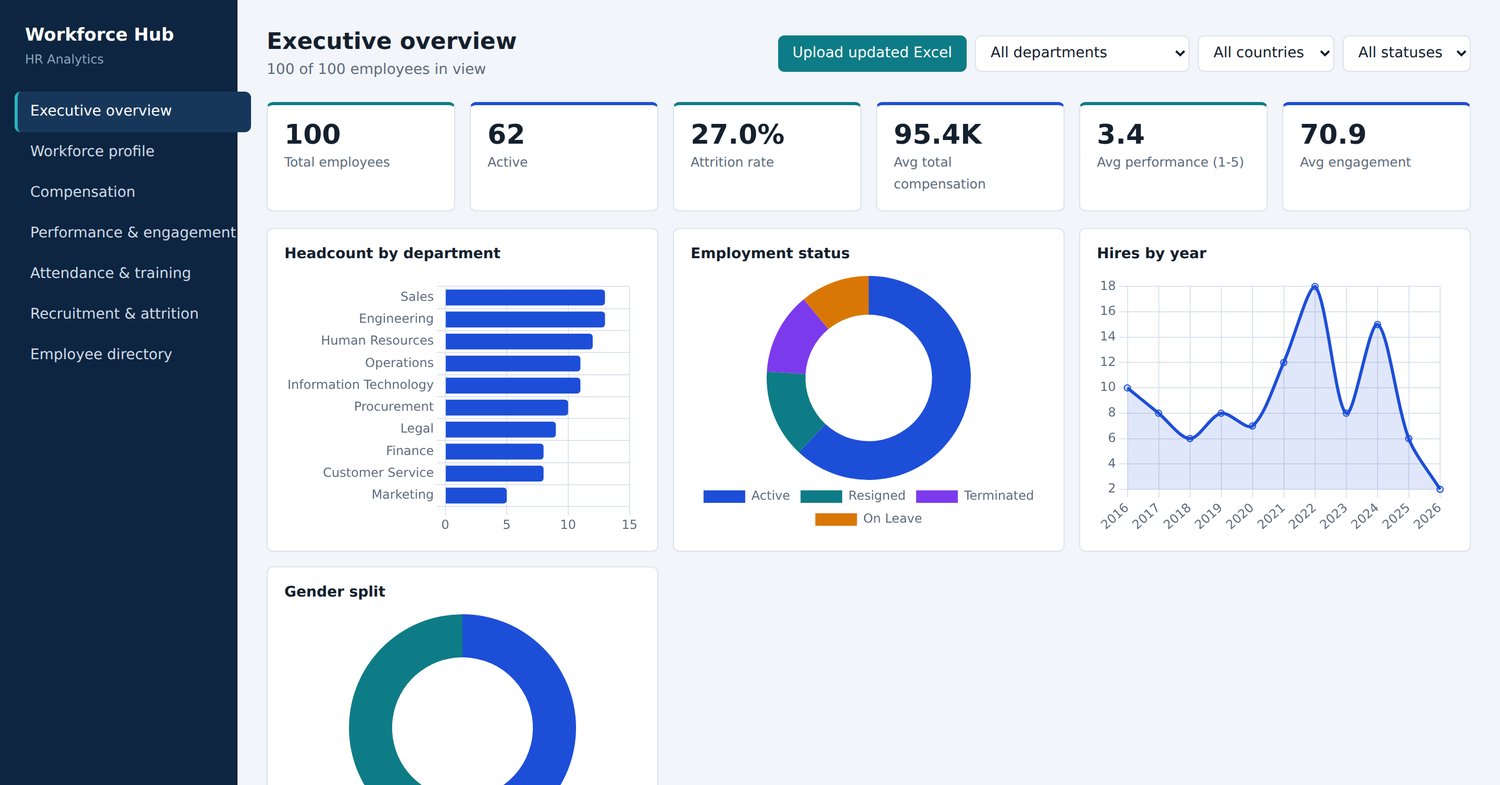
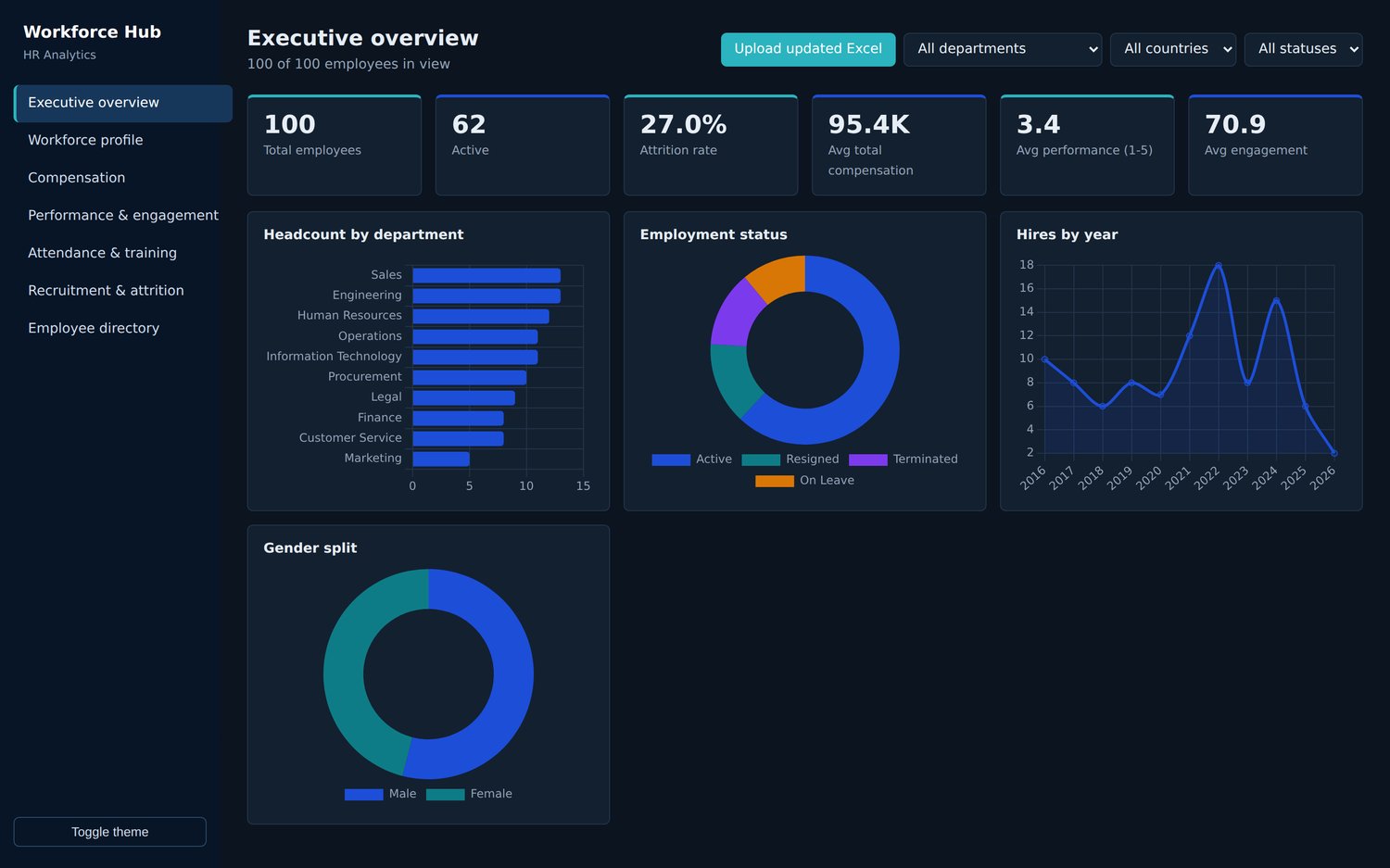
- Executive Overview: Get a complete snapshot of your workforce.
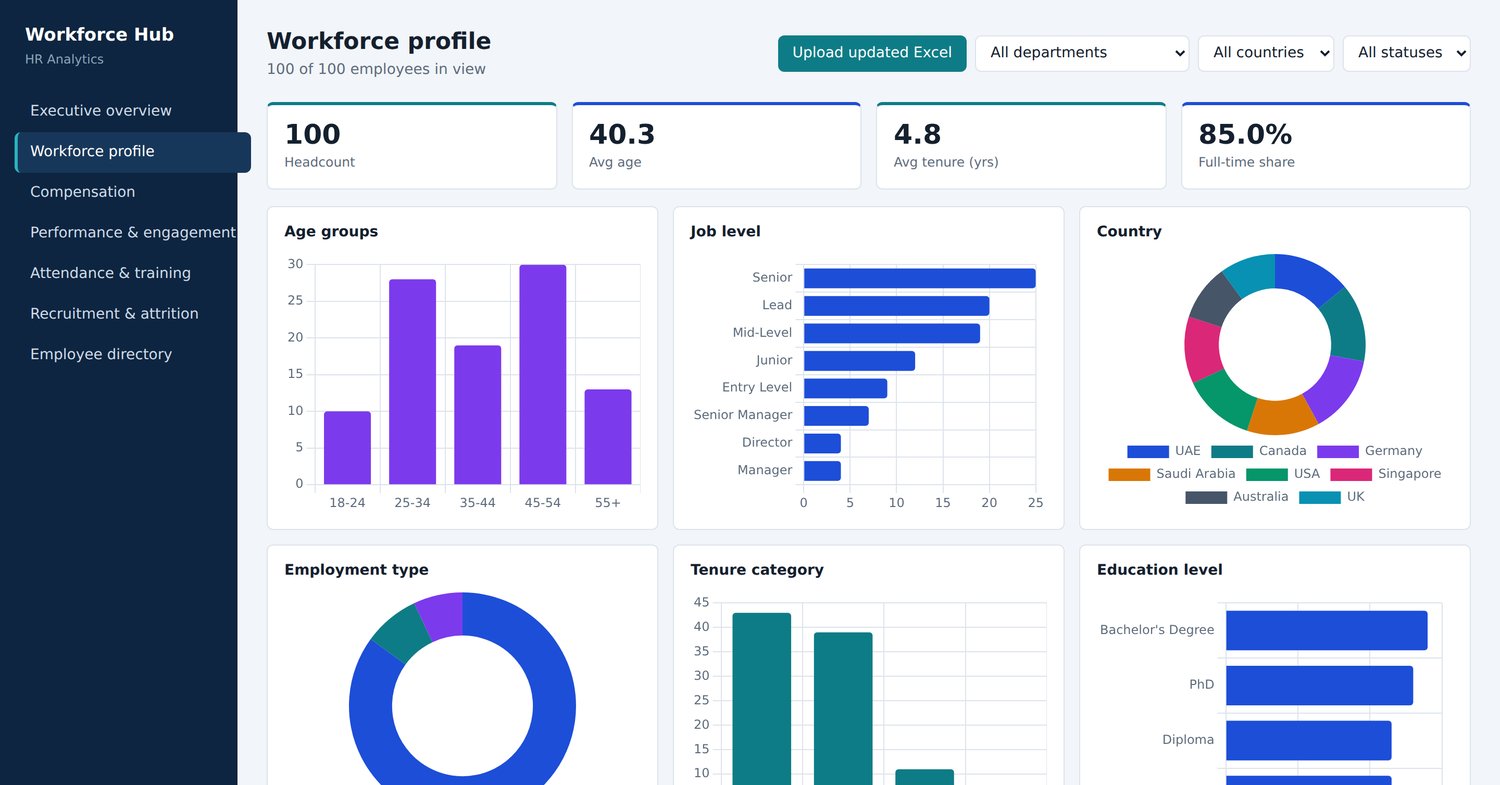
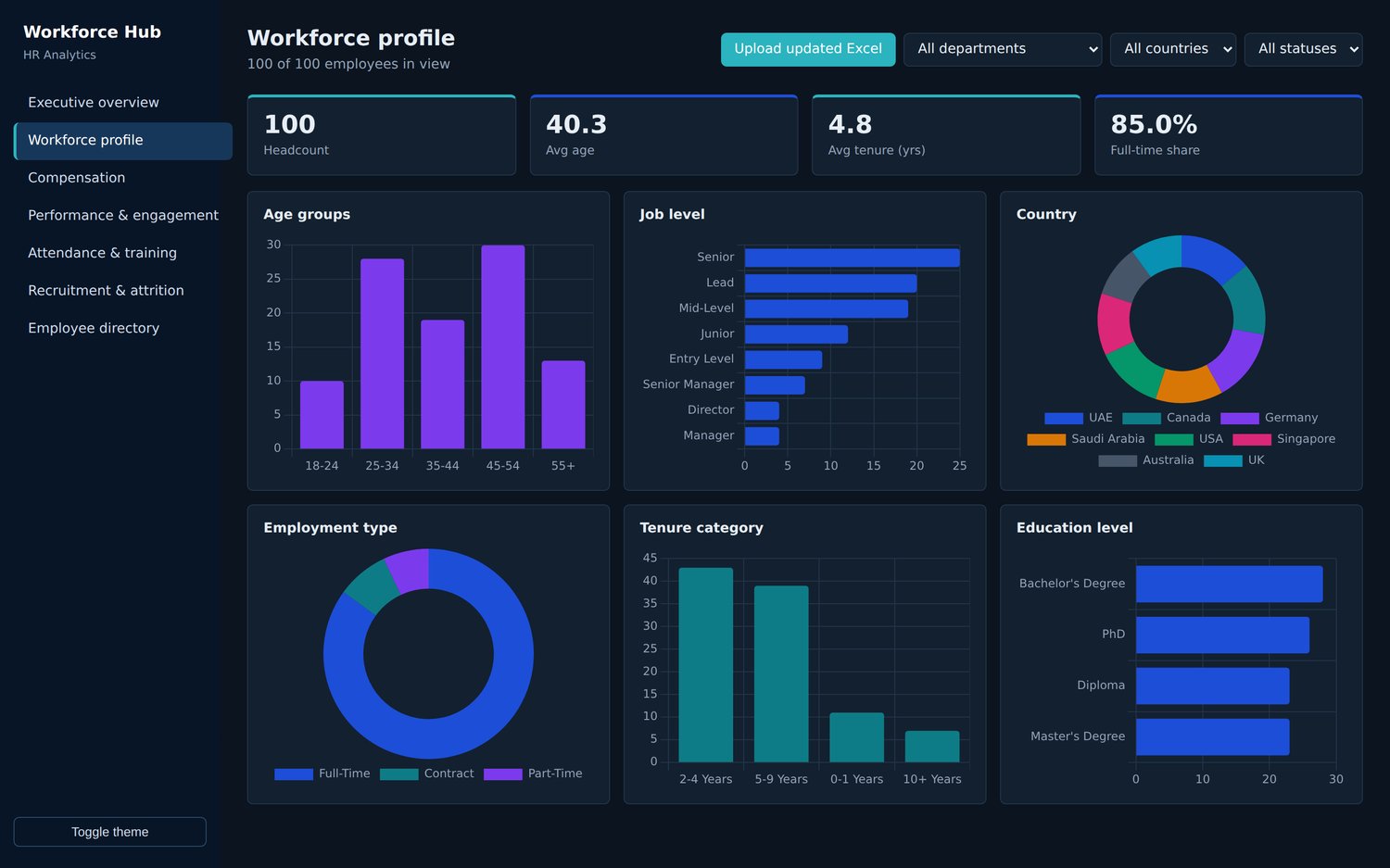
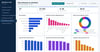
- Workforce Profile: Explore employee demographics and organizational structure.
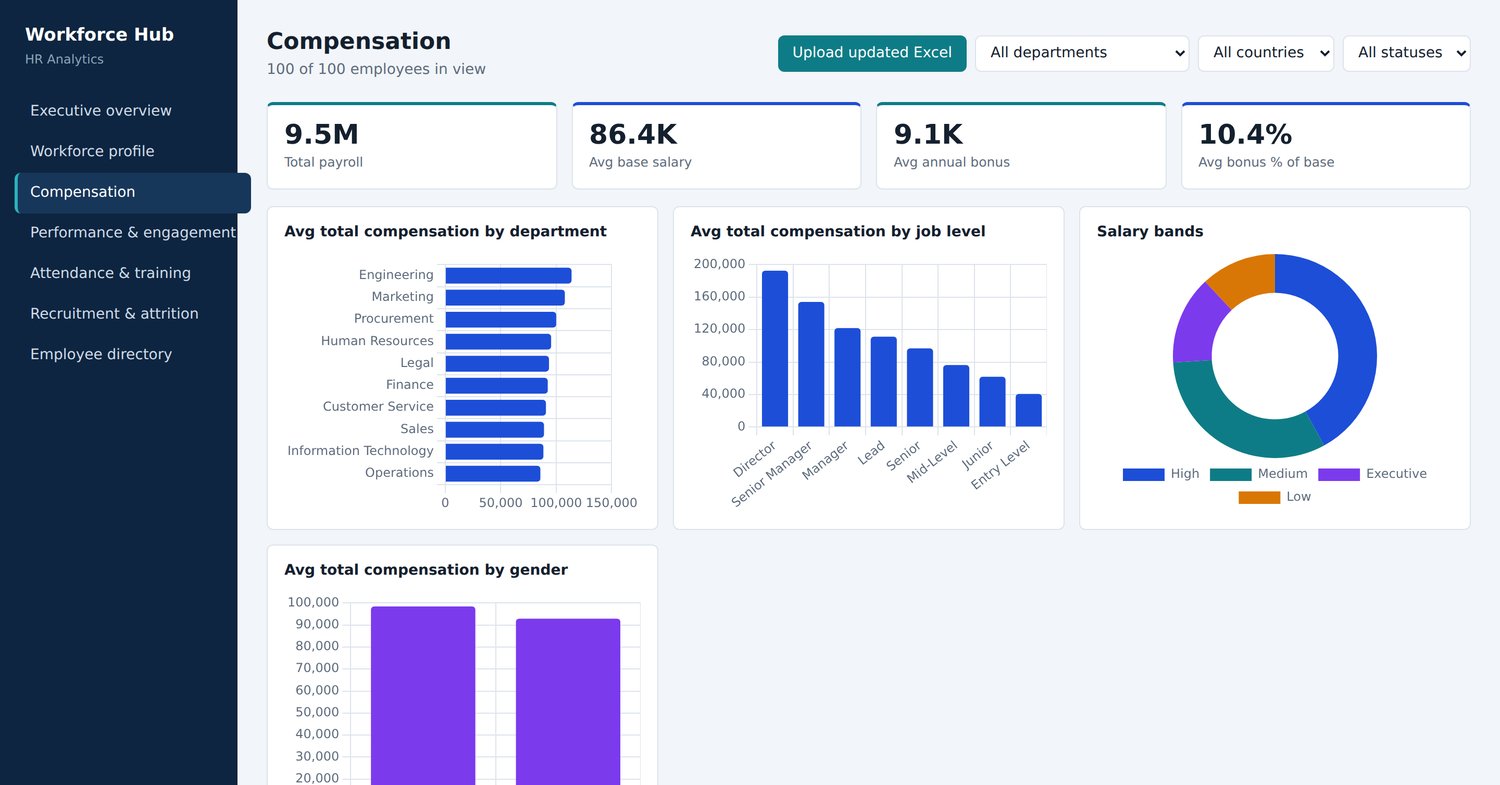
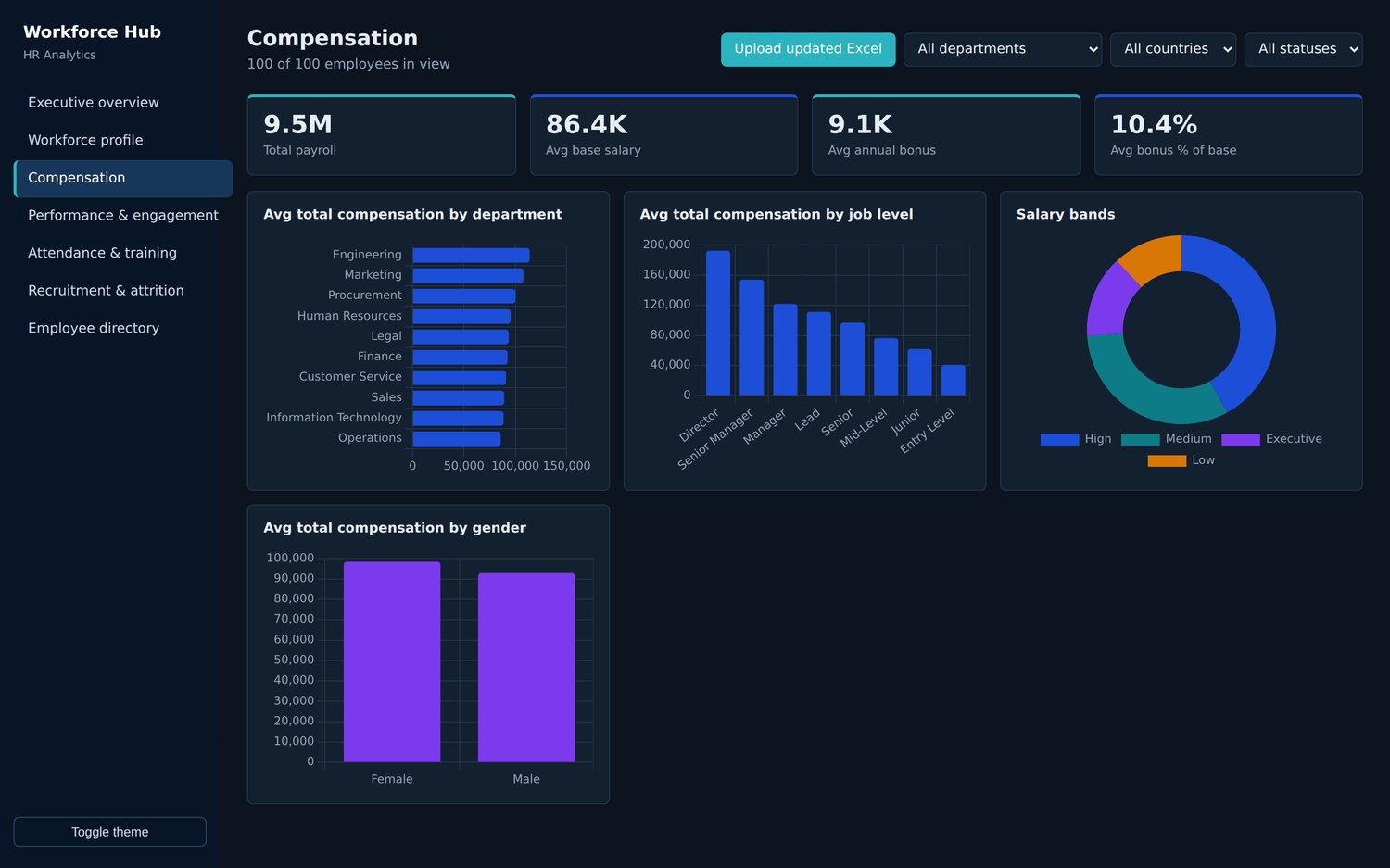
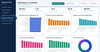
- Compensation Analysis: Monitor salaries and average employee compensation.
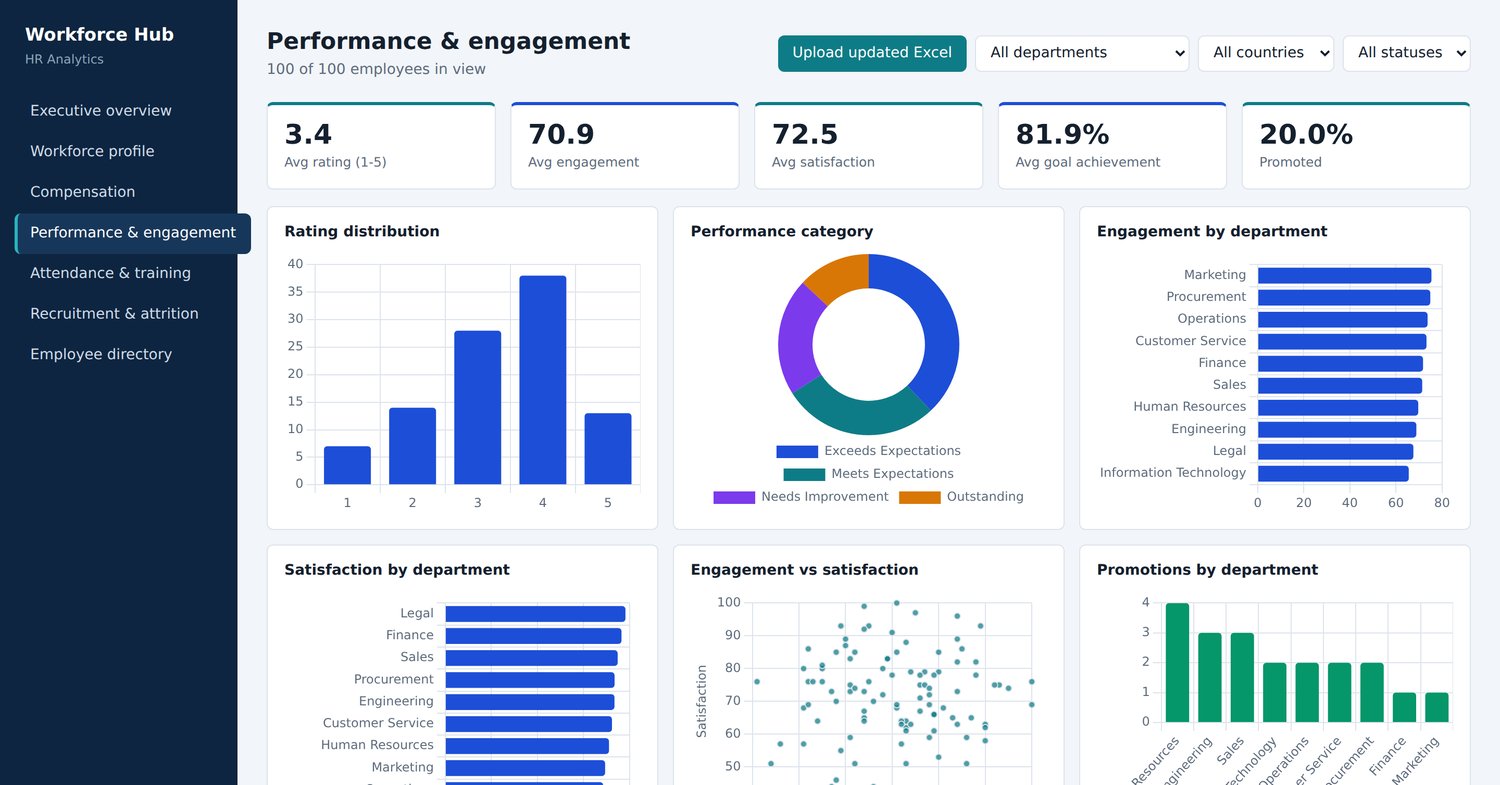
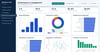
- Performance & Engagement: Analyze employee performance and engagement scores.
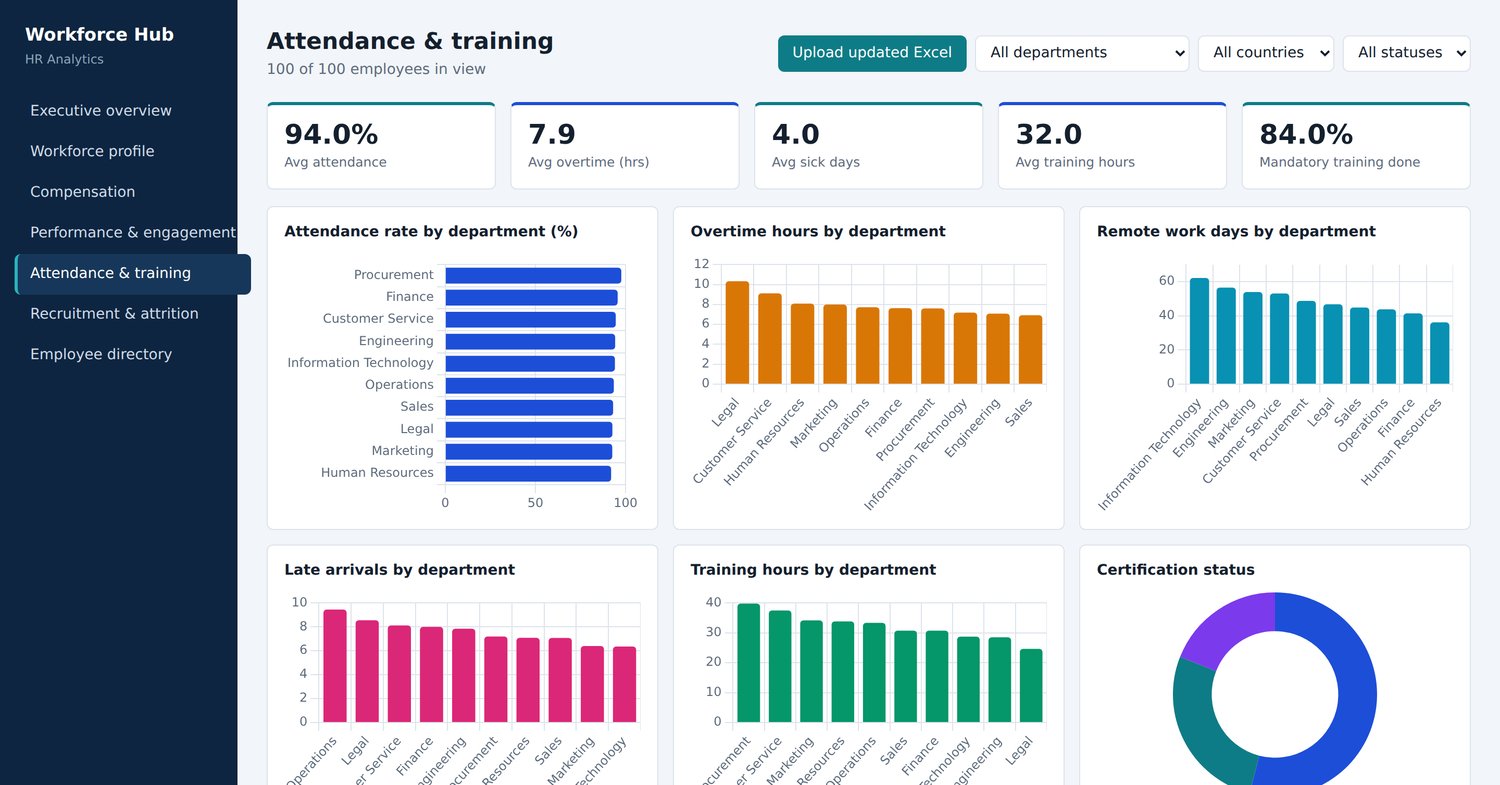
- Attendance & Training: Monitor attendance and workforce development.
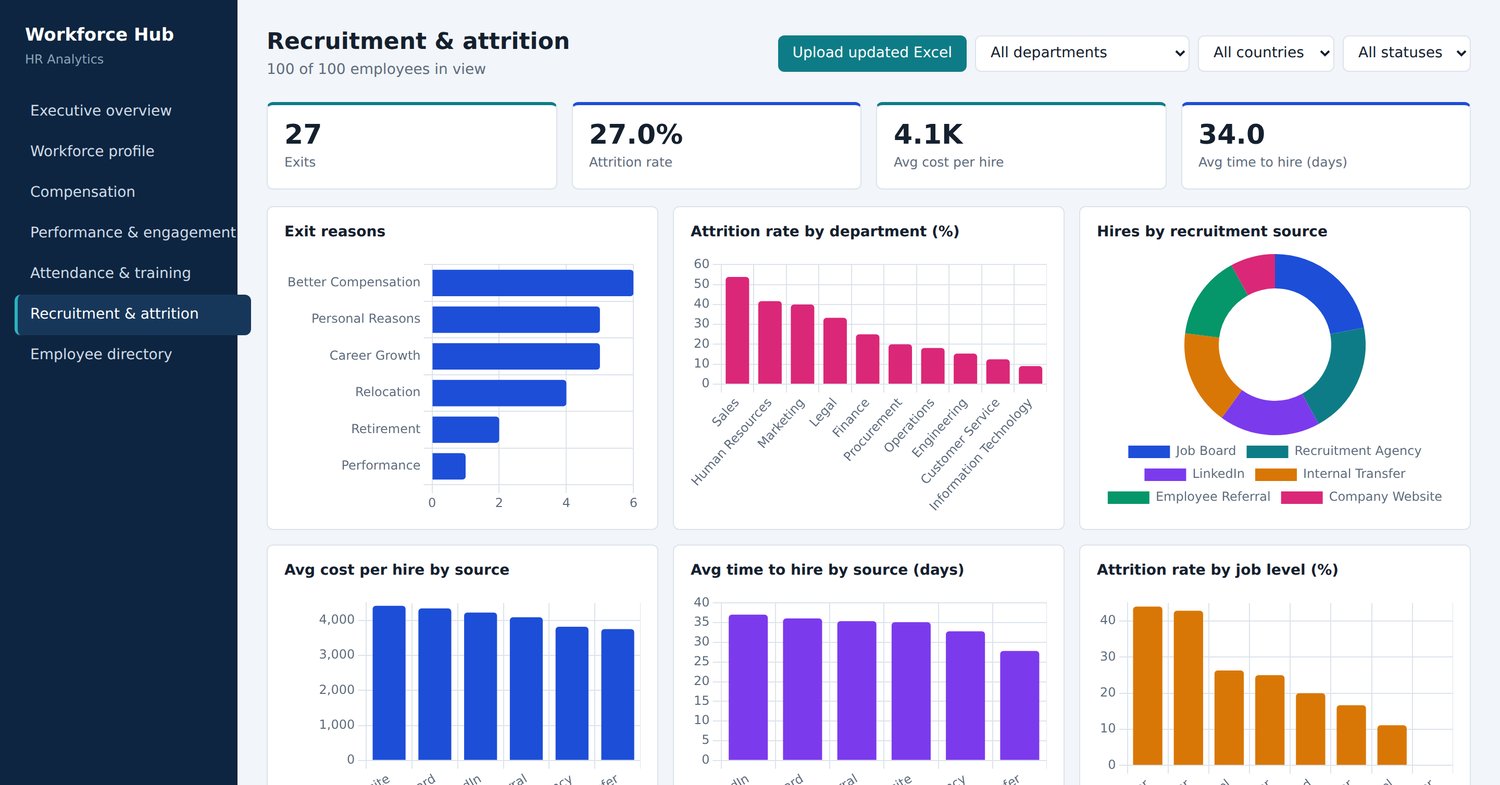
- Recruitment Analytics: Track hiring trends, recruitment sources, and hiring costs.
- Attrition Analysis: Understand employee turnover and exit reasons.
- Employee Directory: Access organized employee information.
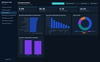
- Dark & Light Modes: Switch between two professional visual themes.
- Interactive Charts: Explore your HR data through clear and modern visualizations.
Dashboard Modules
- Executive Overview
- Workforce Profile
- Compensation
- Performance & Engagement
- Attendance & Training
- Recruitment & Attrition
- Employee Directory
Track Important HR Metrics
- Total Employees
- Active Employees
- Employee Attrition Rate
- Average Total Compensation
- Average Performance Score
- Employee Engagement
- Headcount by Department
- Employment Status
- Hiring Trends
- Recruitment Sources
- Average Cost per Hire
- Average Time to Hire
- Employee Exit Reasons
Perfect For
- HR Managers and Professionals
- Human Resources Departments
- Business Owners
- Workforce Analysts
- Recruitment Specialists
- Data Analysts
- HR Consultants
- Business Intelligence Professionals
How It Works
- Purchase and download the dashboard files.
- Open the HTML dashboard in your web browser.
- Upload your Excel employee data.
- Explore automatically updated HR metrics and visualizations.
- Navigate between dashboard modules and analyze your workforce.
What You Get
- Interactive HTML HR Analytics Dashboard.
- Multiple HR analytics modules.
- Excel upload functionality.
- Automatic KPI and chart updates.
- Dark Mode and Light Mode interfaces.
- Professional and modern dashboard design.
Make smarter workforce decisions with data-driven HR analytics!
Important Information
This is a digital HTML dashboard product. No physical product will be shipped.
Excel data must follow the supported file structure and column requirements for accurate dashboard updates. Please review the included documentation before use.