
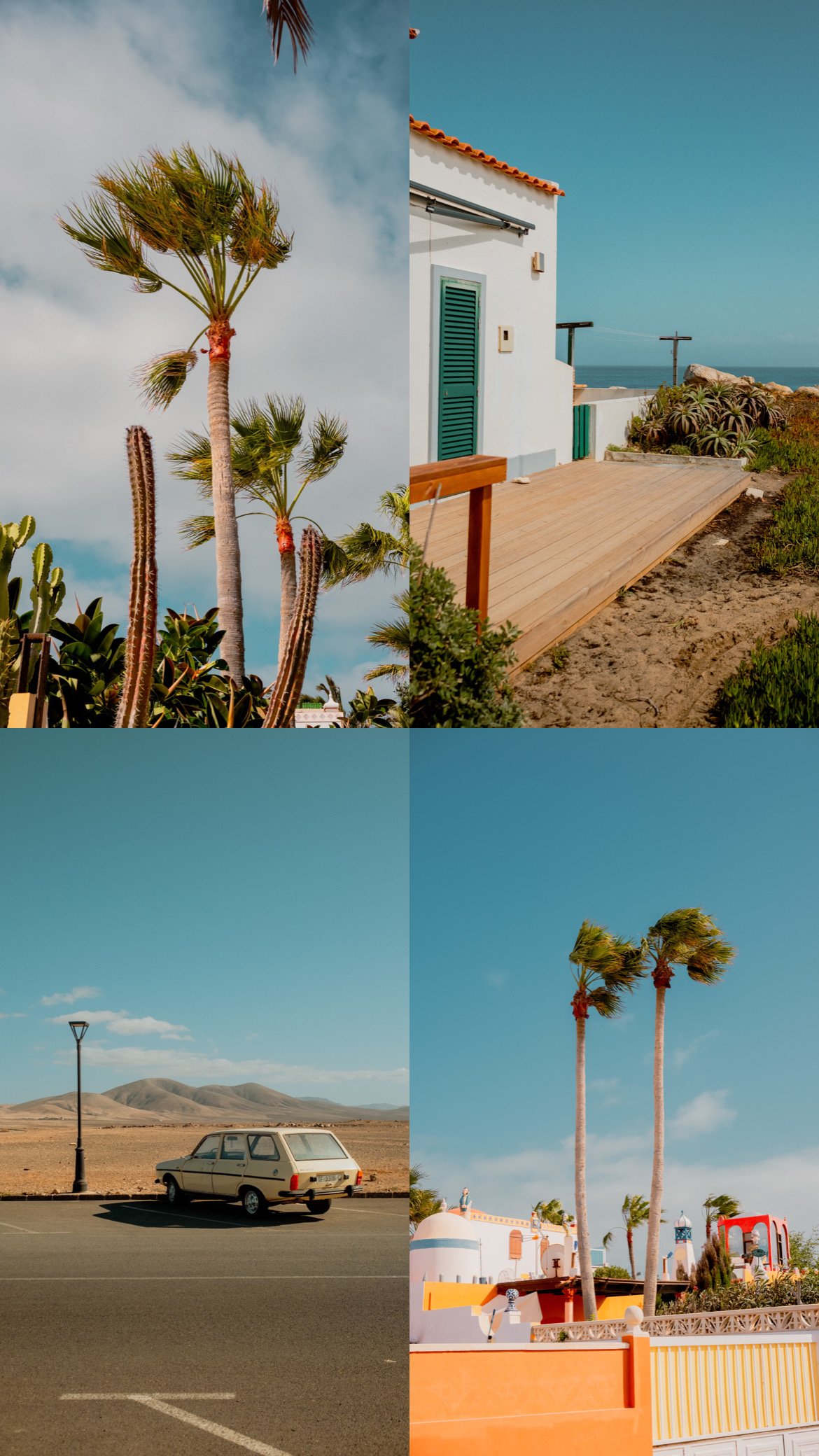
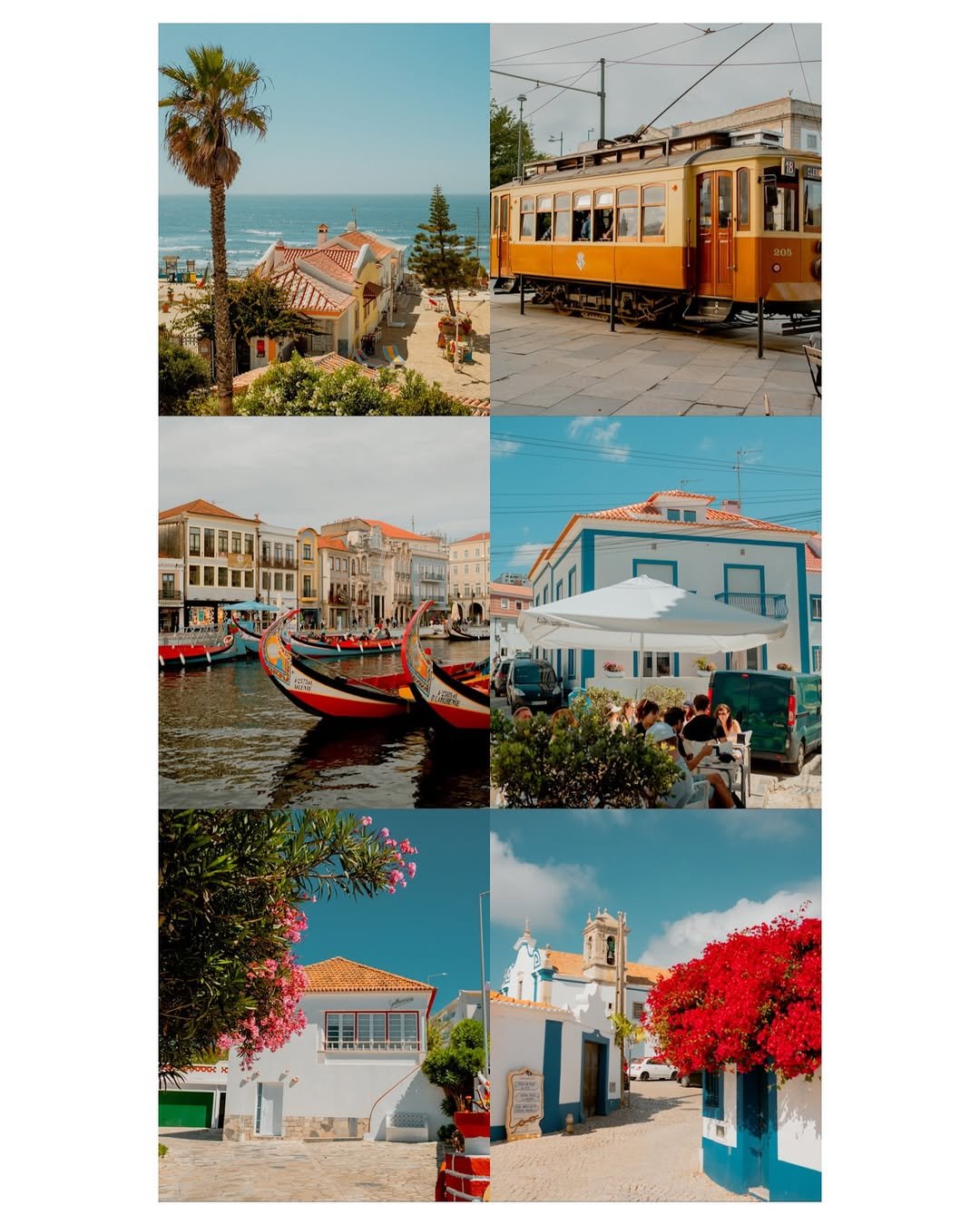
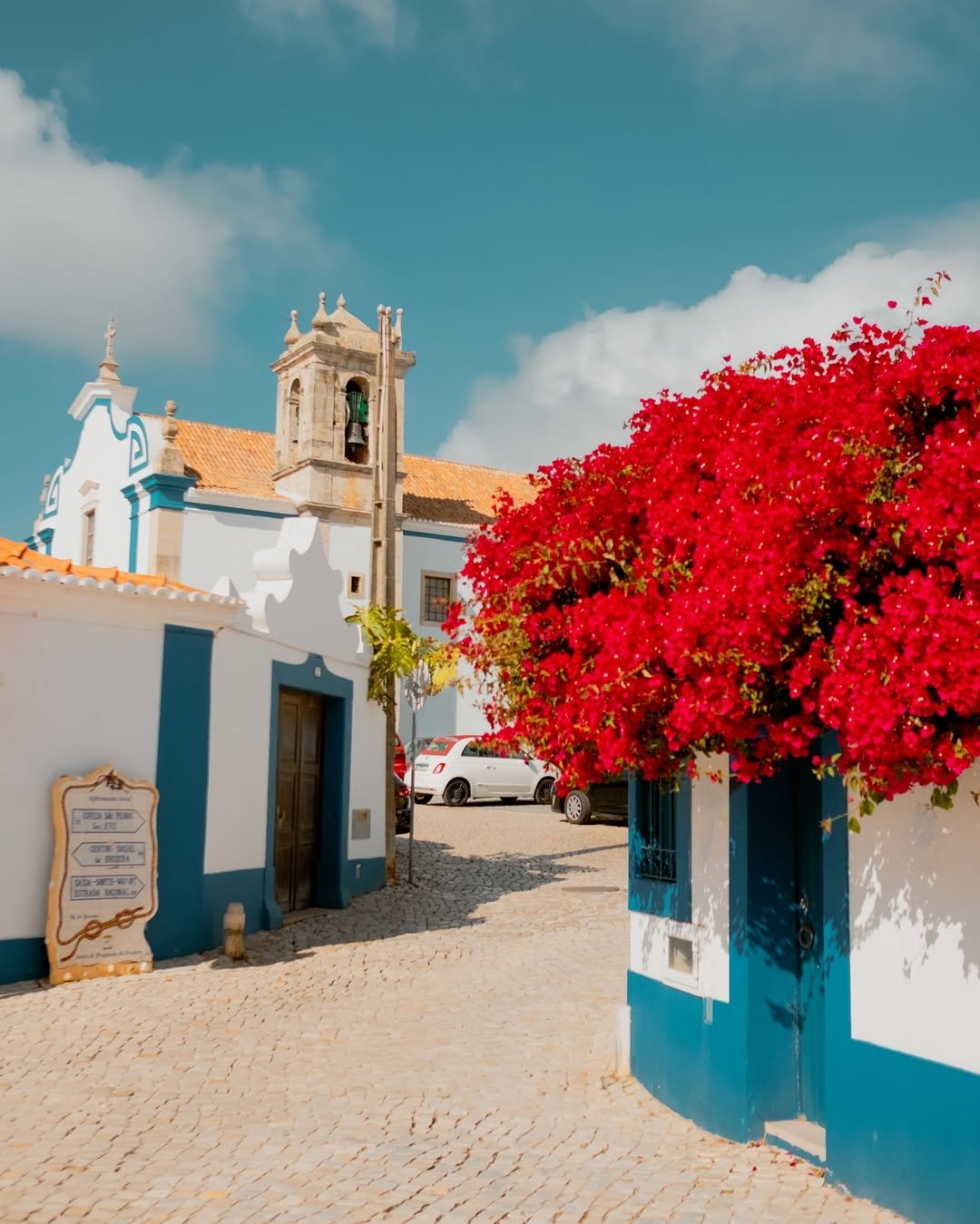
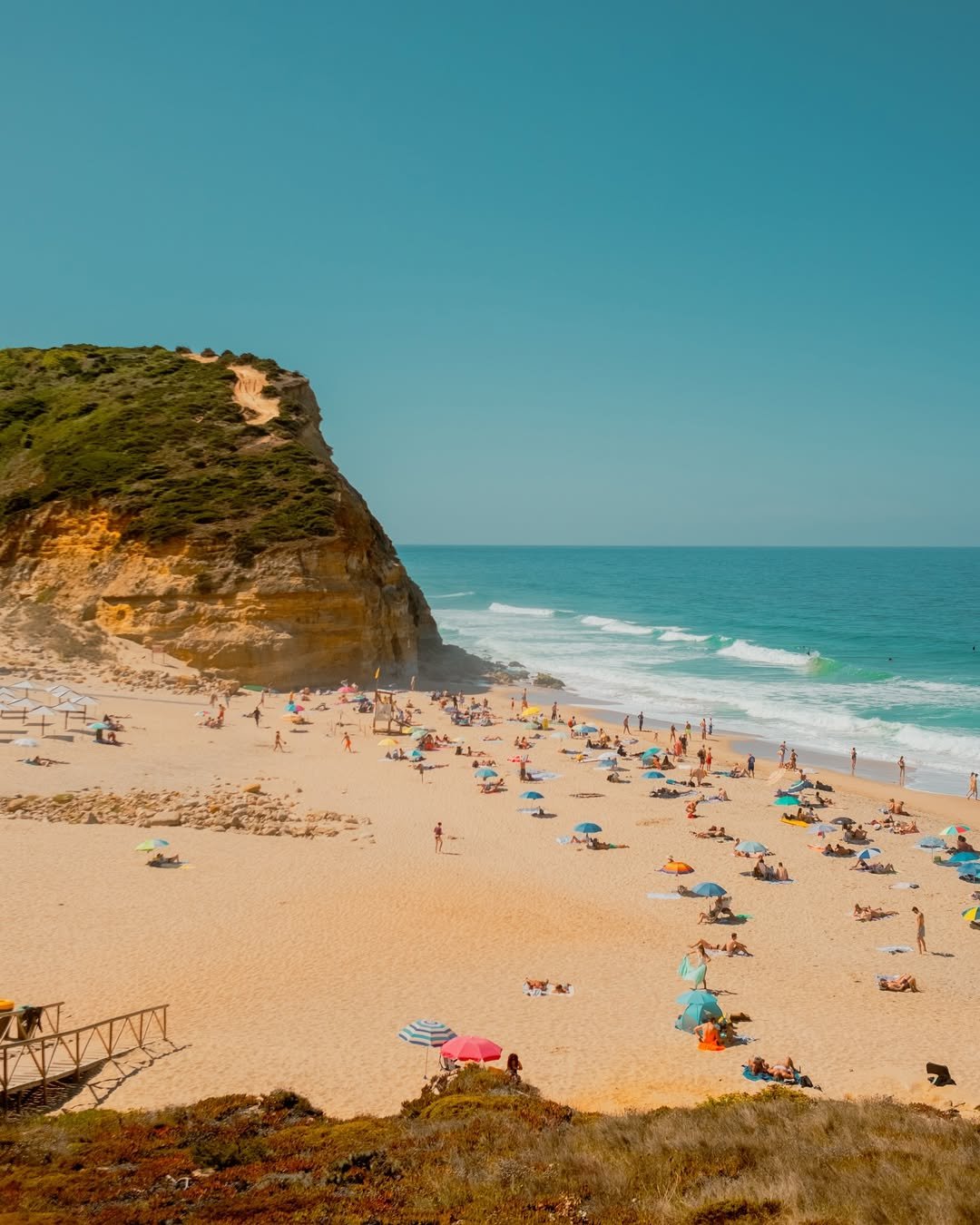

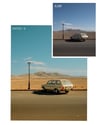
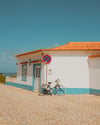
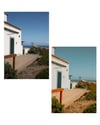




Bright & Sunny - 19 Summer Lightroom Presets
Bring the feeling of summer to your photos.
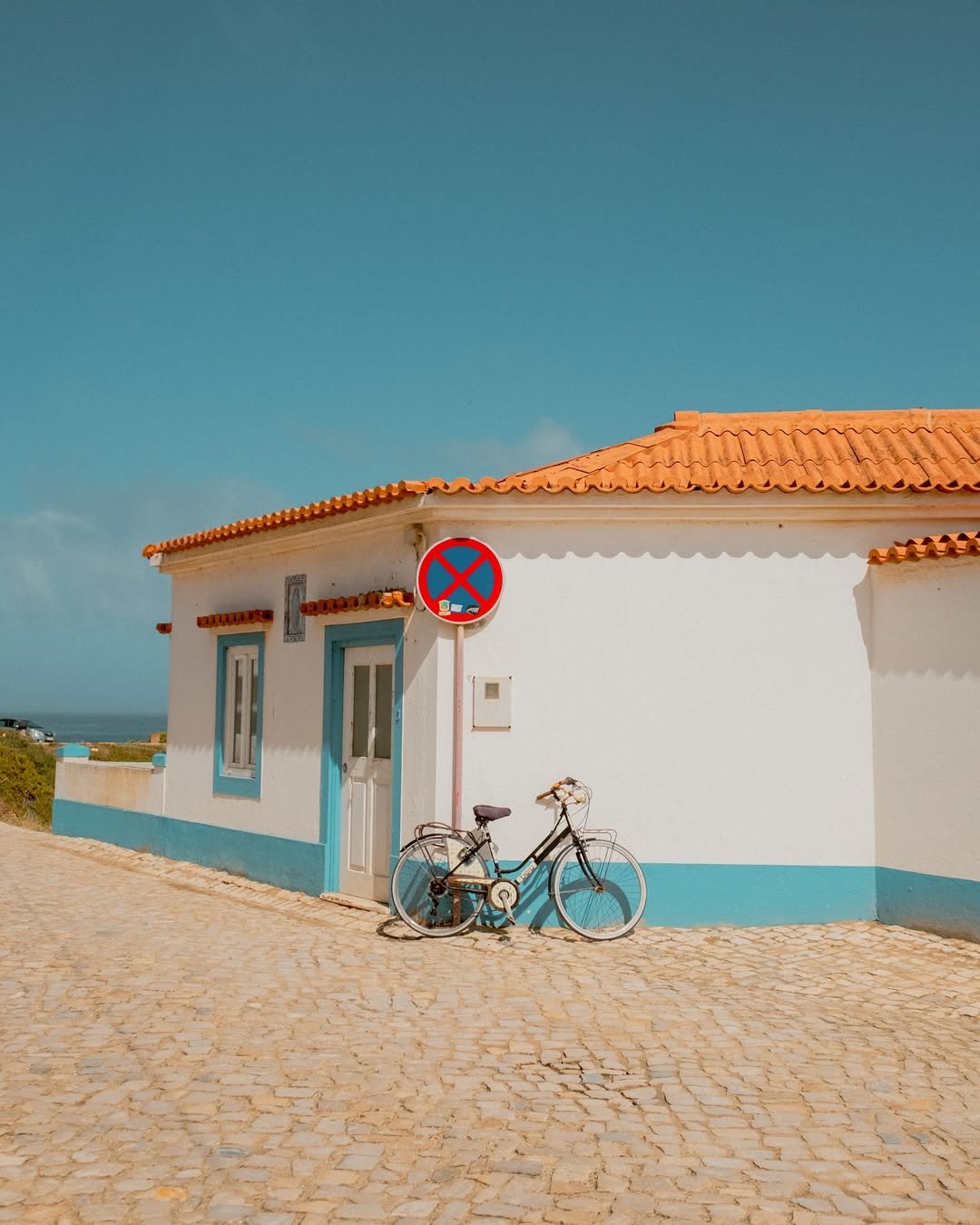
Bright & Sunny is a collection of 19 Lightroom presets created to enhance natural light, vibrant colors and blue skies while keeping your photos warm, bright and fresh.
Perfect for travel, lifestyle, beach, landscape and everyday photography.
If you love sunny, colorful images with a natural and vibrant feel, this pack is for you.
WHAT'S INCLUDED
☀️ 19 Lightroom presets
📱 Lightroom Mobile compatible
💻 Lightroom Desktop compatible
📷 Optimized for RAW photography (JPEG compatible)
📖 Step-by-step installation guide included
📦 Instant digital download
EASY INSTALLATION 📱💻
Bright & Sunny uses XMP presets compatible with current versions of Lightroom Mobile and Desktop.
No DNG files are required.
A complete step-by-step installation guide is included with your download, so you'll have everything you need to get started.
GETTING THE BEST RESULTS
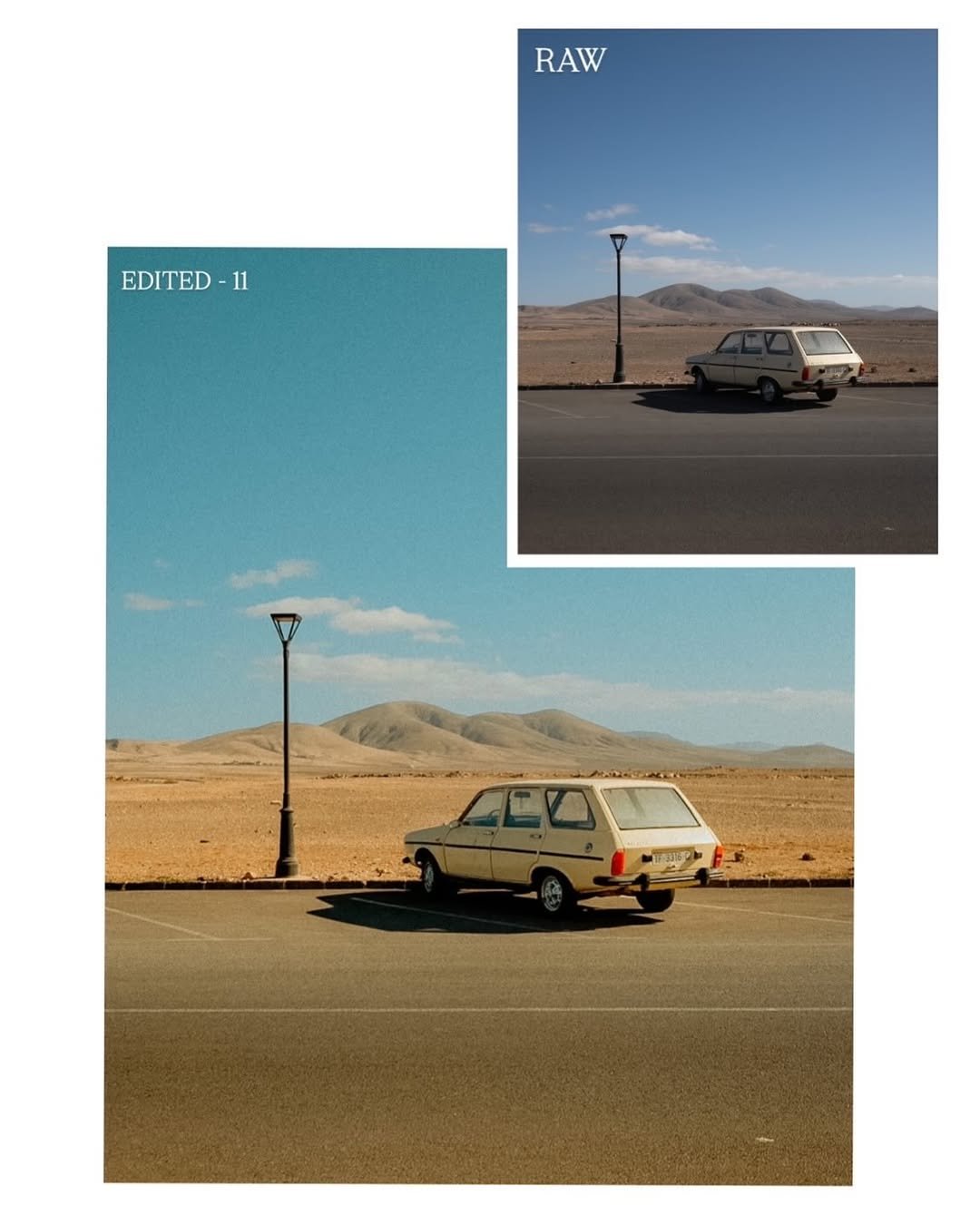
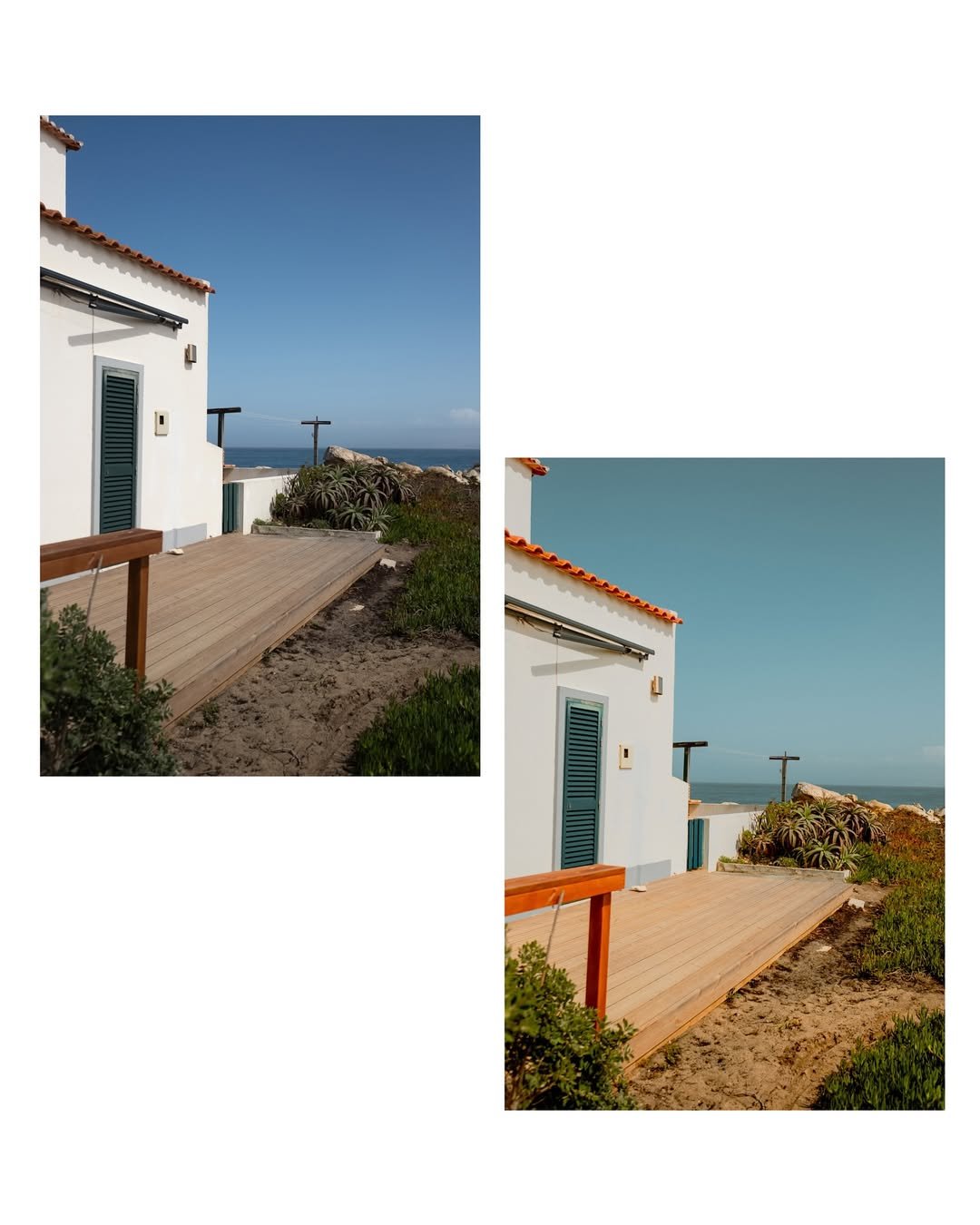
For the best possible results, I recommend using RAW files whenever possible. RAW files contain much more image information and give Lightroom greater flexibility when applying the presets.
Every photo is different, so after applying a preset, try adjusting the Exposure slightly to match your image.
Depending on your camera and lighting conditions, you may also want to make small adjustments to White Balance or Tint (green/magenta).
Think of the preset as your starting point — a few small adjustments can make it fit your photograph perfectly.
NEED HELP?
If you're having any trouble installing or using the presets, just contact me and I'll be happy to personally help you get everything working.
You can find me on Instagram:
@susofuji
Thank you for supporting my photography and I hope you enjoy Bright & Sunny! ☀️