
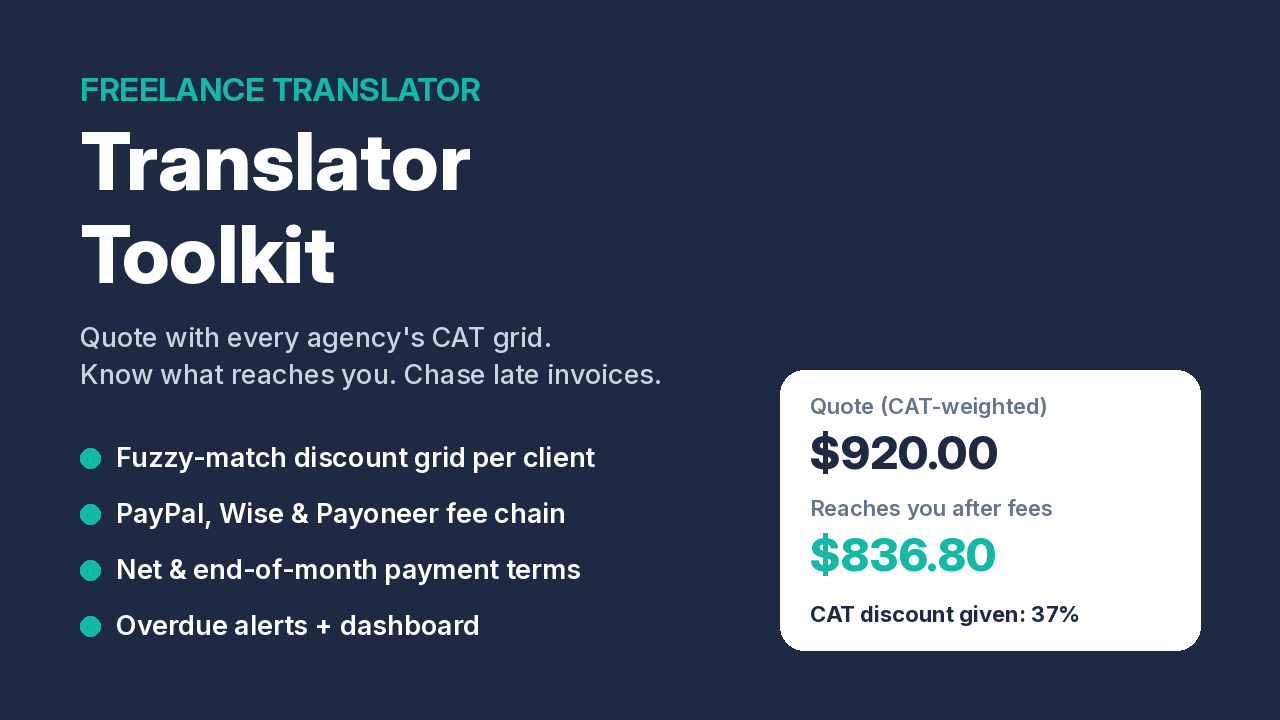

Freelance Translator Toolkit — CAT Fuzzy-Match Quotes, Payment Fees & Overdue Invoices (Excel + Google Sheets)
Half the price of comparable translator toolkits.
One agency pays 25% for 100% matches, another pays 20%, a third 30%. One pays Net 30 by PayPal, one Net 60 through Payoneer, the Japanese agency pays at the end of next month. And somewhere in your inbox there's an invoice from July nobody has paid.
The Freelance Translator Toolkit keeps all of it in one spreadsheet.
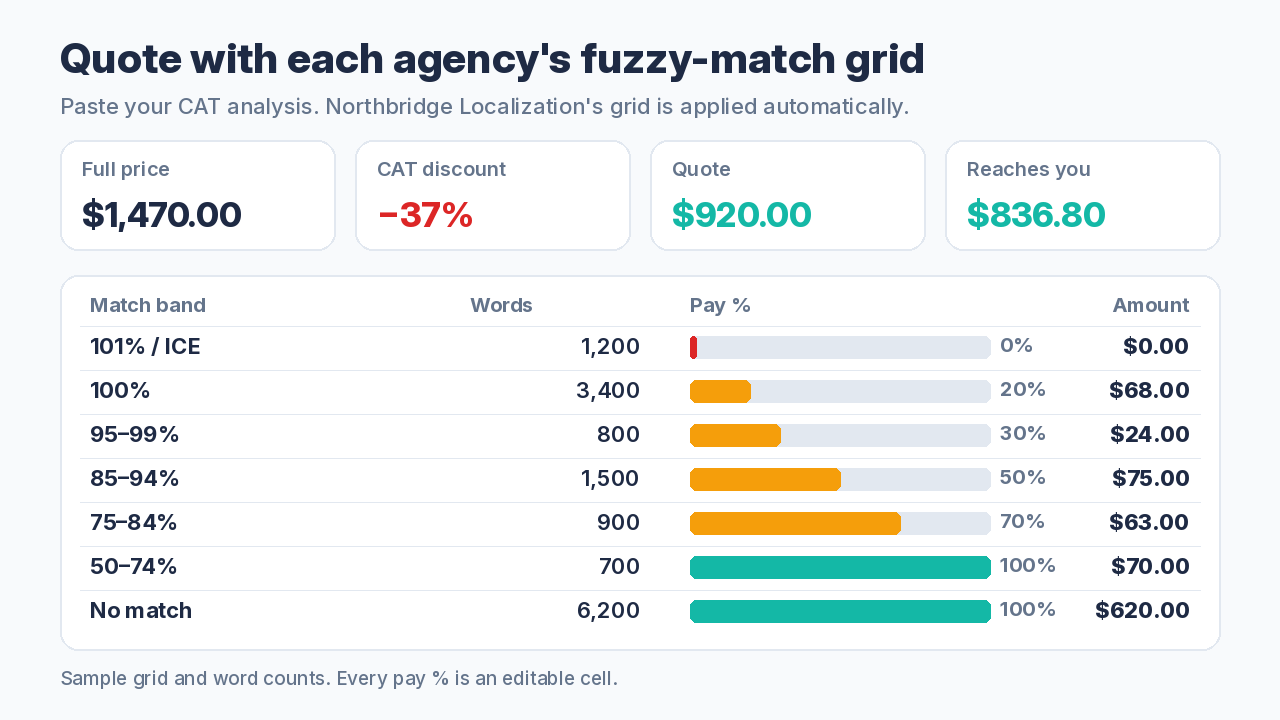
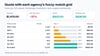
Quote in seconds. Save each client's rate, minimum fee and fuzzy-match grid (101%/ICE, 100%, 95–99%, 85–94%, 75–84%, 50–74%, no match — every % editable). Paste the word counts from your Trados, memoQ or Phrase analysis and get the quote, the discount you're giving, whether the minimum fee applies, and the expected payment date.
Know what actually reaches you. Each payment method has a fee chain — % fee + fixed fee + conversion margin — pre-filled with PayPal's and Payoneer's published rates (checked October 2026, sources included) and fully editable. Every quote and invoice shows the amount you'll really receive in your base currency.
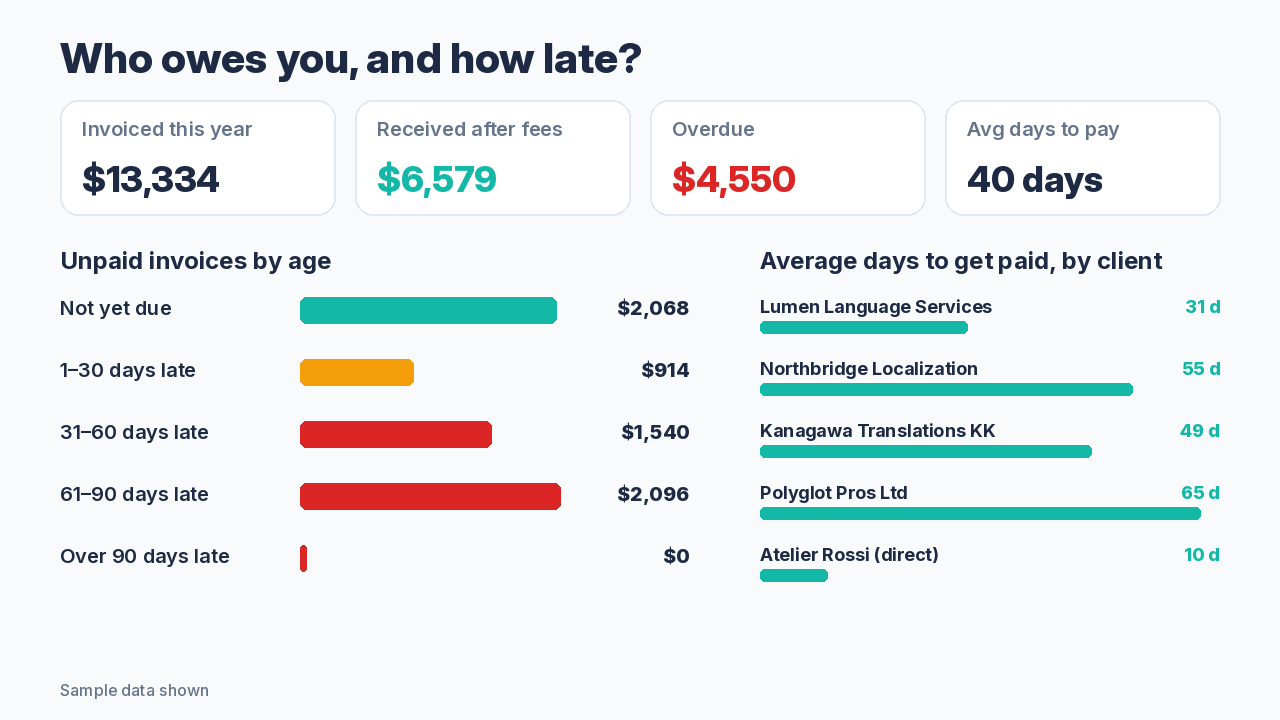
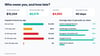
Chase late payers. Every invoice gets a due date from the client's terms — Net days or end-of-month (EOM 1 = end of next month). Status updates itself every day: Open, Due soon, Overdue, Paid. The dashboard shows outstanding and overdue money, unpaid invoices by age, and each agency's average days to pay and late-payment rate.
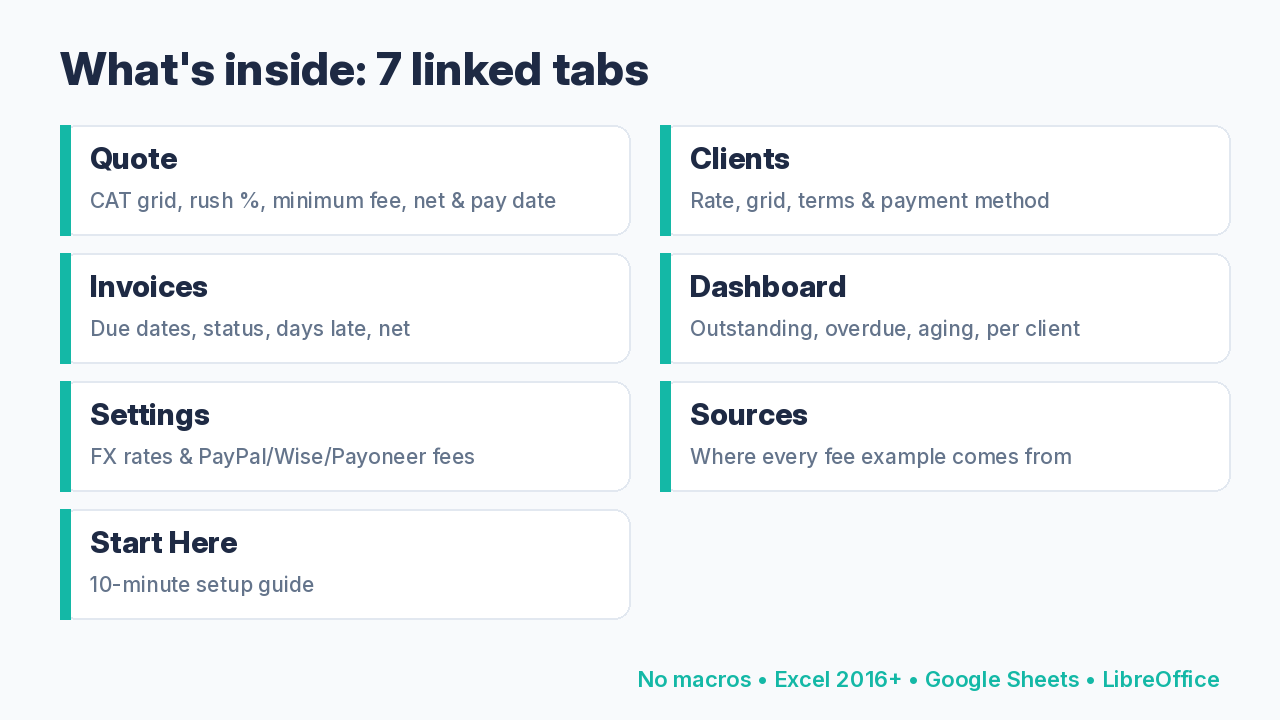
What's inside
- Quote — CAT-weighted quote, rush %, extras, minimum fee, net after fees, expected pay date
- Clients — 25 clients: currency, rate, minimum fee, CAT grid, terms, payment method
- Invoices — 400 rows: due date, status, days late, days to pay, gross/fees/net in base currency
- Dashboard — invoiced, received after fees, fees lost, outstanding, overdue, aging buckets, per-client stats, chart
- Settings — base currency, exchange rates, payment-method fee chain, term types
- Sources — where every fee example comes from, with dates
- Quick-start guide (PDF, 2 pages)
Details
- .xlsx — Excel 2016+, Google Sheets, LibreOffice
- No macros, no add-ons, no subscription
- Sample data included, clear it in one step
- Yellow = you type, grey = formulas
FAQ
Does it work in Google Sheets? Yes. Upload to Google Drive, open, then File → Save as Google Sheets.
My agencies use different grids. That's the point: every client has its own grid. Copy it from the contract or PO.
I charge per character or per hour. The rate field is "per unit" — use characters instead of words. For hourly work, put hours in the "No match" row at 100%.
Are the payment fees right for my country? They're published examples (PayPal US and Japan, Payoneer) checked in October 2026. Fees vary by country and account, so every value is an editable cell.
Is this tax software? No. It's a quoting and bookkeeping aid, not tax, legal or financial advice.
Refunds? It's a digital download. If anything doesn't work, message me and I'll fix it or refund you.
More from StraightGate
- Global Freelancer Finance Tracker (multi-currency, every platform): https://payhip.com/b/WZGL9
- Online Tutor Income Tracker: https://payhip.com/b/a74mc
- All templates: https://payhip.com/StraightGate