


Seaside Web Template
Video Overview
Description
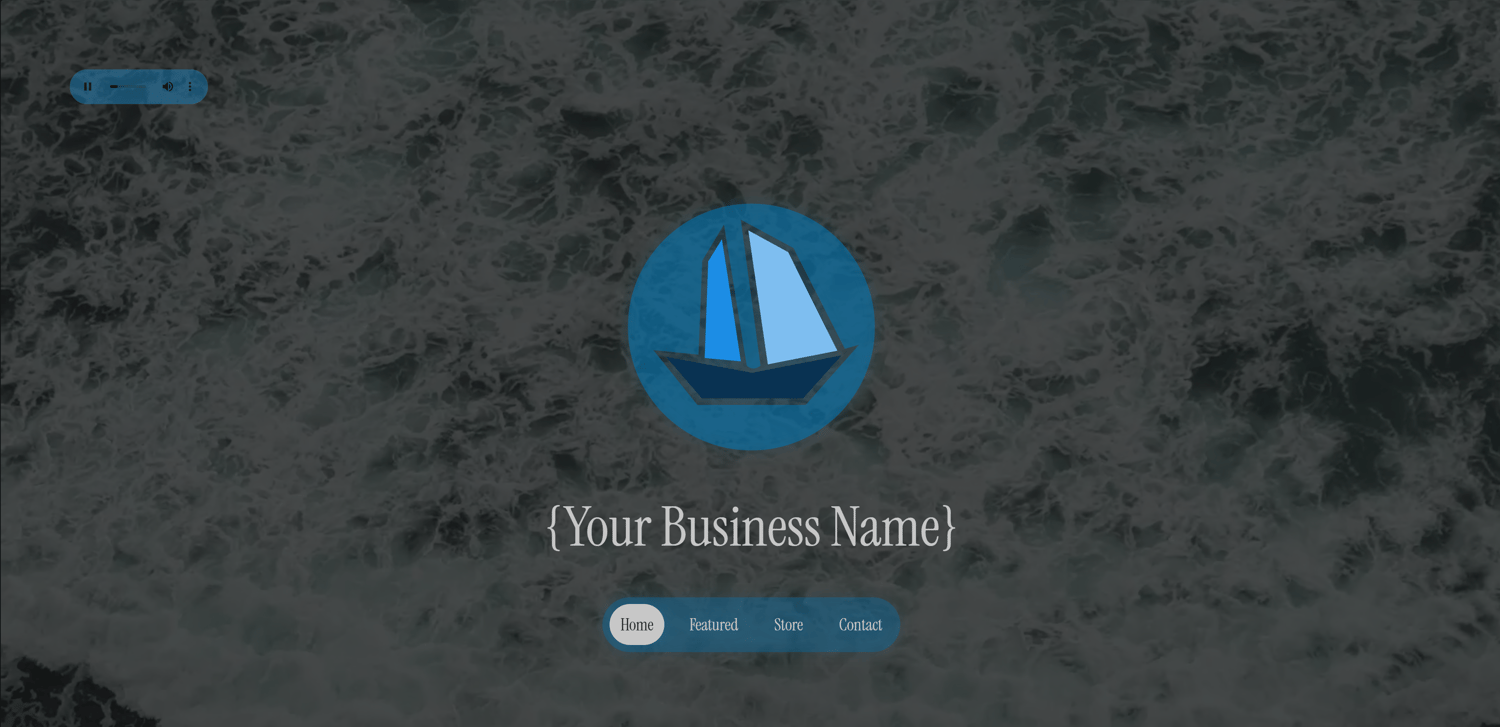
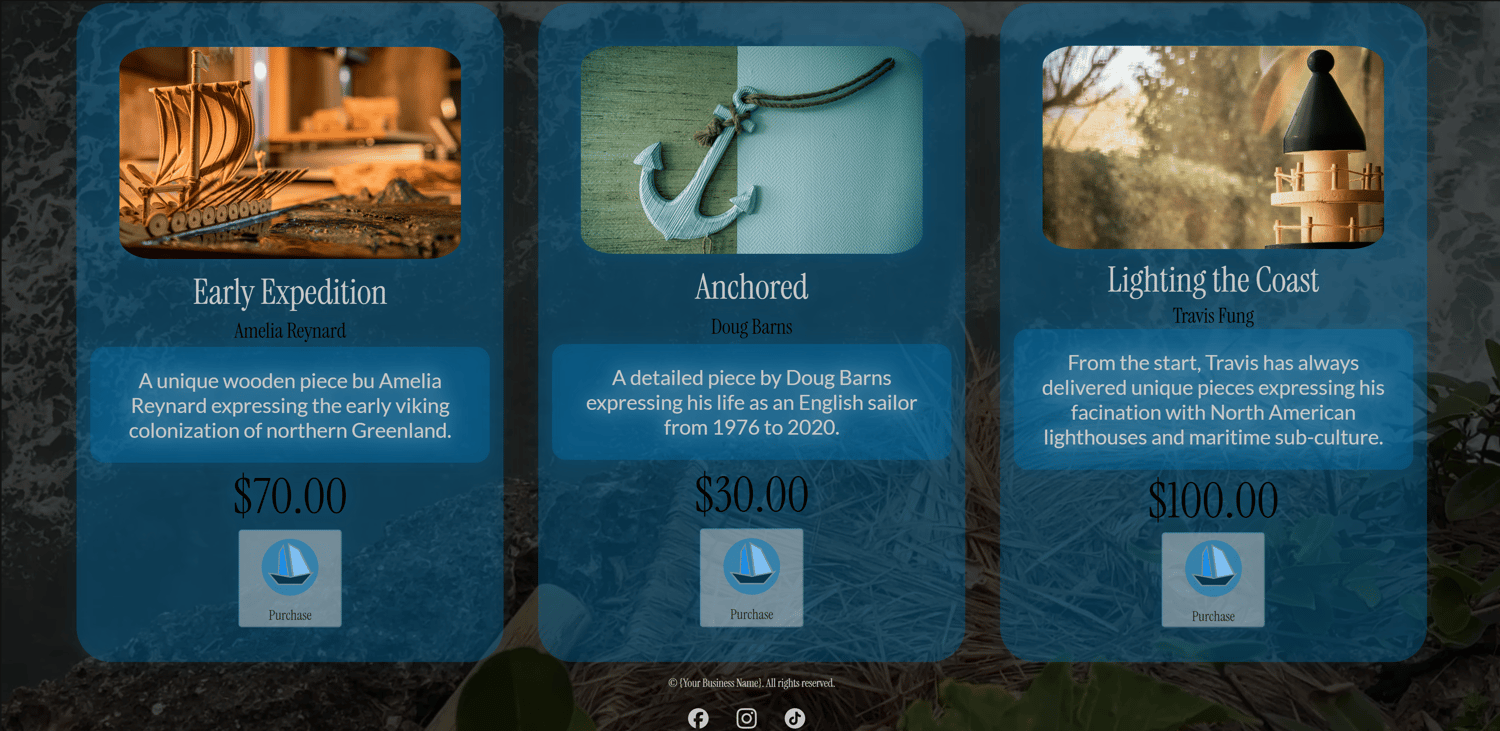
This is a website template for any business but specifically tailored to those businesses situated near the coast selling surfing gear, seaside collectibles, or anything salty 😉.
What's Included?
📂Assets
Images, videos, brand assets ("Brand"), and audio that is connected to your website is within the "Assets" folder. Feel free to edit the template logo svg file ("logo.svg") in an editor of your choice.
All assets are commercial free with images sourced from Unsplash (https://unsplash.com/) videos from Pexels (https://www.pexels.com/) and audio from Freesound (https://freesound.org/). These assets are free for you to use commercially.
Check out Inkscape as a sample vector editing software: https://www.inkscape.org/.
📂Pages
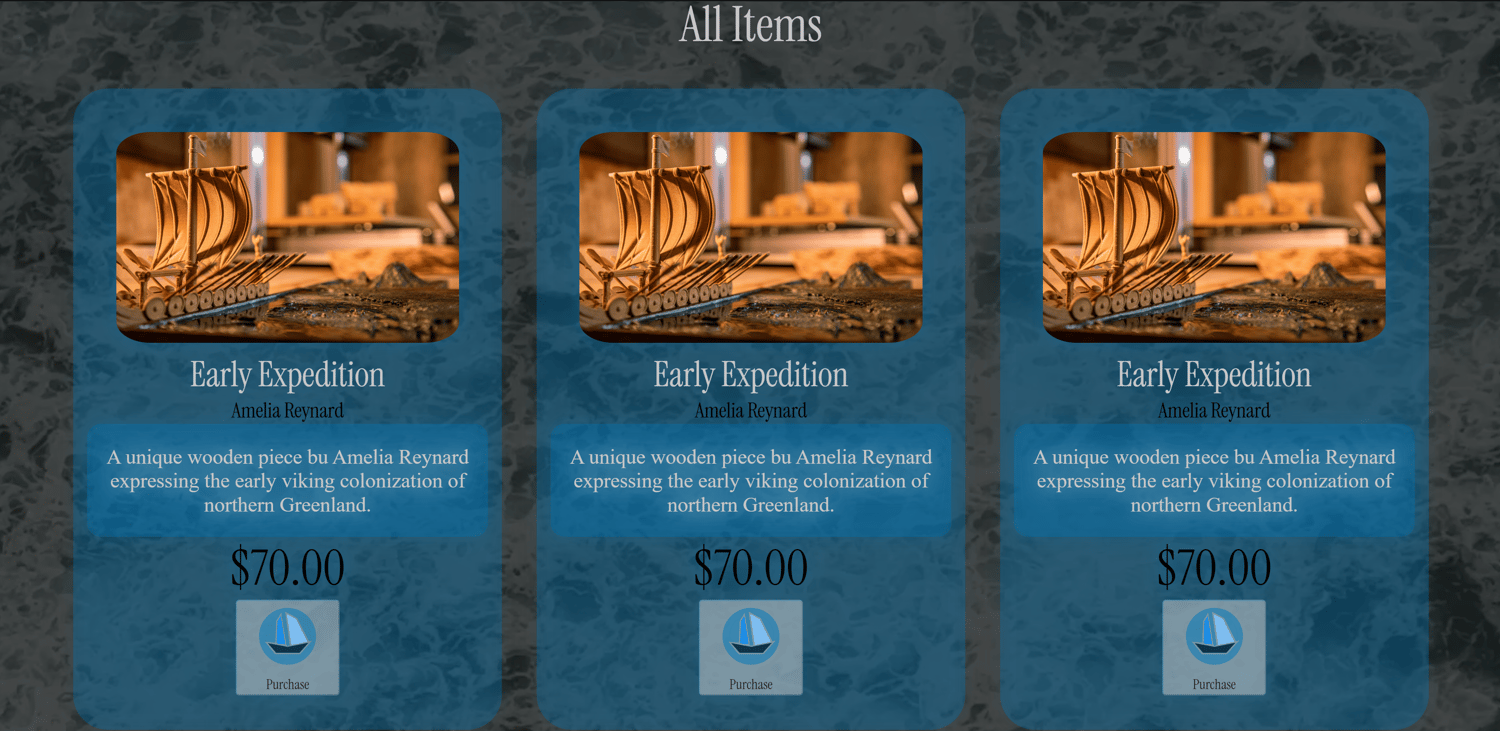
Your main website page is index.html. The "Pages" folder contains all your additional pages such as your contact page (contact.html) and your store page (store.html).
📂Styles
The "Styles" folder contains your universal CSS style sheet for your site (styles.css). Here you can adjust colors and fonts to your liking. All fonts are sourced from Google Fonts.
📂Scripts
The "Scripts" folder contains your universal JavaScript file (scripts.js) that runs all your site functions including your contact form which will require setup as explained in the setup process below.
Setup
✅1. Initialize Hosting
You can host this website for free on Github Pages or Cloudflare Pages. If you choose to use Github Pages, ensure your new repo name ends with ".github.io". You can also connect an optional custom domain name to your GitHub Page but will need to pay a yearly fee for the domain name.
See https://docs.github.com/en/pages/quickstart for more details.
✅2. Connect Contact Form
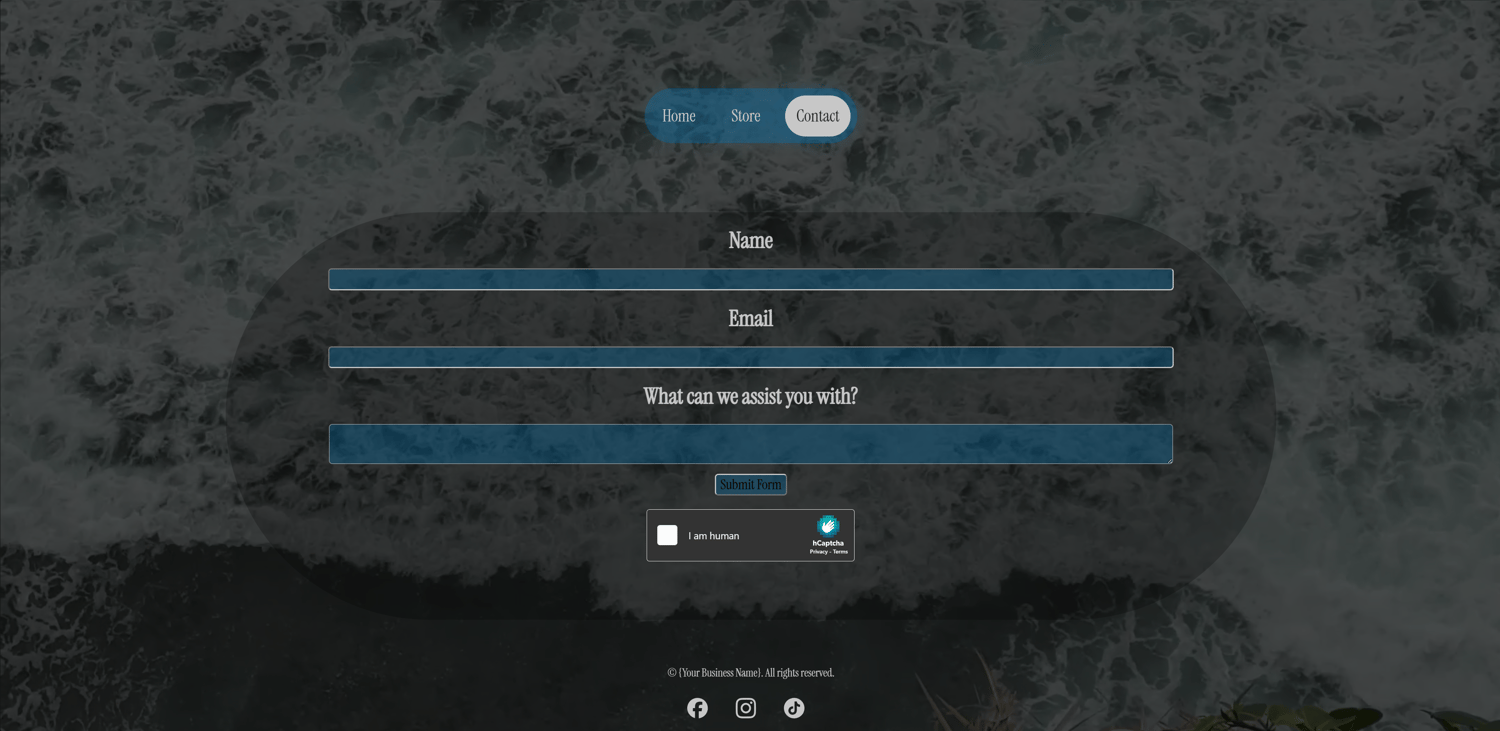
Your new site contact form was built using a platform called Web3Forms which offers free online form submissions to any email you choose.
In order to connect your new form to your current email, you will first need to create a new Web3Forms account. In your account, go to Forms>Create New Form:
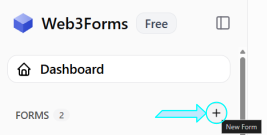
A new dialog box will appear to specify the details of your new form:
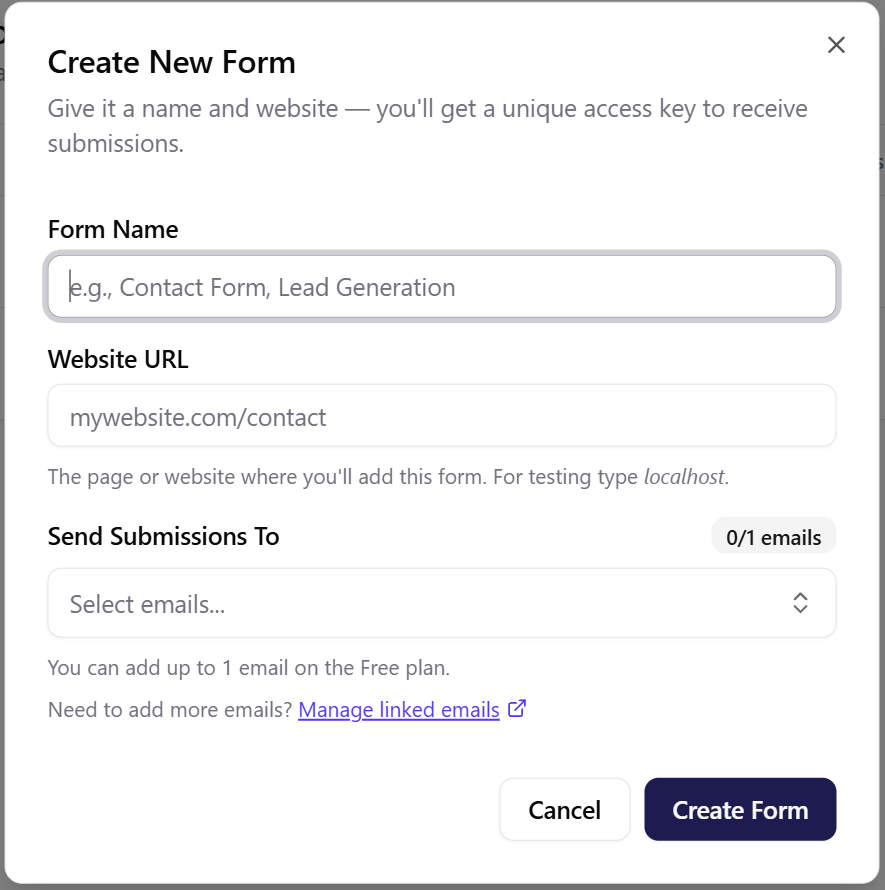
Complete the details for your form by filling in:
- Your Form Name ("Contact Form")
- Your Website URL ("https://www.{your-repo-name}.github.io/Pages/contact.html")
- Your Email
Once your form is created, you will see a Form Access Key displayed under the Form Setup tab:
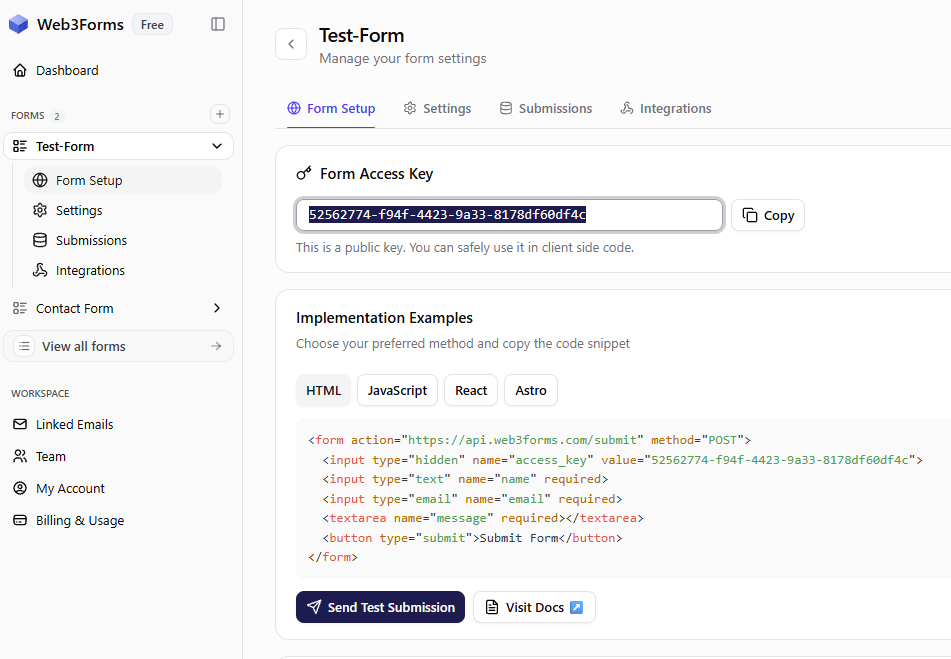
Navigate to the 📂Pages folder of your file package and find your contact webpage (contact.html). Within the contents of your contact page, insert your new form key within the <form> section:

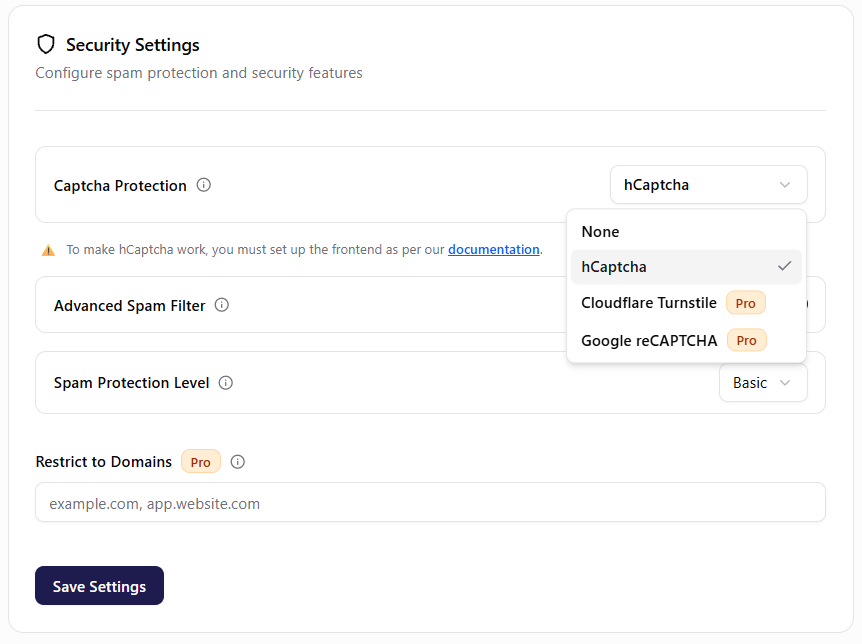
!IMPORTANT! -- Ensure your form is more secure by enabling hCaptcha:
✅3. Link Your Products
NOTE: This website package does NOT use a Point Of Sale (POS) Application Programming Interface (API) and therefore, you must manually enter in your POS payment links.
In order to connect your current online POS system, such as Square, you will need to copy your item catalog links for each item and insert them into each button on your store webpage (store.html):

Contact
If you have any questions or concerns regarding the setup of your site, be sure to contact me @streightdigital or www.streightdigital.ca 🙂