
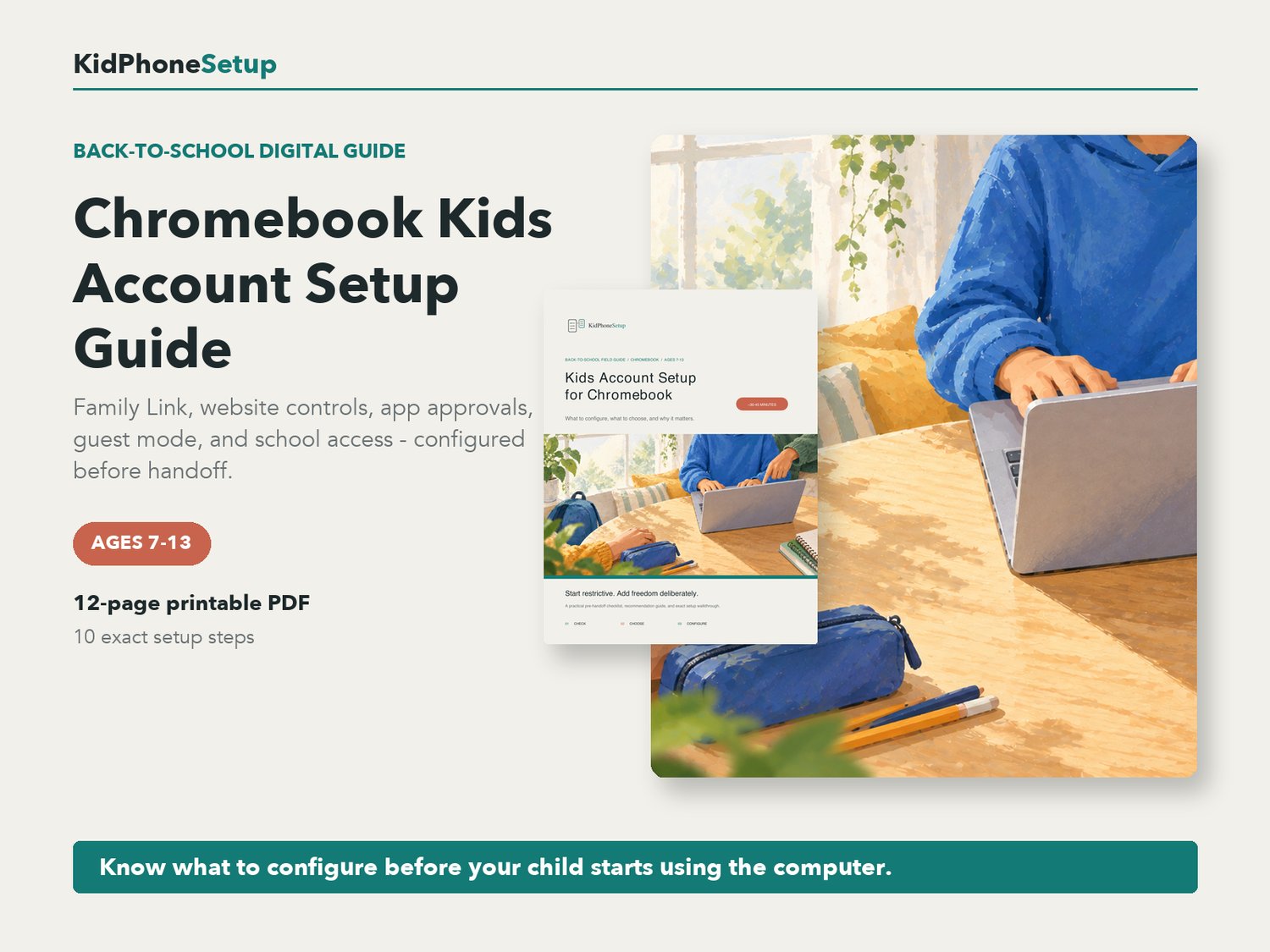
Chromebook Kids Account Setup Guide | Parent Checklist & Step-by-Step Back-to-School PDF | Ages 7-13
Set up your child's Chromebook for school, homework, browsing, apps, video calls, and Google Classroom before regular use begins.
This practical parent guide explains what to configure, what to choose, why each setting matters, and when to loosen it. It is designed for families with children ages 7-13 using a personal Chromebook.
WHAT'S INCLUDED
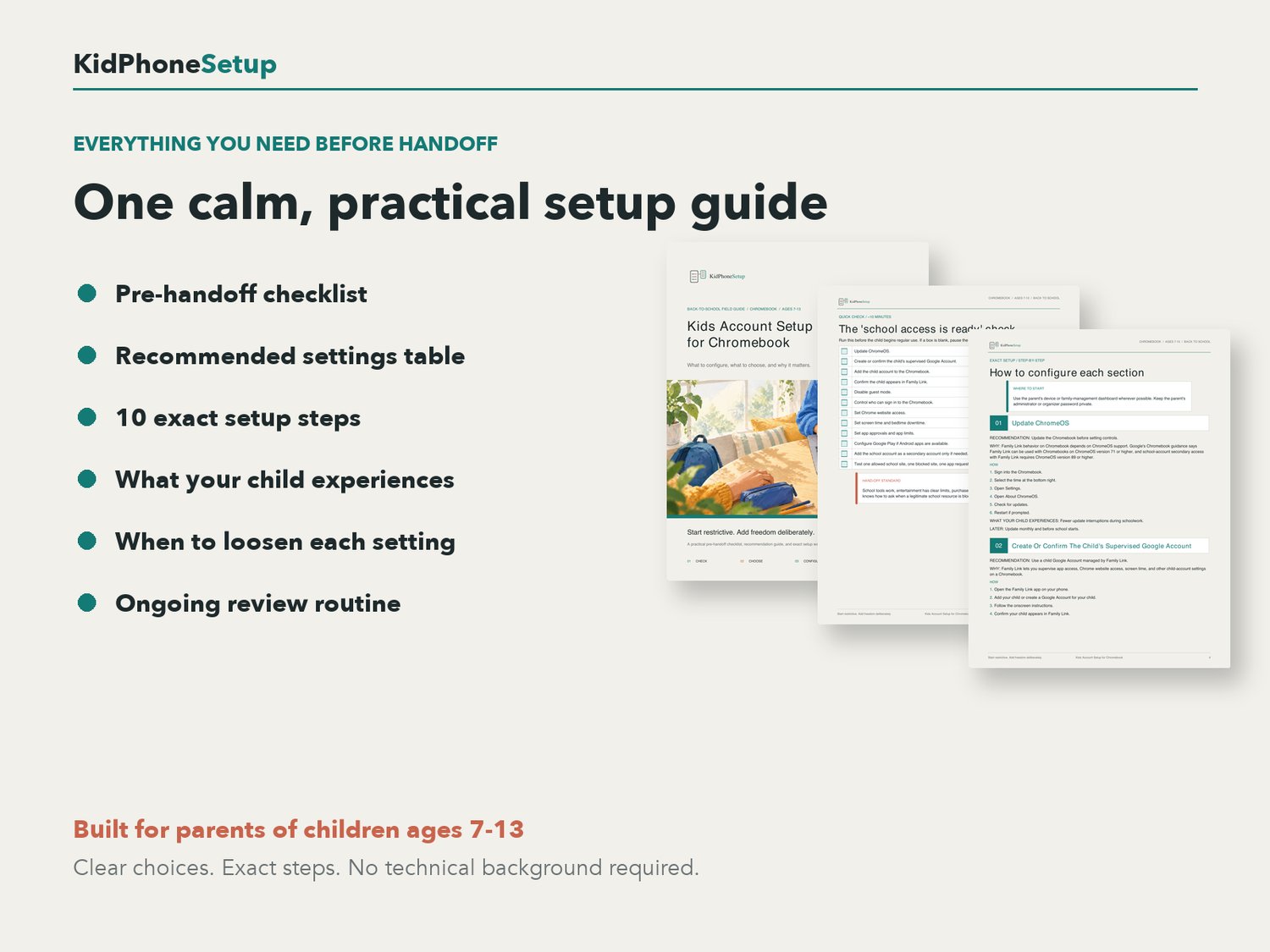
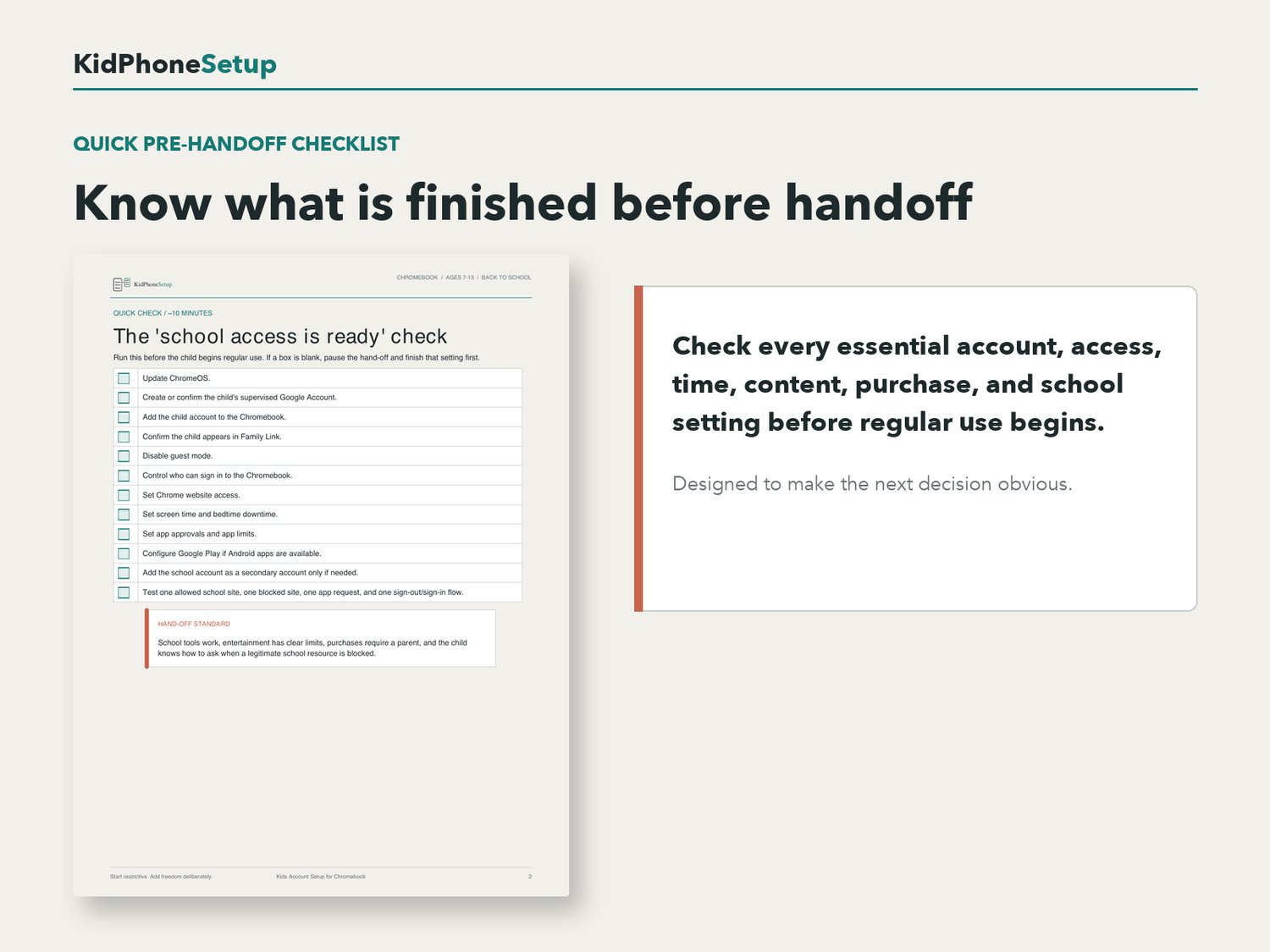
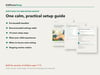
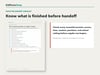
- Quick pre-handoff checklist
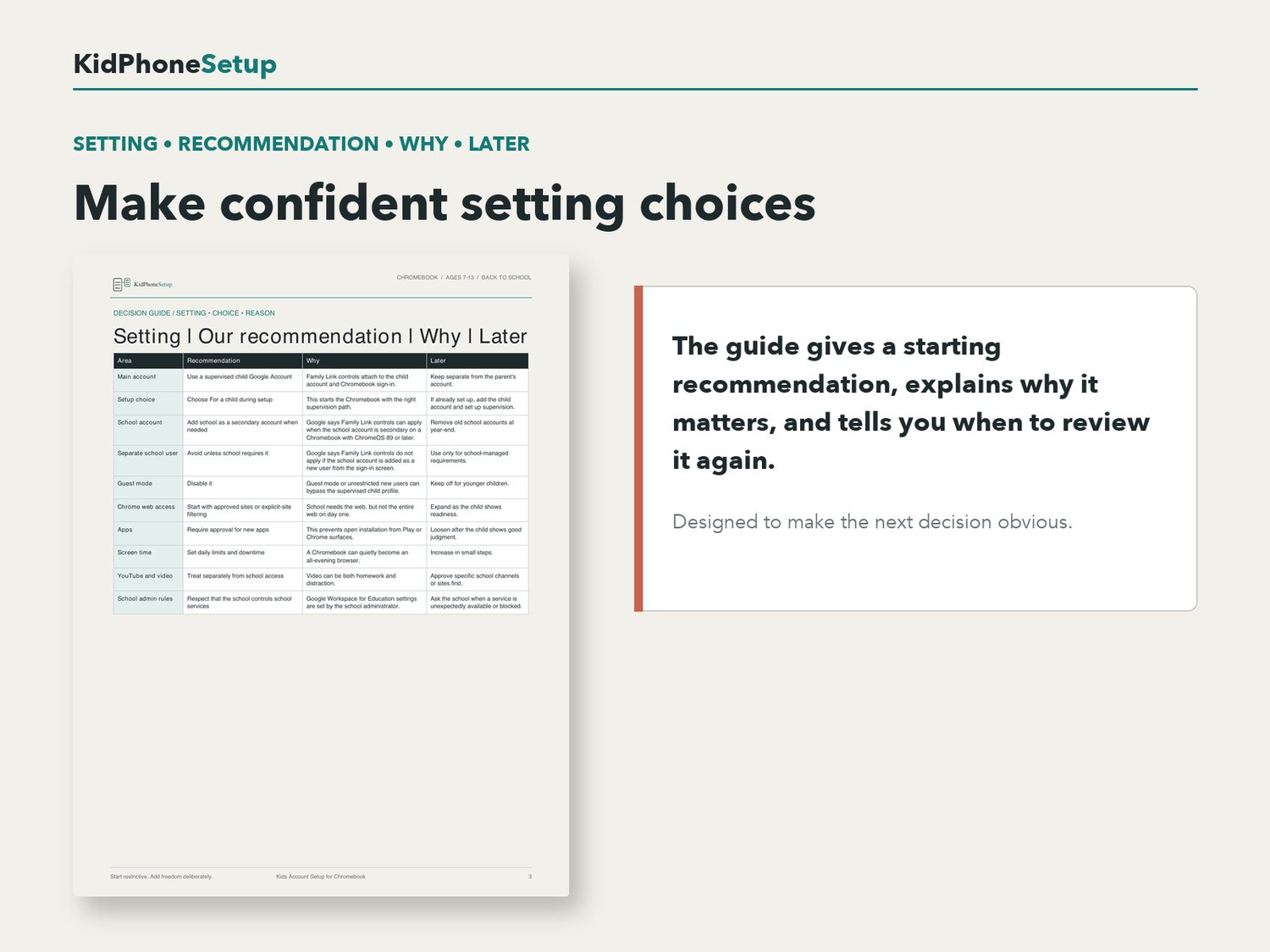
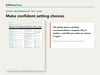
- Recommended settings table with reasons and review guidance
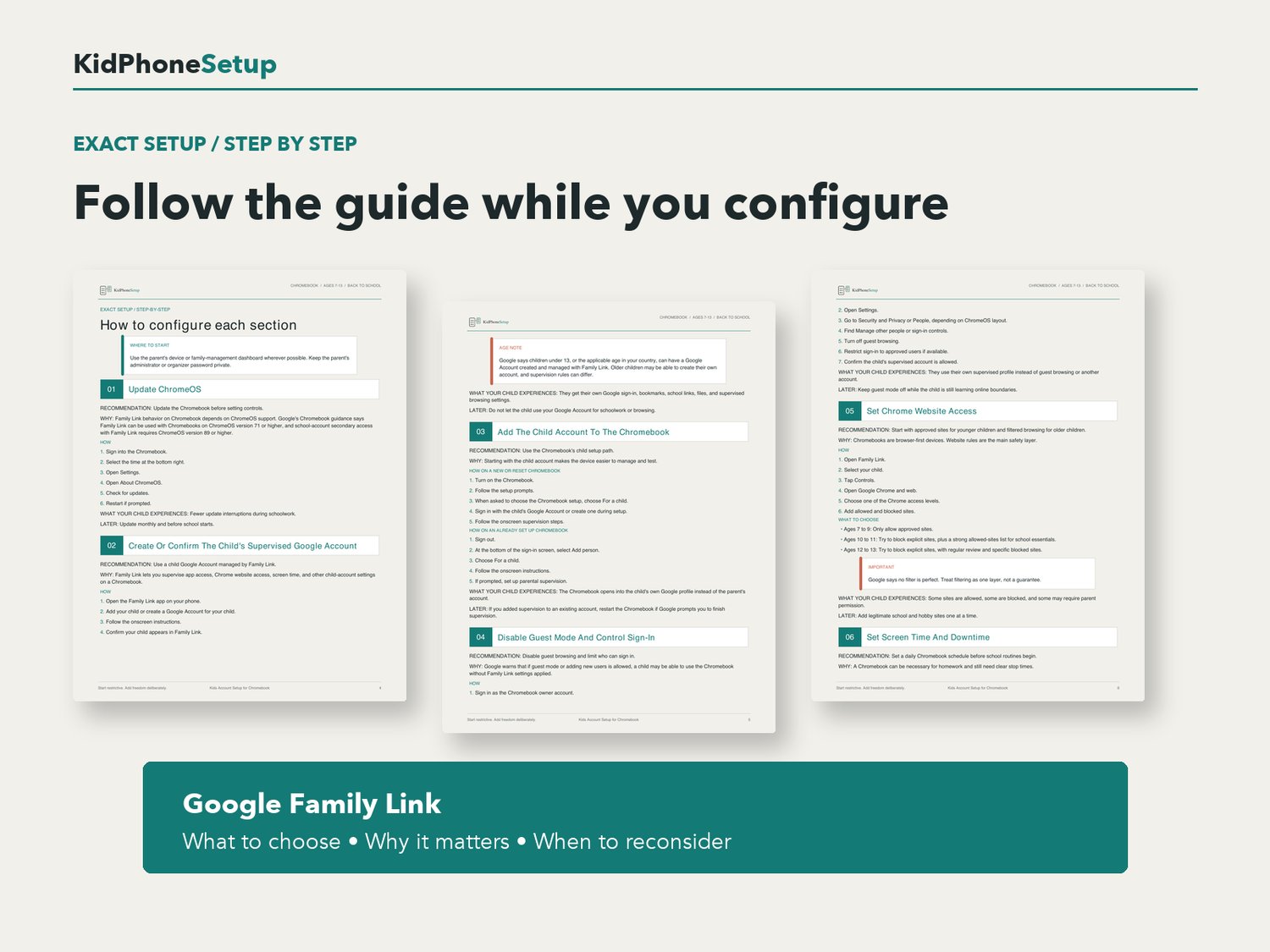
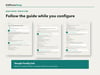
- 10 step Chromebook setup walkthrough
- Supervised child Google Account and Family Link setup
- Guest-mode and sign-in controls
- Chrome website access recommendations
- Screen-time limits and downtime
- App and extension approvals
- Google Play guidance where available
- Safer school-account setup inside the supervised profile
- School bookmarks and homework start-page setup
- Pre-handoff testing checklist
- Ongoing weekly and monthly review routine
- Links to the Google support sources used to verify the guide
FORMAT
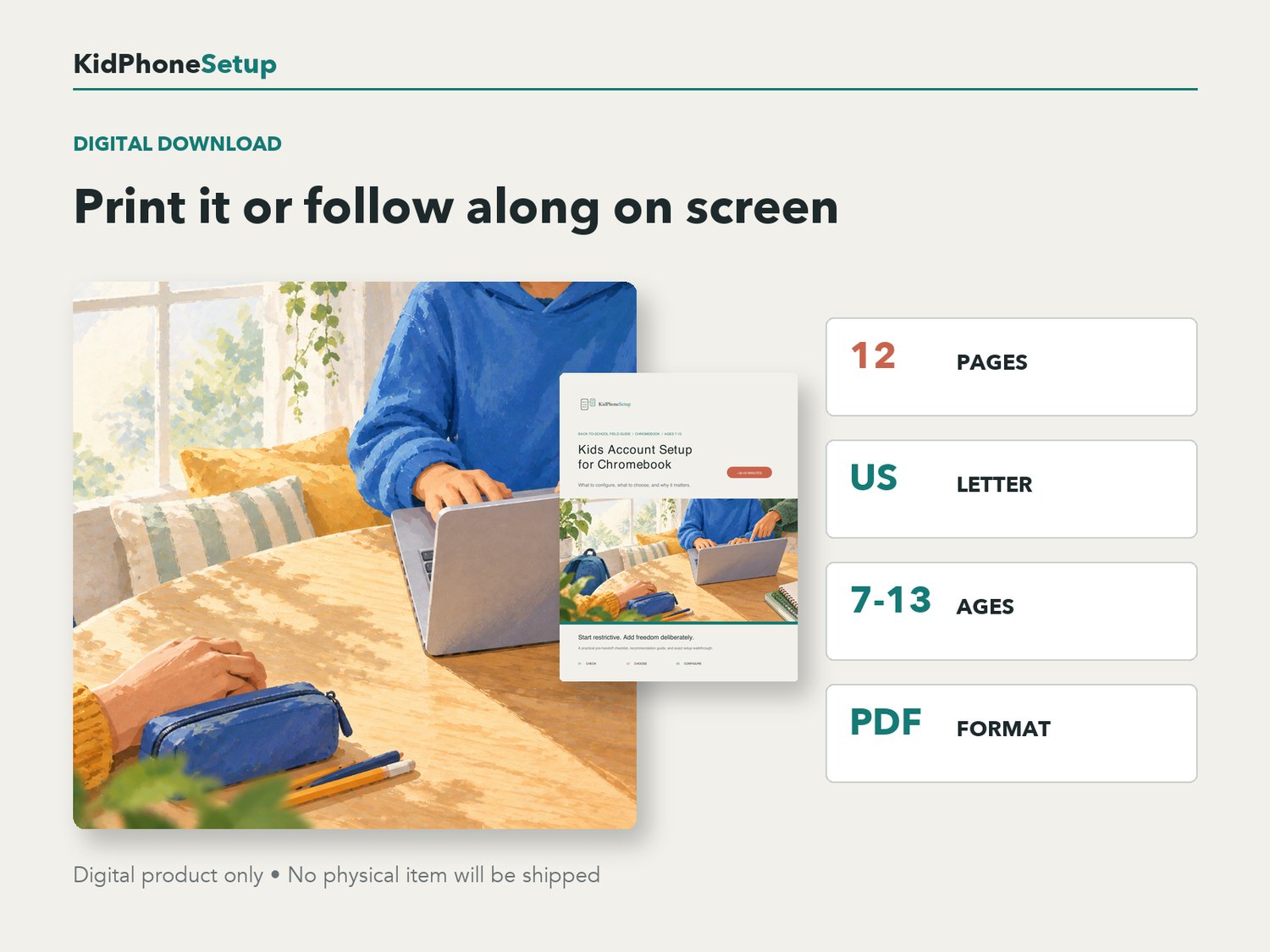
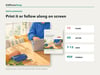
- 11-page PDF digital download
- US Letter size
- Clear, parent-friendly instructions
- Intended for children ages 7-13
- Last verified September 2026
This is a digital product. No physical item will be shipped. Google and ChromeOS interfaces and available controls can change by account type, school policy, region, device, and software version; verify important settings on your own device.