
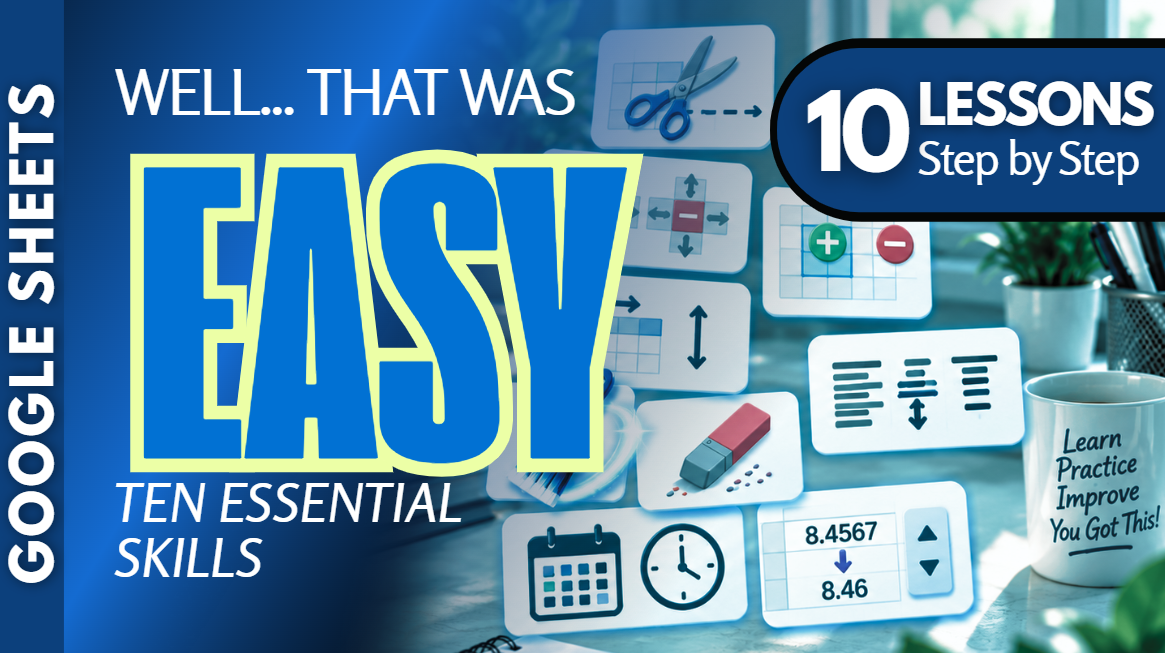
Google Sheets Bundle | Editing, Formatting, Rows, Columns & Cells
Build your confidence with Google Sheets editing, formatting, and spreadsheet organization using this beginner-friendly collection of ten practice workbooks from Easy Mode Excel Tutorials!
Want to feel more comfortable moving information, editing cells, organizing spreadsheets, and formatting numbers? This collection accompanies our free ten-lesson Google Sheets video compilation and gives you hands-on practice with ten essential spreadsheet skills!
From inserting and deleting rows to copying formatting and adjusting decimal places, these practical exercises help you work more confidently and efficiently in Google Sheets.
What You'll Practice
Cut & Move Cells
✓ Cut information from one location and move it to another
✓ Rearrange spreadsheet data without having to retype it
Undo & Redo
✓ Undo changes when something doesn't go as planned
✓ Redo actions when you want to restore a change
Insert & Delete Rows and Columns
✓ Insert new rows and columns to make room for information
✓ Delete rows and columns you no longer need
Insert & Delete Cells
✓ Insert individual cells without adding entire rows or columns
✓ Delete cells and shift surrounding information appropriately
Row Height & Column Width
✓ Adjust row heights and column widths
✓ Make spreadsheet information easier to read and display
Format Painter
✓ Copy formatting from one cell to another without repeating each formatting step
✓ Apply consistent formatting throughout your spreadsheets
Clear Contents & Formatting
✓ Remove cell contents without deleting the cells themselves
✓ Clear formatting when you want to start fresh
Alignment & Indentation
✓ Align text and numbers within cells
✓ Adjust indentation to organize information and improve readability
Number, Date & Time Formatting
✓ Display numbers, dates, and times using different formats
✓ Choose formatting options that make spreadsheet information easier to understand
Decimal Places
✓ Increase or decrease the number of displayed decimal places
✓ Make numerical information easier to read and present
What's Included
✓ Ten Google Sheets practice workbooks — one for each topic
✓ Beginner-friendly exercises covering all ten topics
✓ Links to create your own editable copies in Google Sheets
✓ Hands-on practice you can complete at your own pace
Bundle & Save!
Get all ten practice workbooks for just $16.99 USD!
Purchased separately, these ten workbooks would cost $24.90 USD.
Your bundle savings: $7.91 USD — approximately 32% off!
One convenient purchase gives you all ten workbooks to practice whenever you're ready.
Perfect for Google Sheets beginners! Learn to edit spreadsheets, organize information, format cells, and develop essential spreadsheet skills at your own pace.
After purchasing, you'll receive links to create your own copies of all ten Google Sheets practice workbooks and start practicing right away!
This purchase includes access to ten practice workbooks only. A Google account may be required to create and edit your own copies.
Watch the FREE Video Lesson Compilation
🎥 Google Sheets — Editing, Formatting, Rows, Columns & Cells (10 Beginner Lessons)