
Interactive Notebook Guide
On Sale
$3.97
$3.97
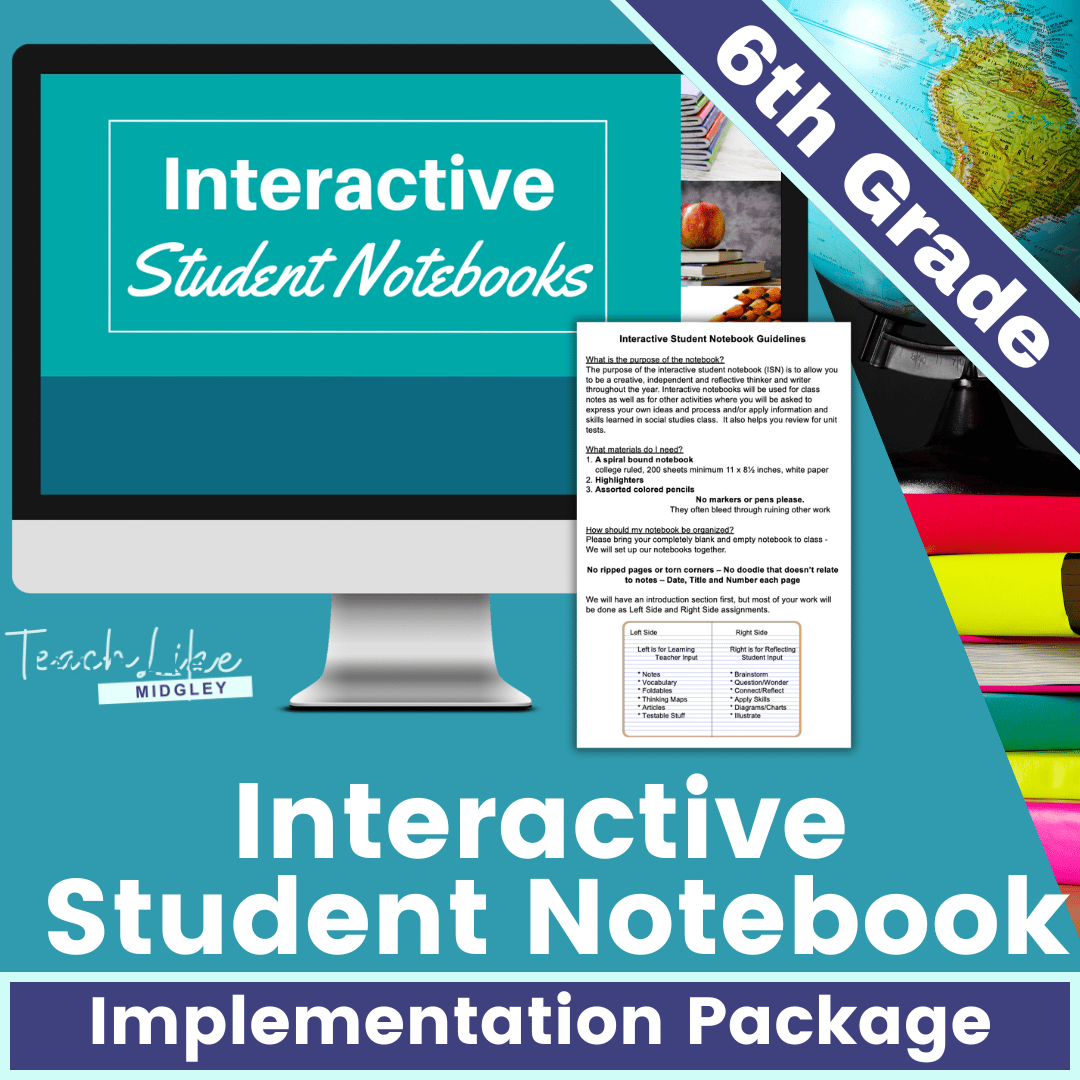
This resource includes everything you need to begin using interactive student notebooks in your classroom.
Originally designed for my 6th grade social studies, however this resource is easily adapted for other grades and subject areas.
This resource will help you clearly define your ISN expectations to your students and help eliminate confusion and messy notebooks.
FEATURES:
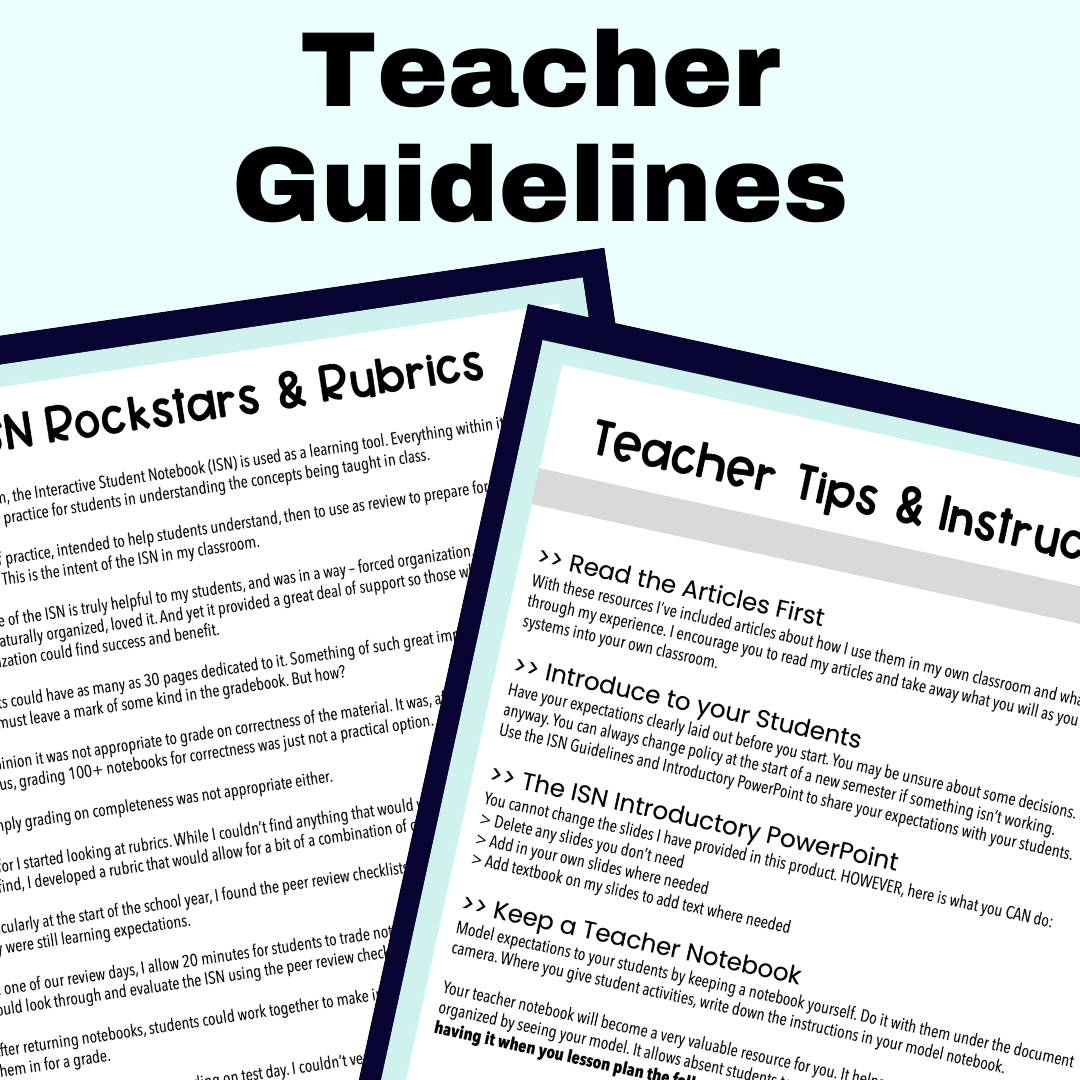
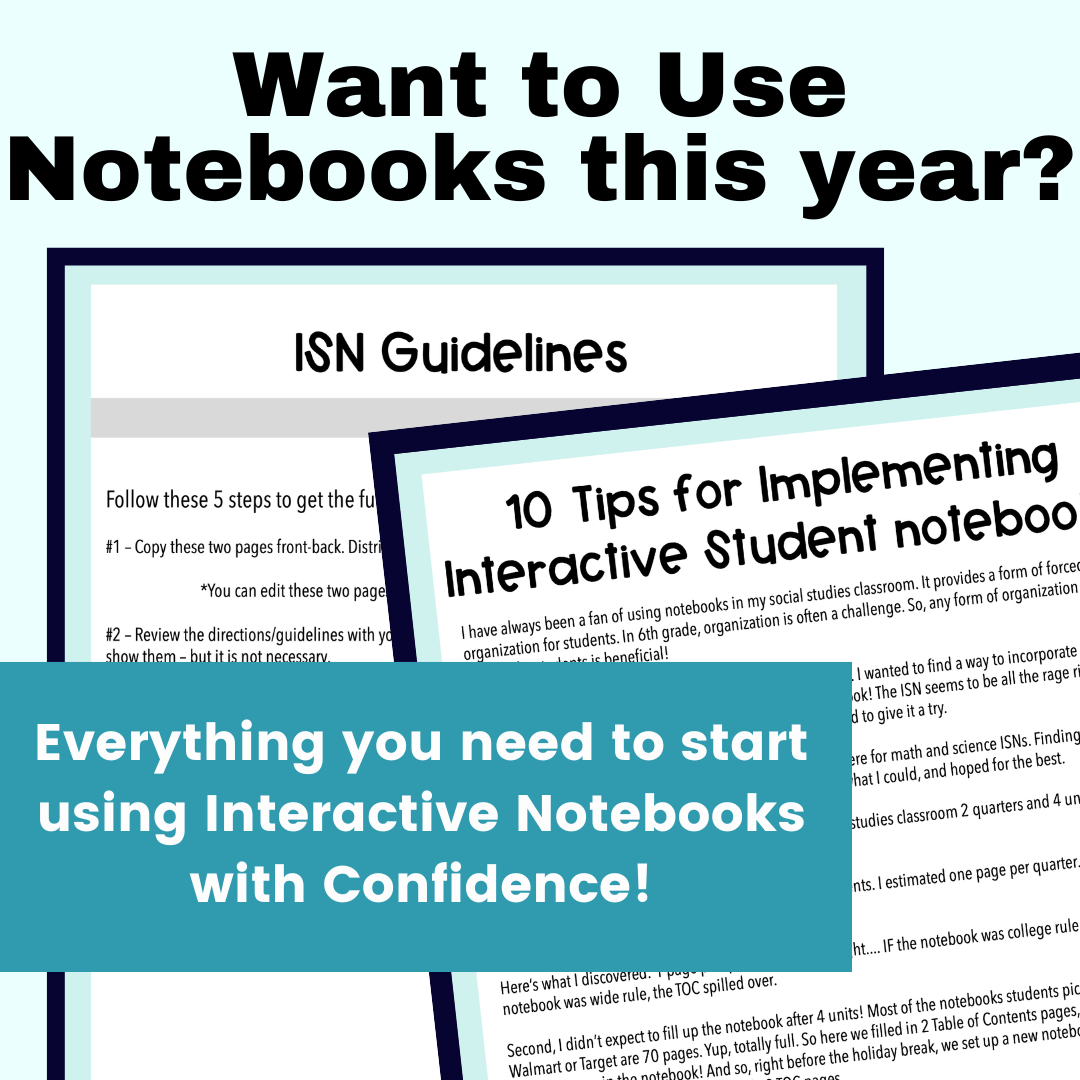
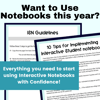
- Teacher Tips & Instructions – including 3 detailed articles about what I do, and what you should consider
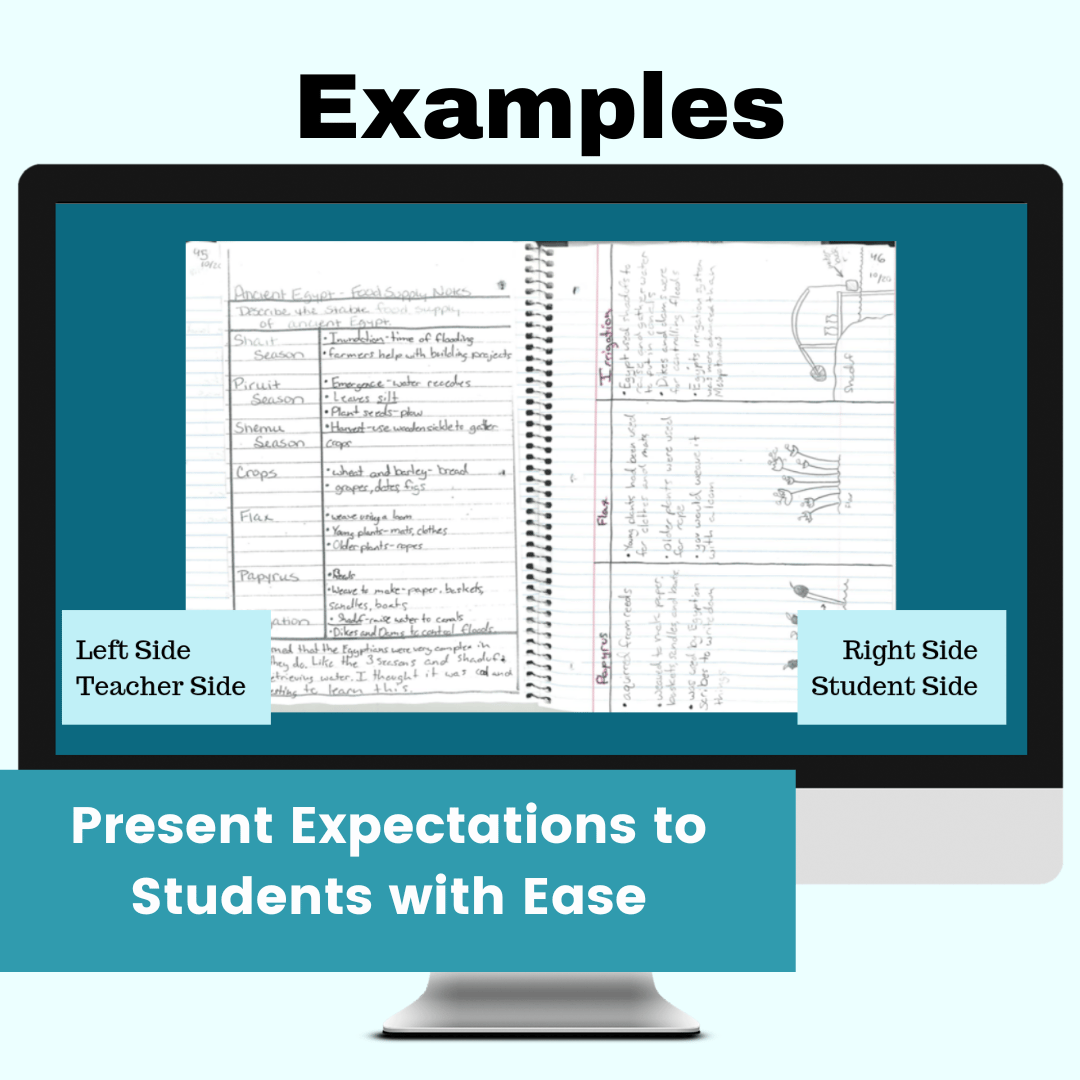
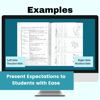
- Introductory Slideshow – with real notebook examples to share with students. You can delete or add your own slides using Microsoft PowerPoint.
- Student/Family Guidelines Pamphlet – send this home so students and families understand your expectations.
- Peer Review Checklist – a much needed tool to help students help themselves and each other.
- ISN Rubric – grading made easy when students turn in their notebooks.
FORMATS:
- Microsoft PowerPoint Presentation
- Printer Friendly PDF student materials
HOW TO USE IT:
- Start by reading the articles and making some decisions about your expectations.
- Use the presentation to share your expectations with students.
- Send home the ISN Guidelines pamphlet so families know your expectations.
- Use the Peer Review Checklists to allow students a chance to make sure they have met expectations before submitting their notebooks to you.
- Use the provided Rubric to make grading student notebooks quick and easy.
WHEN TO USE IT:
Student notebooks can easily get messy and quickly out of hand. If you are looking to provide more structure to your students’ use of notebooks, this package is what you need to make it happen.
__________________________
Copyright © Teach Like Midgley
Permission to copy for single classroom use only.