

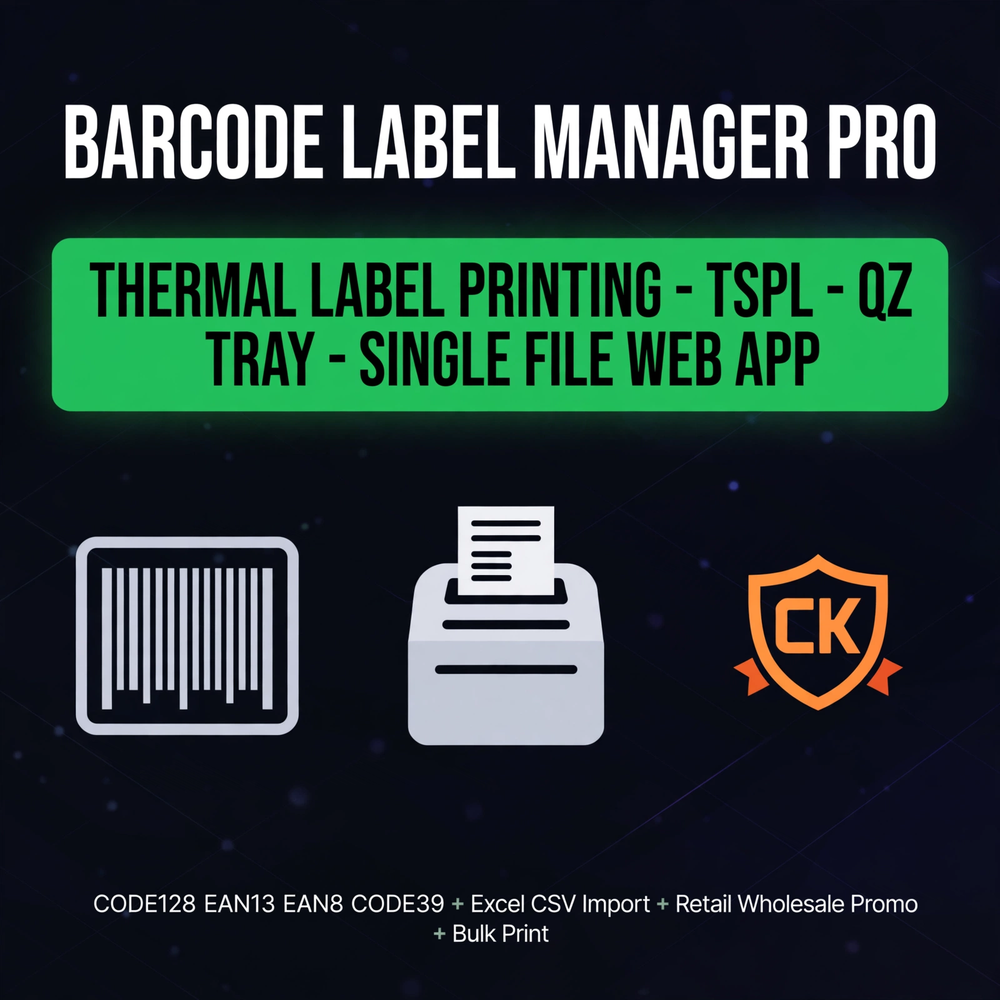
Barcode Label Manager Pro - Thermal Label Printing - TSPL - QZ Tray - Single-File Web App - Retail Wholesale Promo Price Lists
Barcode Label Manager Pro - Thermal Label Printing - TSPL - Single-File Web App - QZ Tray Ready
WHAT IT IS:
Barcode Label Manager Pro is a single-file web app. Open it in your browser, manage your items and price lists, preview real barcodes, and print crisp TSPL labels to your thermal label printer through QZ Tray. No install except QZ Tray. Works offline after first load except fonts and libraries.
WHAT YOU GET - 2 Files:
1. barcode-label-manager.html - Single HTML file - Open double-click - Works in Chrome Edge - Dark Light themes
2. Quick_Start_Guide.pdf - 3 pages - Setup in five steps - Import guide - Troubleshooting
FEATURES:
- Single-file - No backend - Data saved in browser only - Backup restore
- Barcode Types: CODE128 up to 40 chars - EAN13 12 or 13 digits auto check digit wand - EAN8 7 or 8 digits - CODE39 capital letters numbers dash dot slash plus percent space
- Preview real barcodes JsBarcode - TSPL Preview DPI label size
- Price Lists Retail Wholesale Promo - Switch prints
- Import Excel CSV XLSX XLS CSV - Template download - Duplicates skipped same barcode same customer
- Customer-specific prices - Secondary Name optional reference not printed
- Prices plain numbers 12.50 Currency formatting applied - Symbol position decimals prefix
- Bulk: Select rows checkboxes Print all set copies per item Bulk price edit percentage fixed - Click price edit in place
- Margin alerts wholesale higher than retail
- Search Backup Restore History Print history
- Label Settings: Size presets custom width height mm gap mm print speed DPI 203 300 invert bitmap default barcode type
- Printer: Choose printer name list density level speed - Any thermal TSPL printer check manual
- QZ Tray free desktop app qz.io installed computer connected printer running while print
- Shortcuts Ctrl+Enter print Ctrl+K search Ctrl+N add Enter barcode looks up Esc closes
- KPIs Hero items low stock margin alerts
- Themes Dark Light Inter JetBrains Mono Professional panel
WHAT YOU NEED:
Thermal printer TSPL - QZ Tray free qz.io - Chrome Edge - Label rolls driver installed so printer appears in list
SETUP FIVE STEPS:
1 Install QZ Tray Download qz.io install computer connected printer start Keep running while print
2 Open app Double-click html Badge top-right green Connected to QZ Tray If asks Allow choose Allow
3 Choose printer Click Printer name box pick printer list Choose density same panel
4 Set label size currency Click gear Advanced settings Choose label size resolution DPI currency symbol decimals text before price
5 Add items print Add one by one or Import Click print icon row check preview set copies press Print label
IMPORT COLUMNS:
Barcode Yes code to print Format as Text leading zeros stay - Product Name Yes name printed label - Barcode Type No CODE128 default EAN13 EAN8 CODE39 - Customer No empty general Fill customer-specific - Secondary Name No optional reference not printed - Retail Wholesale Promo Price Plain numbers 12.50 formatting applied
TROUBLESHOOTING:
Badge not connected Make sure QZ Tray running computer printer then click badge retry If library did not load check internet reload page
Printer not in list Install driver confirm appears OS list then reconnect You can type printer name exactly system shows
Labels print black background white text Open Advanced switch option corrects colors Some printers read bitmap other way round
Printing offset cut off not match Set exact label size gap DPI 203 or 300 Advanced Run printer label calibration once after changing rolls
Print too light dark Change density left panel or speed Advanced
Barcode will not scan Print larger darker use quiet margin around code check type matches code for example valid EAN13 Preview shows approximate image if code does not match type
Prices show wrong currency decimals Open Advanced set symbol position decimal places Saved reformatted automatically
Lost items Data lives browser profile you used Restore from Backup file or open app same browser profile before
GOOD TO KNOW:
Items settings history saved browser only Use Backup regularly always before clearing browser data or changing computers
NOTE:
Printer label compatibility varies model Test few labels before large print QZ Tray separate product its own terms security prompts See THIRD-PARTY-NOTICES.txt libraries this app loads
LICENSE: Single user personal commercial one business location No redistribution No resale source Updates included