
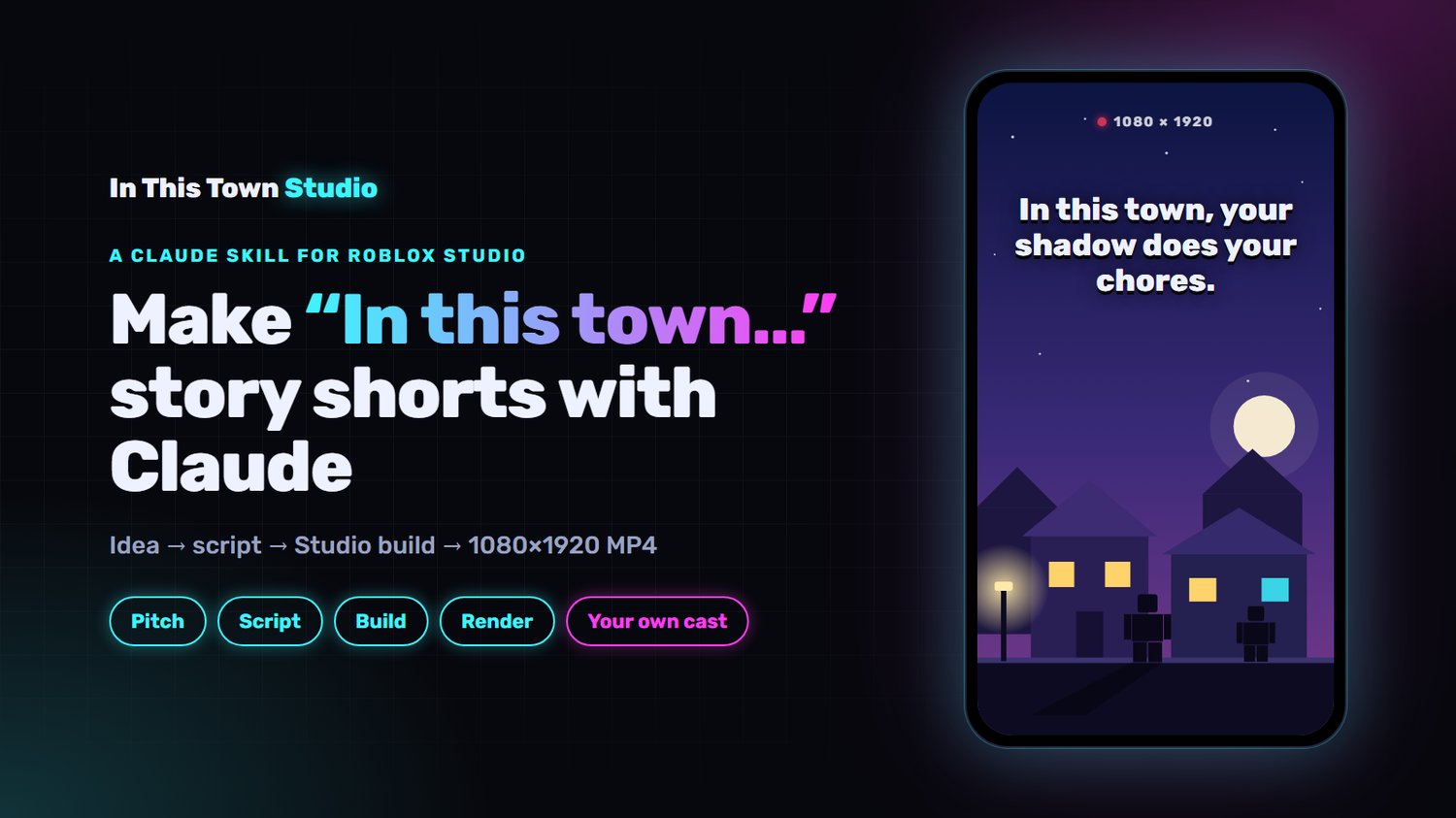
In This Town Studio: story shorts in Roblox Studio with Claude
Make "In this town..." story shorts without animating a single frame.
In This Town Studio is a Claude skill for Roblox Studio. Claude pitches the idea, writes the voiceover script, then builds, lights, animates and renders the whole short in Roblox Studio: a vertical 1080x1920 MP4 synced to your voice.
HOW IT WORKS
Pitch: five premises, each with its first two lines and its opening shot.
Script: a paste-ready voiceover script.
Voice: generate the voiceover (ElevenLabs works great) and send Claude the MP3.
Build: Claude times every word, builds the sets, plans one shot per phrase, and poses, animates and lights each shot.
Render: a 1080x1920 MP4 synced to your voice, ready for captions and music.
WHAT'S INCLUDED
The complete workflow, from idea to rendered MP4
Four finished videos to build from, with their sets, shots and story files
Locked lighting presets for interiors and exteriors
The story formula and the hook checklist
Render, timing and assembly scripts
A competitor scout that finds outlier shorts worth trying
A setup guide for the first run
WHAT YOU NEED
A Windows PC
Claude Code in the Claude desktop app (needs a paid Claude plan)
Roblox Studio with the Roblox Studio MCP connected
Node.js and ffmpeg
A voiceover for each video (ElevenLabs or your own)
YOUR OWN CAST
The skill ships without characters. On the first run, Claude helps you design yours before it builds anything.
GOOD TO KNOW
You get a clean MP4. Add captions, music and sound effects in your usual editor.
One-time purchase, sold as-is. Future updates aren't included. Digital download, all sales final: no refunds.
Not affiliated with or endorsed by Roblox Corporation or Anthropic.