

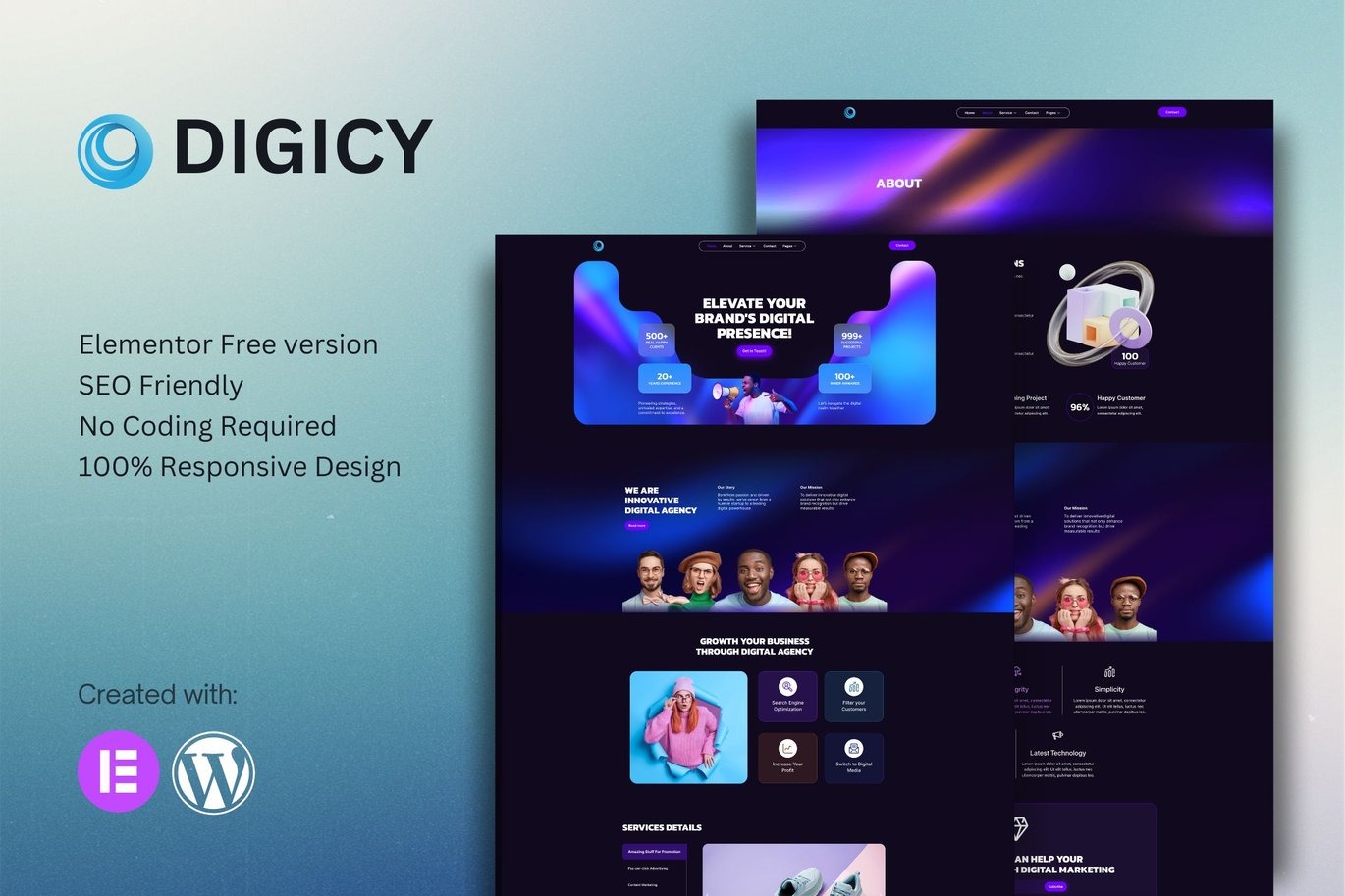
Digicy Digital Marketing Agency Elementor Template Kit
On Sale
$5.00
$5.00
Introducing Digicy, a collection of layouts for the Elementor page builder WordPress plugin, designed for use with the Elementor Free Version for a clean design. It works with most themes and is optimized for use with the free Hello Elementor theme.
Features:
- No Upgrades or Pro Plugin Required: True no coding required.
- Global Theme Style: Consistent styling across your site.
- 12 Import Templates Ready for Use:
- Home 1
- About
- Service
- Service Details
- 404
- Contact
- Coming Soon
- News
- Team
- FAQ
- Global Style Kit
- Block | Header
- Block | Footer
Required Plugins:
- Elementor
- Elements Kit Lite
- MetForm
How to Install:
- Install and Activate the Digital Products Bazar Plugin:
- Go to Plugins > Add New in WordPress.
- Install and activate the "Digital Products Bazar" plugin.
- Download your kit file and do not unzip it. If you use Safari, ensure "Open safe files after downloading" is disabled in the browser preferences.
- Go to Elements > Installed Kits and click the Upload Template Kit button.
- Before importing a template, ensure the Install Requirements button is clicked to activate required plugins.
- For best results, do not import more than one template at a time.
How to Import Metforms:
- Import Metform Template:
- Import the Metform template.
- Import the template where the form appears, then click View Template to load in the builder.
- Right-click the page to open Metform widgets.
- Click New, leave blank selected, then click Edit Form button.
- Click the ‘Add Template’ gray folder icon.
- Click the ‘My Templates’ tab.
- Choose your imported Metform template, then click ‘Insert’.
- Once the template is loaded, click ‘Update’.
Setup Global Header and Footer in Elements Kit:
- Import the Header and Footer Template:
- Go to ElementsKit > Header Footer and select Header, then click Add New.
- Give it a title, leave Entire Site selected, and toggle Activation to On.
- Click the template title and Edit Content.
- Click the gray folder icon and select the header template to import and Update.
- Repeat for Footer.