
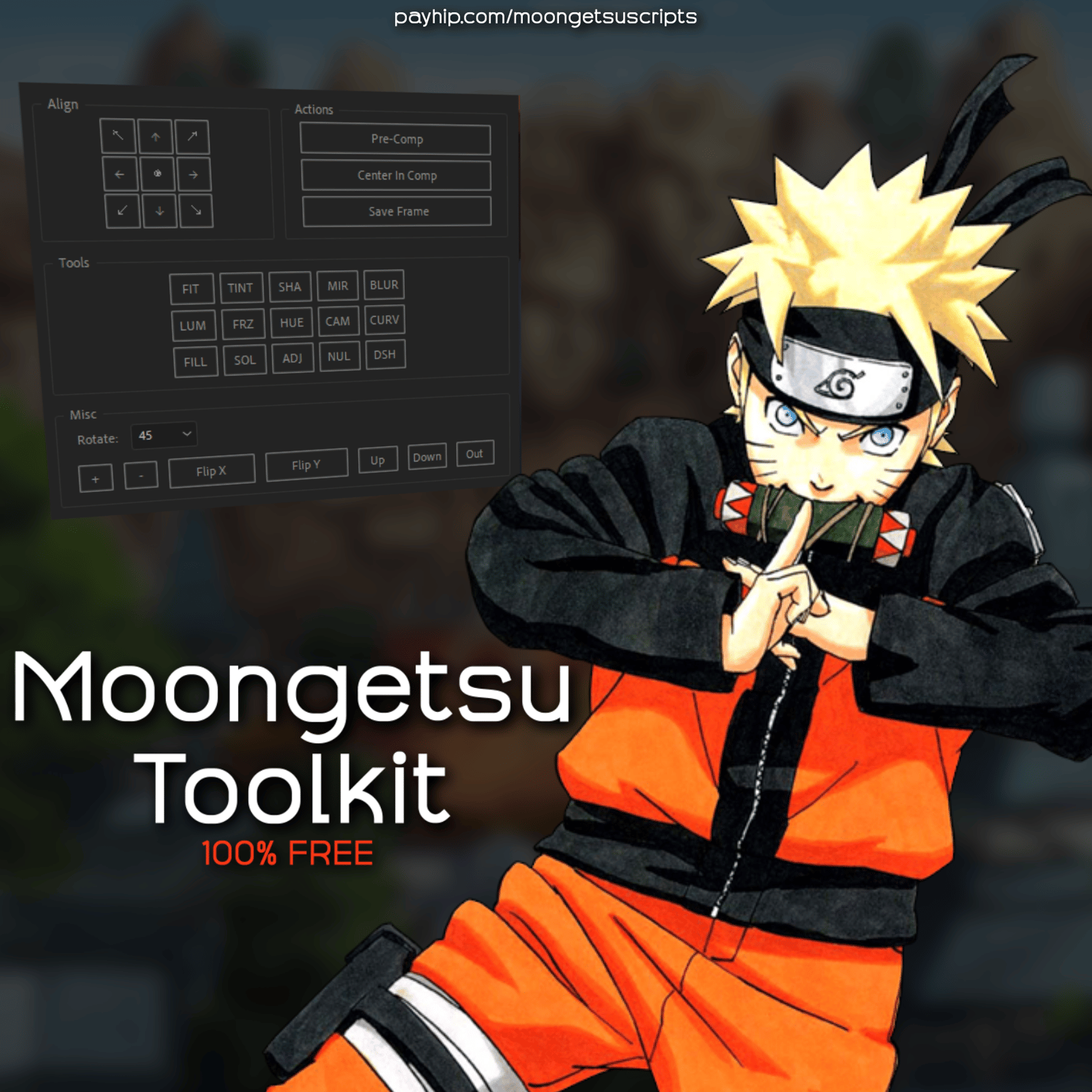
Moongetsu ToolKit
Moongetsu Toolkit is a ScriptUI panel for After Effects. It contains tools for layer manipulation, pre-composition, and adding effects.
Included:
- 9-point alignment grid to position layers.
- Pre-composition with timing and trimming options.
- Separate pre-composition for multiple selected layers.
- Null creation with parenting.
- Add effects with preset values.
- Tools for freeze frame, flip, rotate, and layer order.
- Create solids, adjustment layers, nulls, and cameras.
- New layers match the timing of selected layers.
- Undo support for all actions.
Compatibility:
- After Effects CC 2014 or newer.
- No plugins required.
Installation:
1. Download the "Moongetsu_Toolkit.jsx" file.
2. Paste it into the "ScriptUI Panels" folder:
- Windows: C:\Program Files\Adobe\Adobe After Effects [Version]\Support Files\Scripts\ScriptUI Panels
- macOS: /Applications/Adobe After Effects [Version]/Scripts/ScriptUI Panels
3. In After Effects, go to Preferences > Scripting & Expressions and check "Allow Scripts to Write Files and Access Network".
4. Restart After Effects and find the panel under the "Window" menu.