


Architectural Pattern Generator
Architectural Pattern Generator
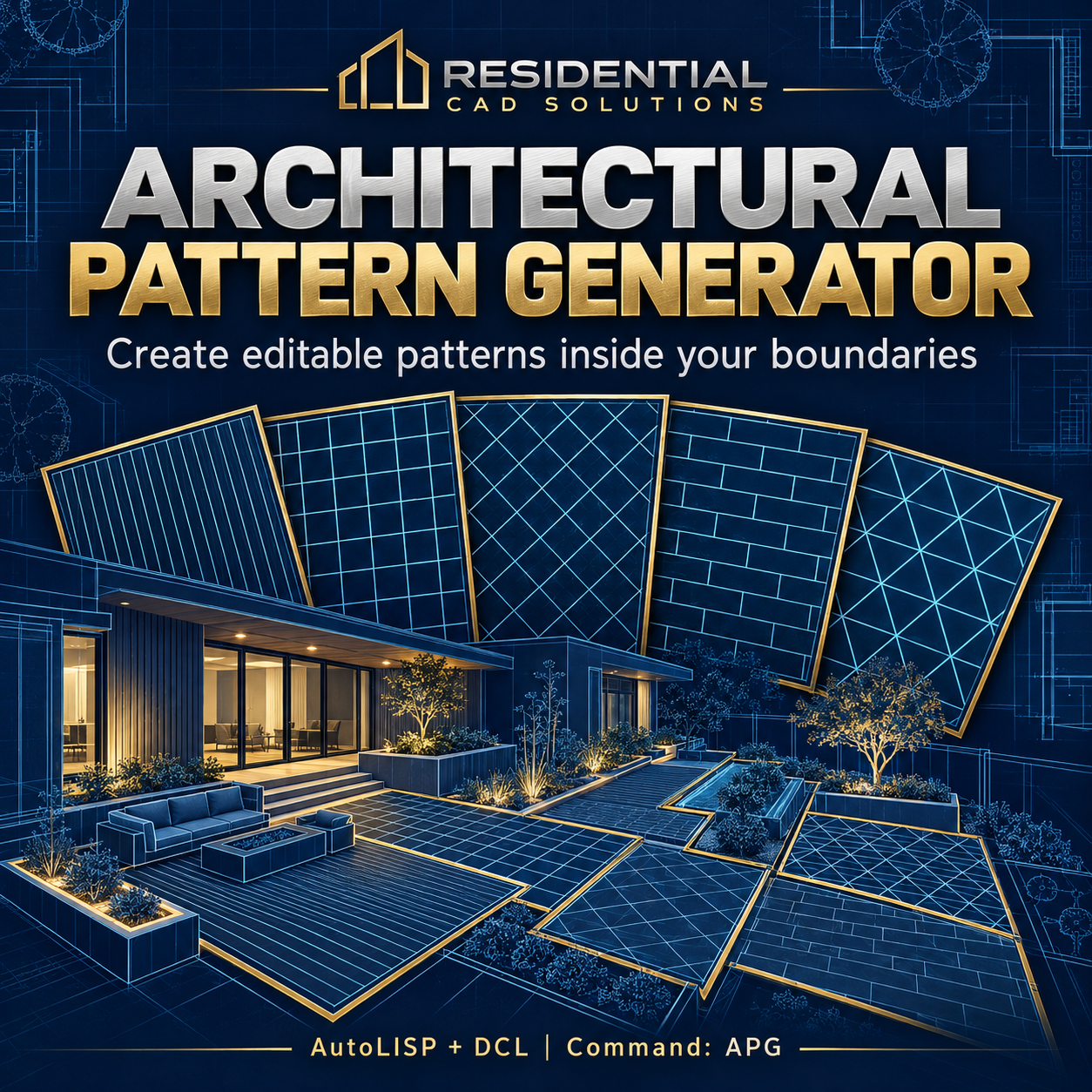
Create editable architectural patterns inside your drawing boundaries.
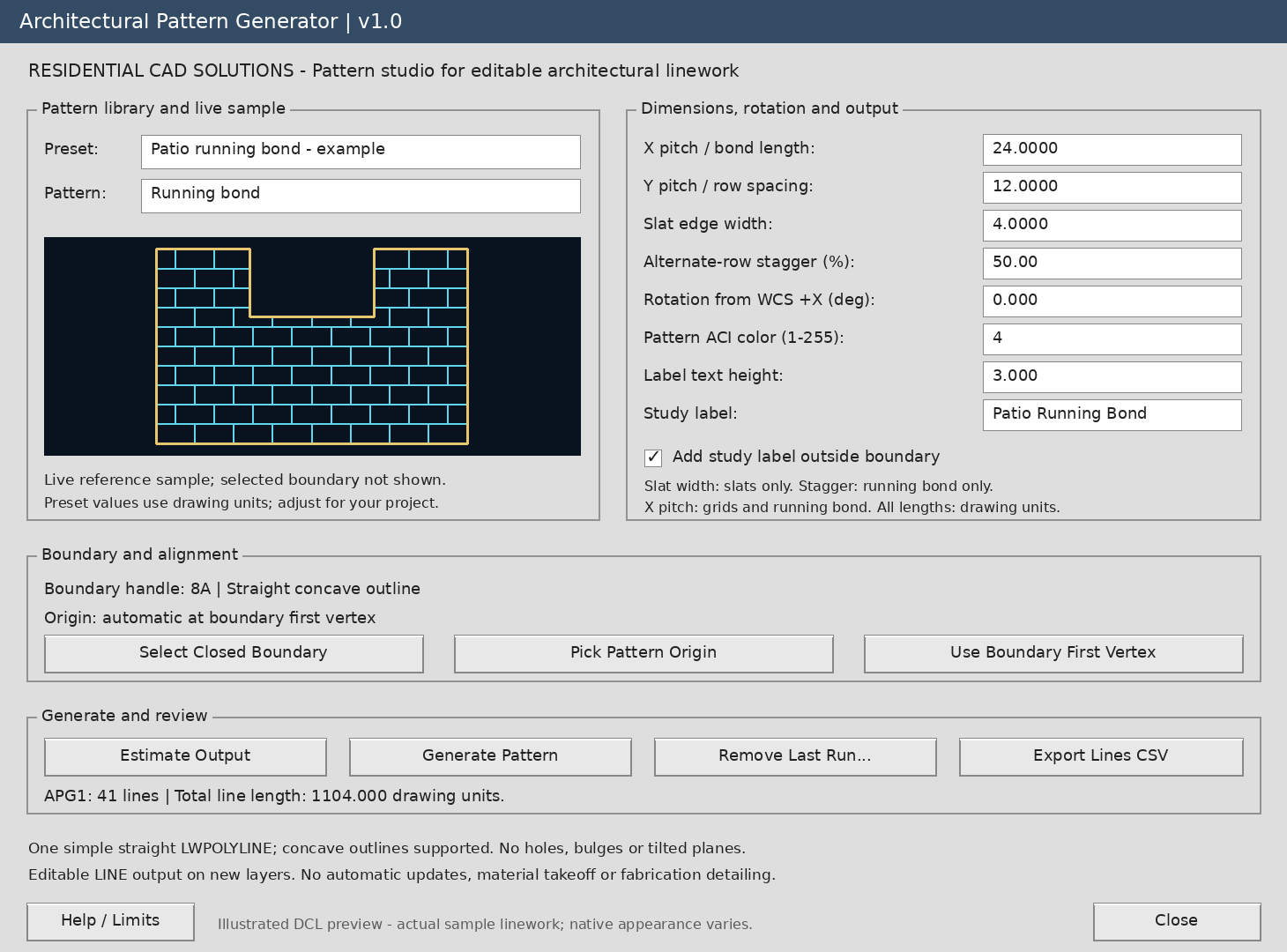
Architectural Pattern Generator brings six linework patterns into AutoCAD through a visual DCL workspace with a live reference sample, example presets, and adjustable dimensions.
Use it to explore decorative screens, paving joints, ceiling grids, panel layouts, and other architectural pattern studies.
Six pattern modes:
- Parallel lines
- Slat edges
- Rectangular grid
- 45-degree grid
- Running bond
- Triangular lattice
Features include:
- Live pattern sample: See a reference swatch update as you adjust pattern settings.
- One-click example presets: Start with screen slats, patio running bond, ceiling grid, or decorative lattice.
- Adjustable dimensions: Control spacing, slat width, stagger, rotation, and output color.
- Boundary clipping: Fit linework inside one closed, straight-edged lightweight polyline, including simple concave outlines.
- Pattern alignment: Pick a custom origin or align from the boundary’s first vertex.
- Output estimates: Calculate clipped line count, total linework length, and boundary area before generating.
- Editable CAD output: Create separate LINE entities on new layers for each run.
- Last-run removal: Remove tracked output with confirmation and protection for locked-layer entities.
- CSV export: Export the last generated run’s line coordinates and lengths.
Your download includes:
Editable LISP and DCL files, installation instructions, sample boundary drawings, a six-pattern DXF and PNG gallery, a testing checklist, and a matching gray dialog preview.
Main command: APG
Help command: APGHELP
Designed for Windows AutoCAD with AutoLISP, Visual LISP/ActiveX, and DCL support, targeting AutoCAD 2002 and later. AutoCAD runtime compatibility has not yet been verified.
Please note: The live swatch shows a reference outline, not your selected boundary. Presets use drawing units and need adjustment for your project. Open, curved, self-crossing, holed, and tilted boundaries are excluded. Output is 2D linework without automatic updates, solids, grout widths, or fabrication detailing. Reported lengths describe drawn lines, not material quantities.
Explore your pattern, refine the settings, and generate linework you can edit.