
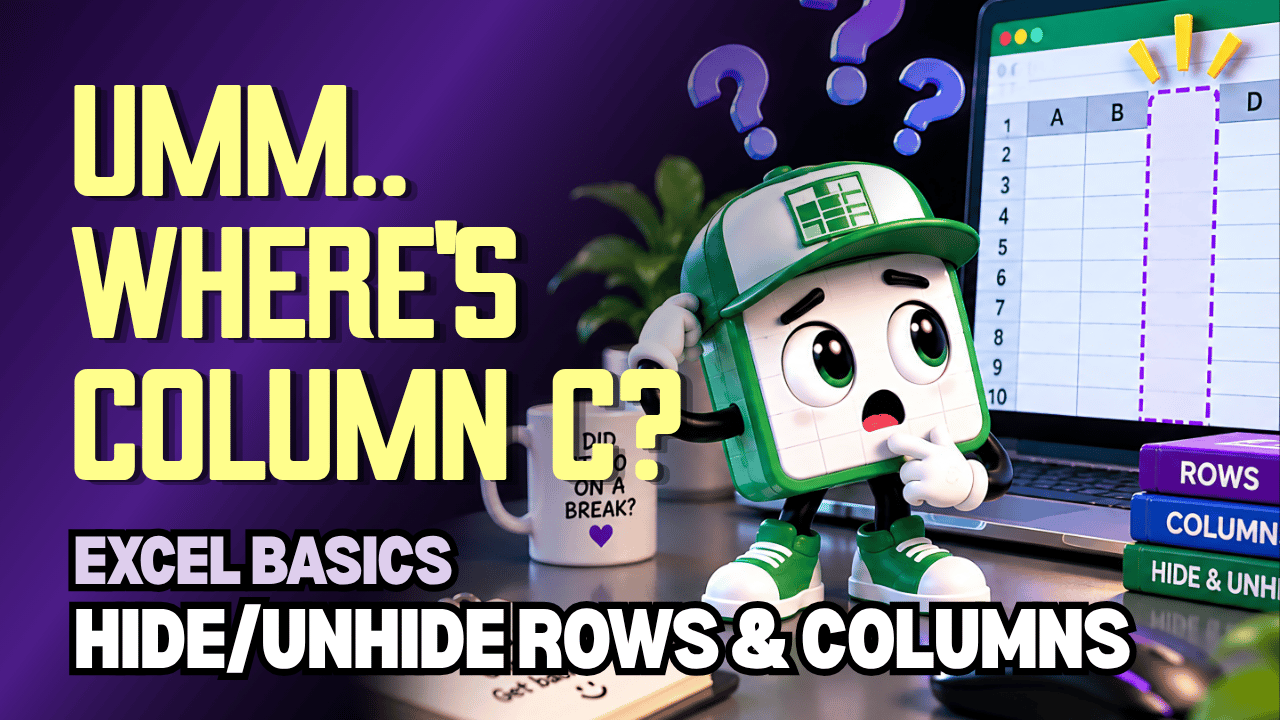
Excel Hide & Unhide Rows and Columns Practice Workbook | Beginner Practice
Learn how to hide and unhide rows and columns in Microsoft Excel with this beginner-friendly practice workbook from Easy Mode Excel Tutorials!
Want to temporarily get some information out of the way without deleting it? Excel lets you hide rows and columns to make your worksheet easier to view, then bring them back whenever you need them!
This hands-on workbook accompanies our free Excel Hide & Unhide Rows and Columns video lesson, giving you the opportunity to practice organizing your worksheets with confidence.
What You'll Practice
✓ Hide individual rows in an Excel worksheet
✓ Hide individual columns without deleting their information
✓ Hide multiple rows and columns at once
✓ Unhide rows to bring hidden information back into view
✓ Unhide columns to display information again
✓ Understand the difference between hiding and deleting spreadsheet data
What's Included
✓ One downloadable Excel practice workbook (.xlsx)
✓ Beginner-friendly exercises to reinforce the lesson
✓ A workbook you can open and edit in Microsoft Excel
✓ Hands-on practice you can complete at your own pace
Perfect for Excel beginners! Learn how to temporarily hide information and keep your worksheets looking organized without losing important data.
Price: $2.49 USD — one-time purchase.
After purchasing, you'll be able to download your Excel practice workbook and start practicing right away.
This purchase includes the practice workbook only. Microsoft Excel is not included.
Watch the FREE Video Lesson
🎥 Excel Hide & Unhide Rows and Columns:
More FREE Learning
Continue learning with our free Excel Hide & Unhide Worksheets lesson to discover how to hide entire worksheet tabs and bring them back whenever you need them.