

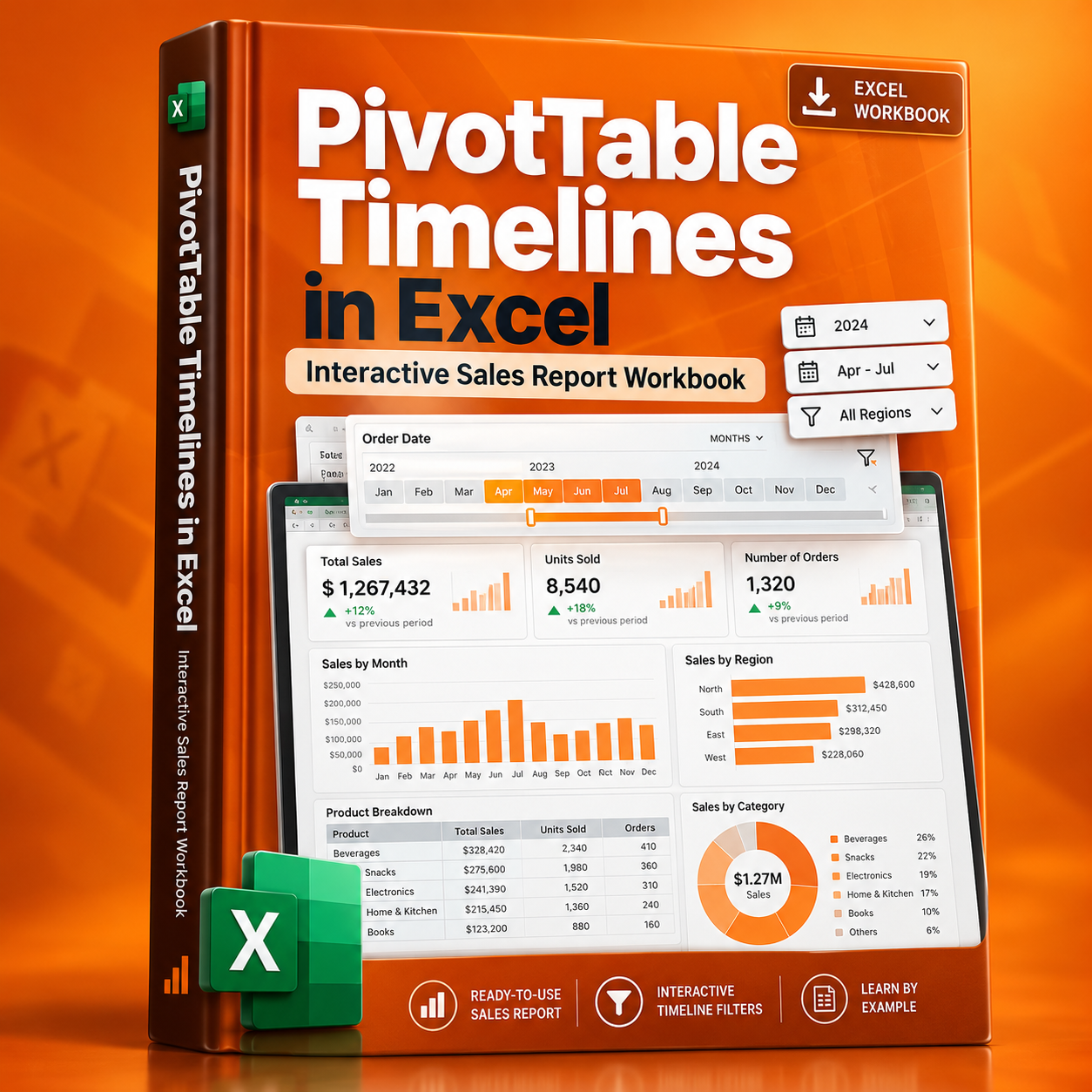
Excel PivotTable Timelines — Interactive Sales Report & Practice Workbook
Build Interactive Excel Reports with PivotTable Timelines
Learn how to visually filter sales data by month, quarter, and year using Excel PivotTable Timelines — and work with a reusable business reporting workbook.
This practical Excel file combines realistic sales data, a fully functional formula-based executive report, prepared PivotTable workspaces, and guided exercises.
What's Included
- 495 realistic sales orders covering multiple years
- Expandable Excel Table named SalesData
- Dedicated workspace for two connected PivotTables
- Interactive Timeline setup workflow
- Working executive reporting dashboard
- Revenue, gross profit, margin, order count, and units KPIs
- Monthly, regional, and sales-channel performance summaries
- Editable date, region, channel, and order-status filters
- Three reporting workflow blueprints
- Eight practical exercises and answer checkpoints
What You'll Learn
- Create PivotTables using structured sales data
- Insert an Excel Timeline for date filtering
- Switch between months, quarters, and years
- Connect one Timeline to multiple PivotTables
- Refresh reports when new sales records are added
- Build repeatable monthly and quarterly reporting workflows
More Than a Practice File
The workbook also includes a ready-to-use executive sales report.
Change the reporting dates, select a region or sales channel, and review updated business KPIs without rebuilding the formulas.
The included reporting template can be adapted to sales operations, retail analysis, commercial reporting, and management reviews.
Expandable Sales Data — No Fixed Sample Row Limit
The sample dataset is stored in an Excel Table rather than a fixed block of cells.
You can add new records as your dataset grows. Calculated columns and structured reporting references are designed to support the expanded table.
After adding data, use Excel's Refresh All command to update your PivotTables.
Performance ultimately depends on the dataset size and available system resources.
Important: Native Timeline Setup
The workbook contains a prepared PivotTable workspace, sample data, exercises, and a functioning formula-based business report.
Native PivotTables and Timelines are not preconfigured. You'll create them using Excel's built-in PivotTable and Insert Timeline commands.
The executive report works independently and does not require a Timeline to function.
Compatibility
Recommended: Microsoft Excel desktop for Windows, including Excel 2016, 2019, 2021, and Microsoft 365.
Timeline creation and availability may differ across platforms and Excel versions.
Format: Editable .xlsx
No VBA · One-Time Purchase · Instant Digital Download