
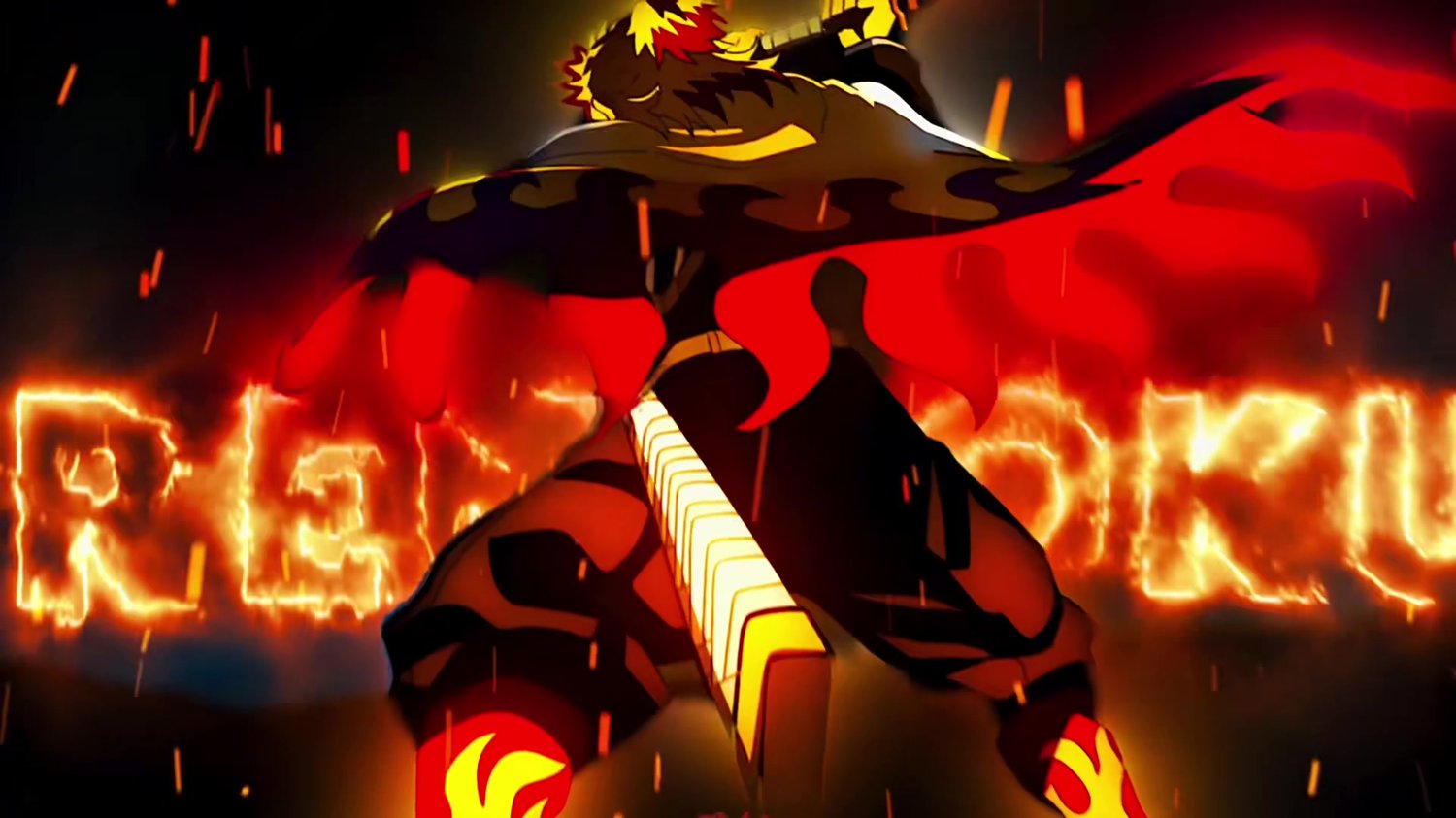
Demon Slayer | Best Hashira | After Effects project file
Learn how I made my Demon Slayer / Best Hashira edit in After Effects. Explore the compositions, layers, effects and keyframes to see how I edit.
Every purchase supports my work and helps you learn how I edit.
Included
Editable .aep project, source clips, audio, overlays, a finished reference video and setup instructions. PNG sequences have been converted to high-quality H.264 clips with their original frame counts and frame rates.
Requirements
Adobe After Effects 2021 or newer. Third-party plugins and fonts are required and are not included.
Effects used
BCC Cross Glitch OBSOLETE, BCC Ripple, BCC+Key Light, Magic Bullet Looks, Deep Glow, S_DissolveShake, S_DropShadow, S_EdgeDetect, S_Flicker, S_Invert, S_Shake, S_WarpChroma, S_WipeClouds, Twixtor Pro, uni.Finisher, Element, Saber, Optical Flares, VC Color Vibrance, Twitch, Trapcode Particular, Shine
Fonts used
LEMONMILK-Bold.
Download size: about 1.45 GB across 1 ZIP file.
Extract every ZIP for this product into the same folder. Keep the Media folder beside Project.aep. Open the main composition listed in START HERE.txt and use its work area for the finished edit.
Questions or trouble opening the project? Email justlighttbusiness@gmail.com.