



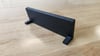
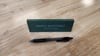
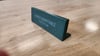
Parametric Desk Nameplate - Fusion360 Source File
PARAMETRIC DESK NAMEPLATE - FUSION360 SOURCE FILE
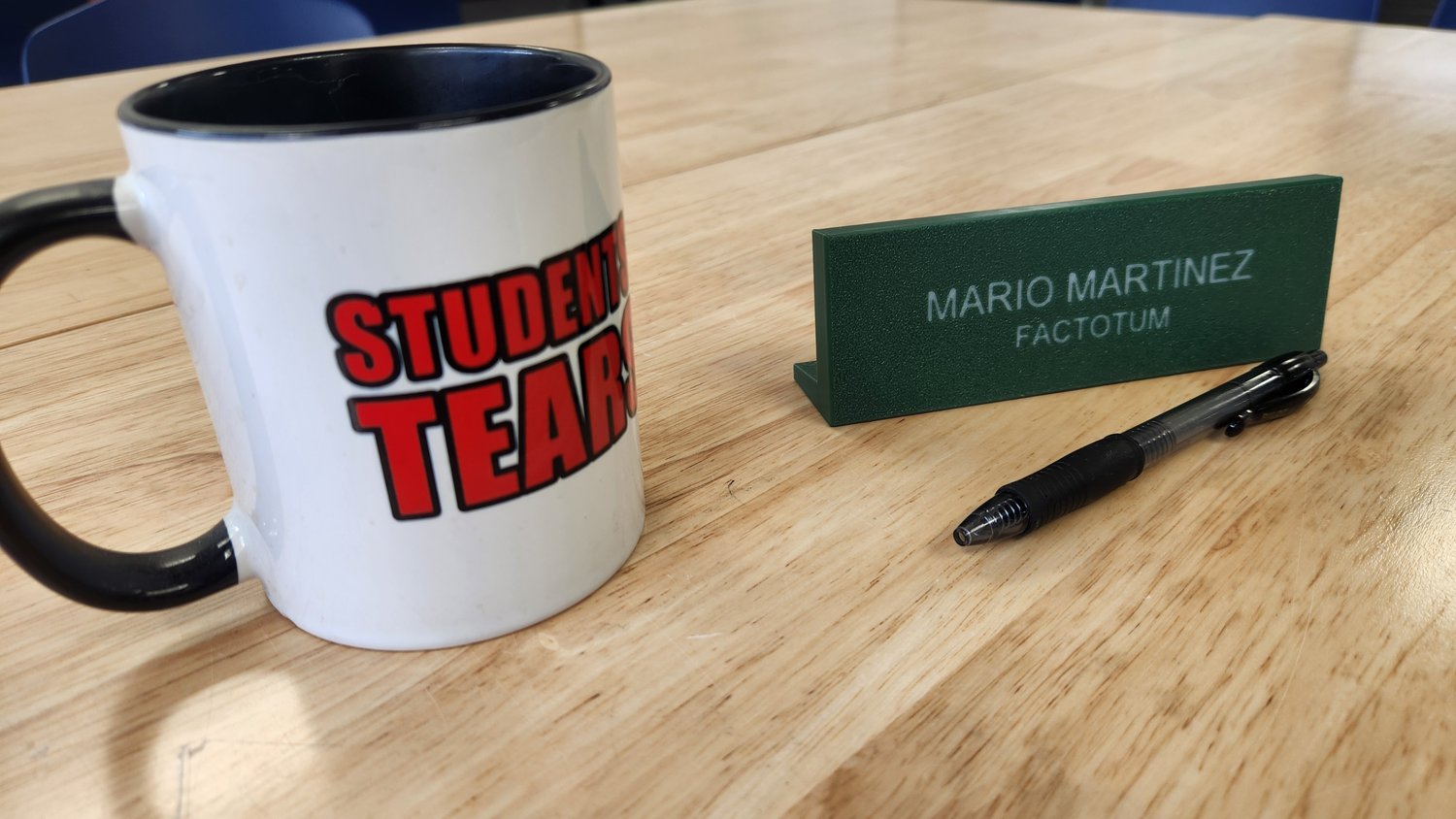
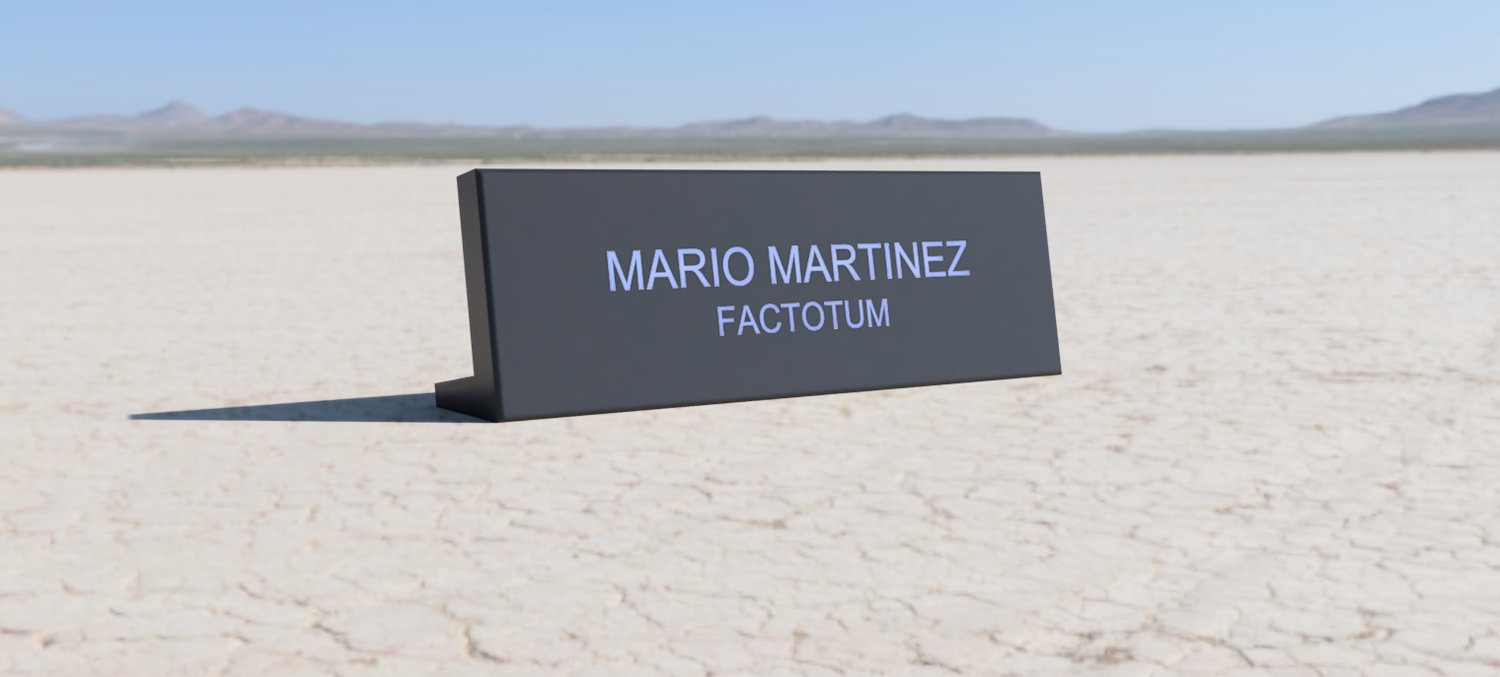
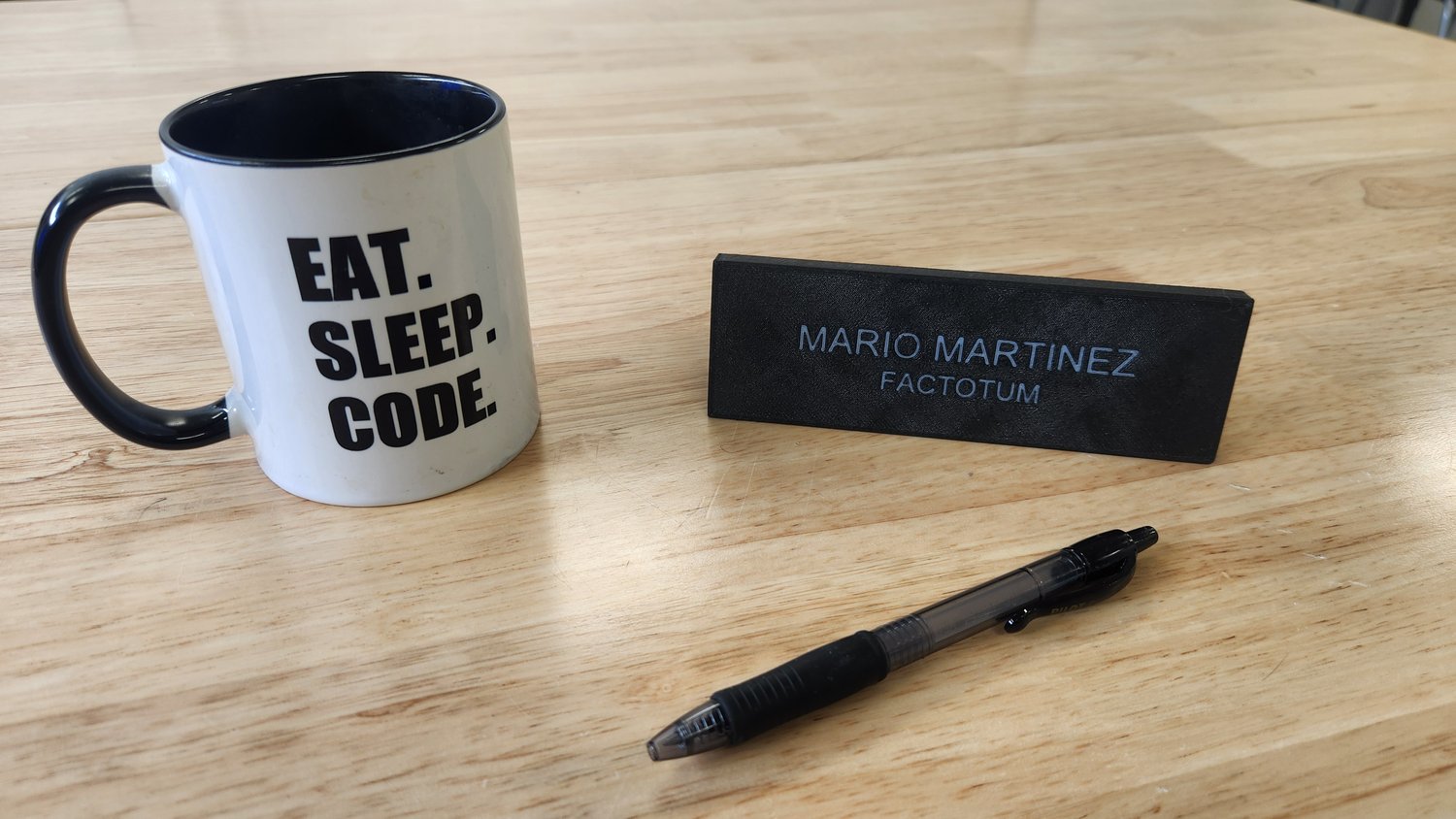
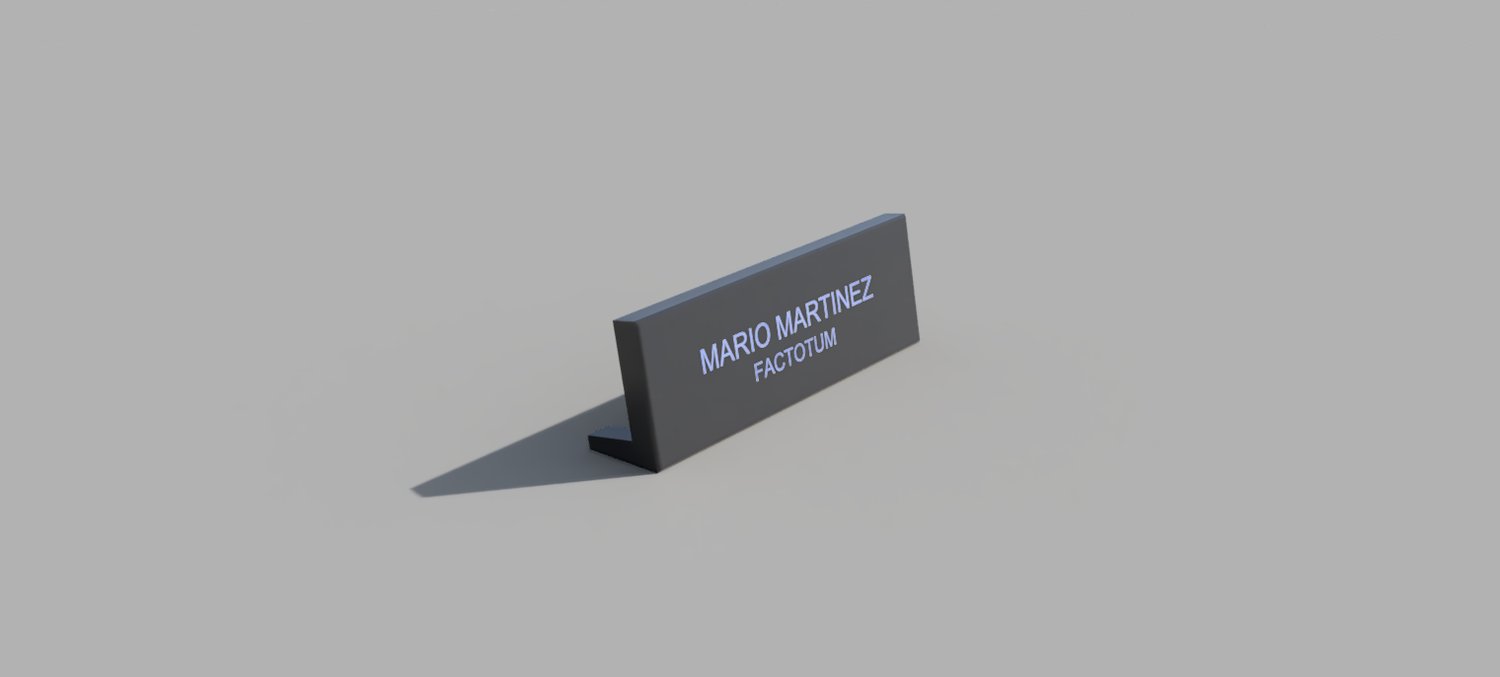
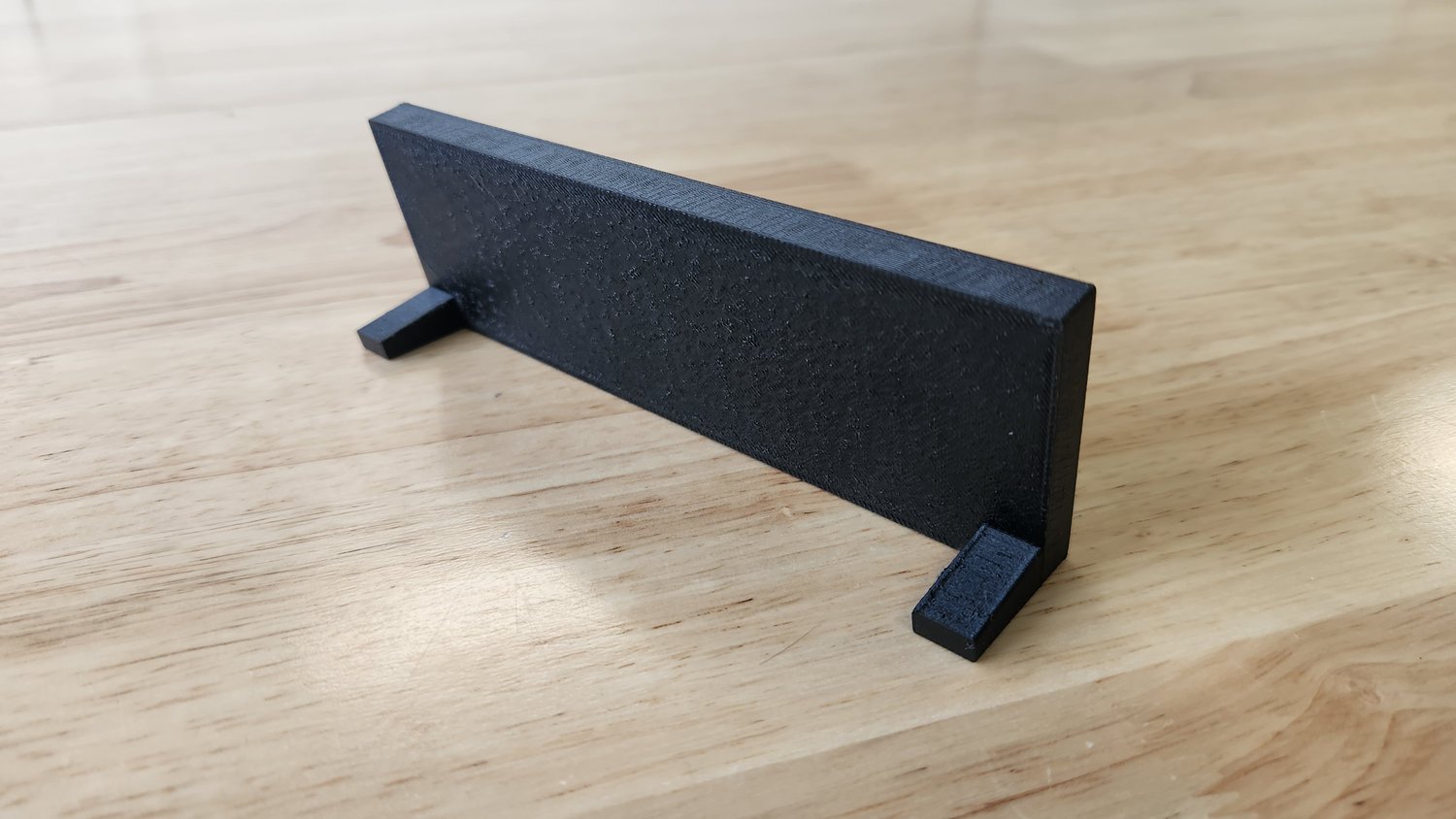
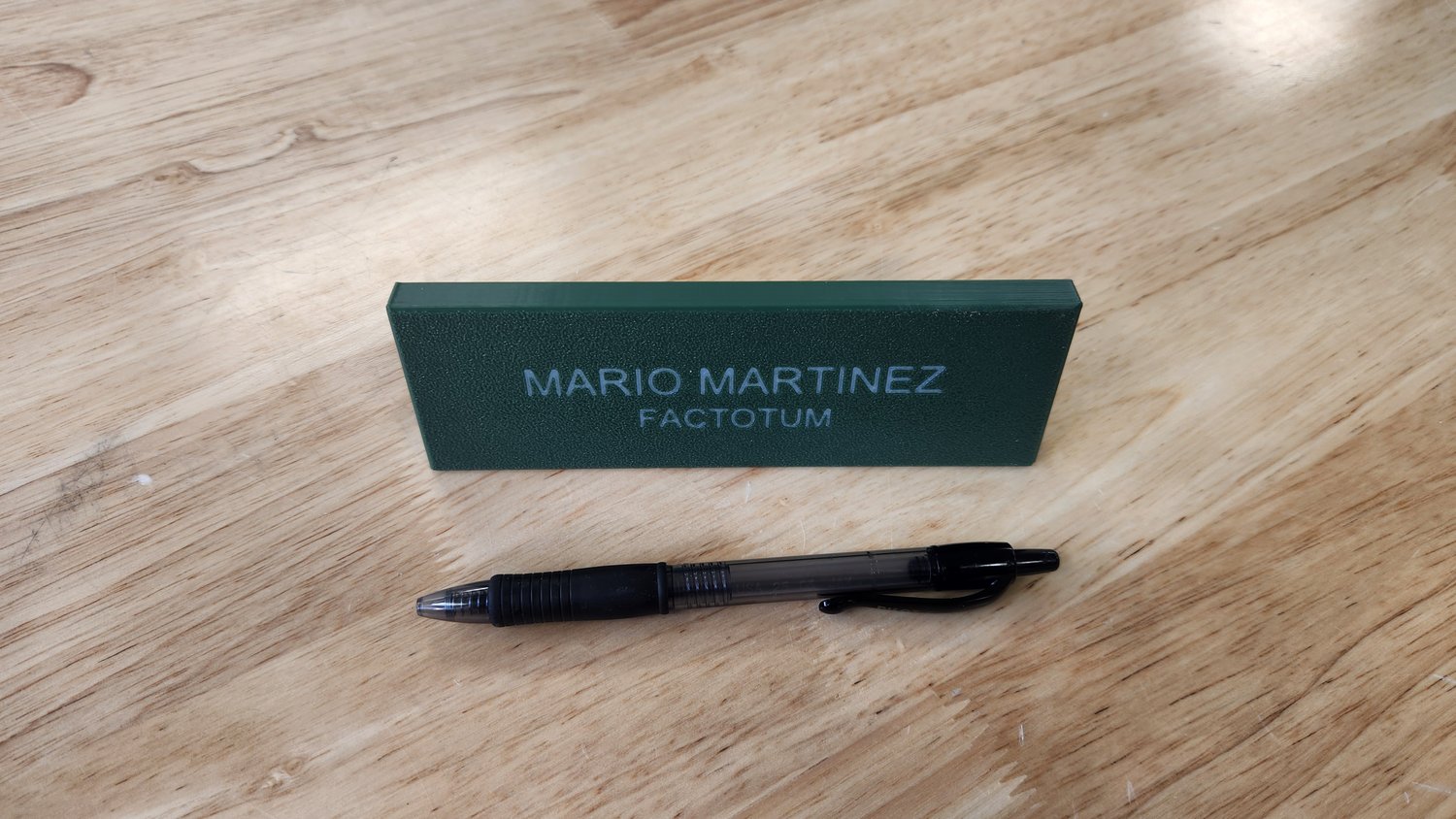
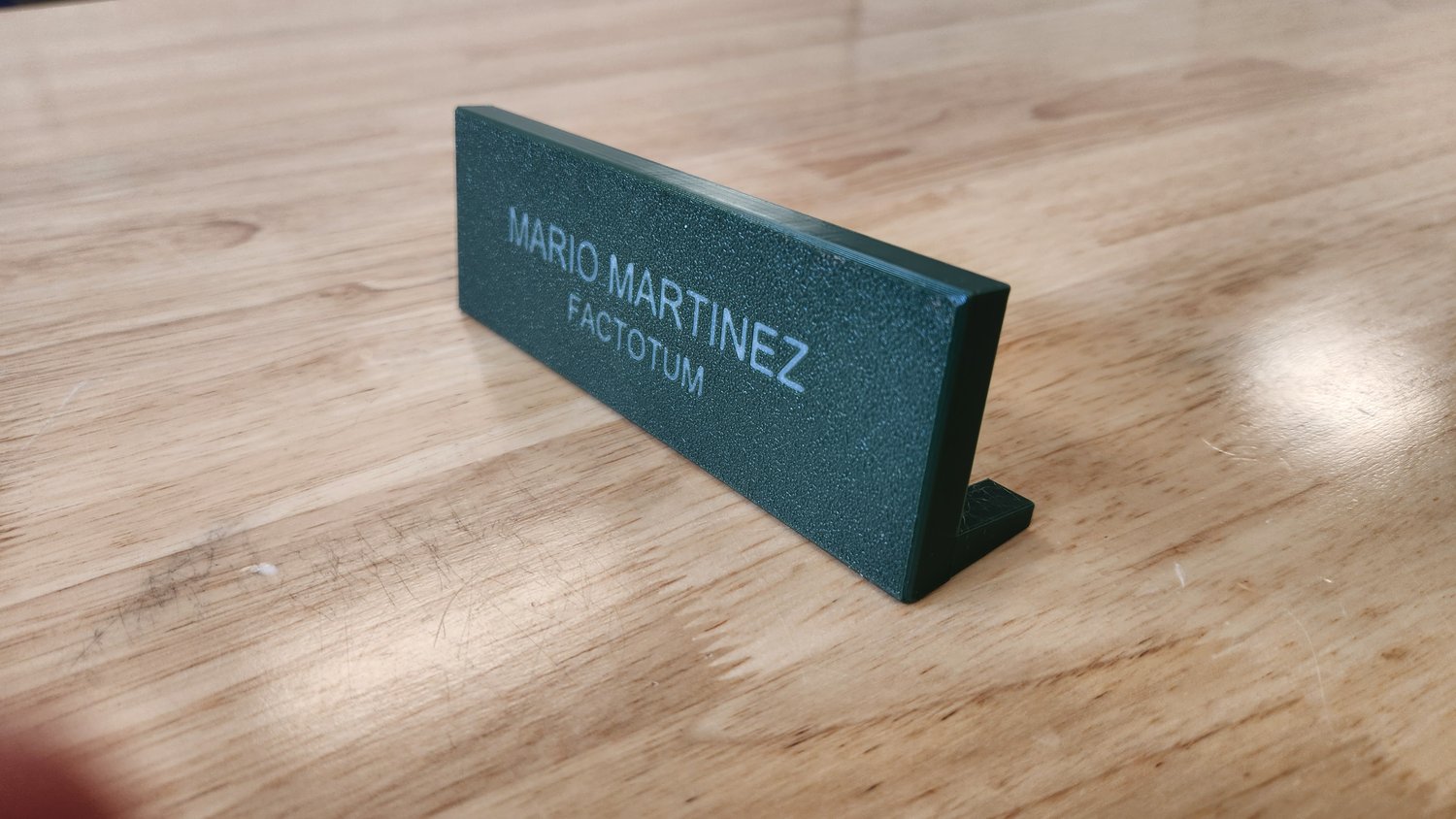
Fully customizable Fusion360 file for DIY makers who want complete design control. Change text, dimensions, colors, and more through easy-to-use parameters.
━━━━━━━━━━━━━━━━━━━━━
WHAT YOU GET
━━━━━━━━━━━━━━━━━━━━━
- Complete Fusion360 (.f3d) source file
- Fully parametric design
- Customization instructions included
- Export unlimited STL variations
- Commercial license available separately
━━━━━━━━━━━━━━━━━━━━━
PERFECT FOR
━━━━━━━━━━━━━━━━━━━━━
- Makers who use Fusion360
- Creating multiple nameplates
- Learning parametric design
- Teaching 3D modeling
- Customizing beyond text
━━━━━━━━━━━━━━━━━━━━━
HOW IT WORKS
━━━━━━━━━━━━━━━━━━━━━
1. Purchase and download the .f3d file
2. Open in Fusion360 (free for hobbyists)
3. Click "Modify" → "Change Parameters"
4. Edit text, dimensions, or any feature
5. Export to STL and print unlimited variations
━━━━━━━━━━━━━━━━━━━━━
CUSTOMIZABLE PARAMETERS
━━━━━━━━━━━━━━━━━━━━━
- Text (2 lines, any length that fits)
- Plate length, width, height
- Text size and depth
- Leg height and angle
- Chamfer size
- And more!
━━━━━━━━━━━━━━━━━━━━━
SPECIFICATIONS
━━━━━━━━━━━━━━━━━━━━━
- File format: .f3d (Fusion360 native)
- Default size: 150mm × 50mm × 10mm
- Includes parametric bodies for two-color printing
- Print time: ~1-2 hours at default size
- No supports needed
━━━━━━━━━━━━━━━━━━━━━
PRINT RECOMMENDATIONS
━━━━━━━━━━━━━━━━━━━━━
Material: PETG or PLA
Layer height: 0.2mm
Infill: 20-40%
Top layers: 6+
Two-color printing: Separate bodies included
━━━━━━━━━━━━━━━━━━━━━
FUSION360 REQUIRED
━━━━━━━━━━━━━━━━━━━━━
This file requires Autodesk Fusion360 (free for personal use).
Download at: autodesk.com/fusion360
━━━━━━━━━━━━━━━━━━━━━
LICENSE
━━━━━━━━━━━━━━━━━━━━━
Personal use only. Commercial license available separately.
All sales final once downloaded.
Designed by MakerMindStudio - Professional parametric designs for makers and educators.
Bilingual support (English/Spanish) - ku5e@ku5e.com