






Phone Vault — Private, Offline Phone Backup Viewer
Works on Intel and Apple Silicon Macs (needs Python 3 from python.org).
Phone Vault is a private, offline viewer for your phone backups. It runs only on your own computer, in your web browser, and never uses the internet. Nothing is uploaded. The app listens on 127.0.0.1 only, so other devices on your network cannot reach it.
Open a local backup and you can:
WhatsApp and WhatsApp Business chats — bubbles, search, photos, videos, voice notes, documents, and media downloads. Works with iPhone backups (including encrypted backups) and with Android backups (crypt12, crypt14, and crypt15, when you have the backup key).
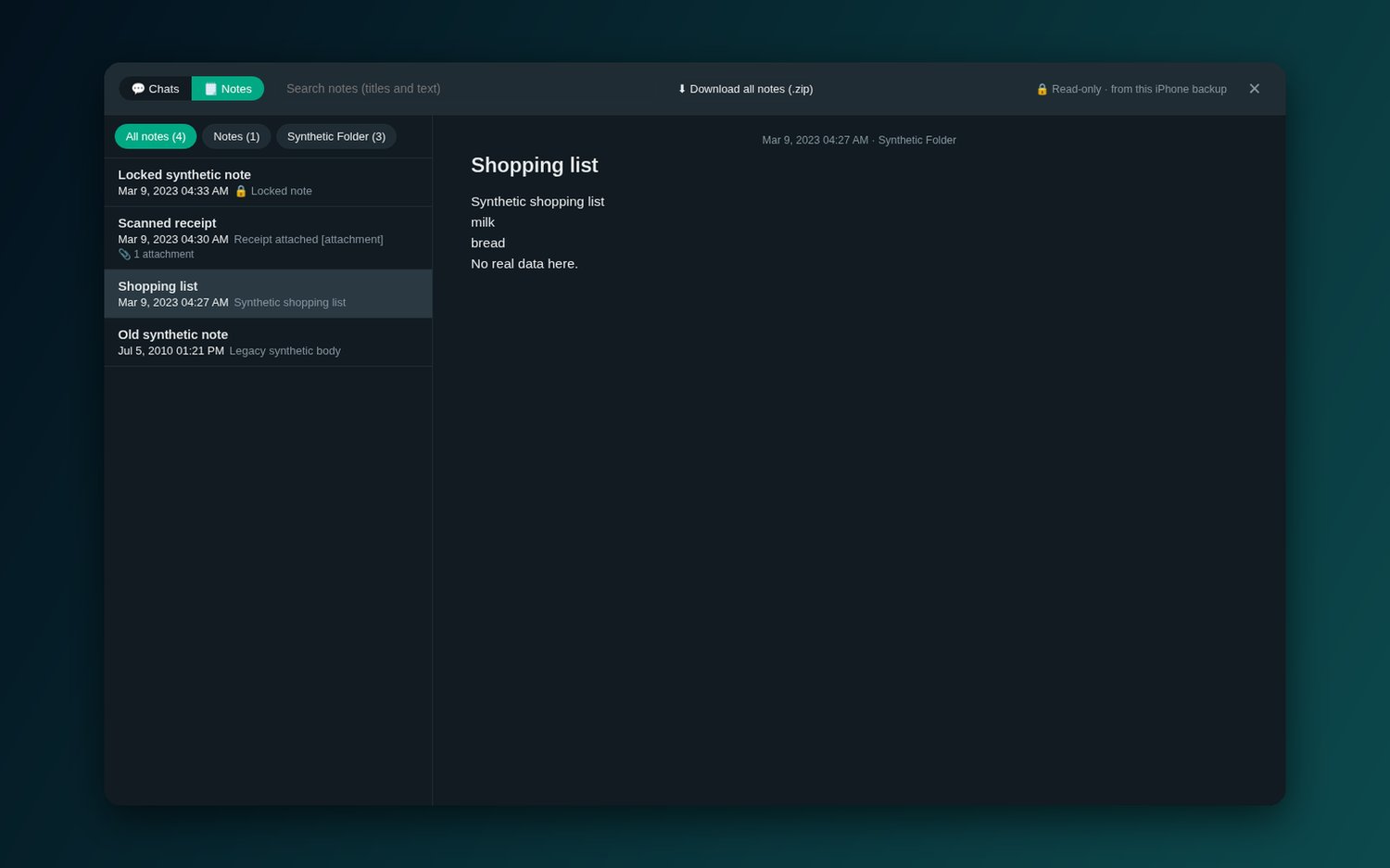
Apple Notes — browse notes from an iPhone backup and export them, including attachments.
Voicemails and Voice Memos from an iPhone backup.
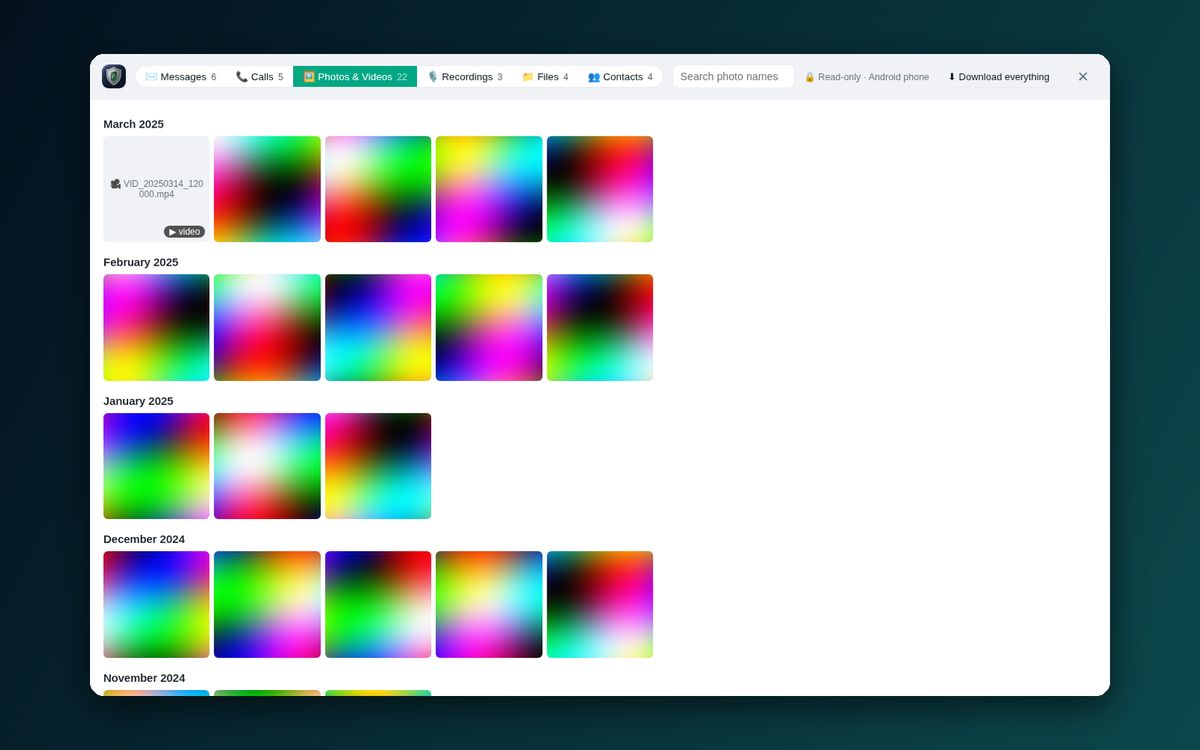
Photos and videos from the iPhone Camera Roll.
Files from the Files app (“On My iPhone”).
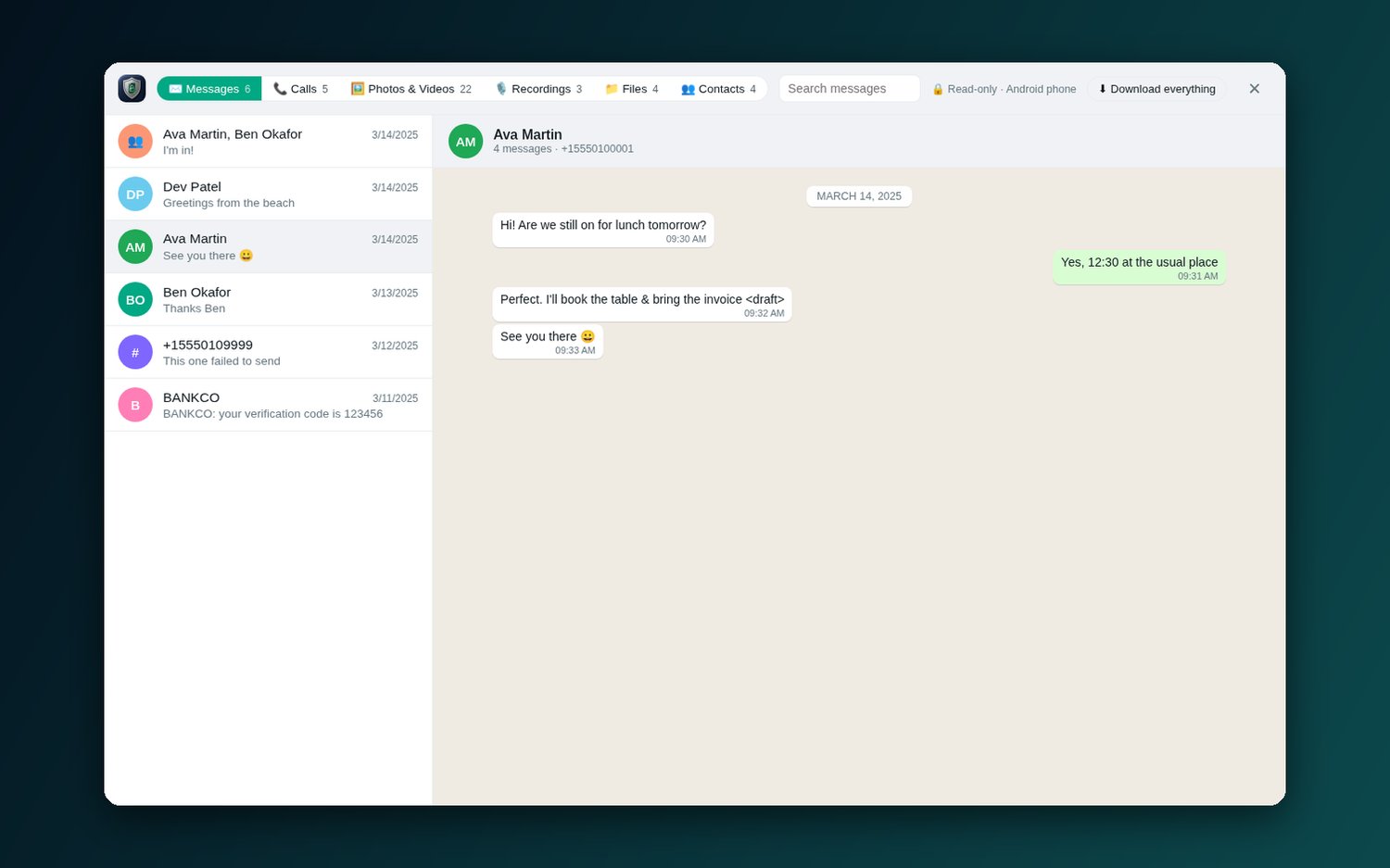
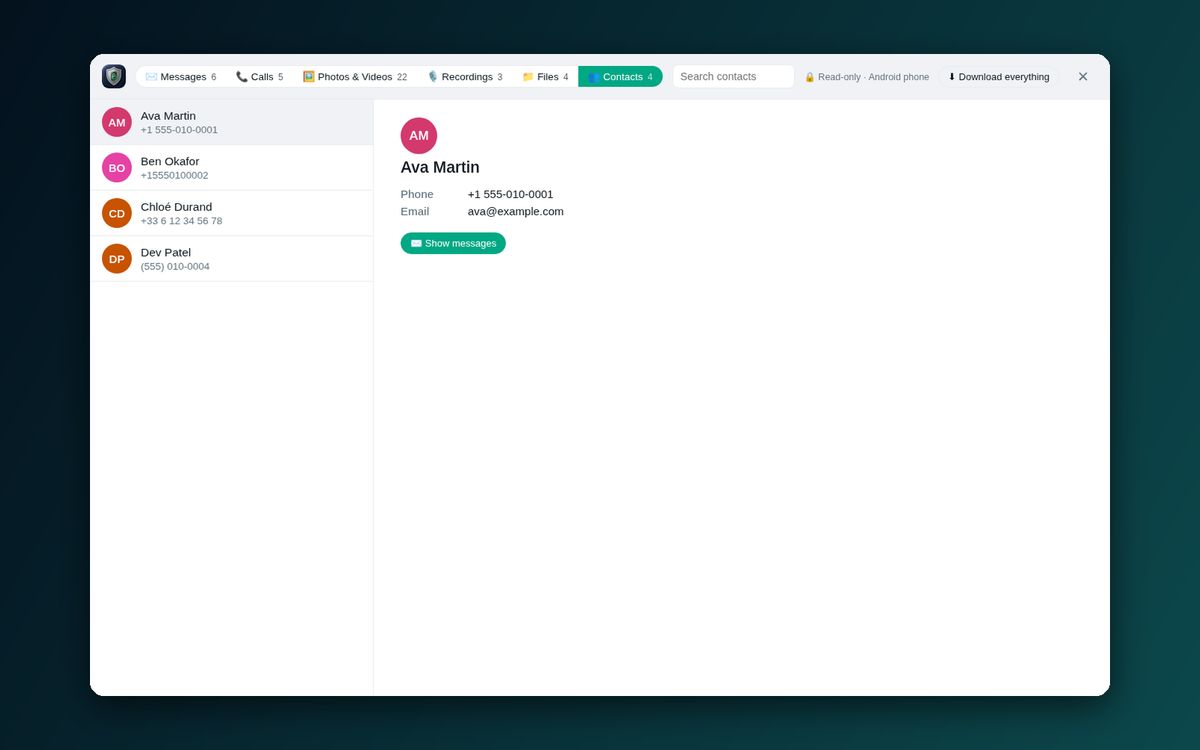
Android phones — photos, videos, voice recordings and files copied off the phone by USB; texts (SMS and MMS) and call logs from SMS Backup & Restore (by SyncTech); contacts from a .vcf export.
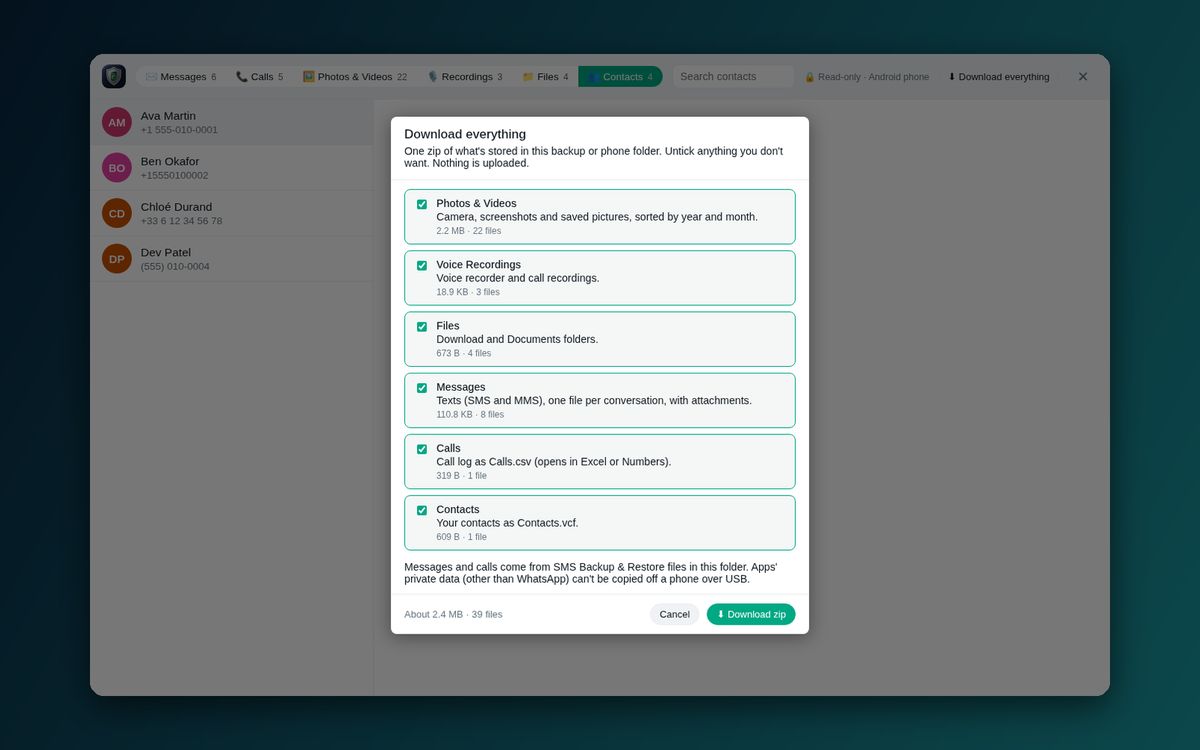
Download everything — one zip of what’s stored in the backup (you can untick anything you don’t want). Nothing is uploaded.
It is read-only: your backup is never changed. Message texts, names, and file names are always shown as plain text, never as web code.
The program is written in Python and uses the standard library only. No extra packages, no accounts, no cloud.
What’s in the download
A ready-to-run package for Mac, Windows, and Linux, plus the source:
Mac: a double-click app (Intel and Apple Silicon).
Windows: a double-click .bat launcher (install Python from python.org and tick “Add to PATH”).
Linux: a shell script and a desktop file.
A short README with setup steps.
The Python source, if you prefer to run it yourself.
Buying the $9.99 package supports development and gives you this ready-to-run build. Phone Vault is also open source (MIT licence) at https://github.com/zenv99/phone-vault, so you can inspect or build it yourself for free.
System requirements
macOS 13 Ventura or later (Intel or Apple Silicon), Windows, or Linux.
Python 3.9 or newer for ordinary (unencrypted) backups. On a Mac this is often already there, or you can install Apple’s Command Line Tools when prompted. On Windows, install Python from python.org and tick “Add python.exe to PATH”.
Python 3.11 or newer is required for encrypted iPhone backups. The Python that comes with some older Macs is too old for that. Install Python 3.11+ from https://www.python.org/downloads/ (Python Software Foundation). Unencrypted backups still work on 3.9.
A backup already on this computer: a Finder or iTunes iPhone backup, or a WhatsApp folder copied from an iPhone or Android phone. Phone Vault works out which kind you picked.
A web browser on the same computer (Brave if you have it, otherwise your usual browser). No internet connection is used.
On a Mac, if the system blocks access to the backup folder, add Phone Vault in System Settings → Privacy & Security → Full Disk Access, then quit and open the app again.
Trademark
Phone Vault is an independent, unofficial tool. It is not affiliated with, endorsed by, or sponsored by WhatsApp, Meta, Apple, or Google. WhatsApp is a trademark of WhatsApp LLC. iPhone, iTunes, Finder, macOS, and Apple Notes are trademarks of Apple Inc. All other trademarks belong to their owners.