

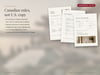
Pre Construction Buyer Guide Canva Template for Realtors, New Construction and Presale Guide, Canada
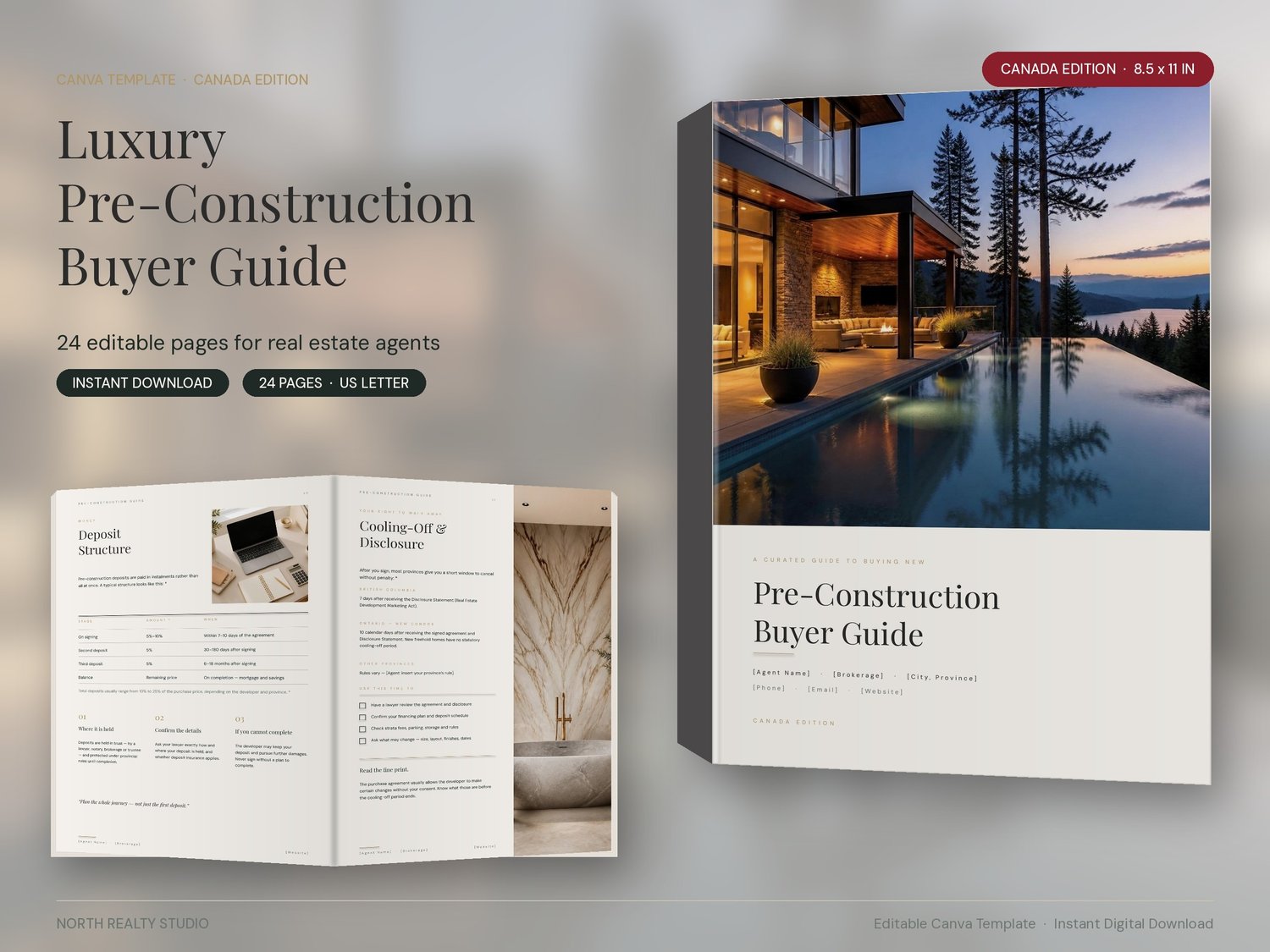
A 24-page, magazine-style Pre-Construction Buyer Guide written for Canadian real estate agents — designed for the luxury new-development market and ready to brand in minutes.
Pre-construction buyers have questions resale buyers never ask: How do staged deposits work? What is a cooling-off period? What happens if completion is delayed — and what can the developer change? This guide answers them in a beautifully designed, photo-rich format, so you are the expert before the first presentation-centre visit.
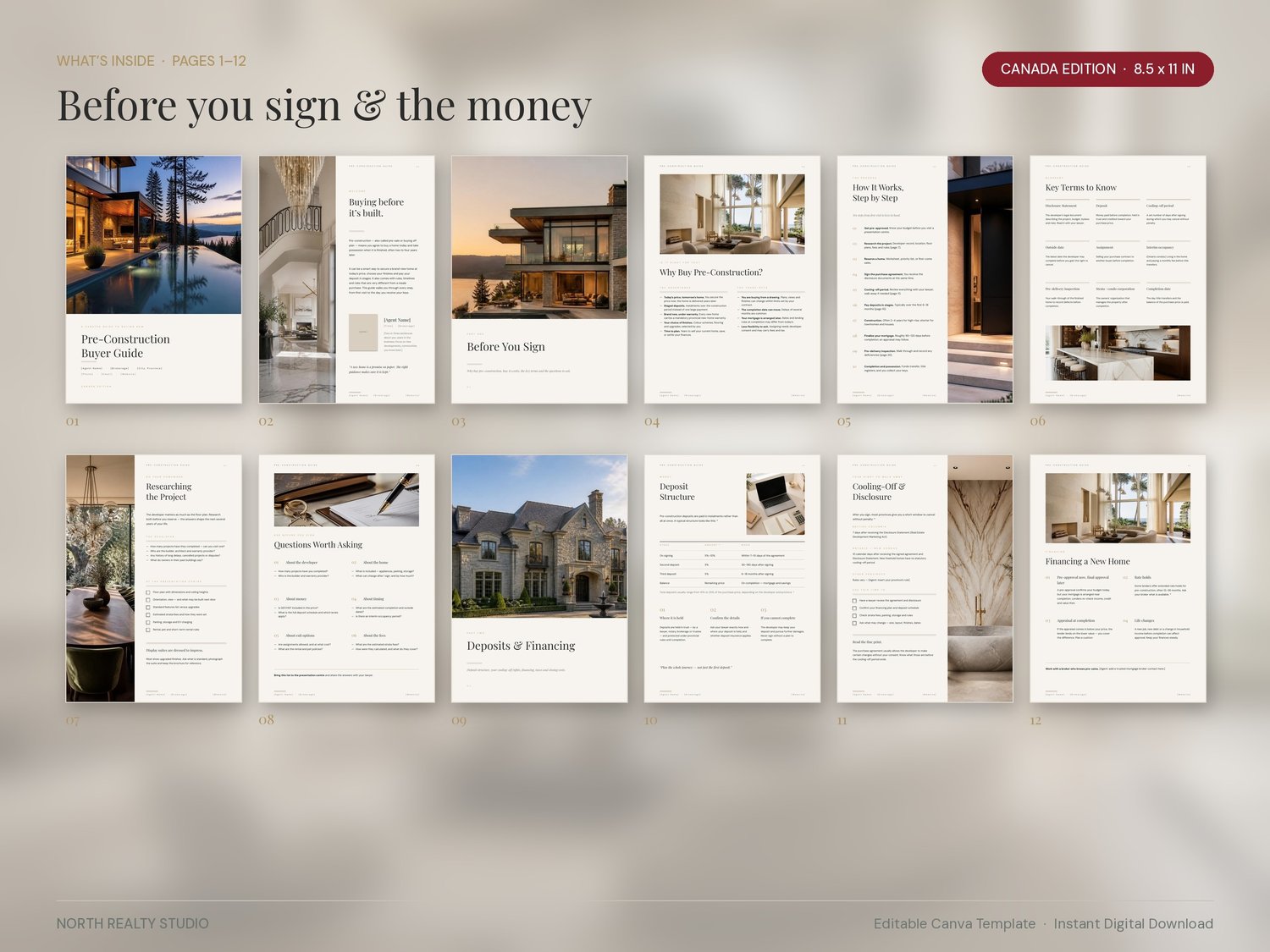
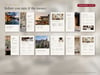
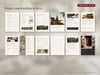
WHAT'S INSIDE (24 pages, US Letter)
1. Cover
2. Welcome & agent introduction
3. Part One — Before You Sign
4. Why buy pre-construction — advantages & trade-offs
5. How it works — 10-step timeline from pre-approval to keys
6. Key terms to know
7. Researching the project — developer checks & presentation-centre checklist
8. Questions worth asking before you sign
9. Part Two — Deposits & Financing
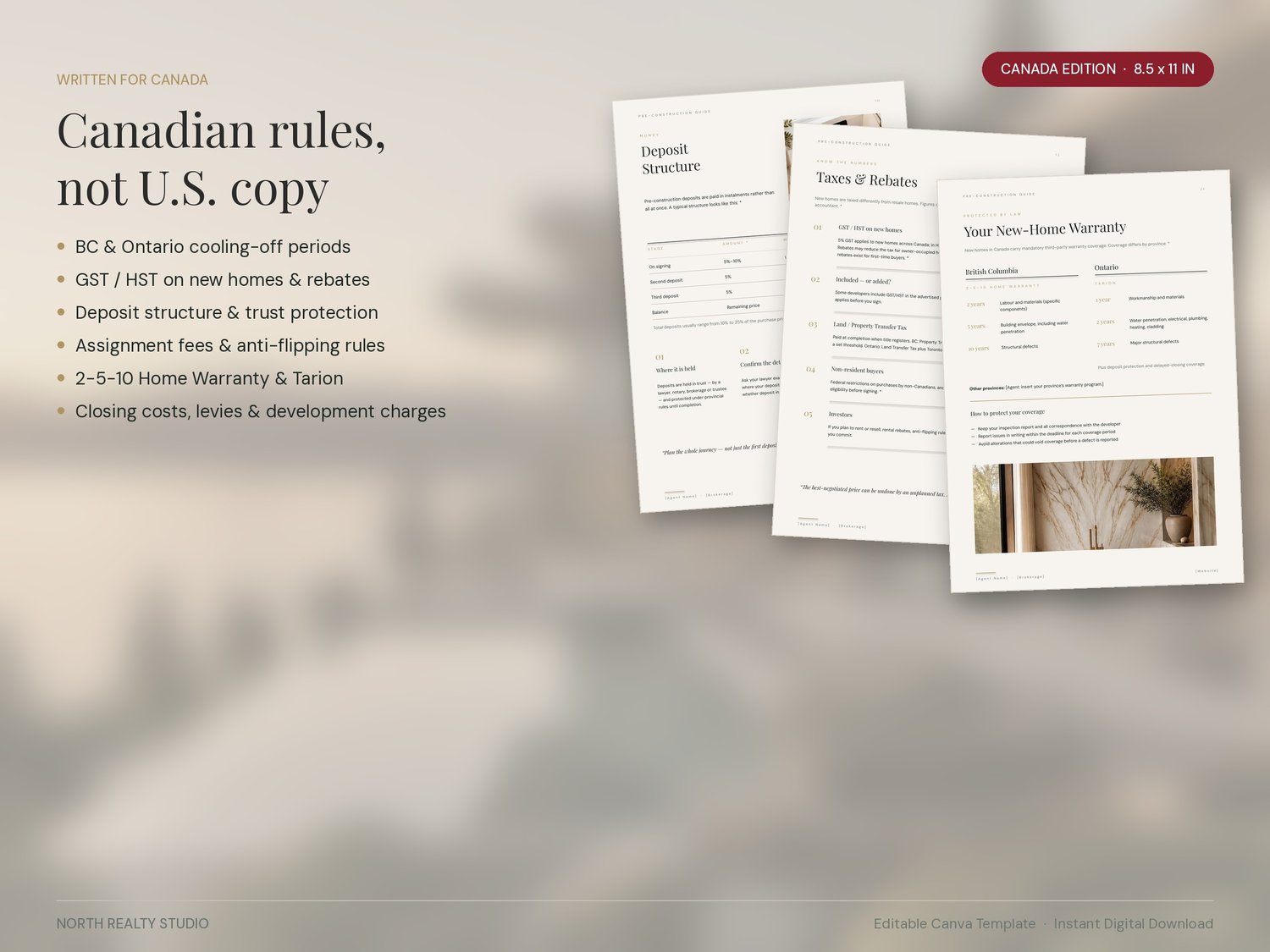
10. Deposit structure — editable table
11. Cooling-off & disclosure — BC & Ontario rules
12. Financing a new home — rate holds, appraisal at completion
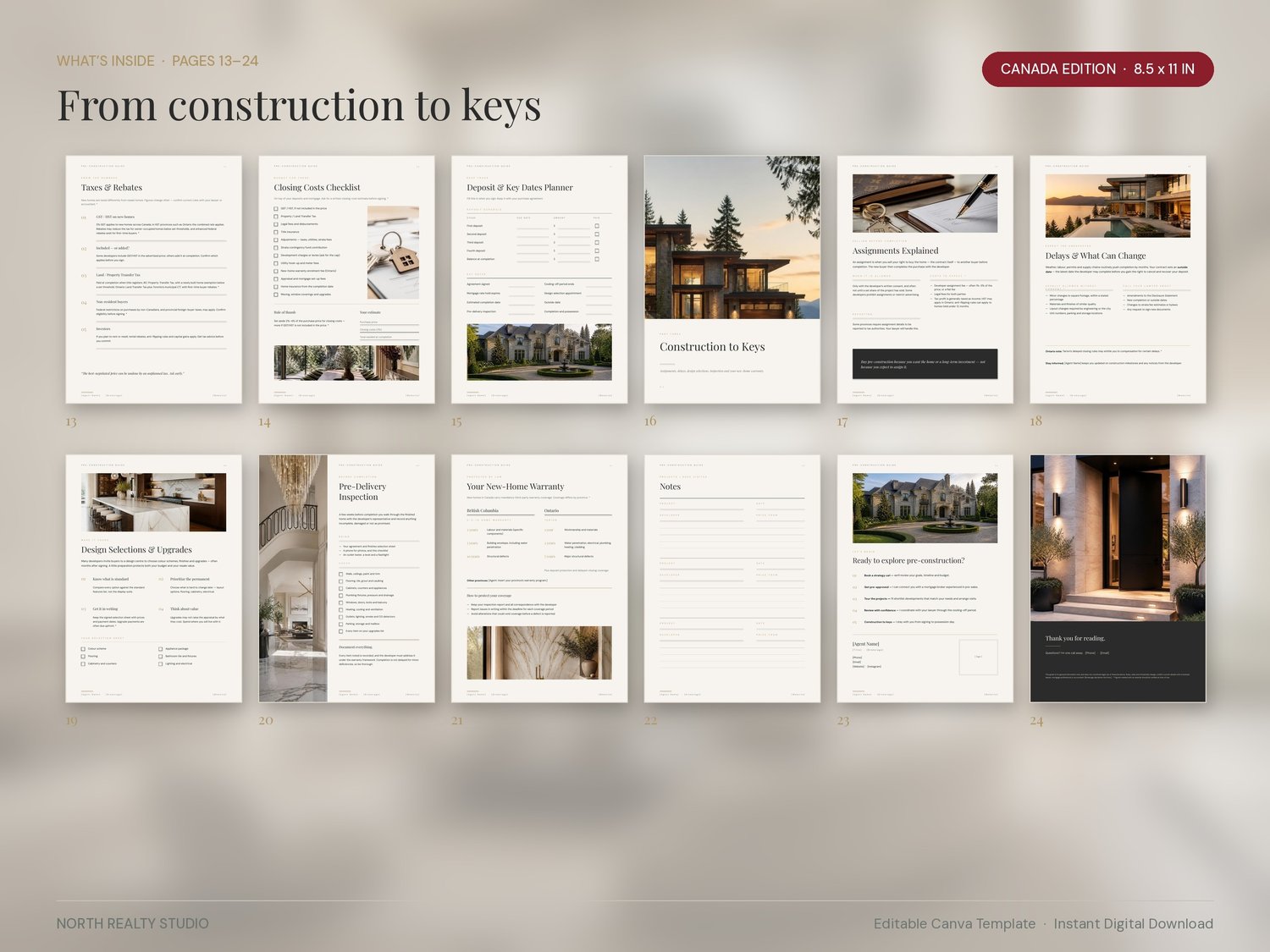
13. Taxes & rebates — GST/HST, property/land transfer tax, non-resident notes
14. Closing costs checklist with estimate box
15. Deposit & key dates planner
16. Part Three — Construction to Keys
17. Assignments explained
18. Delays, outside dates & what can change
19. Design selections & upgrades
20. Pre-delivery inspection checklist
21. New-home warranty — BC 2-5-10 & Ontario Tarion
22. Notes pages for projects visited
23. Next steps & your contact page
24. Back cover with disclaimer
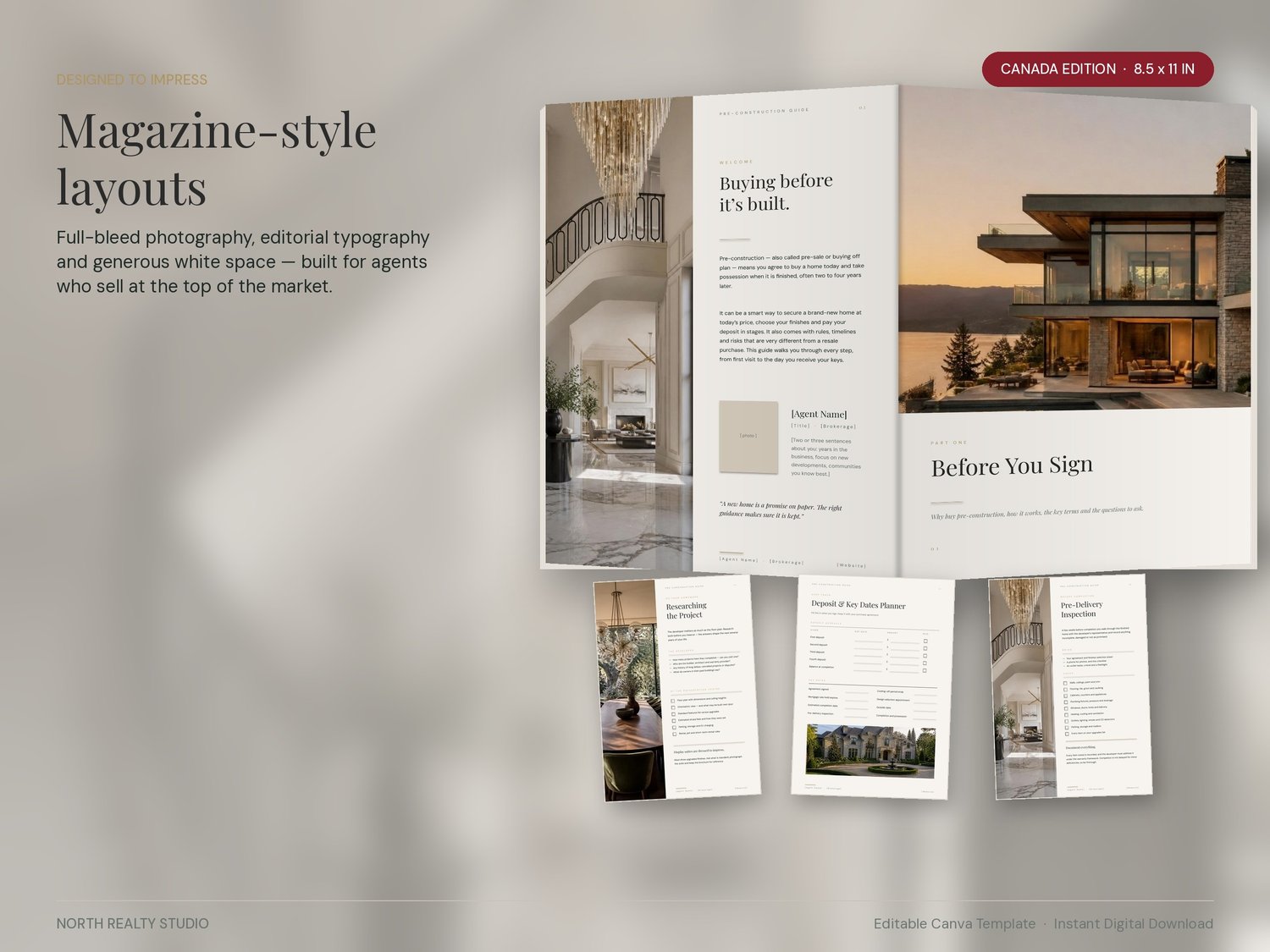
DESIGNED TO IMPRESS
Full-bleed photography, editorial serif typography and generous white space. Three section dividers and a photo on nearly every page — this is a guide clients keep.
MADE FOR CANADA
Written around Canadian rules, not US ones. British Columbia and Ontario specifics included; every figure that changes over time is marked with * so you can confirm it for your province before use.
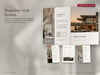
FULLY EDITABLE IN CANVA (FREE ACCOUNT WORKS)
- Replace every [bracket] with your name, brokerage, phone, email and website
- Add your headshot and logo
- Swap any photo with your own projects or Canva's library
- Change colours and fonts to match your brand
- Edit any wording, table or checklist
- Download as PDF, print, or share a link with clients
HOW IT WORKS
1. Purchase and download the PDF
2. Open the Canva template link inside the PDF
3. The template copies to your Canva account — customize, export, done
WHAT YOU RECEIVE
- 1 PDF file with your Canva template link and quick-start instructions
- Instant download after purchase (no physical product shipped)
PLEASE NOTE
- You need a free Canva account (canva.com). No Canva Pro required.
- This is a digital product. No refunds on digital downloads, but if anything doesn't work, message me and I will fix it.
- Colours may vary slightly between screens and printers.
- For personal use by the purchasing agent or team. The template may not be resold, shared or redistributed.
- This guide is general information for marketing use and is not legal, tax or financial advice. Please verify figures marked * for your province.
Questions? Send a message — happy to help.