
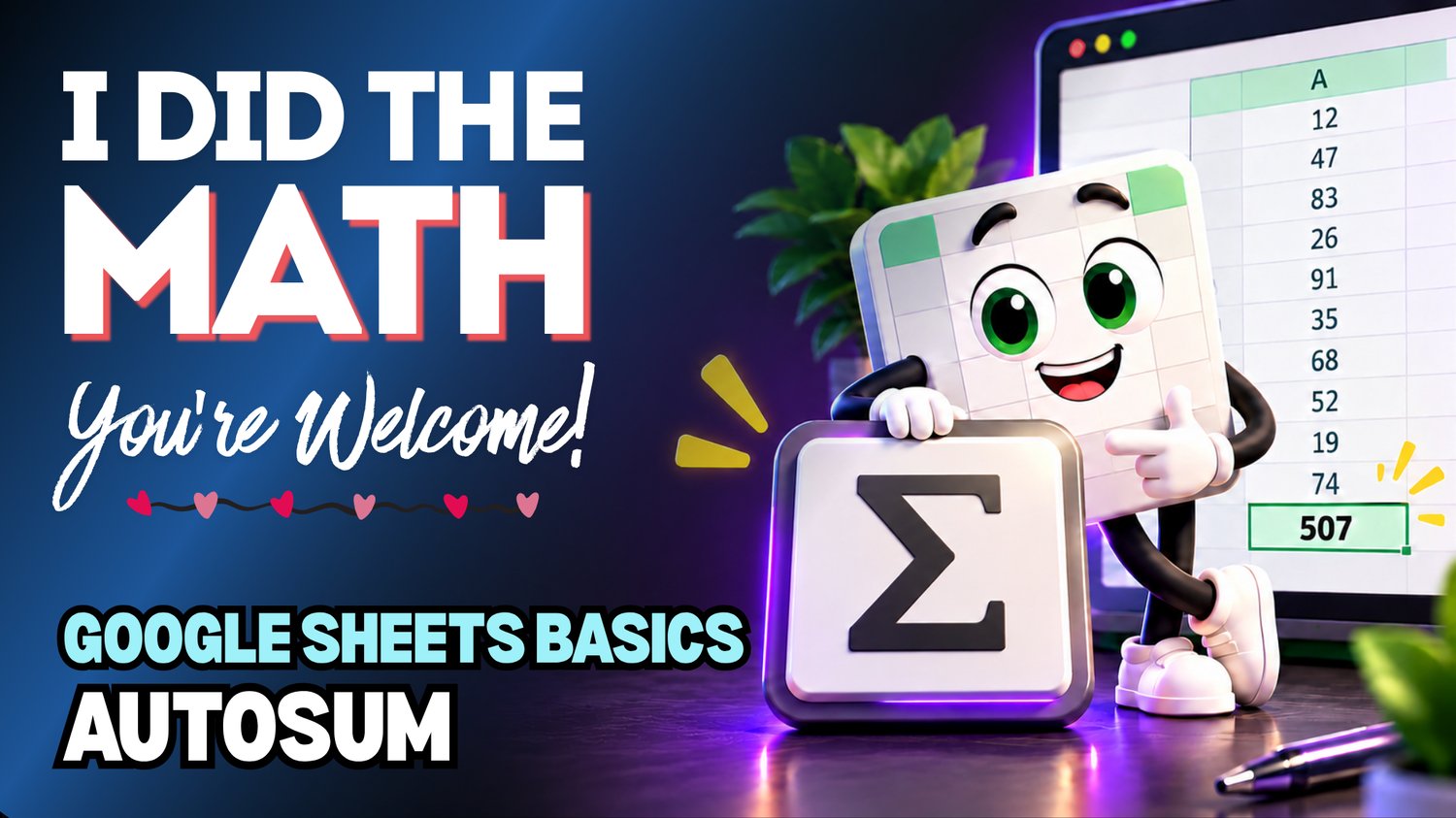
Google Sheets AutoSum Practice Workbook | Beginner Formulas
Learn how to quickly add numbers in Google Sheets using the AutoSum feature with this beginner-friendly practice workbook from Easy Mode Excel Tutorials!
Tired of adding numbers one at a time? Google Sheets can help you calculate totals in seconds using the SUM shortcut, without having to type every number into a formula!
This hands-on workbook accompanies our free Google Sheets AutoSum video lesson, giving you the opportunity to practice adding numbers quickly and confidently.
What You'll Practice
✓ Use the SUM shortcut to add numbers quickly
✓ Select cells containing numbers you want to total
✓ Calculate totals for a column of numbers
✓ Calculate totals for a row of numbers
✓ Recognize and adjust the cell range included in a SUM formula
✓ Build confidence calculating spreadsheet totals
What's Included
✓ One ready-to-use Google Sheets practice workbook
✓ Beginner-friendly exercises to reinforce the lesson
✓ Your own editable copy of the workbook
✓ Hands-on practice you can complete at your own pace
Perfect for Google Sheets beginners! Learn how to quickly calculate totals for budgets, expenses, sales, and everyday spreadsheet tasks.
Price: $2.49 USD — one-time purchase.
After purchasing, you'll receive a link to create your own editable copy of the Google Sheets practice workbook.
This purchase includes the practice workbook only.
Watch the FREE Video Lesson
🎥 Google Sheets AutoSum:
More FREE Learning
Continue learning with our free Google Sheets SUM with Cell Ranges lesson to discover how to create SUM formulas using different ranges of cells.