




🎥 Unity Showcase Recorder
Create clean, high-quality showcase captures directly inside Unity ✨
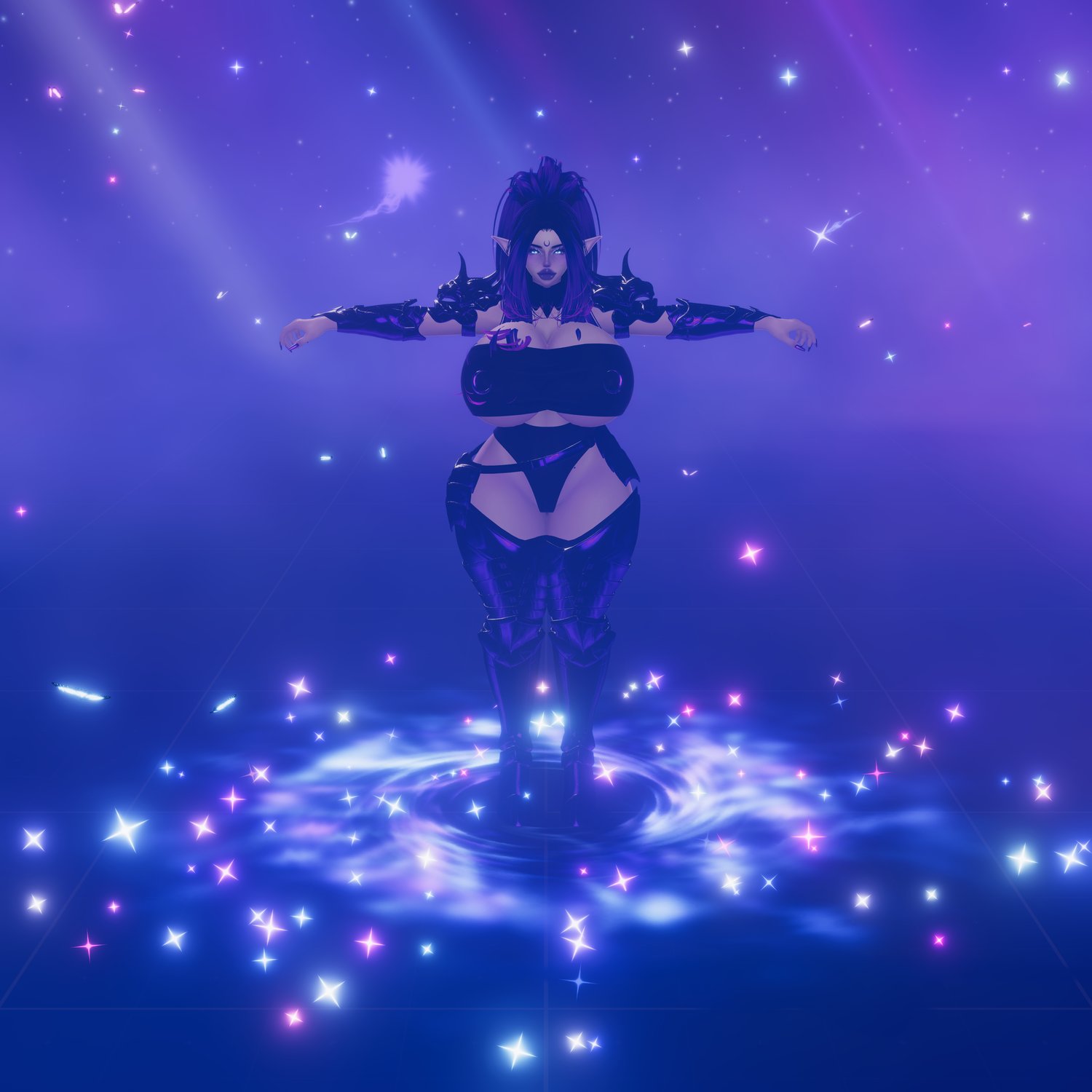
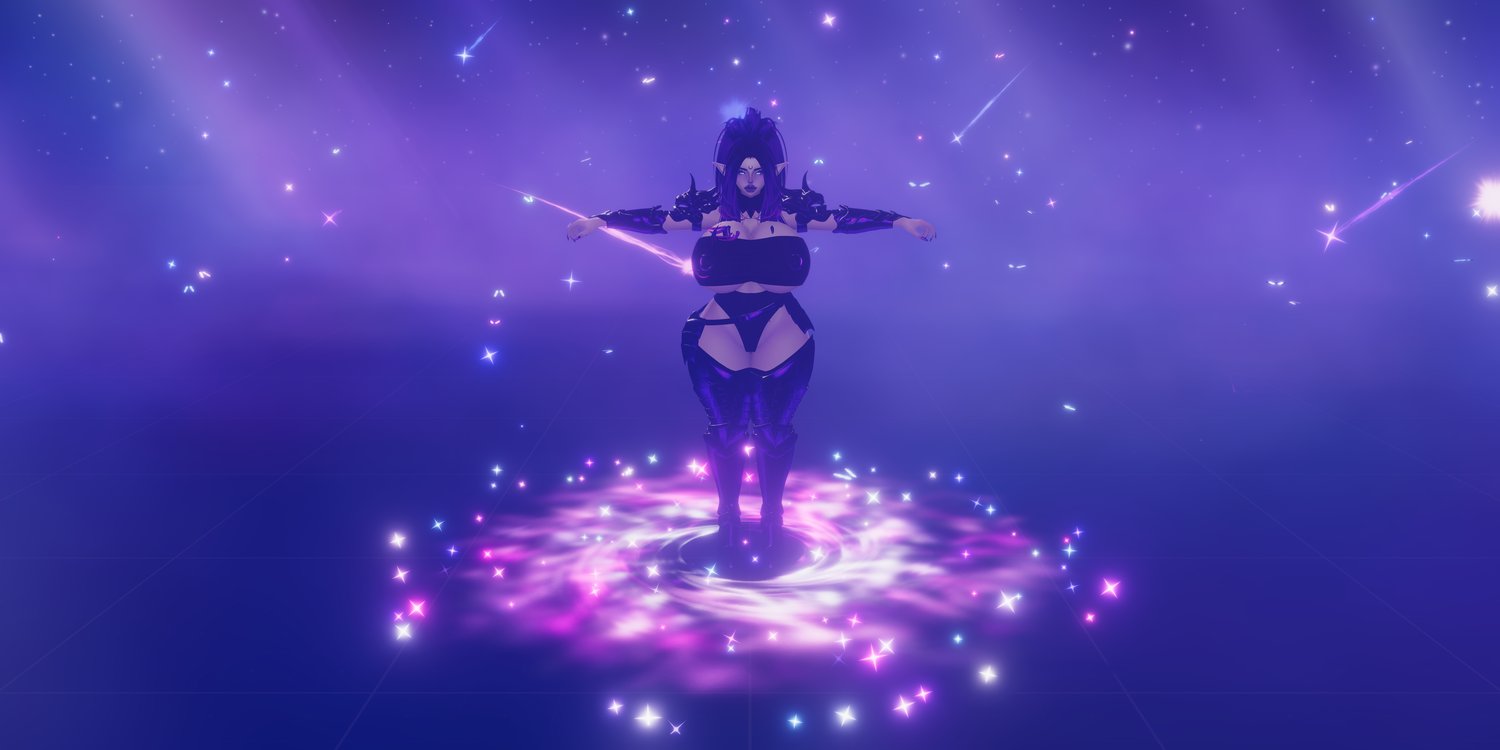
Showcase Recorder is a Unity Editor tool made for capturing beautiful previews of your VRChat avatars, props, prefabs, particles, shaders, worlds, and other Unity assets, in up to 16k resolution.
Set a target, choose your resolution, adjust the framing, and capture polished orbit videos, dolly shots, GIFs, MP4s, screenshots, or PNG frame sequences! ^.^
What can you capture? 🎥
🔄 Orbit showcases
- Create smooth 360° turntable captures around an avatar, prop, effect, prefab, or asset.
🎞️ Dolly captures
- Create moving camera shots using a custom dolly path.
🖼️ Screenshots
- Capture clean still images directly from Unity at your chosen resolution.
✨ GIF exports
- Create animated previews that are easy to use on store pages, social media, and Discord.
🎬 MP4 exports
- Export high-quality videos with much smaller file sizes than GIFs.
📁 PNG frame sequences
- Keep the raw captured PNG frames for editing, compositing, manual export, or archiving.
FFmpeg export support
- GIF and MP4 export require FFmpeg.
- Screenshots and PNG sequence capture still work even without FFmpeg.
How to use
- Import the package into your Unity project.
- Open the tool from the CyberLuna menu (entry at the top of your Unity).
- Select your avatar, prop, prefab, or asset in the scene.
- Press Use Selection.
- Adjust the offset and distance until the preview looks good.
- Choose your resolution, duration, FPS, and export options.
- Press Capture Orbit, Capture Dolly, or Screenshot.
- Open the output folder and use your finished showcase files.
A video tutorial is included on this page showing the full workflow.
Requirements
- Unity Editor
- Windows recommended for the included FFmpeg setup workflow
- FFmpeg required for automatic GIF / MP4 export
- This is an editor-only tool.
License
Personal use license.
You may use the tool to create previews, screenshots, GIFs, videos, and promotional media for your own avatars, assets, products, and projects.
You may not resell, redistribute, share, reupload, or include the tool itself in other packages.