

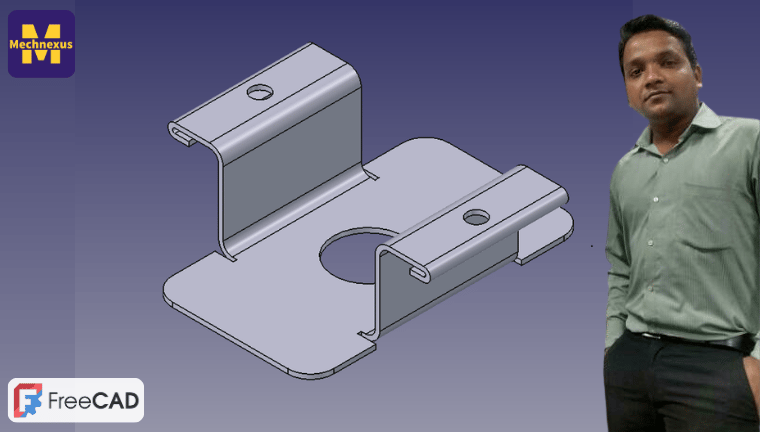
Note on FreeCAD Versions
This course is built on FreeCAD 1.0 (stable release). FreeCAD is transitioning to a calendar-based versioning system (e.g., 26.3). I will update this course once the new system is fully stable. Until then, 1.0 is recommended for following along. The core tools and workflows remain consistent across versions.
If you're new to FreeCAD or coming from commercial CAD, this course gives you a clear, structured path to becoming comfortable with the software.
🛡️ 30-Day Money-Back Guarantee
I want you to be completely satisfied with the Complete FreeCAD Course. If you are not satisfied for any reason, you can request a full refund within 30 days of your purchase.
To request a refund, simply email me at Admin@mechnexus.com with your order details. Refunds will be processed to your original payment method.
Try the course risk-free today.
Watch Demo Lecture Before Buy
Want to try before you buy? Click the 'Free Preview' badge on the first lesson to create your free account and watch the intro lecture instantly—no payment required.
Course curriculum
-
1Introduction to FreeCAD & Installation
-
2FreeCAD UI & Workspace Customization
-
3Fundamentals of FreeCAD Sheet Metal WB
-
4Sheet Metal Part Modeling in FreeCAD