

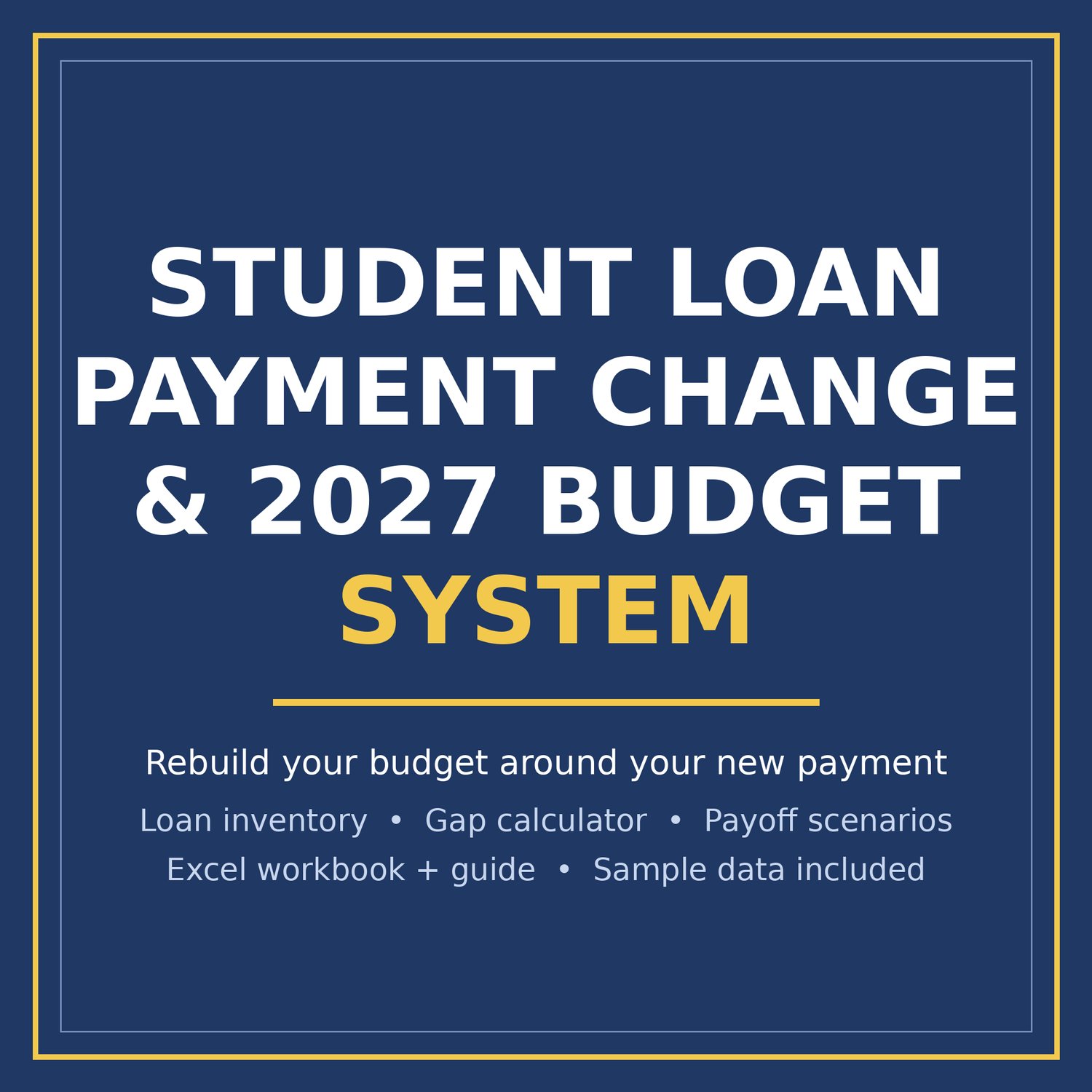
Student Loan Payment Change & 2027 Budget System
Your federal student loan payment changed in 2026 — or is about to. A court order ended the SAVE Plan on March 10, 2026, interest resumed on SAVE forbearance balances on August 1, 2025, and the new Repayment Assistance Plan (RAP) and Tiered Standard Plan became available on July 1, 2026. If you do not choose a plan, your servicer chooses one for you. This Excel system rebuilds your monthly budget around the NEW payment, step by step.
What you get:- Loan Inventory — every loan with balance, interest rate, servicer, old payment, and new payment. Totals, weighted average rate, and interest accruing per month calculate by formula. Room for 8 loans.- Payment Change Calculator — the monthly and annual gap between your old and new payment, the gap as a share of take-home pay, and a budget rebuild sheet: shift categories until the "Gap still uncovered" cell reads $0.- Payoff Scenarios — three scenarios with standard amortization math: pay the new payment only, add an extra amount, or pay the standard 10-year payment. Months to payoff, total paid, and total interest for each, plus interest saved by the extra payment.- 2027 Monthly Tracker — log each month's payment in 2027. The due amount pulls from the calculator; on-time status and running total paid calculate by formula.- Key Dates & Checklist — the dated facts behind the change, each with its source, and an 8-step action checklist.- Guide PDF — setup in about 20 minutes, plus a full worked example with the sample data.
Sample data is included so you can see every formula work: one borrower with $36,500 in loans whose payment rises from $186 to $317 a month — a $131 monthly gap the sample budget fix covers exactly. Sample figures are examples only. Replace the yellow cells with your own figures.
Who it is for:Borrowers already in repayment whose plan ended or changed in 2026 — including former SAVE borrowers who must pick a new plan — and anyone building a 2027 budget around a new payment. This system is for borrowers in repayment. It does not cover budgeting a semester in school or applying for aid.
How the payment figure works:This workbook does not calculate your plan payment — plan rules differ per borrower. You enter the exact new payment from your servicer notice or the Loan Simulator at studentaid.gov, and the workbook does all the budget and payoff math from there.
Format:- student-loan-payment-budget-2027.xlsx — Excel workbook, 5 sheets, live formulas, no macros. Works in Microsoft Excel and Google Sheets.- student-loan-payment-budget-2027-Guide.pdf — printable guide.
Disclaimer:This product is a general educational budgeting tool only. It does not give personalized financial, loan, tax, or legal advice, and it does not choose a repayment plan for you. Payoff scenarios show full-payoff estimates only; they do not model loan forgiveness or taxes. Confirm your plan, payment amount, and deadlines with your loan servicer and at studentaid.gov.