

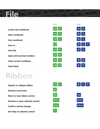
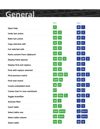
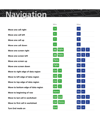
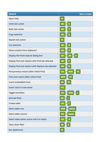
The Ultimate Excel Keyboard Shortcuts Bundle – Boost Productivity & Efficiency
Take your Excel proficiency to the next level with this comprehensive bundle featuring three expertly crafted Excel shortcut guides. Designed for students, professionals, and educators, this bundle provides a quick-reference guide to hundreds of essential Excel shortcuts that will streamline workflows, improve efficiency, and enhance data management skills.
With these expert-designed cheat sheets, users will save valuable time, reduce reliance on the mouse, and work smarter, not harder in Excel.
What’s Inside?
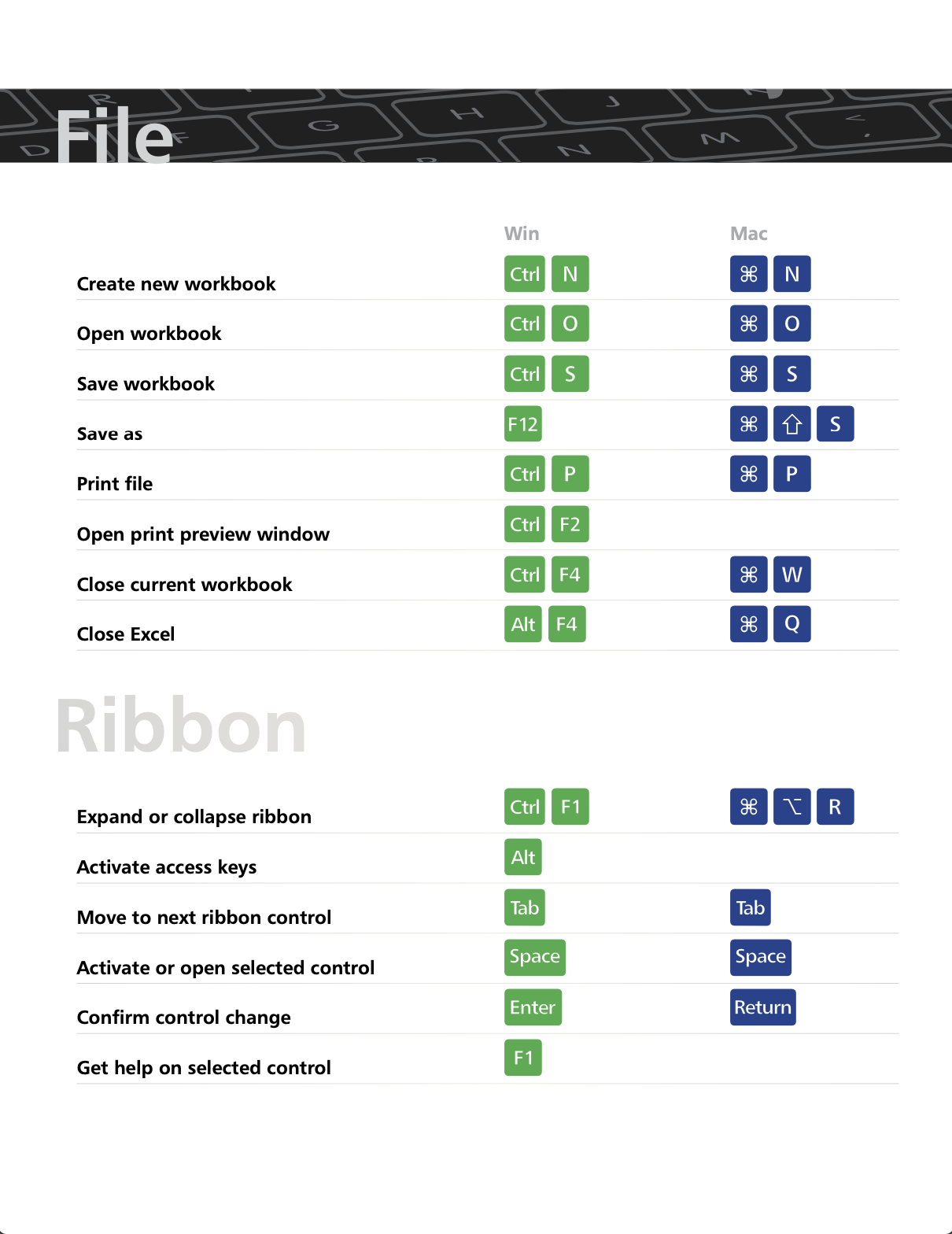
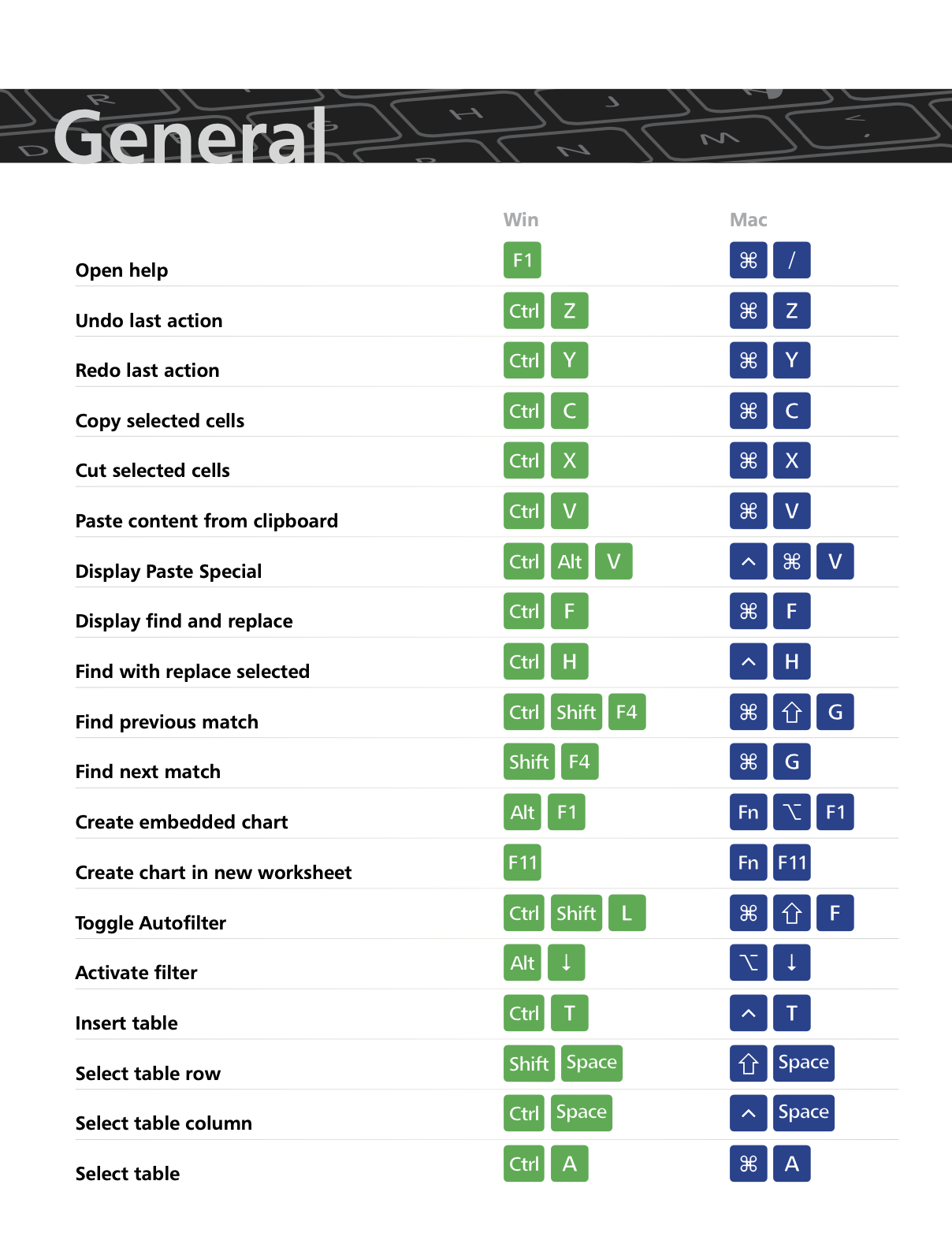
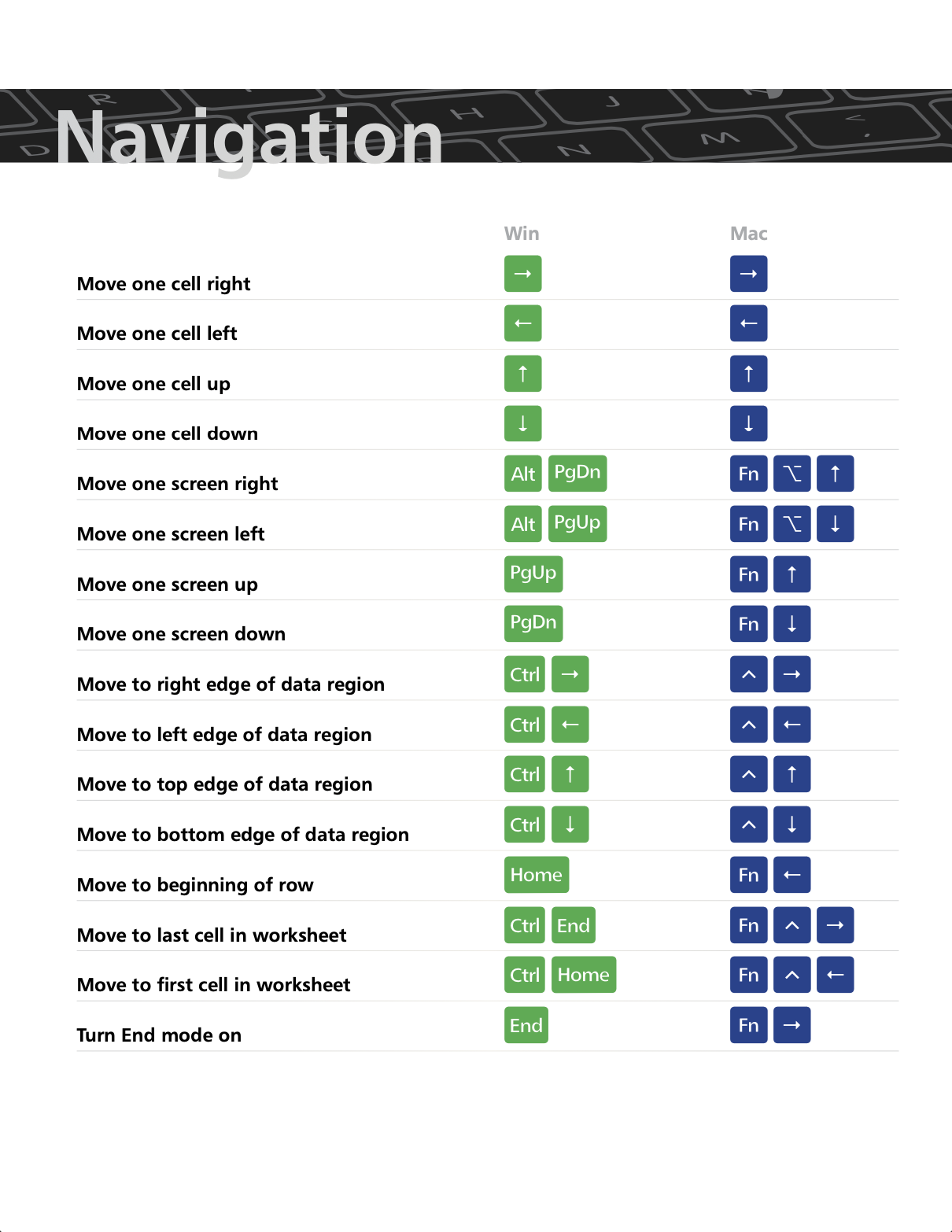
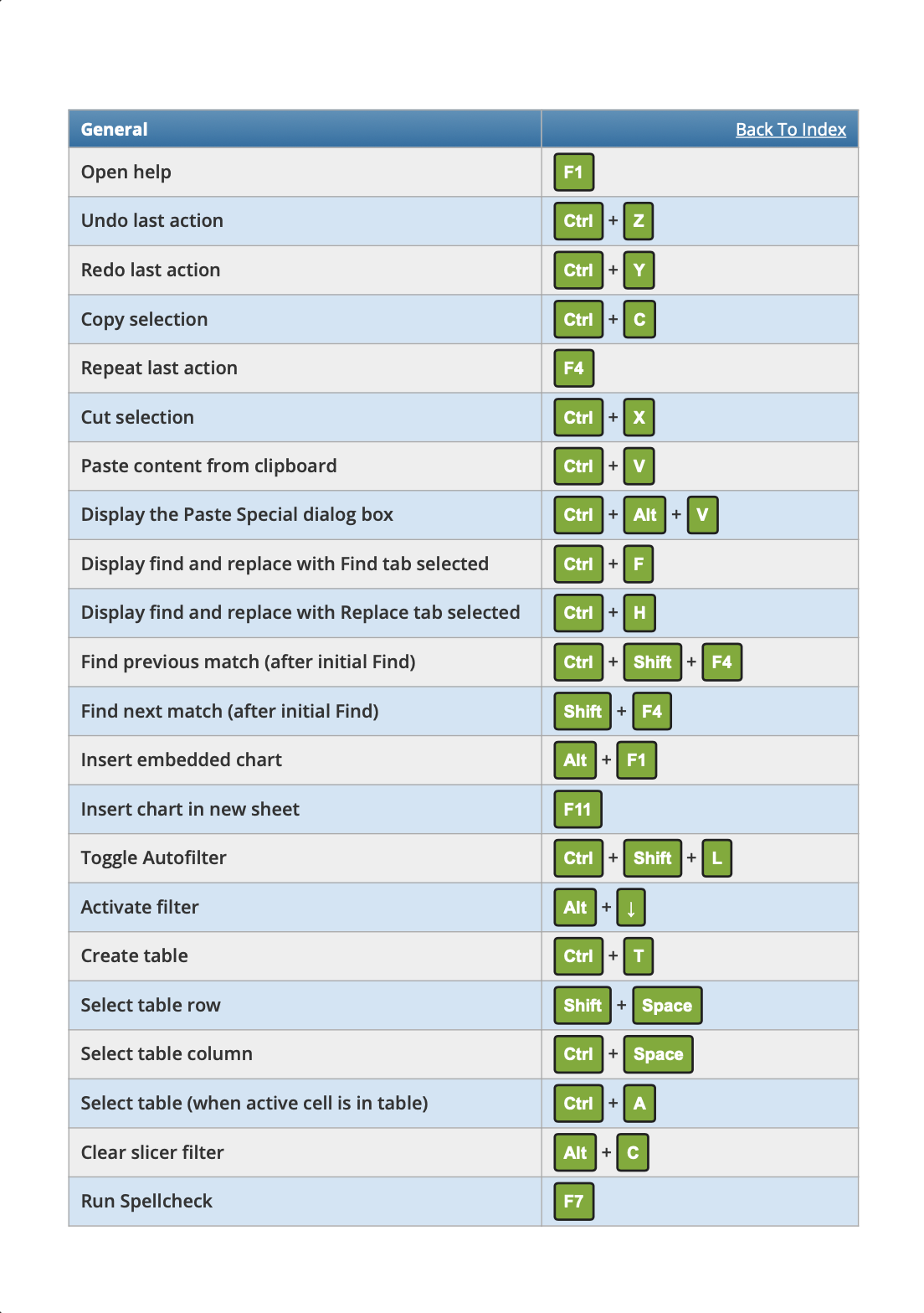
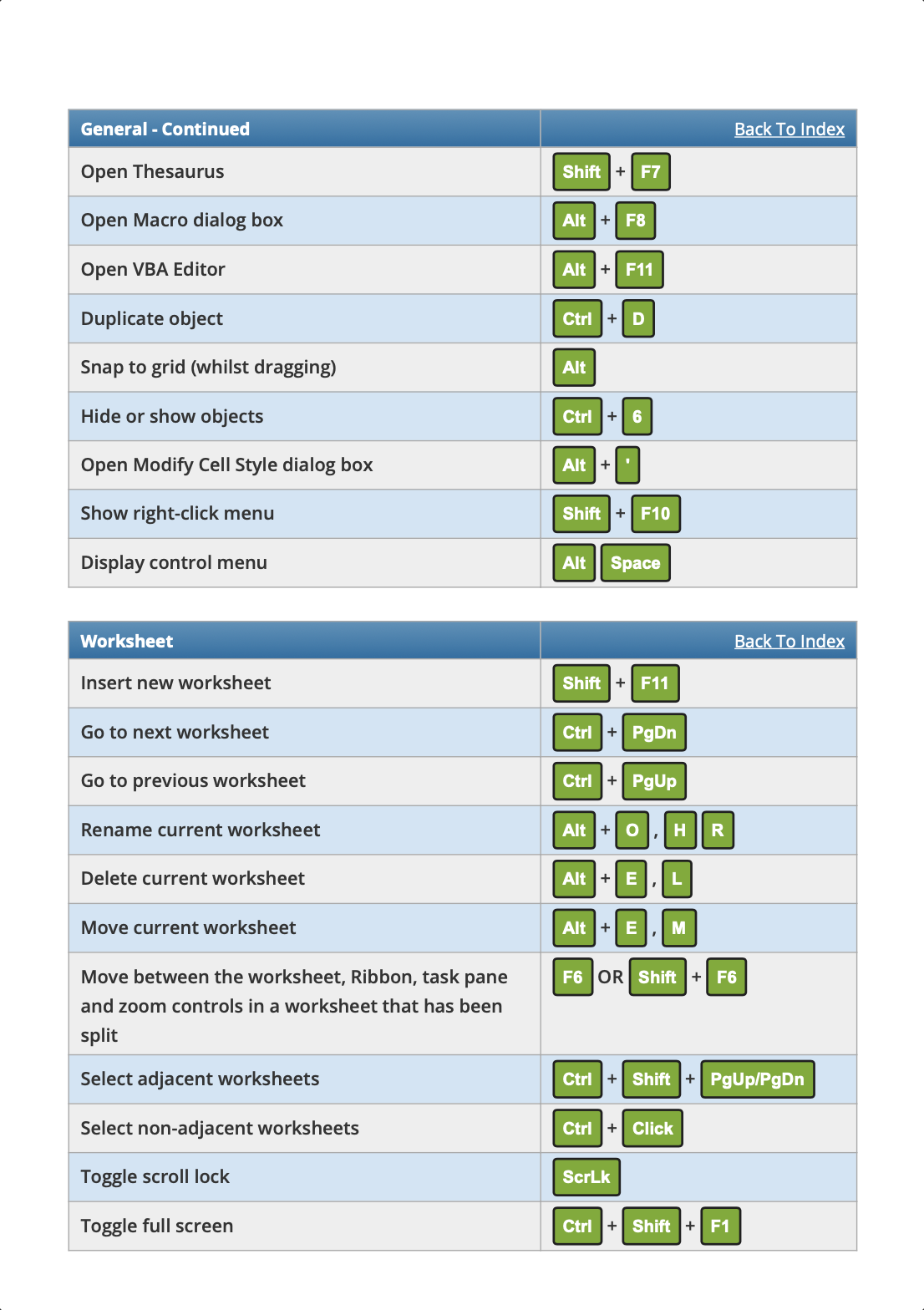
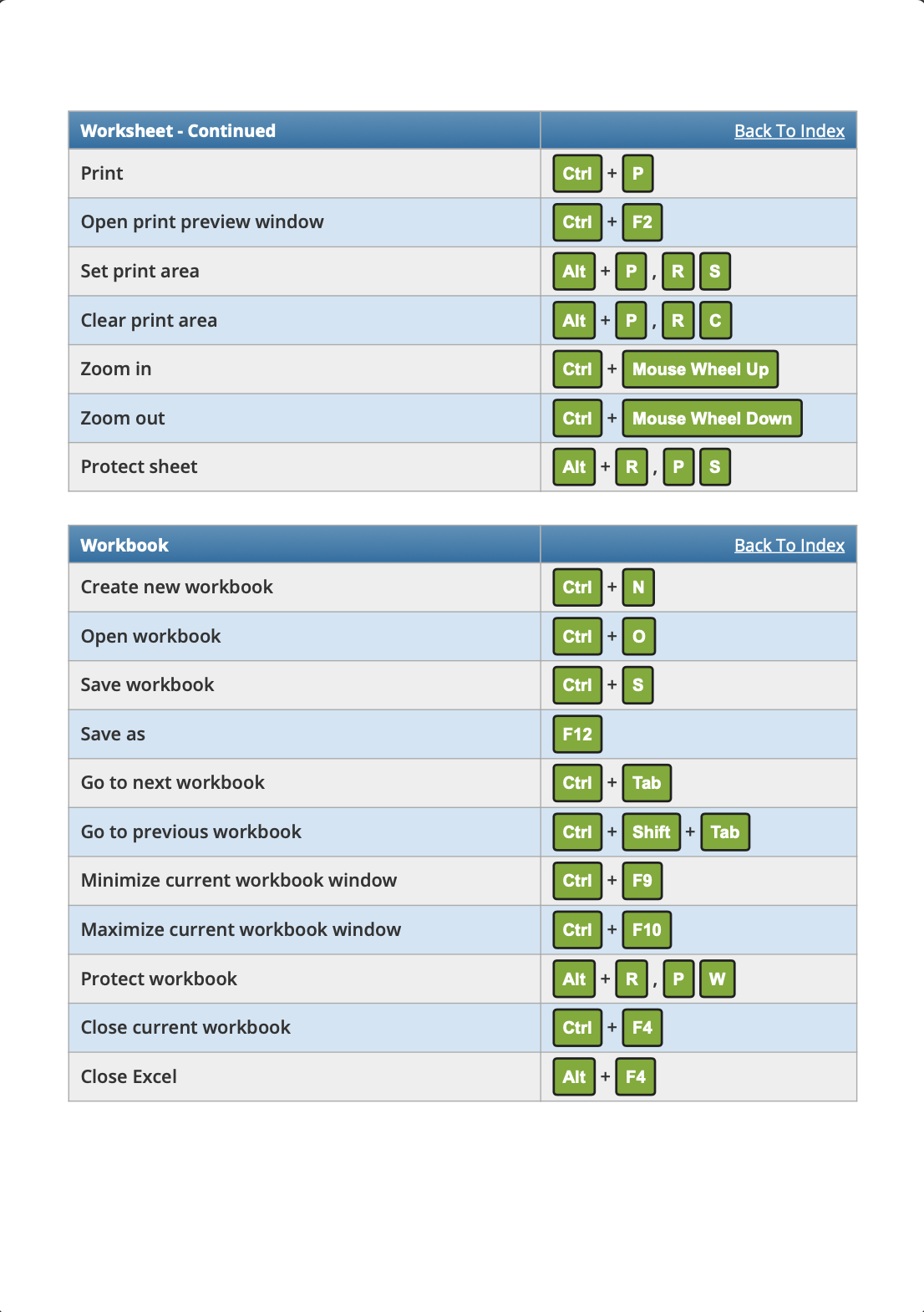
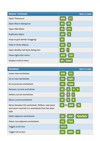
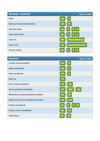
239 Excel Shortcuts for Windows – A complete list of time-saving shortcuts to improve Excel efficiency.
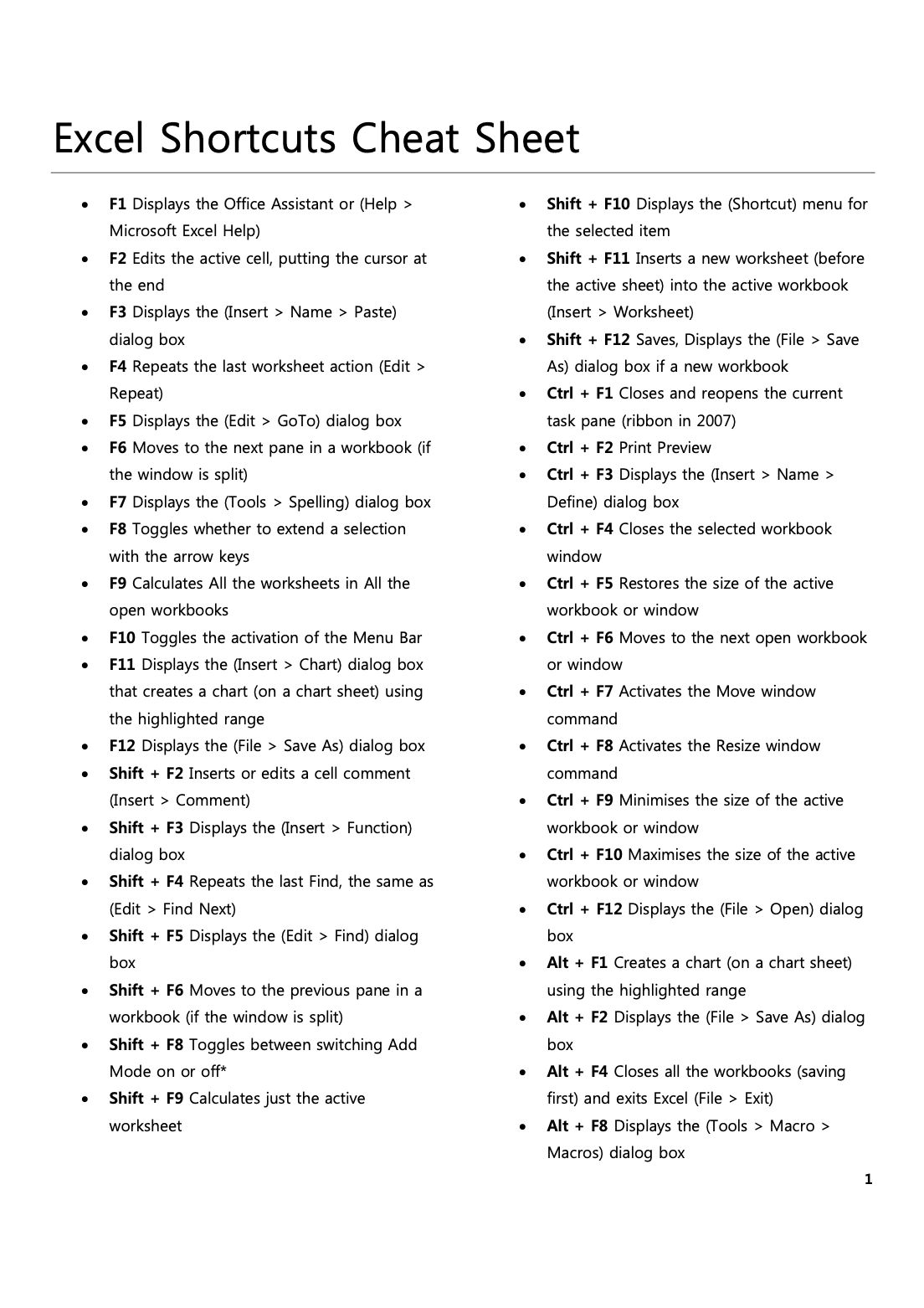
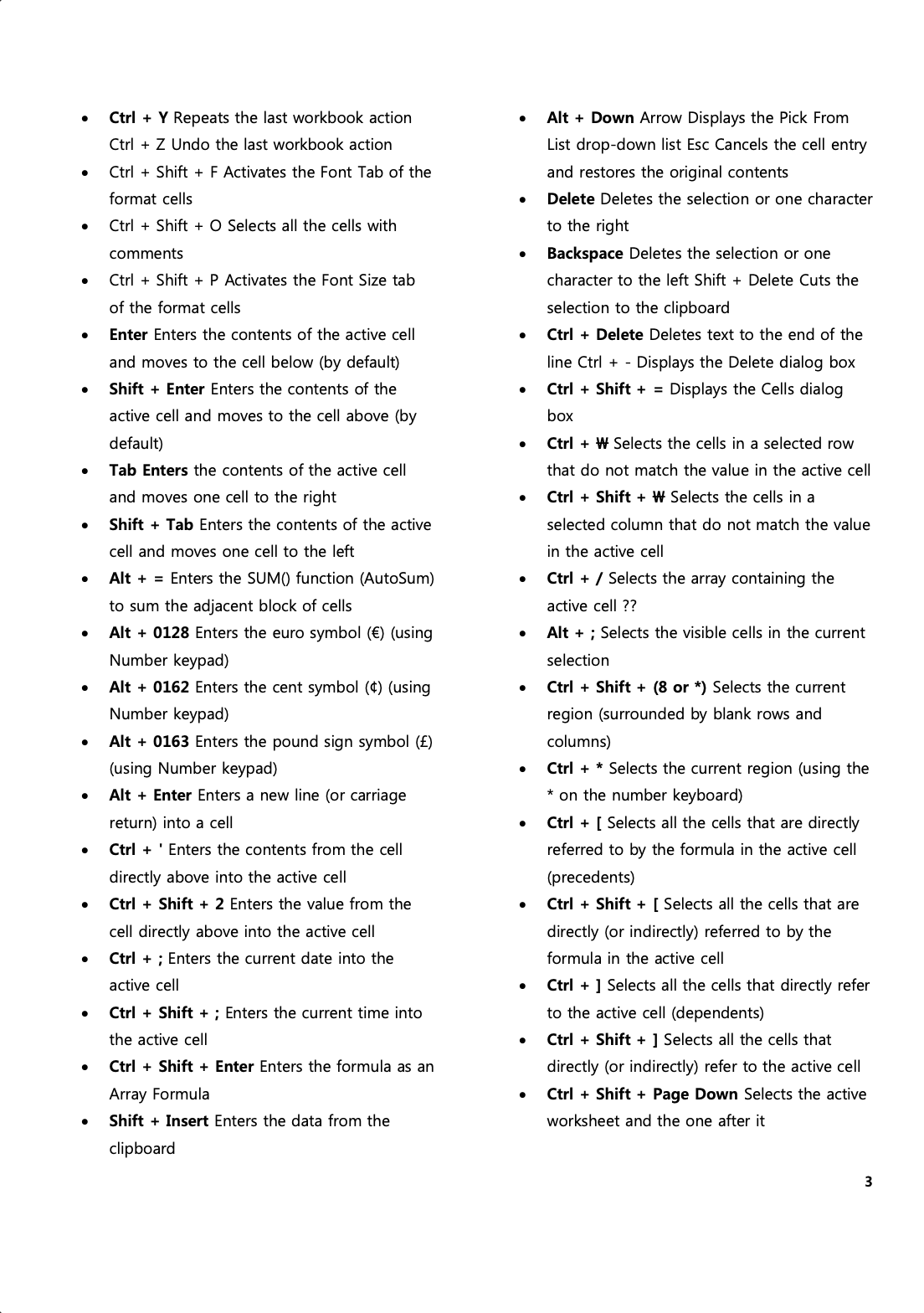
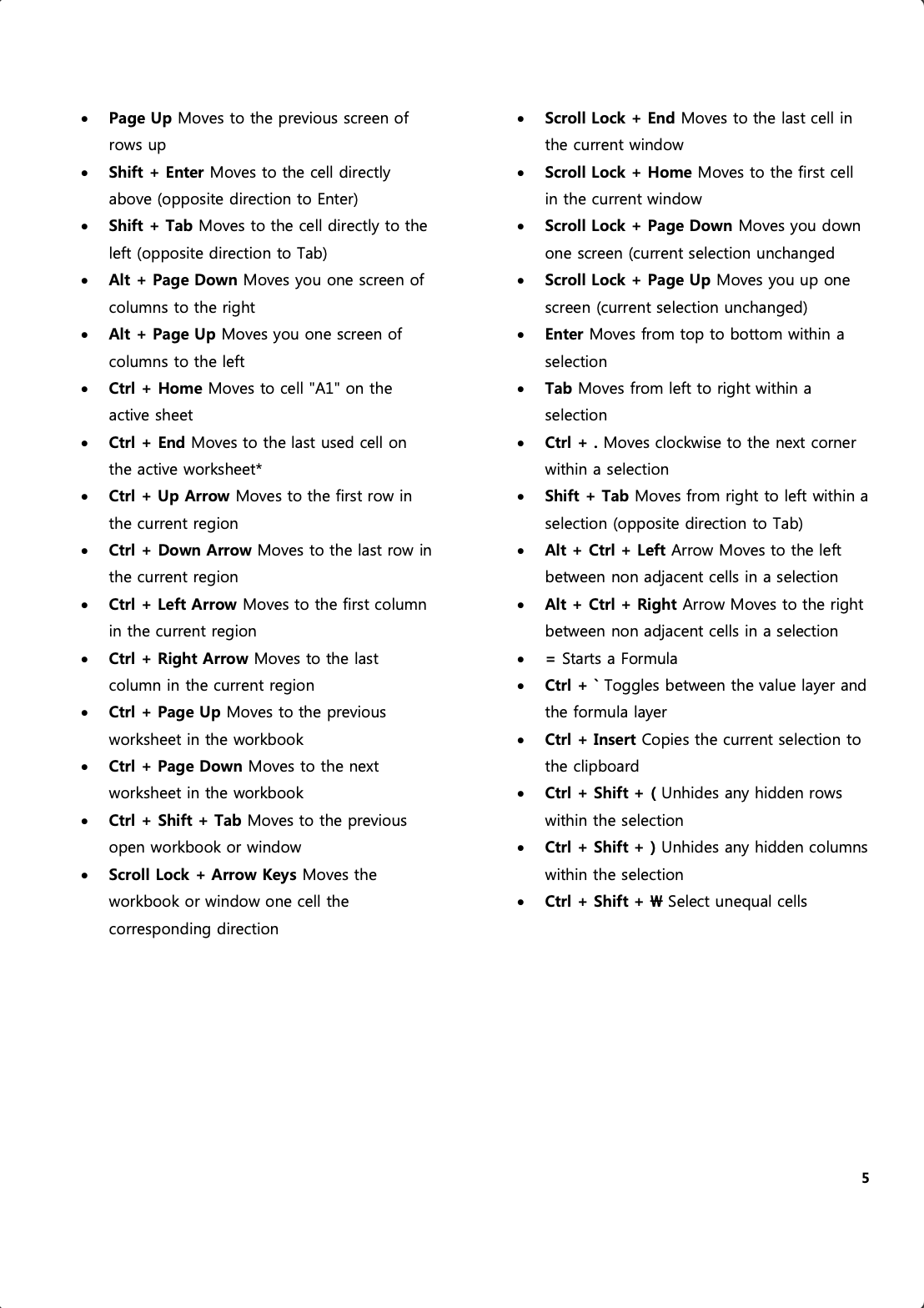
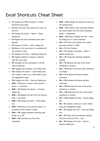
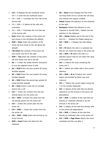
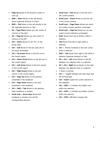
Excel Shortcuts Cheat Sheet – Quick-access reference covering essential commands for navigation, formatting, formulas, and data manipulation.
Exceljet Excel Shortcuts Guide – Advanced shortcuts for formulas, data analysis, pivot tables, and more.
Key Features & Benefits:
✔ Master Essential Shortcuts – Learn navigation, selection, formatting, and data manipulation shortcuts.
✔ Accelerate Workflow Efficiency – Reduce repetitive mouse clicks and speed up tasks.
✔ Enhance Data Analysis & Reporting – Utilize keyboard-based commands for advanced Excel functions.
✔ Perfect for Beginners & Experts – A structured guide to boost productivity for all Excel users.
✔ Printable & Digital Formats – Keep as a handy desk reference or use it on the go.
This bundle is an invaluable tool for students, educators, finance professionals, business analysts, and Excel power users looking to enhance their skills and work efficiently in Microsoft Excel.
Educational Standards Alignment
This Excel shortcut guide bundle aligns with industry-recognized technology literacy and productivity standards, supporting digital fluency in education, business, and workplace applications.
International Society for Technology in Education (ISTE) Standards
ISTE Standard 1: Empowered Learner
- 1a – Use technology to take an active role in learning productivity tools.
- 1d – Understand fundamental technology operations for increased efficiency.
ISTE Standard 5: Computational Thinker
- 5b – Use digital tools (Excel) to collect, organize, and analyze data effectively.
- 5c – Automate and streamline tasks through shortcut-based workflows.
ISTE Standard 6: Creative Communicator
- 6a – Choose appropriate digital tools to present data clearly and professionally.
- 6b – Use Excel as a tool for organizing, calculating, and visualizing information.
Common Core State Standards (CCSS) – Digital Literacy & Technology Use
CCSS.ELA-LITERACY.W.6.6 – Use digital tools to produce and publish writing and collaborate.
CCSS.ELA-LITERACY.W.8.6 – Apply technology to enhance communication and productivity.
CCSS.ELA-LITERACY.W.9-10.6 – Demonstrate proficiency in using digital tools for organization and data analysis.
Texas Essential Knowledge and Skills (TEKS) – Technology Applications
Technology Productivity Tools (1st-12th Grade)
- 126.2.b.4 – Apply shortcut commands to increase efficiency in spreadsheets and data management.
- 126.12.b.2 – Demonstrate proficiency in using spreadsheet applications with keyboard shortcuts.
Technology Communication (High School Standards)
- 126.47.c.1 – Use Excel effectively to create, format, and analyze structured data.
- 126.47.c.3 – Demonstrate time-saving spreadsheet techniques for business and academic applications.
Virginia Standards of Learning (VA SOL) – Computer Technology & Digital Literacy
Basic Digital Literacy & Productivity
- CT.1.1 – Demonstrate competency with keyboarding and shortcut commands for document creation.
- CT.2.2 – Use spreadsheets and data management tools effectively.
Computer Skills for Workplace Readiness
- CS.4.3 – Apply keyboarding and spreadsheet skills in professional settings.
Who Is This For?
✔️ Business & Finance Professionals – Improve Excel workflow and efficiency in data analysis, accounting, and reporting.
✔️ Students & Educators – Strengthen spreadsheet proficiency and digital literacy.
✔️ Analysts & Researchers – Save time while organizing and analyzing complex data sets.
✔️ Anyone Using Excel – Learn time-saving techniques to increase productivity and reduce manual effort.
Why Choose This Excel Shortcuts Bundle?
✅ Comprehensive & Easy-to-Use – Covers all essential shortcuts from basic to advanced.
✅ Boosts Productivity & Saves Time – Learn faster ways to navigate, edit, and manage Excel spreadsheets.
✅ Standards-Aligned & Practical – Ensures digital fluency for academic and professional success.
✅ Printable & Digital Guide – Keep it handy for quick reference while working in Excel.
Download now and start working like an Excel pro today!