
Project Planner Spreadsheet: Gantt Chart + Kanban Board
INSTANT DOWNLOAD: digital spreadsheet; nothing is shipped.
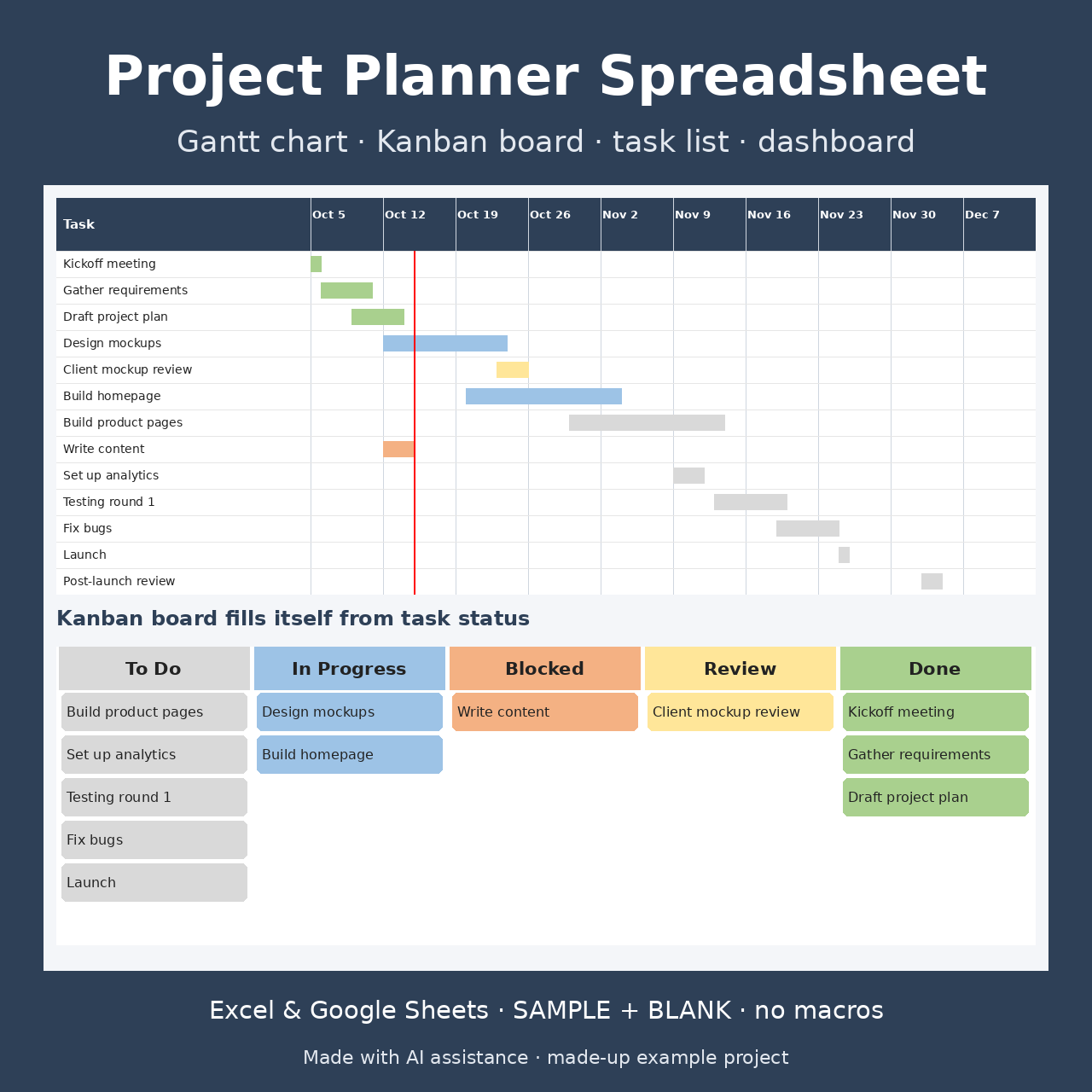
Plan any project in one spreadsheet. Type your tasks once, with owner, status and dates. A Gantt chart draws the timeline, a Kanban board sorts the tasks into columns by status, and a dashboard shows progress and anything overdue. Made for freelancers, small teams, students and home projects.
AI disclosure: this item was created with the use of AI. LB3 Trackers designed it with AI assistance: AI tools helped write the formulas, layout and instructions.
What's included:
- Instructions tab
- Setup: project name, timeline start date, team and phase lists for the drop-downs
- Tasks (100 rows): phase, owner, status, priority, start and due dates, workdays, % done, days left, notes. Overdue rows turn red
- Kanban board: To Do / In Progress / Blocked / Review / Done. Cards fill in by themselves from each task's status (up to 30 per column)
- Gantt chart: 12 weeks of daily columns, bars colored by status, today highlighted
- Dashboard: total tasks, % complete, average progress, overdue, due in the next 7 days, blocked, project end date, counts by status and by owner
Format: one ZIP file with a BLANK .xlsx, a SAMPLE .xlsx (a made-up website project) and a README. Works in Microsoft Excel, Google Sheets (upload to Drive, then open with Google Sheets), LibreOffice and Numbers. No macros.
Instant download: after payment you get a download link right away.
Questions or a problem with the file? Message us through the store contact page. If the file doesn't work for you, we'll fix it or refund you.
License: personal / own-business use. Please don't resell, share or re-upload the file.