


Net Worth Tracker Spreadsheet – Personal Finance Dashboard for Google Sheets & Excel
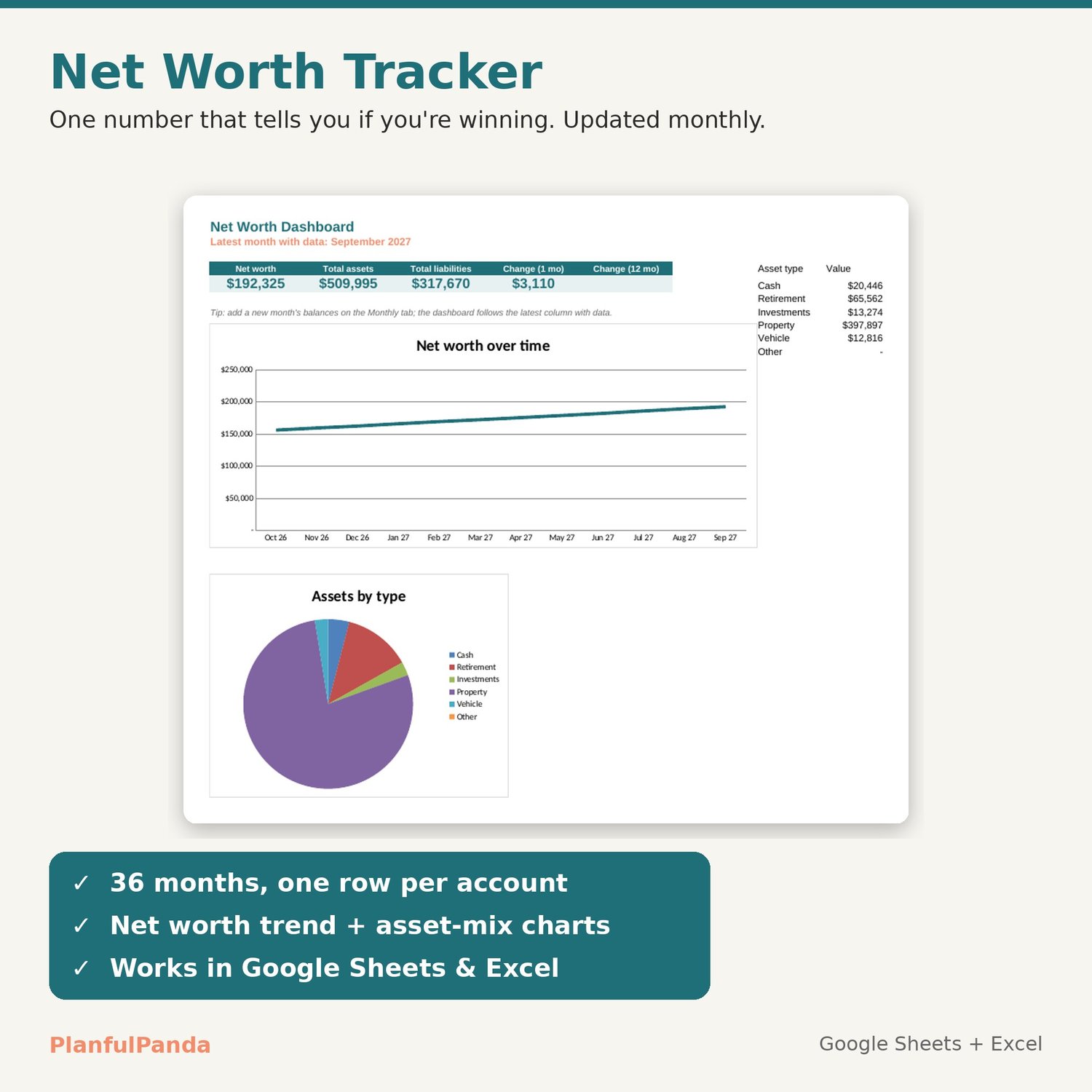
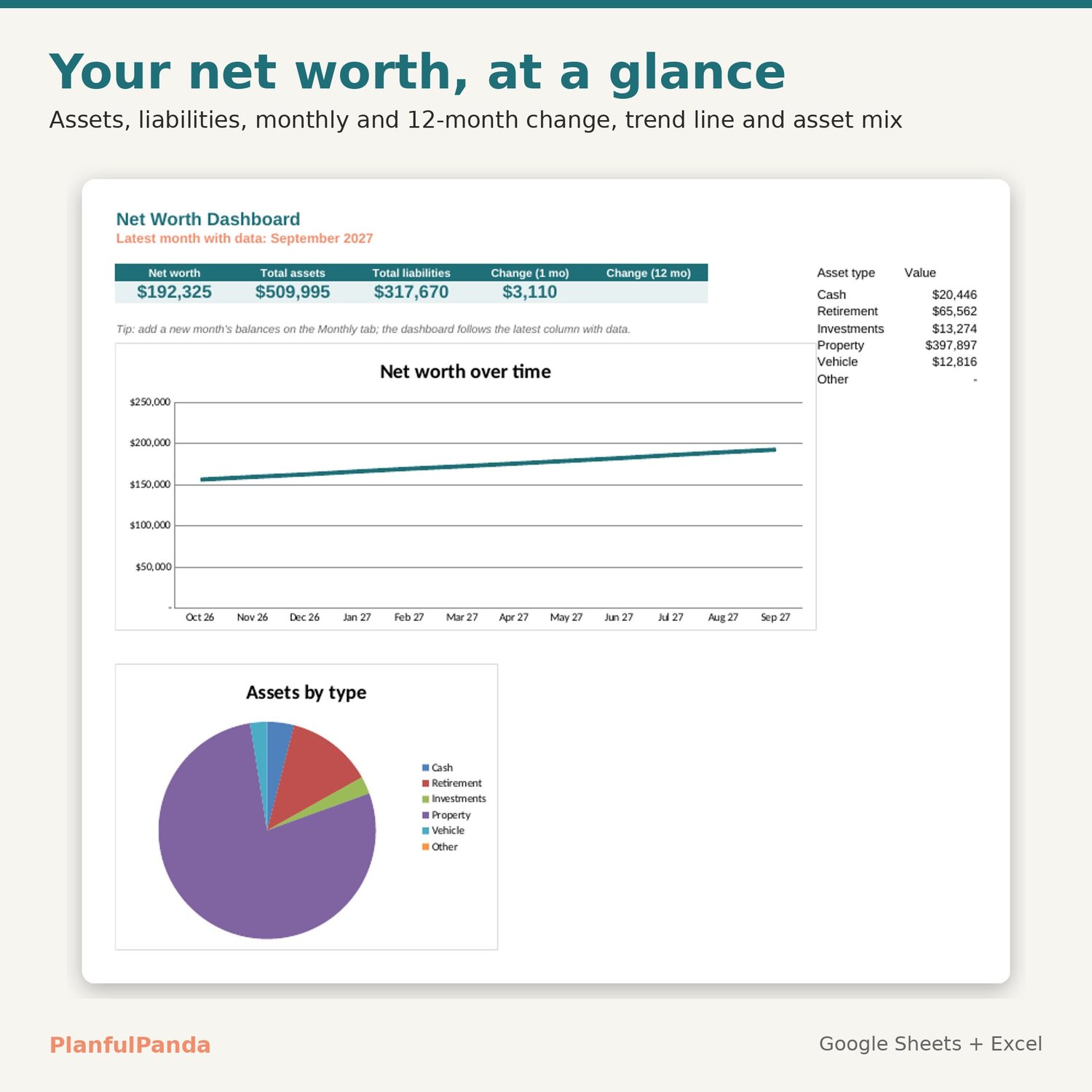
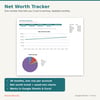
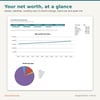
Track your net worth month by month and watch the trend. List your accounts once, enter balances once a month, and the dashboard shows net worth, total assets, total liabilities, the change since last month and since last year — plus a trend chart and an assets-by-type breakdown. Works in Google Sheets and Excel with no formulas to touch.
WHAT IT DOES
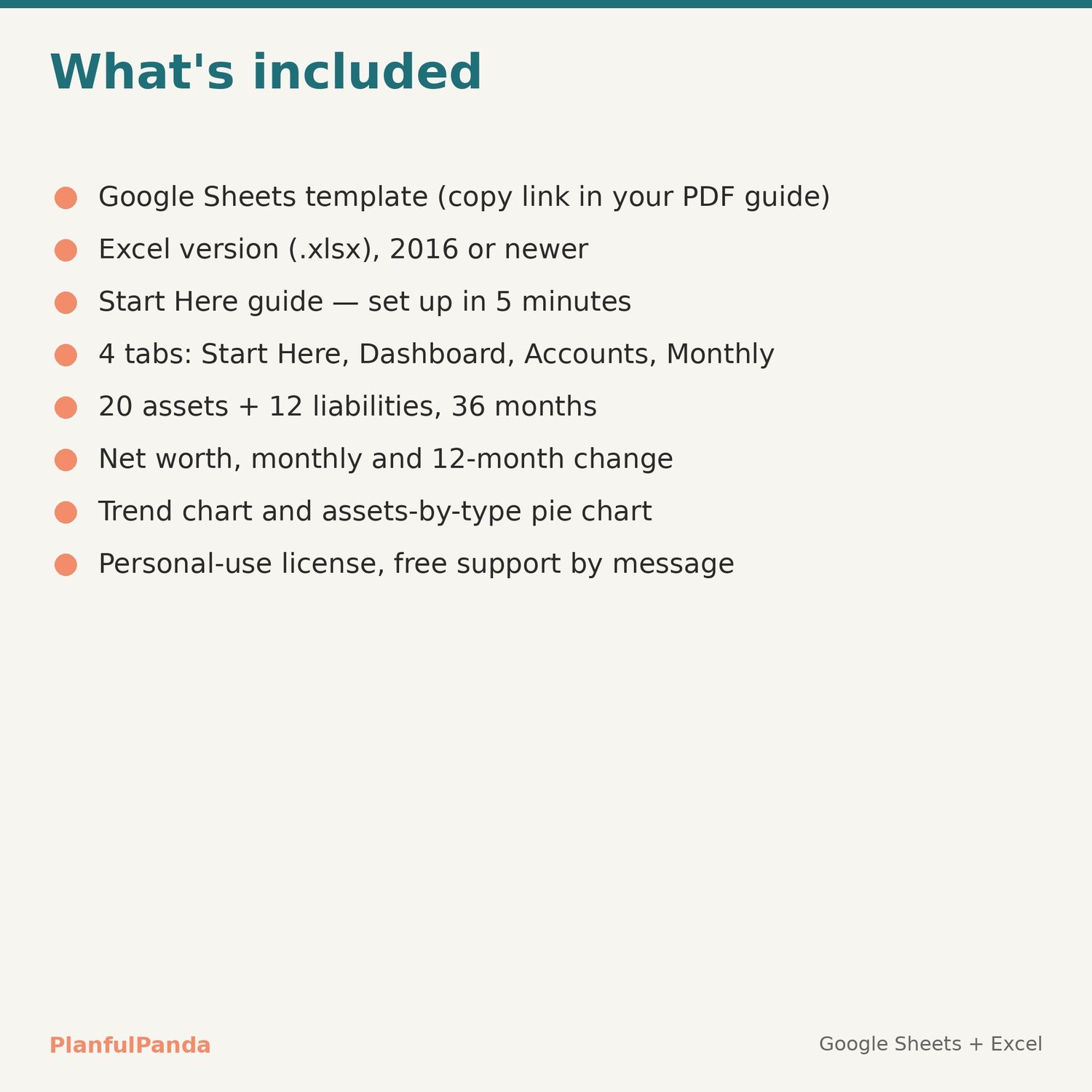
• Dashboard: net worth, assets, liabilities, 1-month and 12-month change; net worth trend line; assets-by-type pie chart. Always follows the latest month you've filled in.
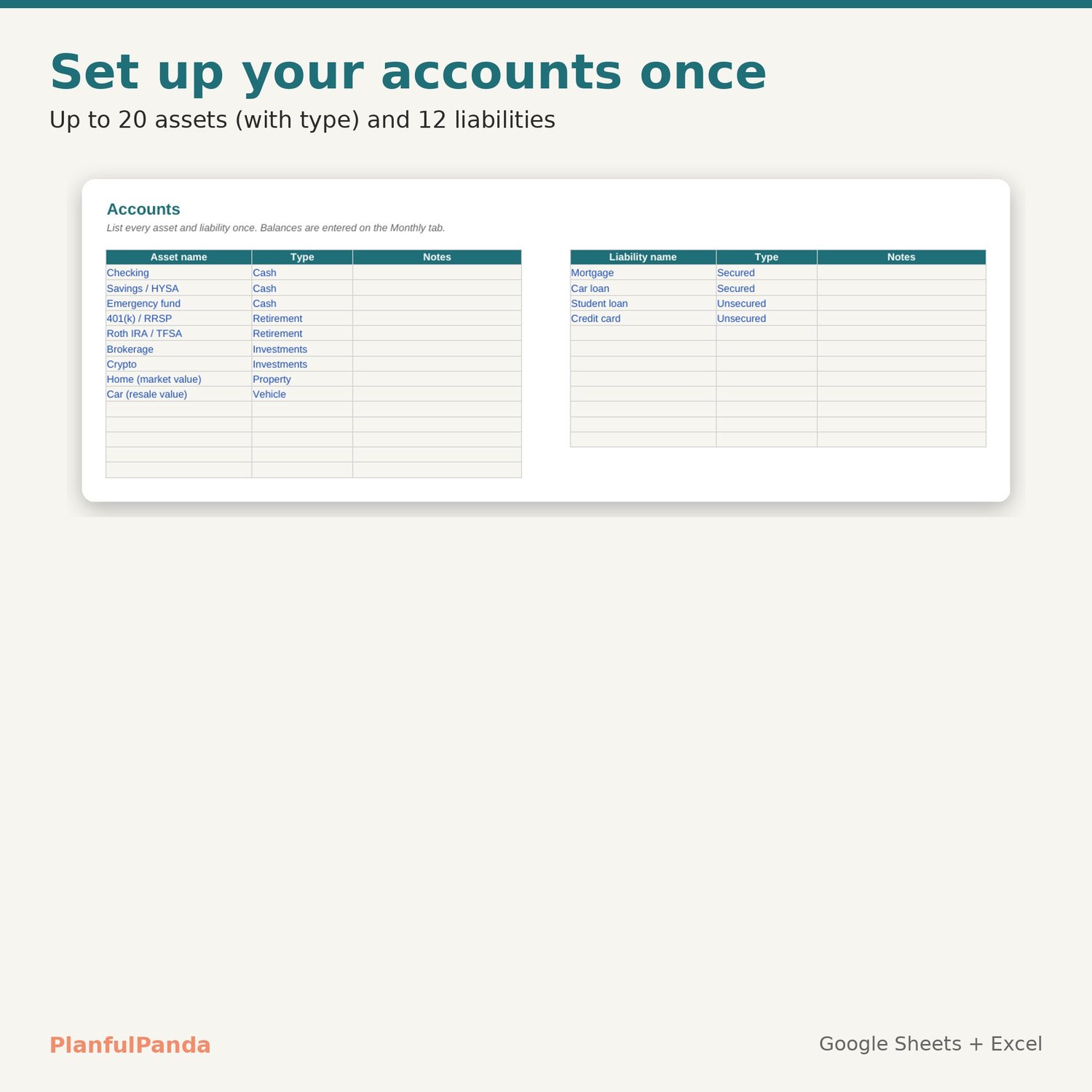
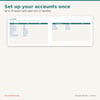
• Accounts: up to 20 assets (cash, retirement, investments, property, vehicle, other) and 12 liabilities.
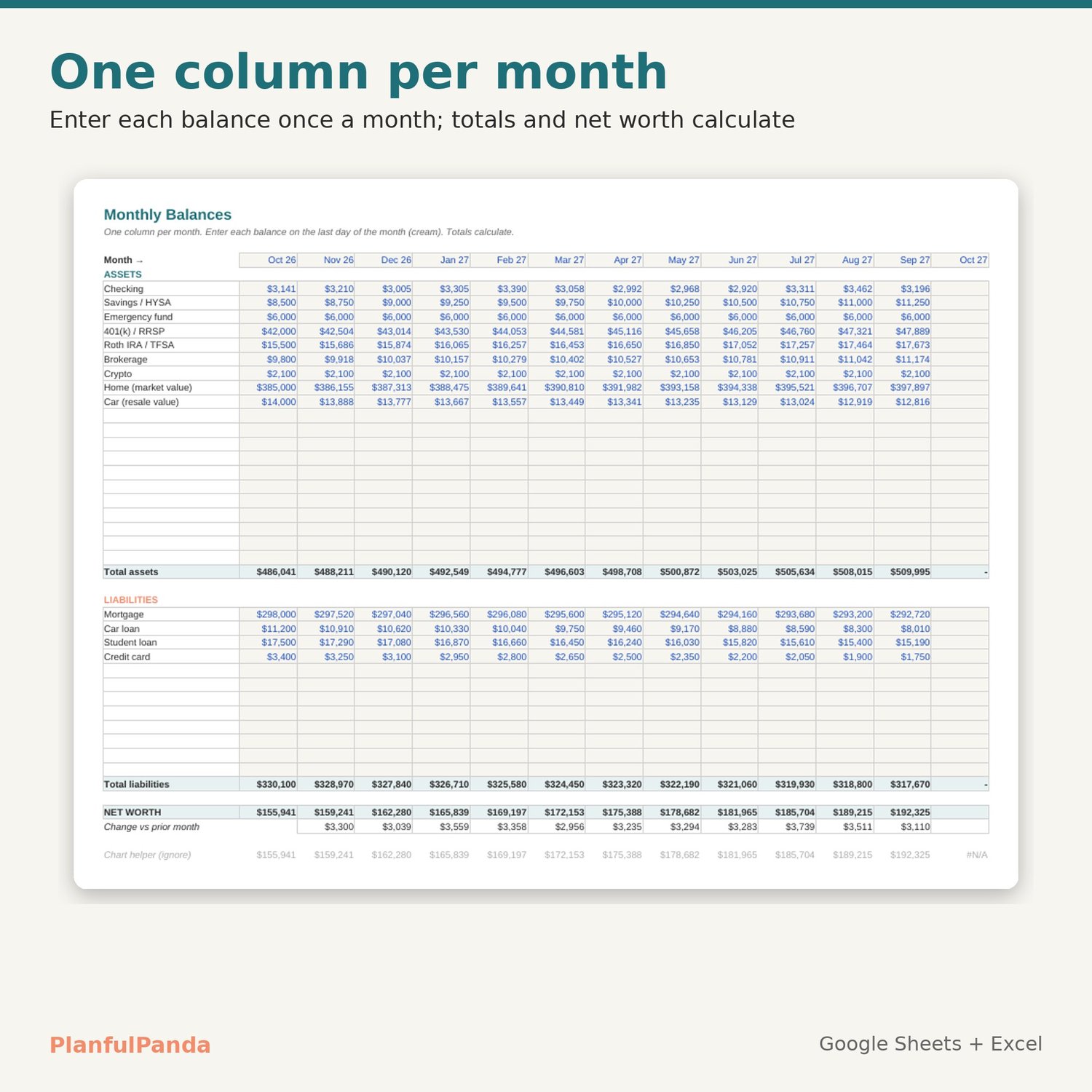
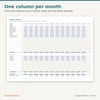
• Monthly: 36 monthly columns. Enter balances; totals, net worth and month-over-month change calculate.
WHAT YOU GET (instant download)
• PDF guide with your Google Sheets copy link
• Excel file (.xlsx) for Excel 2016 or newer, Windows and Mac
• Start Here tab with 4 set-up steps and 12 months of sample data you can clear
HOW IT WORKS
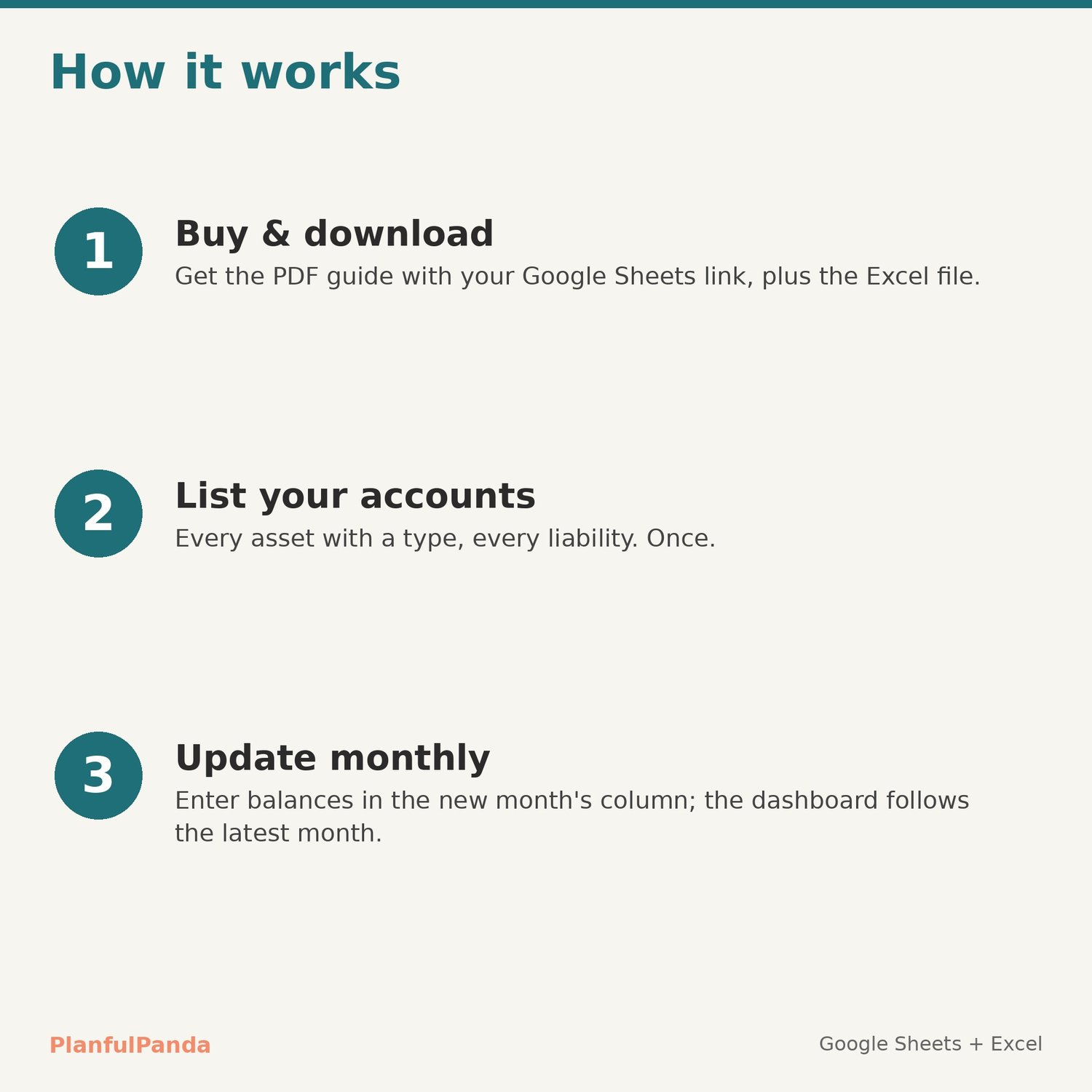
1. Download the PDF, open the link, File → Make a copy (or open the Excel file).
2. List your accounts on the Accounts tab.
3. Once a month, enter balances in the next column on Monthly. Done.
COMPATIBILITY
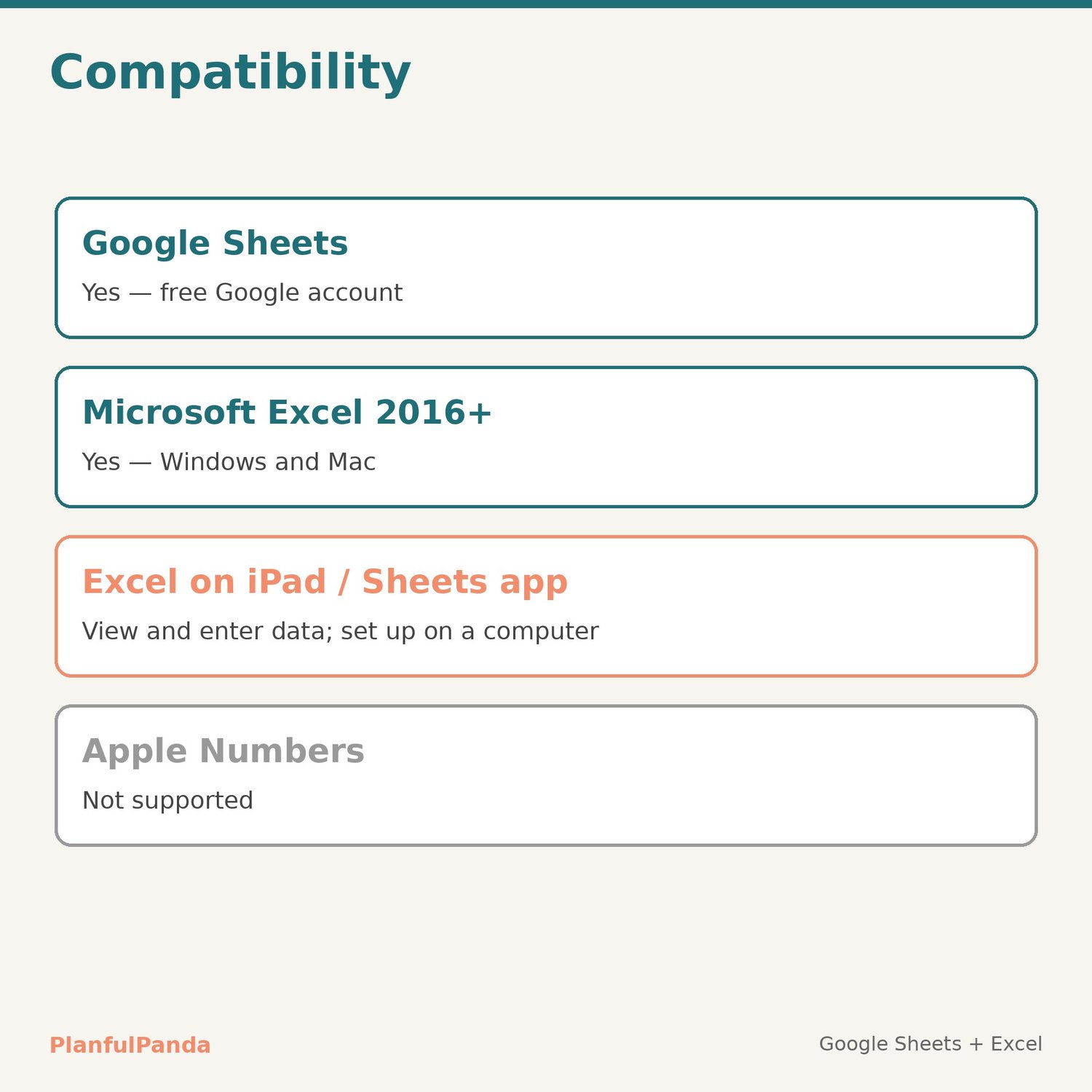
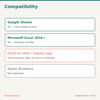
Google Sheets (free Google account) and Microsoft Excel 2016+. Set-up is easiest on a computer. Not designed for Apple Numbers.
LICENSE
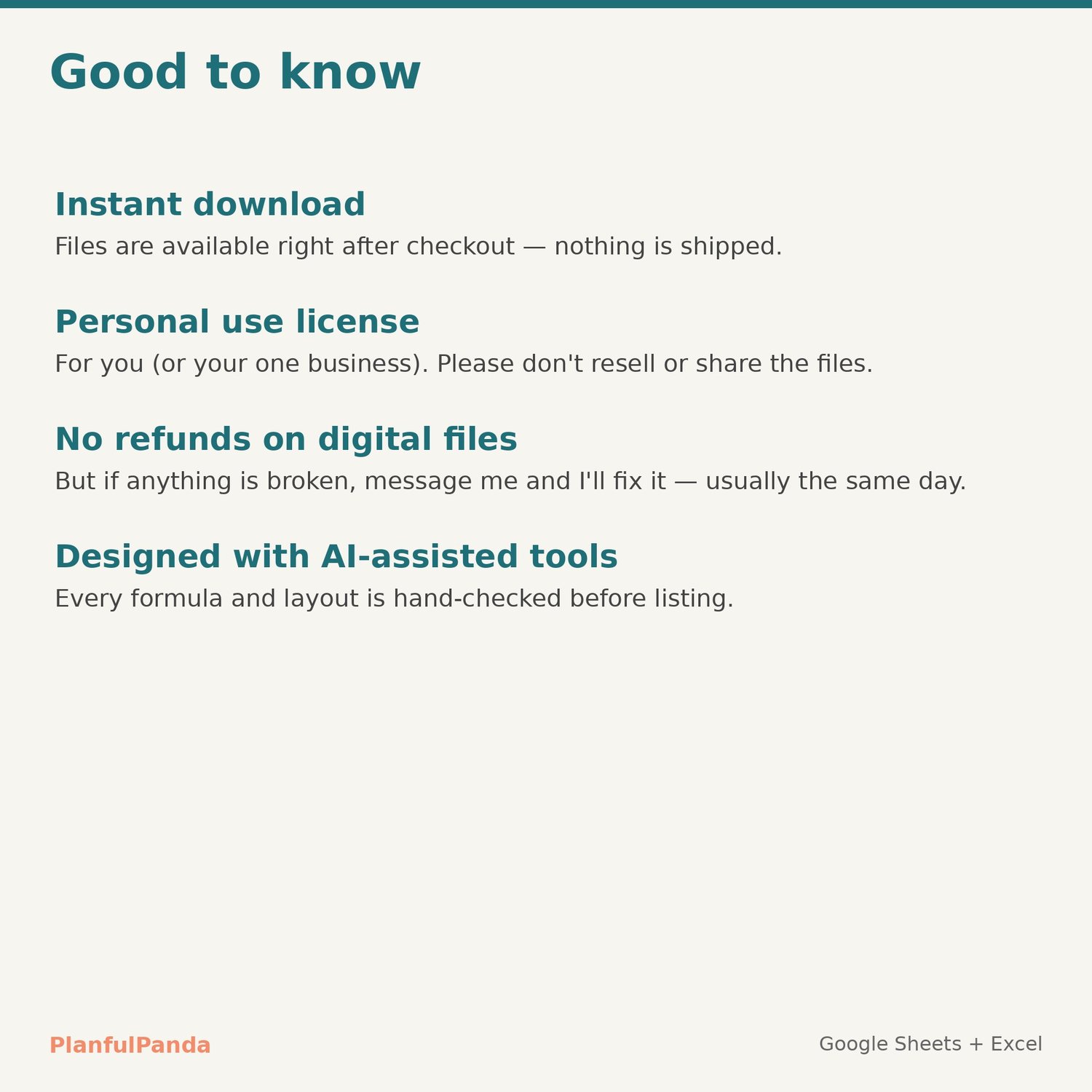
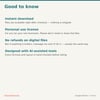
Personal use (or one business of your own). Please don't resell, share or redistribute the files.
FAQ
Refunds: digital files can't be returned once downloaded, but if anything doesn't work as described, contact me and I'll fix it — usually the same day.
More than 36 months? Unprotect the sheet and extend the columns — the formulas copy across.
Support: use the Contact link on the PlanfulPanda store. Replies within one business day.
Designed by PlanfulPanda with AI-assisted tools; every formula and layout is hand-checked.