

Seller Profit Tracker — Profit per Order After Fees, Shipping & Ads (Excel + Google Sheets) for Handmade & Online Sellers
Stop guessing which products actually make money.
Revenue isn't profit. After listing fees, transaction fees, payment fees, ads, shipping and the cost of making the thing, some "bestsellers" barely break even. The Seller Profit Tracker works that out for every single order — and then tells you what price you should charge.
What you can do with it
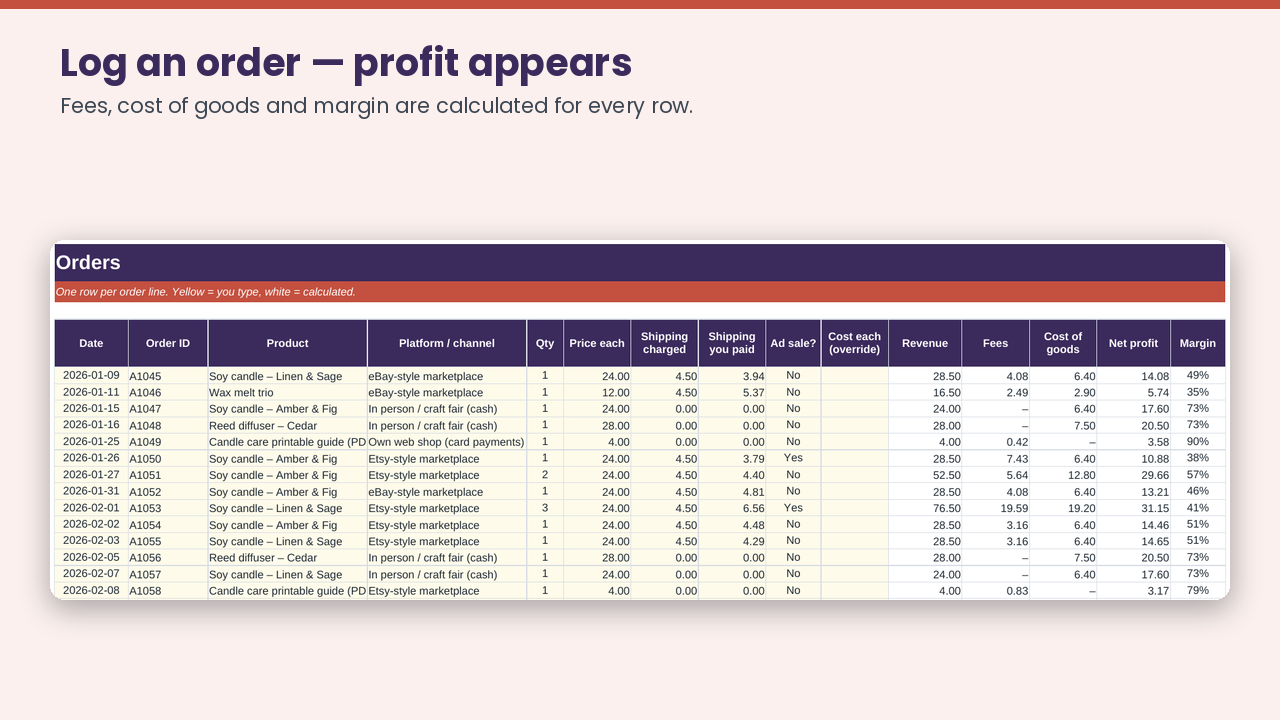
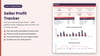
- See net profit per order — fees, cost of goods, shipping and margin are calculated automatically on every row.
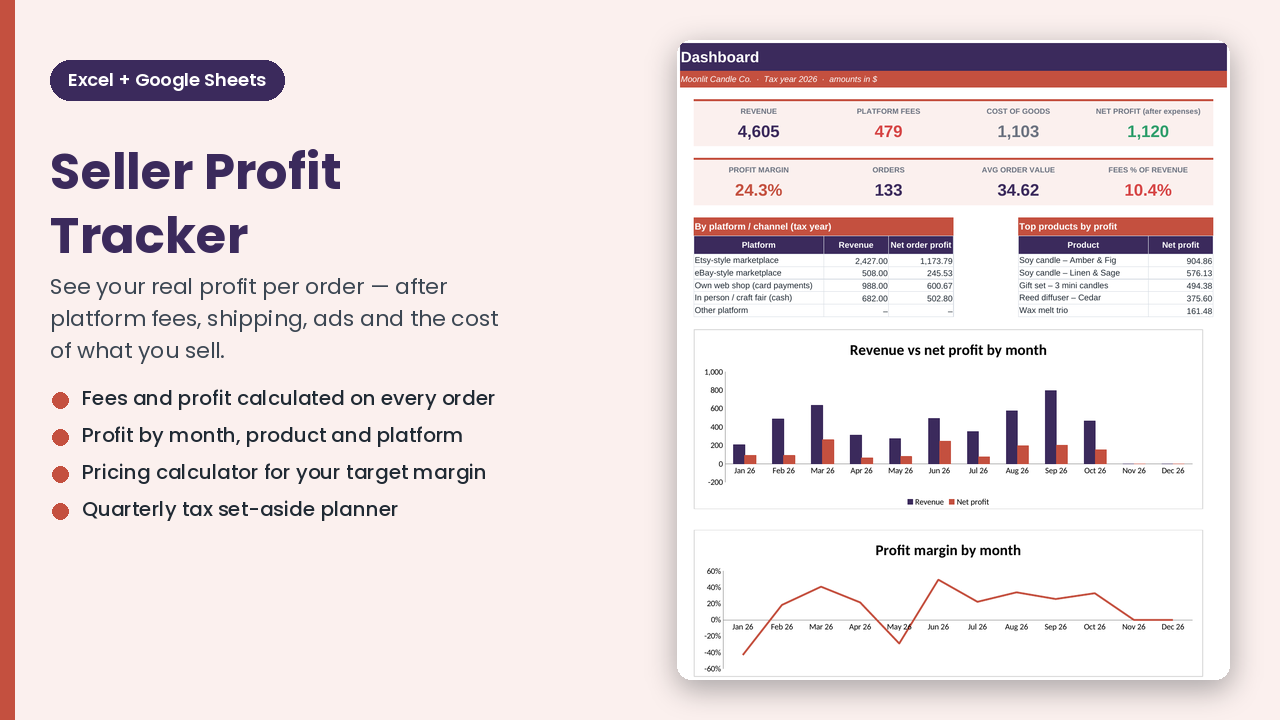
- Find your real winners — profit and margin per product, plus "top products by profit".
- Compare channels — marketplace vs your own web shop vs in-person sales, after each channel's fees.
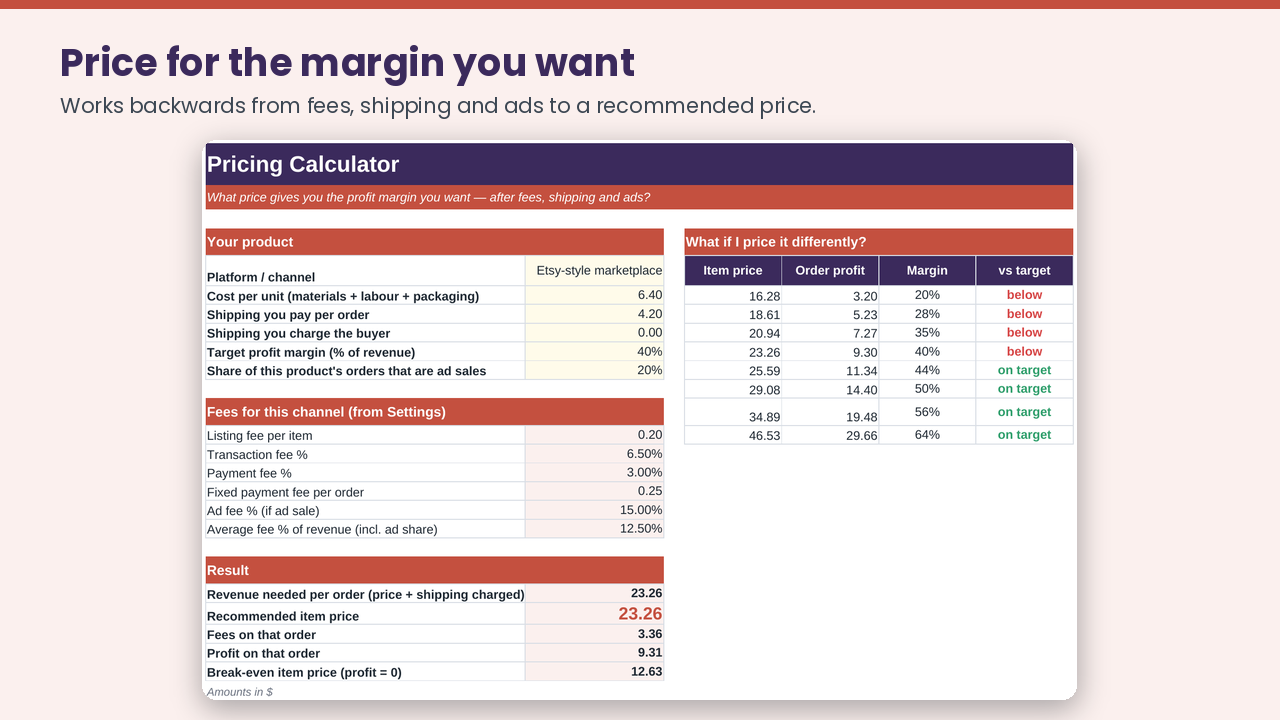
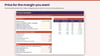
- Price for the margin you want — the Pricing Calculator works backwards from fees, shipping and ad share to a recommended price and a break-even price, with a "what if I price it differently?" table.
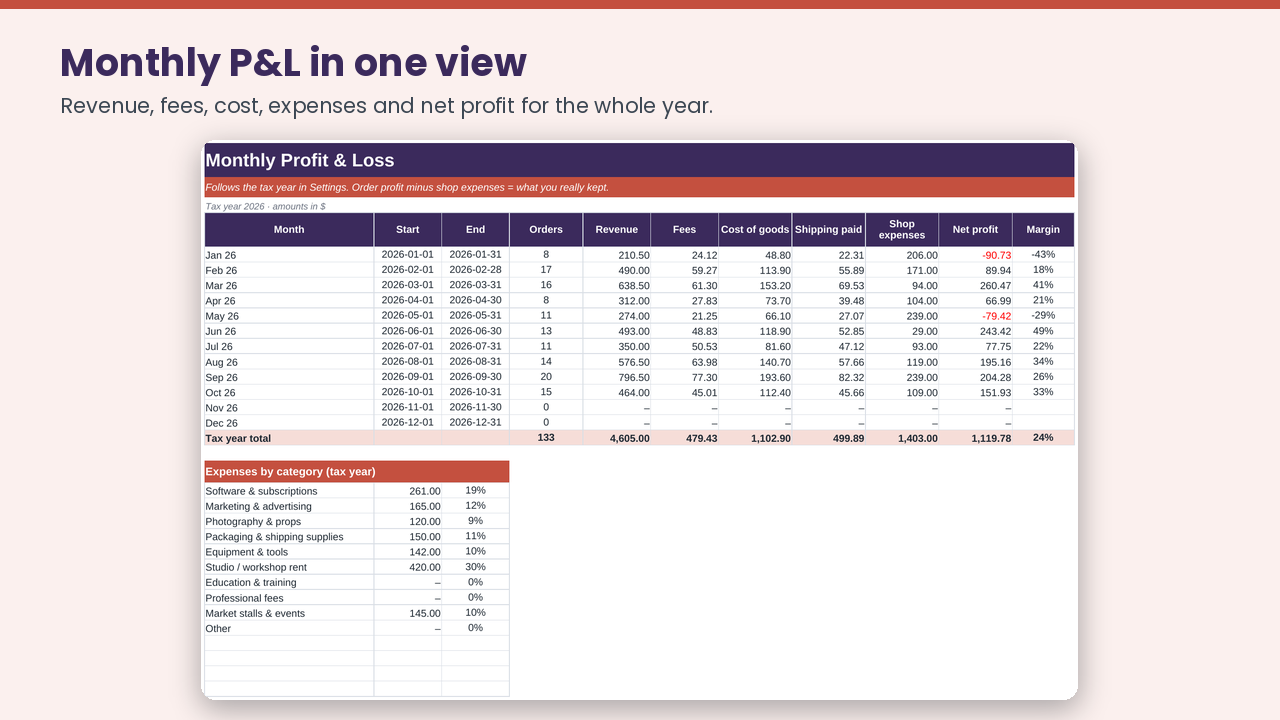
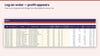
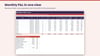
- Monthly profit & loss — revenue, fees, cost of goods, shipping, shop expenses and net profit for the year, with charts.
- Quarterly tax set-aside — profit × your set-aside % (planning aid).
- Editable fee profiles — set listing fee, transaction %, payment %, fixed fee and ad fee % for every channel you sell on (the examples are illustrative; you enter your current fees).
- Any currency. Pre-formatted for 1,000 orders, 200 products and 500 expenses.
Great for: Etsy-style and eBay-style marketplace sellers, craft-fair and web-shop makers, print-on-demand and digital-product sellers, vintage resellers — anyone who sells online and wants to know what they really keep.
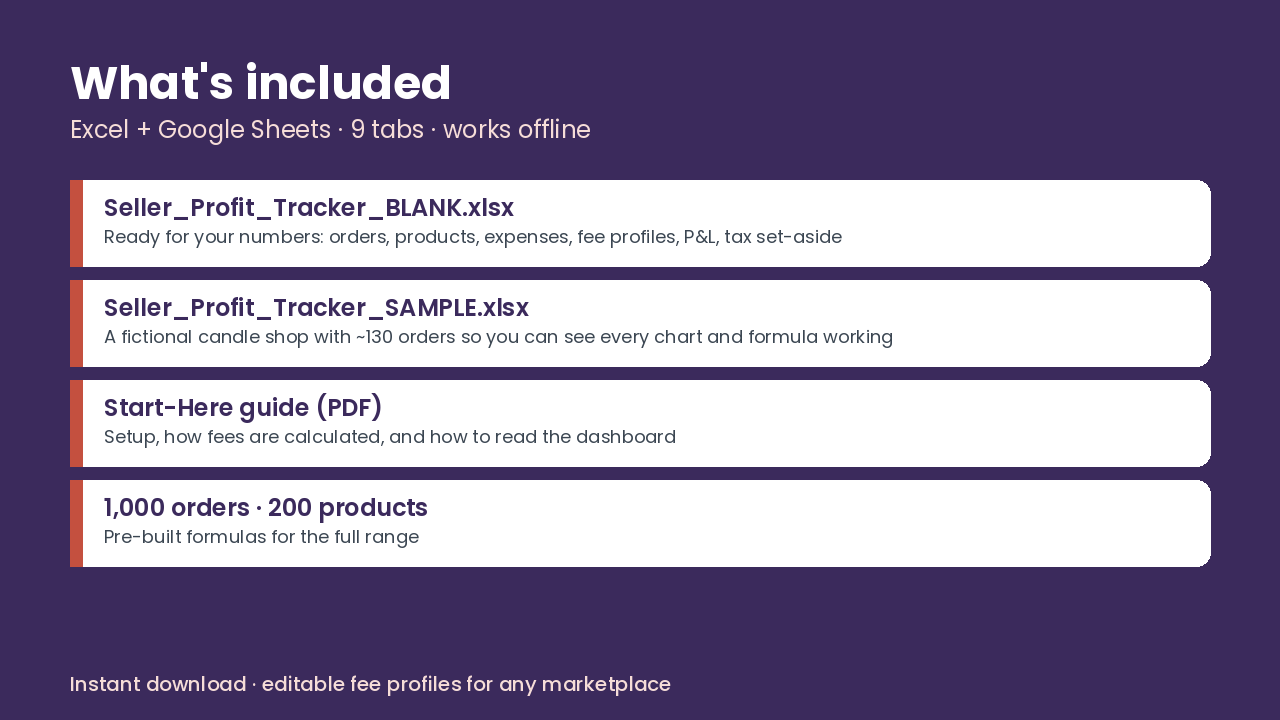
What's inside (9 tabs): Start Here · Dashboard · Orders · Products · Pricing Calculator · Expenses · Monthly P&L · Quarterly Tax · Settings
You receive (ZIP):
- Seller_Profit_Tracker_BLANK.xlsx — ready for your shop
- Seller_Profit_Tracker_SAMPLE.xlsx — a fictional candle shop with ~130 orders so you can see every chart and formula working
- Start_Here_Guide.pdf — 4-page setup guide with the profit formulas explained
How it works: open in Excel (2010+) or import into Google Sheets (File ▸ Import). Yellow cells are for you; everything else is a live formula — no macros, no add-ons, no subscriptions.
Good to know
- You enter your own orders (no marketplace connection — your data stays in your file).
- Fee numbers in the examples are illustrations only; this workbook is not affiliated with or endorsed by any marketplace or payment provider.
- The tax tab is a simple planning percentage, not tax or accounting advice.
- Personal and commercial use in your own shop is fine; please don't resell or redistribute the file.
- Instant digital download — nothing is shipped.