
Drag and Drop Canva Mockup Template Freebie
On Sale
$0.00
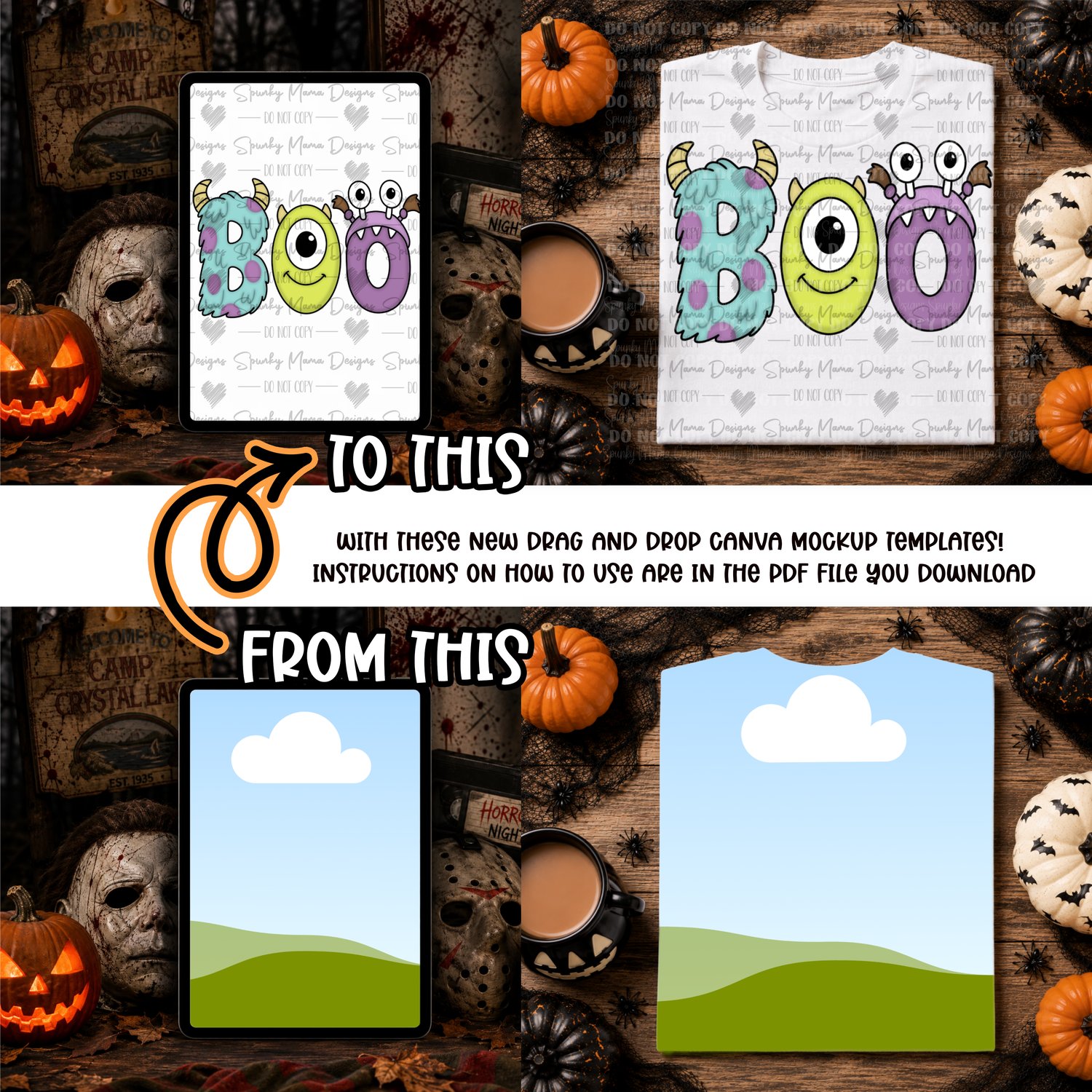
Test out the newest way to mockup your designs in canva.
simply drag and drop the design into the mockup.
then double click your design and fit it into the mockup to your liking.
Please take note when adding a watermark to your design you need to click it into your design via your upload section. You can not move it around on your design as canva will try and drag and drop it into the design.
This is a canva issue that i'm trying to find a work around. until then i'm unsure of how to fix the issue.