

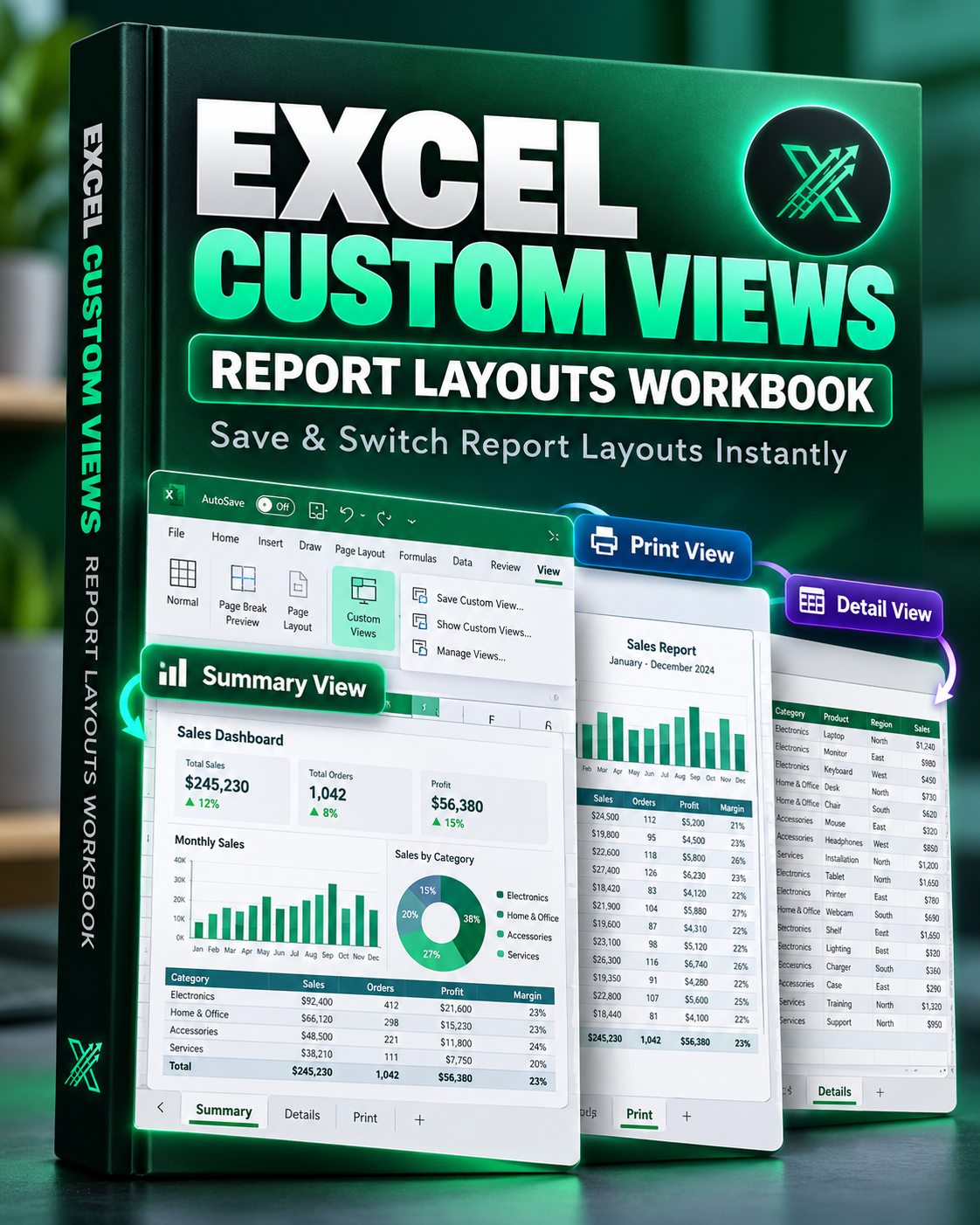
Excel Custom Views — Report Layouts & Practice Workbook
Save Multiple Excel Report Layouts Without Rebuilding Your Worksheets
Learn how to use Custom Views in Excel and organize your reporting workflow with a reusable business workbook.
This editable Excel template combines hands-on exercises with a practical sales reporting system, helping you create different viewing and printing layouts for the same data.
What's Included
- Expandable sales order dataset
- Dynamic sales, cost, profit, and margin calculations
- Monthly reporting controls
- Regional performance breakdown
- Three professional Custom Views configuration blueprints
- Eight practical exercises with progress tracking
- Instructions for creating and saving your own layouts
Three Reporting Perspectives
Executive Summary: A simplified layout focused on key performance indicators.
Analyst Detail: A detailed view for inspecting business records and validating calculations.
Printable Report: A presentation-friendly layout for consistent printing and PDF export.
Designed to Grow with Your Data
The sample dataset is not a fixed row limit. Add new orders beneath the existing records and the report formulas will continue referencing the expanded source columns.
Important Compatibility Note
Custom Views is a native Excel desktop feature and is unavailable when an Excel workbook contains Excel Tables. For that reason, this template intentionally uses regular worksheet ranges.
The workbook includes instructions and layout blueprints. Saved Custom Views are created by the user in Excel.
Ideal For: Excel learners, business analysts, reporting specialists, operations managers, and office professionals.
Format: Editable .xlsx file
Recommended: Excel desktop for Windows. Feature availability may differ on other platforms.
Instant Digital Download · No VBA · One-Time Purchase