
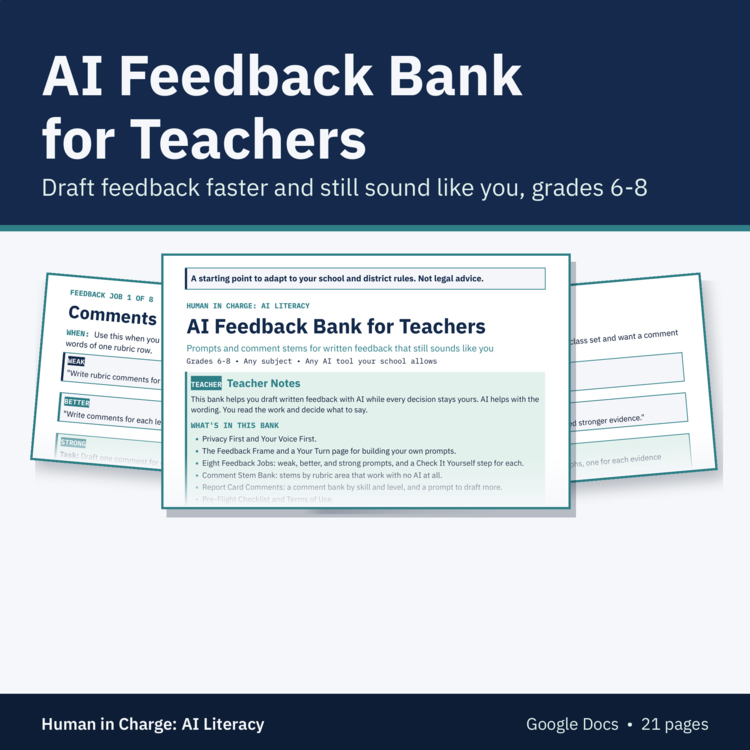
AI Feedback Prompts and Comment Stems for Teachers, Any Subject, Middle School
Draft written feedback faster and still sound like you
Written feedback takes time, and AI can help with the first draft of the wording. This bank shows you how to use it without giving up your judgment or your voice. AI drafts the wording and you decide. AI never assigns a score or grade, and you read the student's work and edit every comment before it goes back. You start by writing three of your own comments, and every prompt builds on them so the drafts sound like you.
What's Included
• How to use the bank: AI drafts the wording, you decide, and you edit every comment
• Privacy page: no student names, identifying details, or IEP or 504 information in any prompt, and student work goes only into the AI tool your school allows, or you describe the issue in your own words
• Your Voice First: write three of your own comments and a few words you always or never use
• The feedback frame: task, context, constraints, evidence, and verify, used for feedback, so each comment points to a specific line or step and you check it against the work and the rubric without AI
• Eight feedback jobs, one page each, with weak, better, and strong prompts and a Check It Yourself step: comments tied to rubric criteria, one strength and one next step, writing claim and evidence, math reasoning, science lab write-ups, revision conference questions, feedback on the AI Use Note, and a kinder or clearer rewrite of your own comment
• Comment stems sorted by rubric area that you can use with no AI at all, with room to add your own
• Pre-flight checklist to run before any feedback goes back to a student
• Made for Google Drive: you get your own editable copy of the Google Doc.
How Teachers Use It
• Add the bank to your Google Drive and fill in Your Voice First.
• Pick the feedback job that matches the work in front of you.
• Use the strong prompt, then check every comment against the work and the rubric.
• Use the comment stems on days you don't want to use AI at all.
• Run the pre-flight checklist before feedback goes back.
Why It Works
• Your own comments come first, so the drafts sound like you.
• Every comment has to point to a specific line or step in the student's work.
• Each job ends with a check you do yourself. Asking AI again does not count as a check.
• The comment stems work with no AI, so the bank still helps if your school limits AI tools.
Pairs Well With
• Assignment Redesign Guide: its process rubric uses the same criteria names as the rubric feedback job.
• Teacher Prompt Playbook: AI prompts for planning and other teacher tasks.
• AI Use Note Slips (free): short slips students use to show how they used AI.
Good to Know
• This bank is a starting point to adapt to your school and district rules. It is not legal advice.
• Made for Google Drive: after checkout, open the link in your download and click Make a copy to get your own editable version. You need a Google account.
• Format: Google Docs.
• 21 pages in Google Docs.
• Grades 6-8, any subject.
About Us
We're a husband-and-wife team: a former elementary and middle school English teacher and structured literacy coach with a master's in instructional design, and a pilot.
The Human in Charge Team