




The 23-Control Month-End Close OS: Guide + Workbook for Bookkeepers
Month-end close is rarely hard because of the accounting. It is hard because everything runs through you: who sent documents, who is late, what is blocked, what has been reviewed, and what is safe to send.
The 23-Control Month-End Close OS is a practical system for bookkeepers and small firms who close the books for several clients at once.
WHAT YOU GET
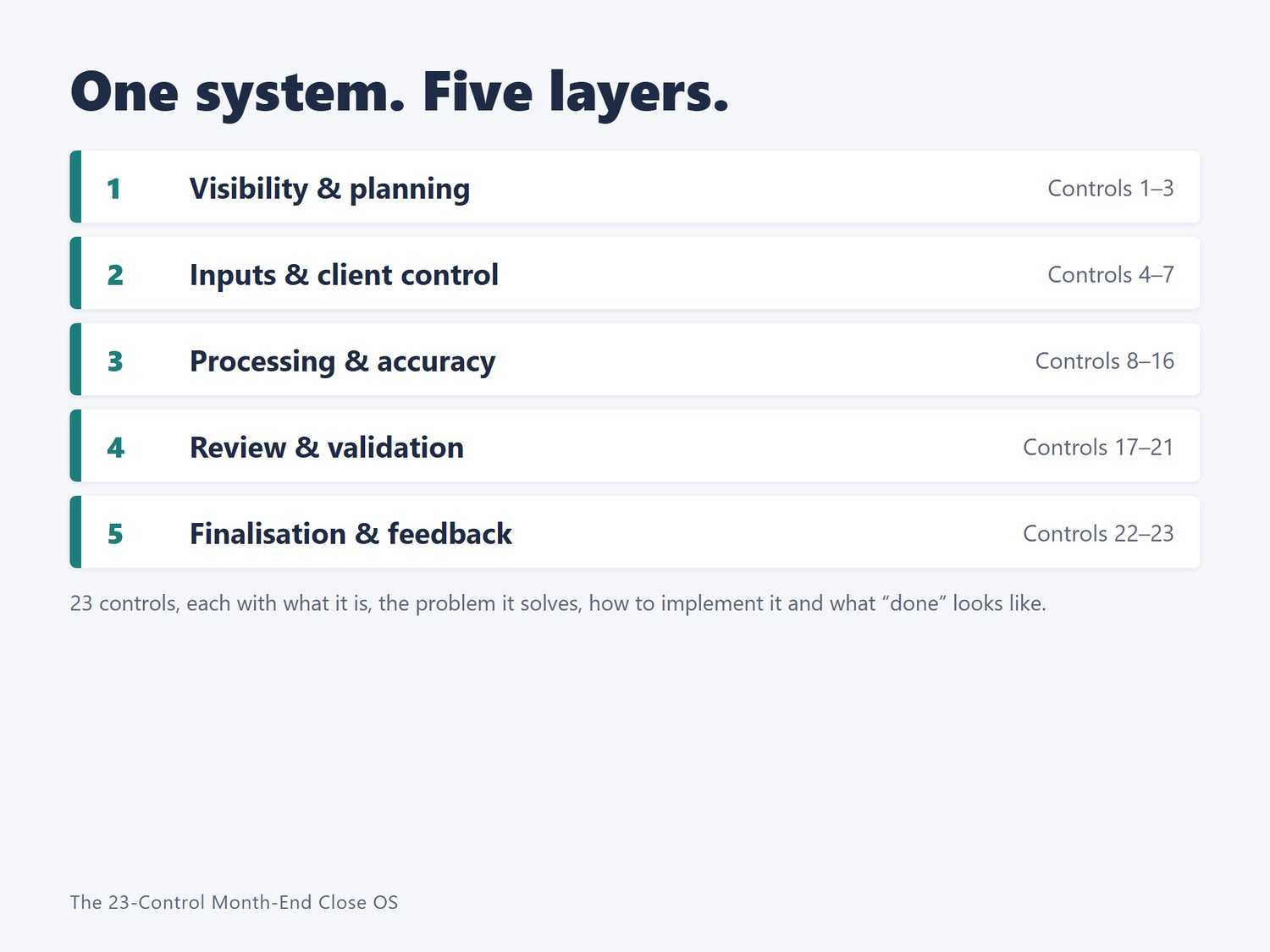
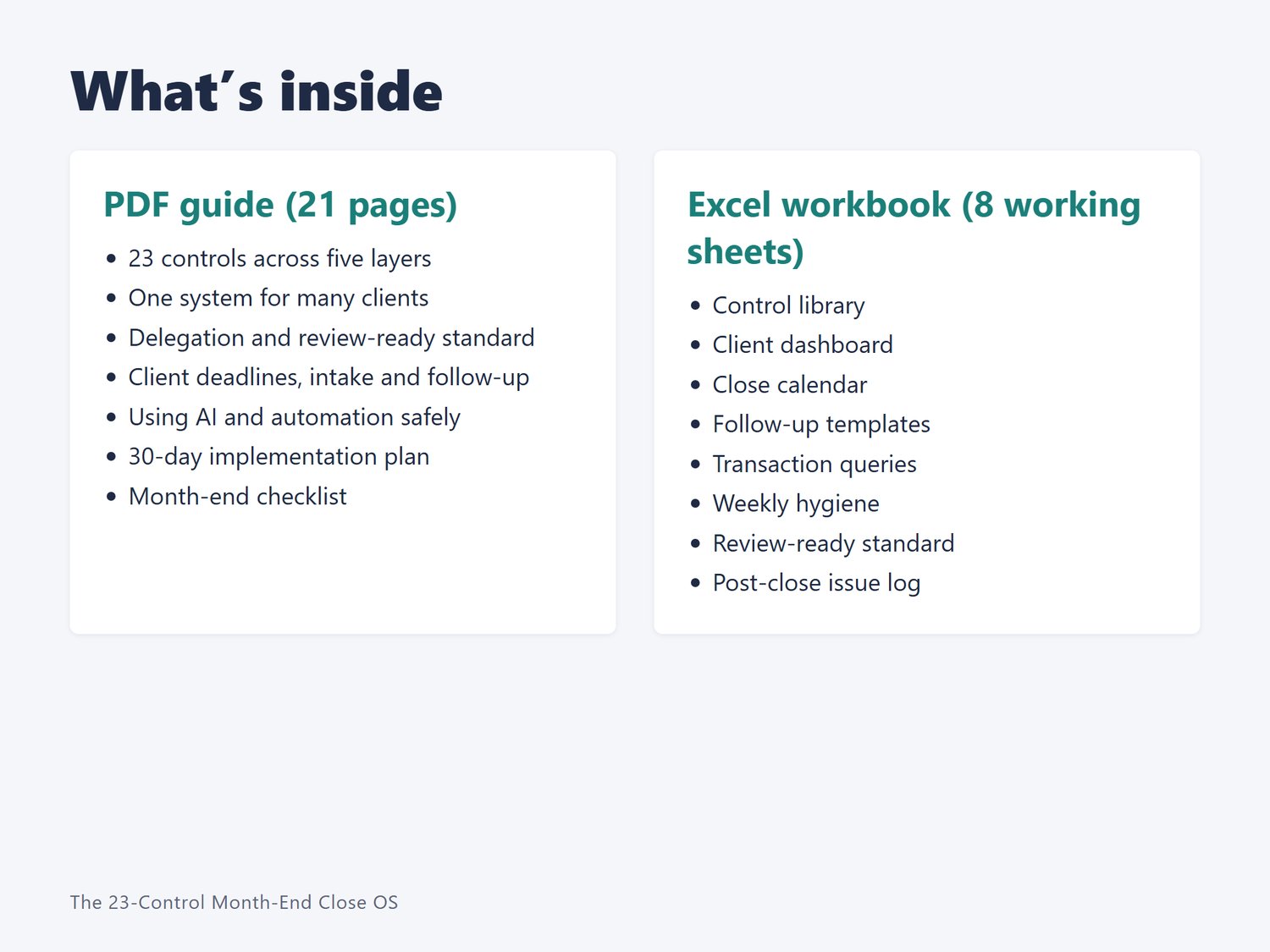
- A 21-page PDF guide explaining 23 controls across five layers: visibility and planning, inputs and client control, processing and accuracy, review and validation, and finalization and feedback
- How to run one system across many clients, with guidance on client profiles, one workflow and control gates
- How to delegate without losing quality: roles, outcome-based tasks, decision rules and a review-ready standard
- A client control section: deadlines, document intake, a follow-up sequence and batched transaction queries
- Guidance on using AI and automation safely
- A 30-day implementation plan and a month-end checklist
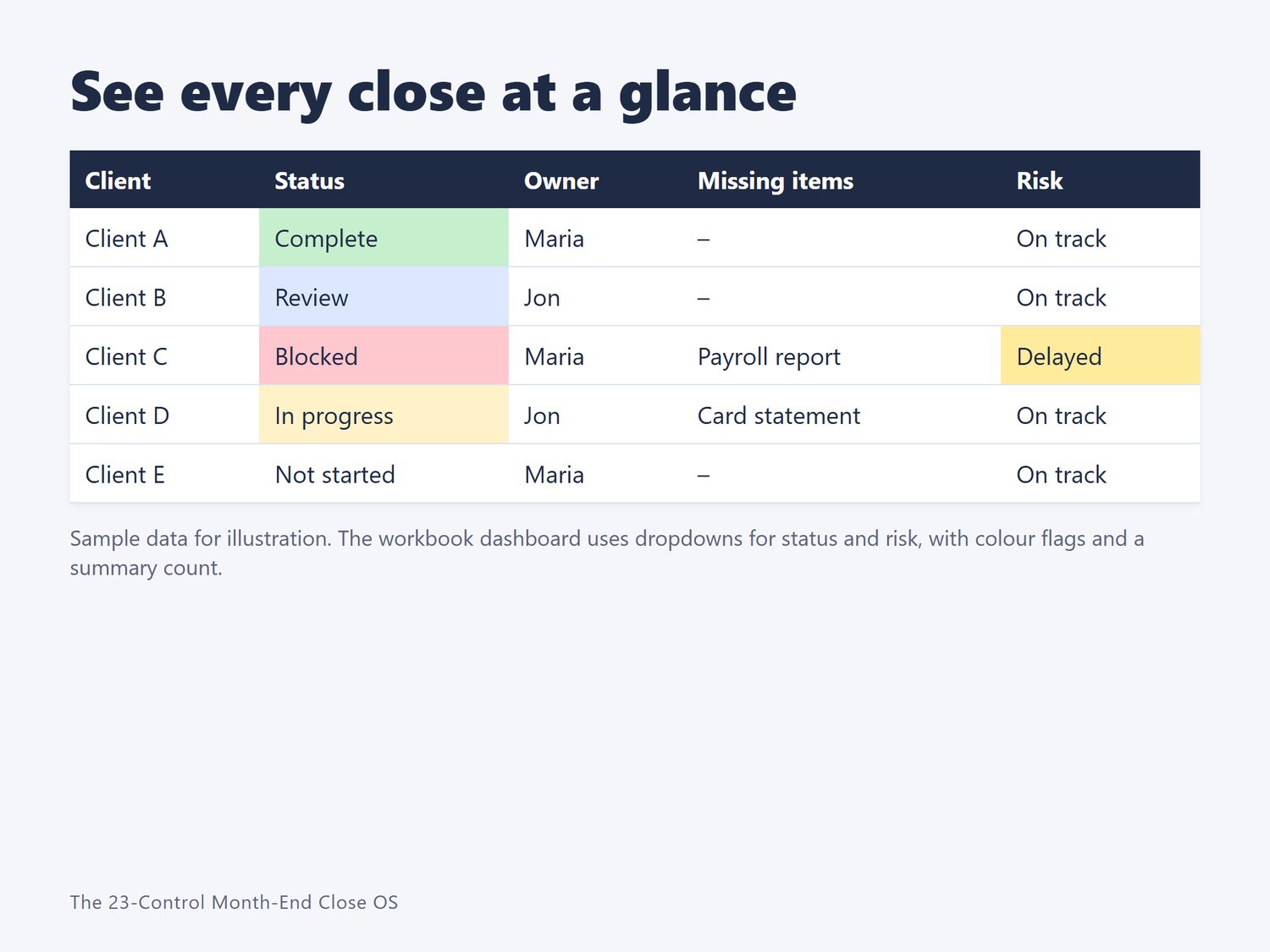
- An Excel workbook with: control library, client dashboard with status dropdowns and an automatic overdue flag, a close calendar that fills in dates from your first business day, follow-up message templates, transaction query sheet, weekly hygiene routine, review-ready gate and post-close issue log
WHO IT IS FOR
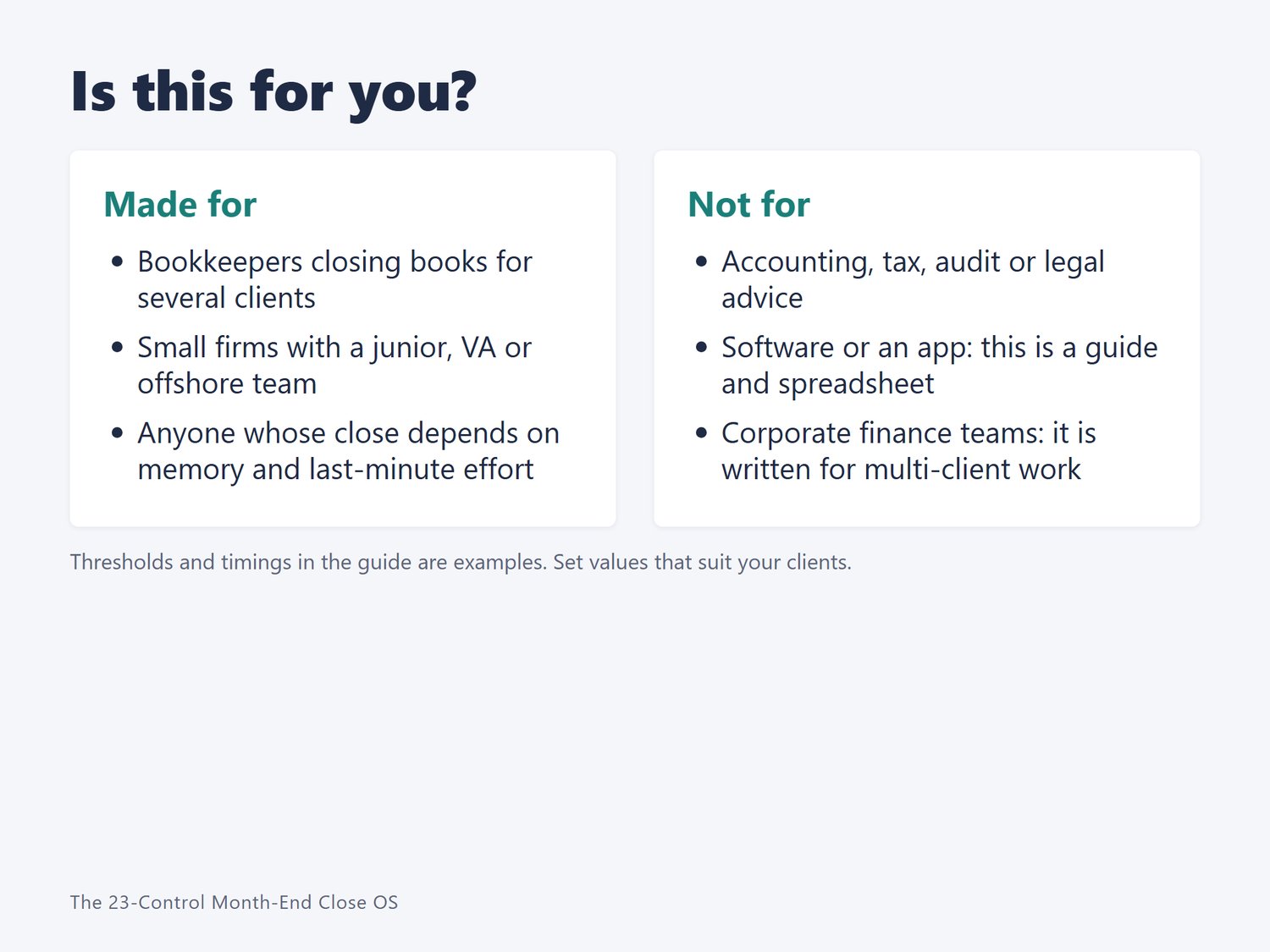
- Solo bookkeepers growing past a handful of clients
- Small firms with a junior, VA or offshore team
- Anyone whose close depends on memory and last-minute effort
WHO IT IS NOT FOR
- Anyone looking for accounting, tax, audit or legal advice
- People wanting software. This is a guide and a spreadsheet, not an app
HOW IT WORKS
Read the first chapters, mark which controls you already follow in the workbook, then add controls over a 30-day plan. Start small. Even a few controls, such as a dashboard, a document deadline and a review checklist, can make a close more predictable.
GOOD TO KNOW
- Examples such as "business day 3" and "10% variance" are starting points. Set values that suit your clients.
- Industry figures quoted in the guide are dated and attributed to their sources. Check the originals before you reuse them.
- Created with AI assistance and reviewed and edited by Daywell Paper Studio.
- Software-agnostic: a process guide and spreadsheet that do not depend on, or connect to, any one accounting product. Examples mention QuickBooks, Stripe, Shopify and PayPal.
- Needs Excel (or a compatible spreadsheet application) and a PDF reader.
LICENSE
One bookkeeper or firm. You may use it with your own clients. Do not resell, share or redistribute the files.
REFUND POLICY
If the product is not as described, or you cannot open the files, email daywellpaperstudio@gmail.com within 14 days of purchase and include the email address you used to buy. We will fix the problem or refund the price you paid. Refunds go back to your original payment method, and how long they take depends on PayPal and your bank. Requests after 14 days are considered case by case.
SUPPORT
Questions or a problem with your download: daywellpaperstudio@gmail.com. Replies within 2 business days.