
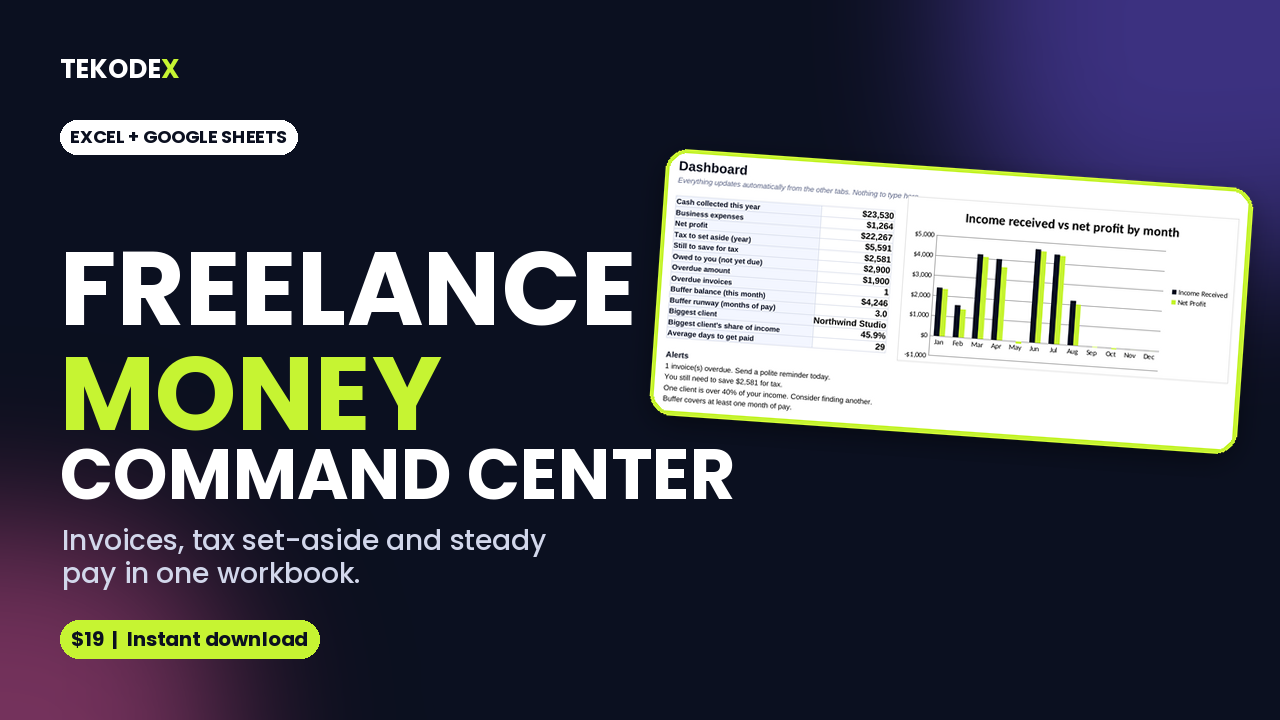
Freelance money command center
Freelance Money Command Center is one workbook that replaces the scattered notes, bank-app checking and guesswork. Log your invoices and expenses, and it works out what is overdue, what to put aside for tax, which clients are worth your time, and whether your cash buffer can cover a slow month.
It comes with realistic sample data so you can see every feature working, then clear it and add your own.
Key features
- Invoice tracker with automatic Paid, Outstanding and Overdue status and days overdue
- Expense log with category dropdowns
- Client profitability: effective hourly rate, share of income, average days to get paid, plus flags for concentration risk and slow payers
- Income smoothing: set a steady monthly owner pay and watch a buffer balance absorb good and bad months
- Quarterly tax set-aside estimator with due dates and a "still to save" column
- Dashboard with 13 key figures, four plain-English alerts and a monthly chart
- Start Here guide with 6 setup steps (about 10 minutes)
What you receive
- 1 Excel workbook (.xlsx) with 8 tabs, 700+ working formulas
- Capacity for 200 invoices, 200 expenses and 20 clients per year file
Who it is for
Freelancers, contractors, creators and solo service businesses who invoice clients and want a clear view of their money without learning accounting software.
How it works
- Enter your tax year, set-aside rate, monthly pay and opening buffer in Settings.
- Add clients, then invoices and expenses.
- Mark invoices paid by typing the paid date.
- Check the Dashboard.
Compatibility
Microsoft Excel (desktop and web) and Google Sheets (upload to Drive and open, or File > Import). Also opens in LibreOffice. Not designed for the Excel mobile app's limited view.
FAQ
Is this accounting or tax software? No. It is a planning tool. The tax tab gives a simple estimate based on the rate you choose. Check with an accountant for your real liability.
Does it work outside the US? Yes. Quarter dates default to the US IRS schedule and can be overwritten with your own.
Does it connect to my bank? No. You enter data manually, which keeps it private and works offline.
Can I use it for more than one year? Yes. Save a copy per year and change the tax year in Settings.
Will Google Sheets break it? Formulas use standard functions that Google Sheets supports. Dropdowns and conditional formatting import normally in most cases; check the dashboard chart after importing.
Refunds? Digital product, so set your policy in Gumroad settings.