
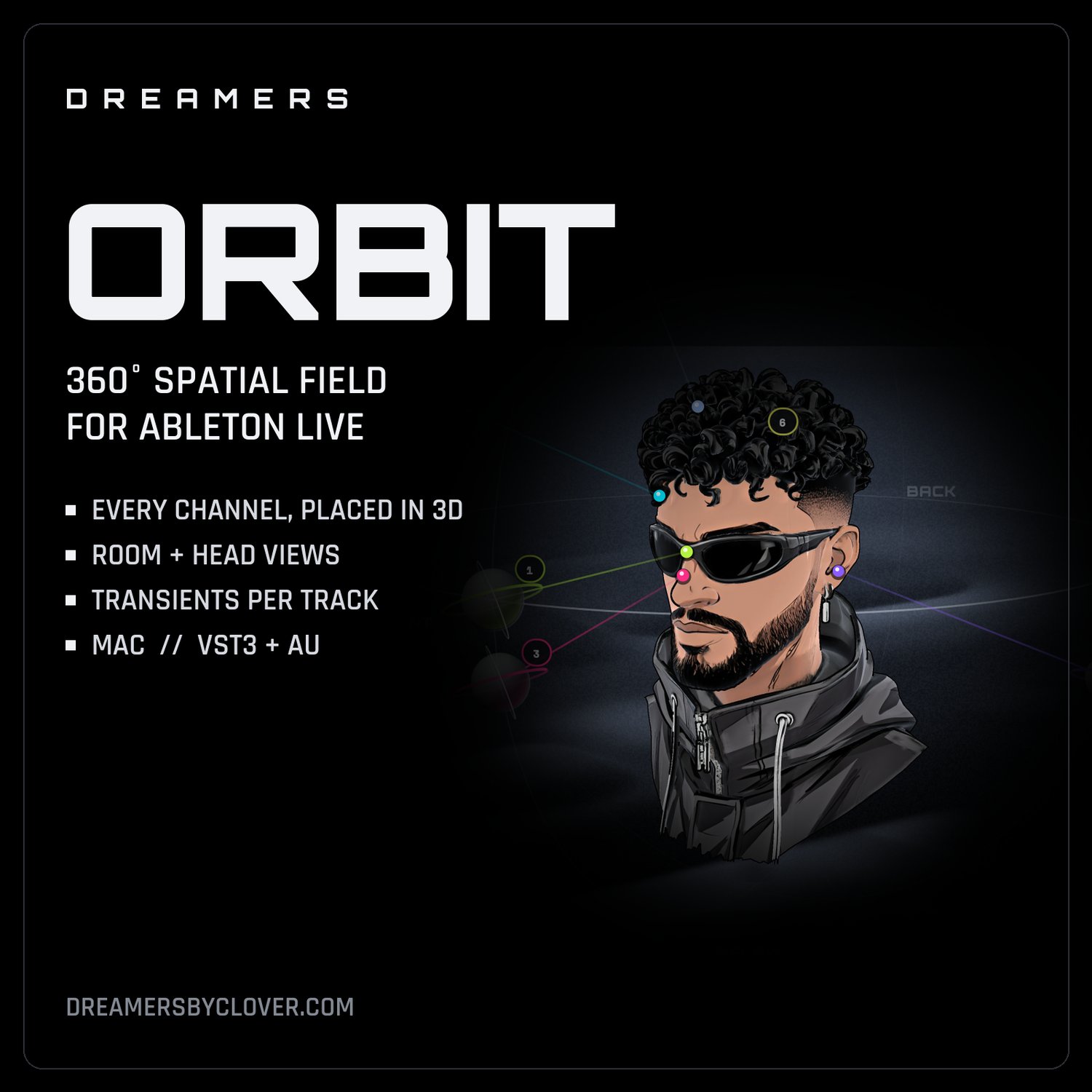
Dreamers Orbit — 360° Spatial Field for Ableton Live (Mac)
Your whole surround studio in one plugin. Put every sound in your set anywhere around you: front, back, left, right, above or below.
WHAT IT DOES
Dreamers Orbit is a 360° spatial field and transient shaper for Ableton Live. Put one Orbit on your Main track and it becomes the hub. Its free Live helper adds Orbit to every channel for you, including channels you add later, so you place every sound in your set from one window. The mix passes through untouched until you move something.
VIEWS
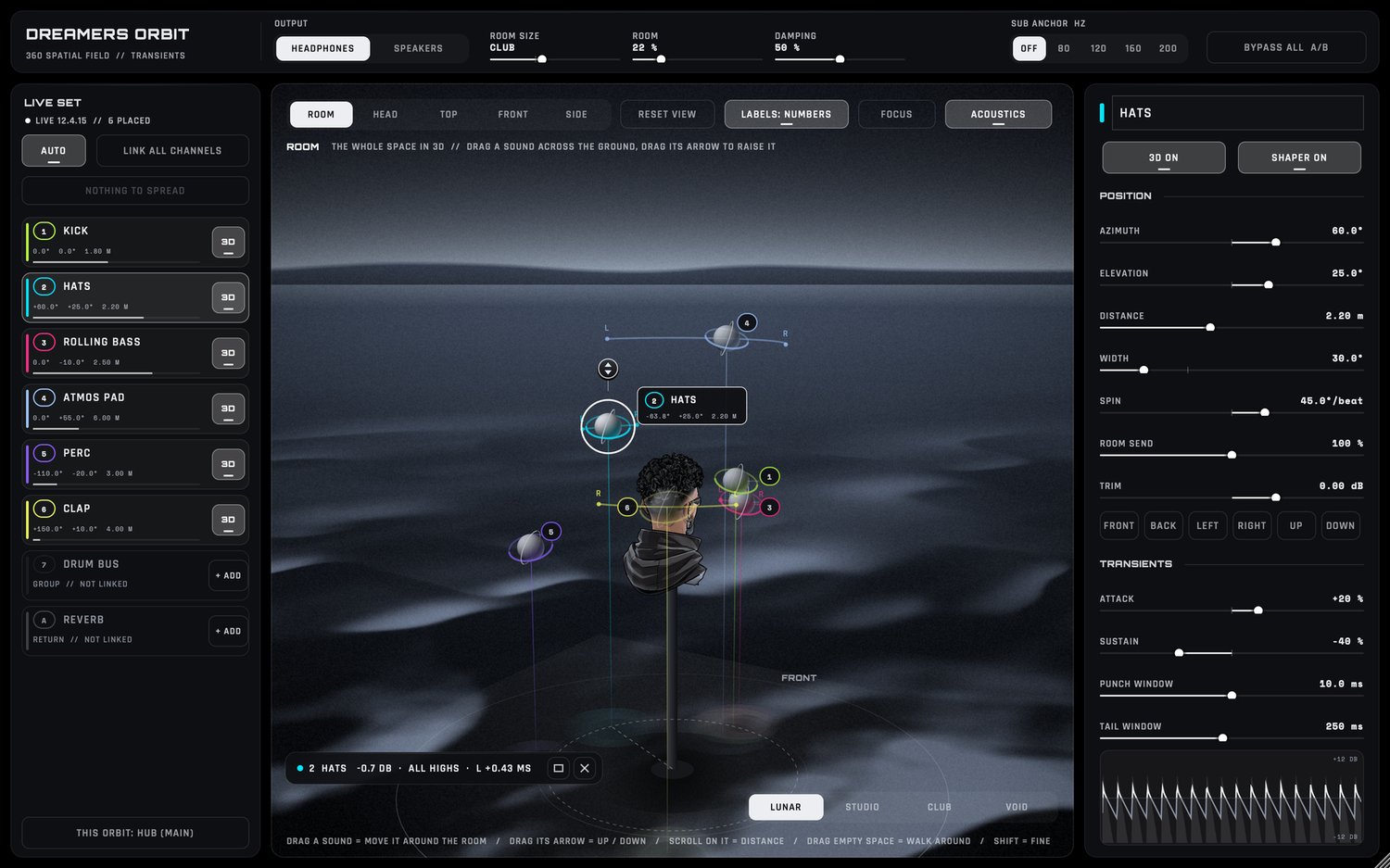
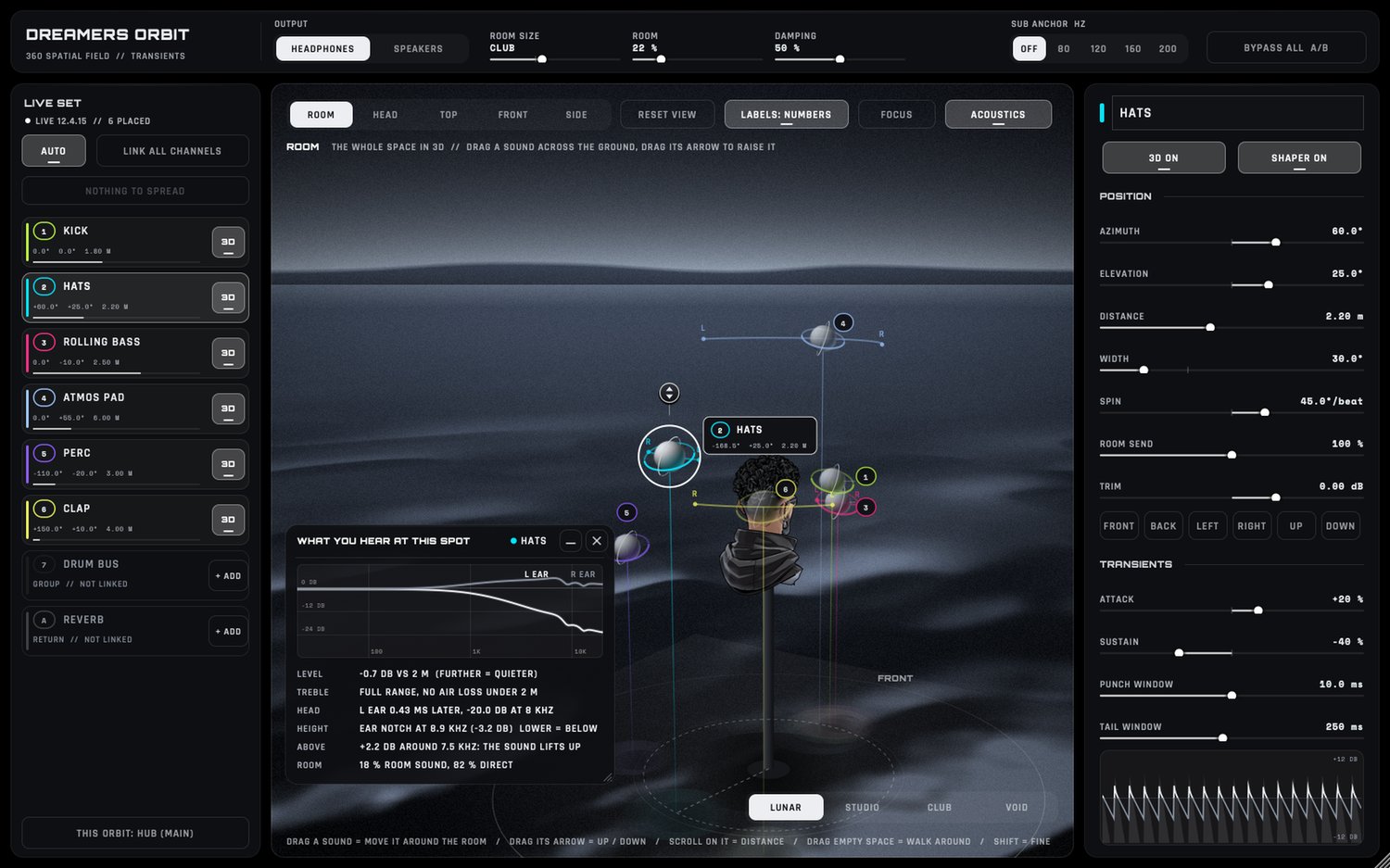
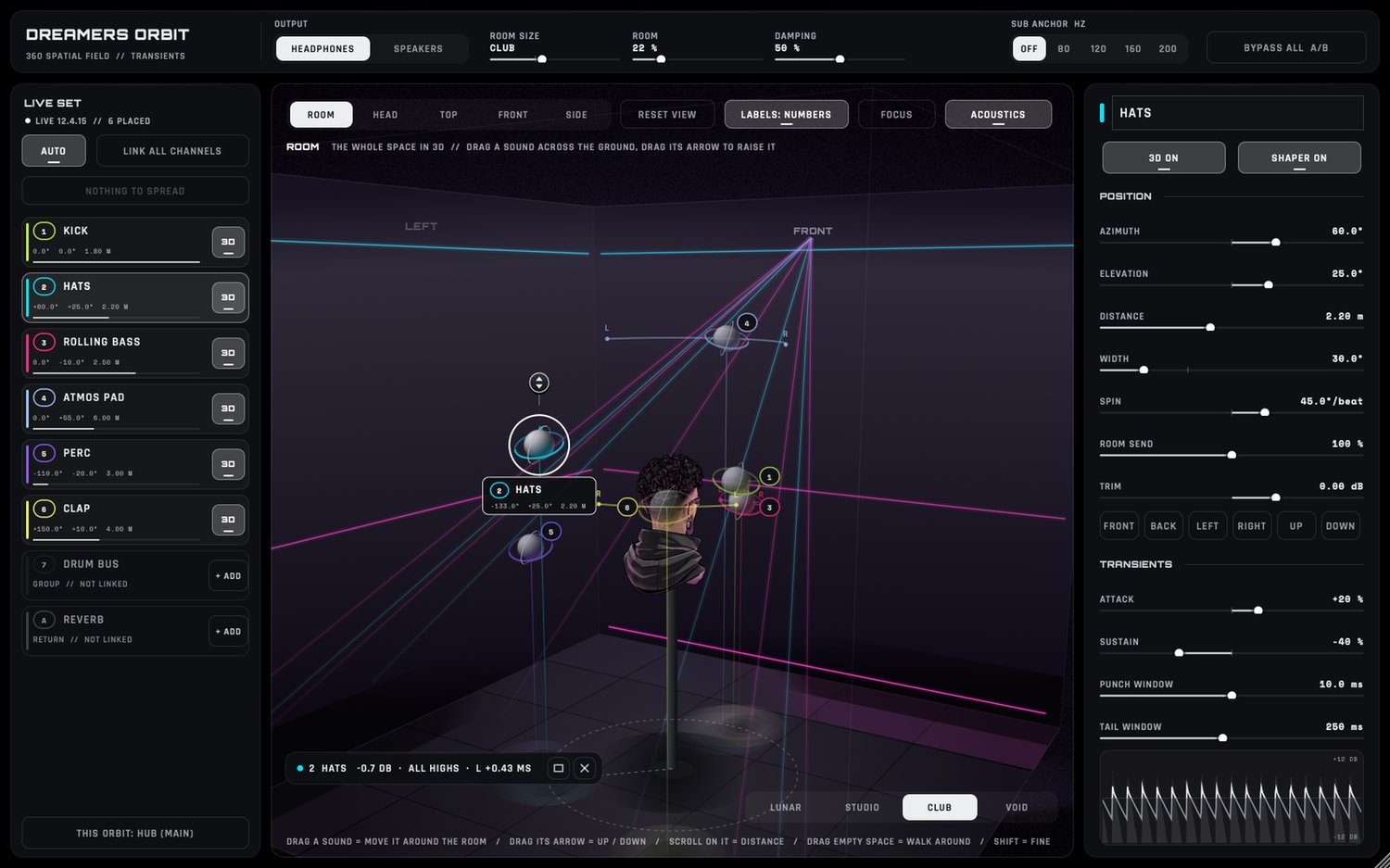
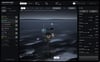
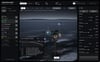
- ROOM: the whole space in 3D. Drag a sound across the ground, raise or lower it, walk around.
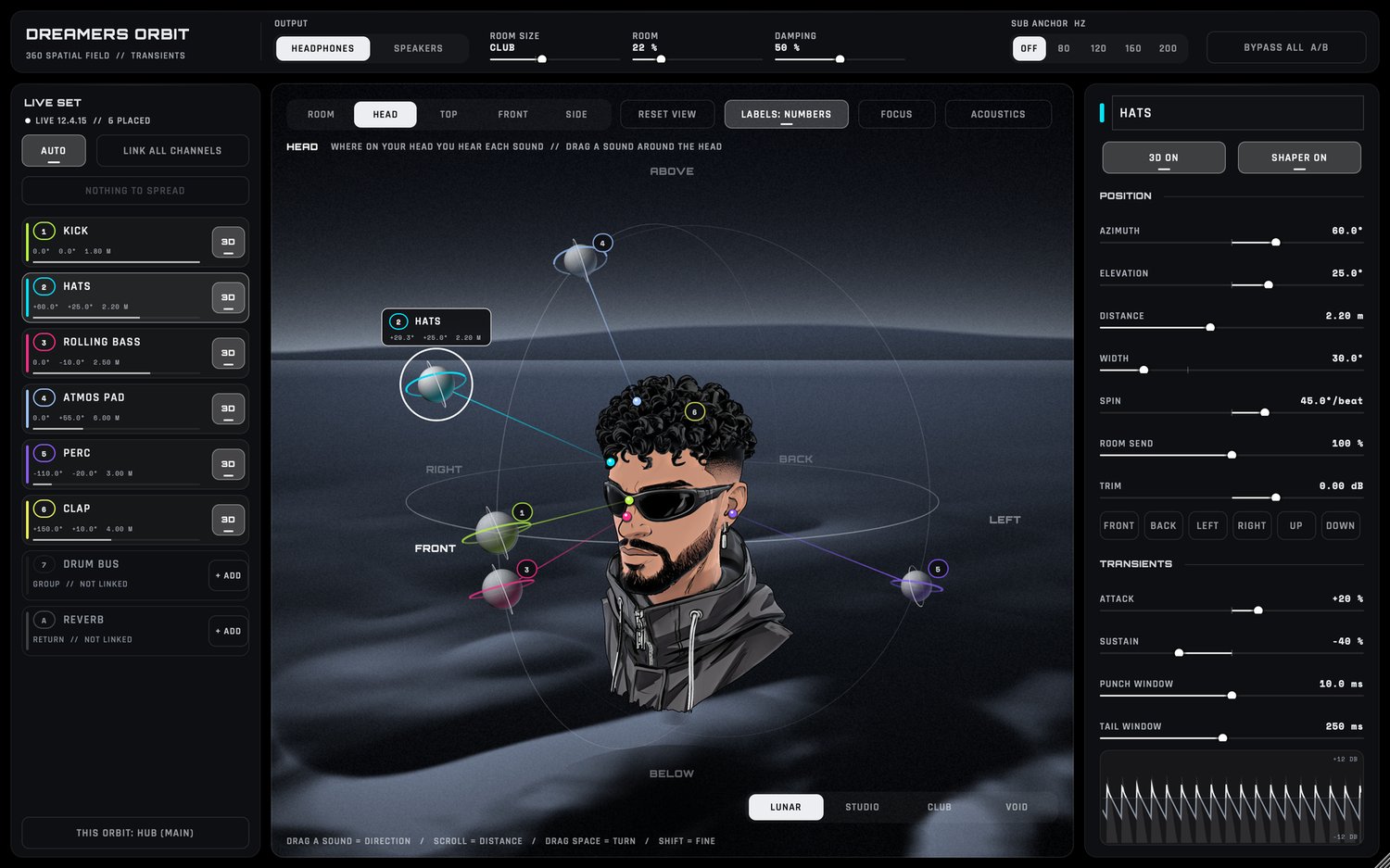
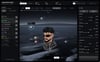
- HEAD: every sound on a sphere around the DREAMERS character head, with a beam showing where it lands.
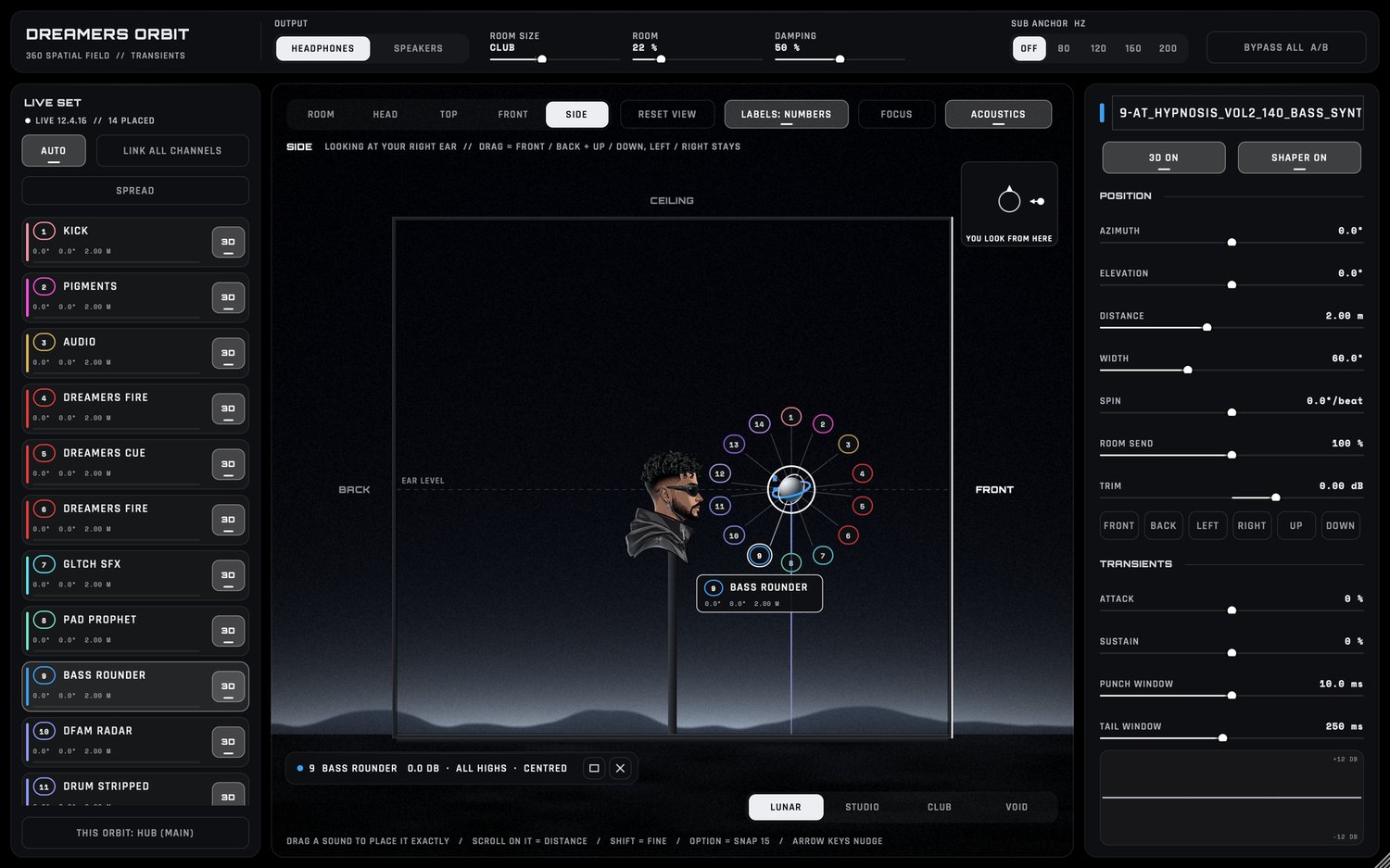
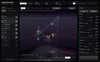
- TOP, FRONT and SIDE plans for exact placement.
- Scenes: Lunar, Studio, Club and Void (look only, the sound stays the same).
- ACOUSTICS info box (open, move, resize or minimise it): see what each ear hears at that spot (frequency response, distance loss, ear timing, head shadow, height, room).
- Channel numbers: every sound shows its channel number, the same number Live gives the track. Long track names get short names (you can type your own).
- Busy sets: sounds on the same spot fan out so you can grab each one. The selected sound is always drawn in front.
- LABELS switch between numbers, short names and off. FOCUS shows only the sound you are placing.
- SPREAD places the channels you have not placed yet evenly around you in one click, with undo.
CONTROLS FOR EVERY CHANNEL
- Direction all the way round (±180°), height (±90°) and distance from 0.3 to 50 m.
- Width, spin locked to your song's tempo, room send and trim.
- One-click FRONT, BACK, LEFT, RIGHT, UP and DOWN. Double-click any value to type it.
- Transient shaper: ATTACK and SUSTAIN from -100 to +100%, with punch and tail windows. At zero it leaves the sound untouched.
- Turn 3D off per channel and keep the transient shaper.
FOR THE WHOLE SET
- HEADPHONES (full binaural 3D) or SPEAKERS (for monitors and club systems).
- One shared room with size, amount and damping.
- SUB ANCHOR keeps everything below 80 to 200 Hz centred and mono, so kick and bass stay solid.
- BYPASS ALL for an instant, click-free A/B.
- Every setting is an automation parameter. Keyboard shortcuts for nudging, distance, next channel and views.
- 2 samples of latency, compensated by Live automatically.
YOU GET
- Dreamers Orbit 1.4 for Mac (Apple Silicon and Intel downloads), VST3 and Audio Unit. A Windows beta (VST3) is on the downloads page; it has not been tested on a Windows PC yet.
- The free Live helper that links every channel.
- Free updates to version 1.
REQUIREMENTS
Mac, macOS 11 or later. Ableton Live 11 or 12 (tested on Live 12.4). VST3 recommended (Audio Unit gets track names but not colours). Headphones for the full 3D effect. A free Dreamers account and internet to sign in.
HOW IT WORKS
Download from dreamersbyclover.com/downloads, open Orbit and sign in with the same email you buy with. Try it free for 20 minutes first. After you buy, it works offline. One computer per licence; you can move it to a new computer when you change.
Bonus: owning Orbit also unlocks Dreamers Pulse Field for free on your account.