
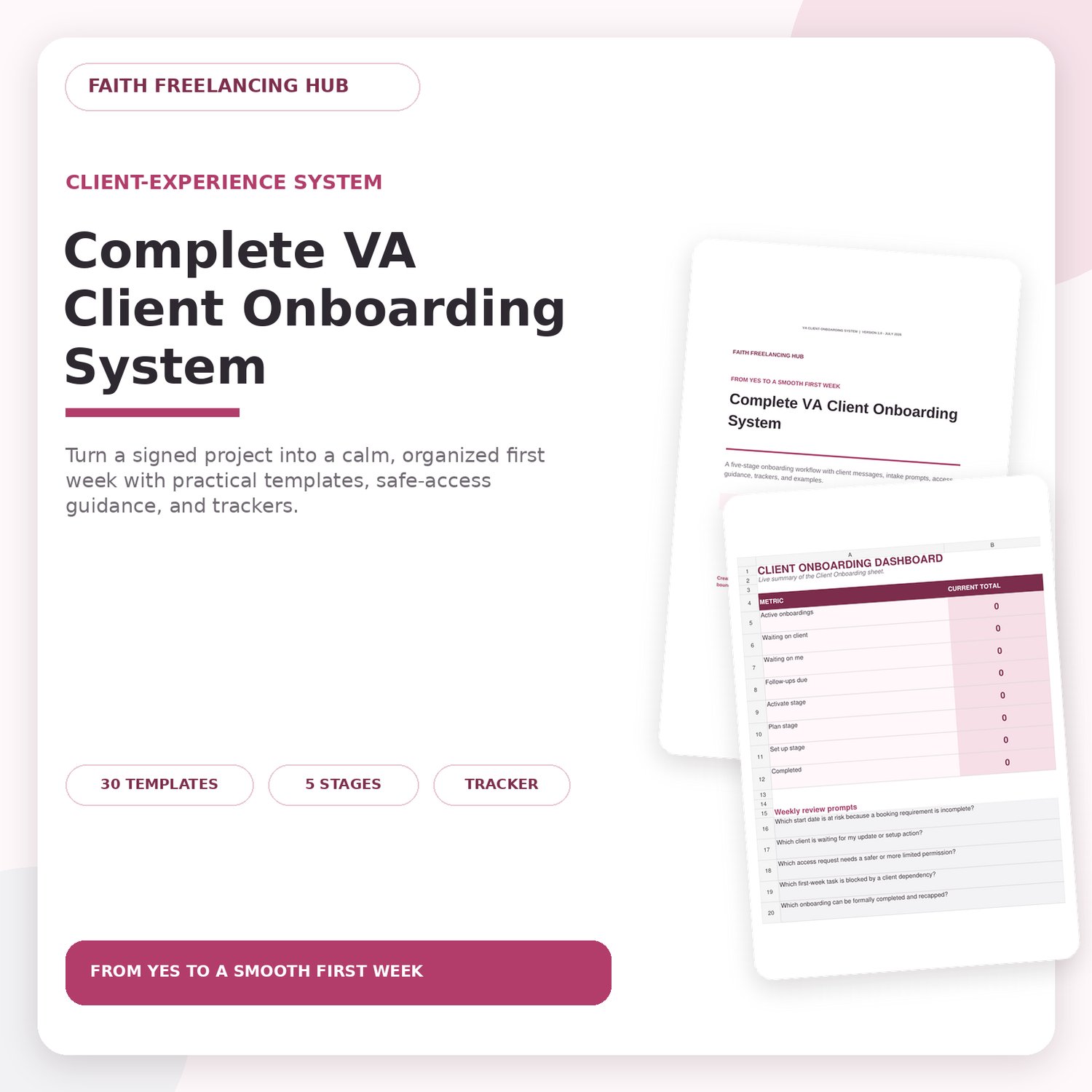
Complete VA Client Onboarding System
Give every new client a clear start, from completed booking requirements through intake, kickoff, secure access, file setup, and the first working week.
The Complete VA Client Onboarding System helps new and growing virtual assistants follow a repeatable process without building every message, checklist, and tracker from scratch. The language is adaptable, the examples are clearly fictional, and the editable files are designed for real day-to-day use.
WHAT IS INCLUDED
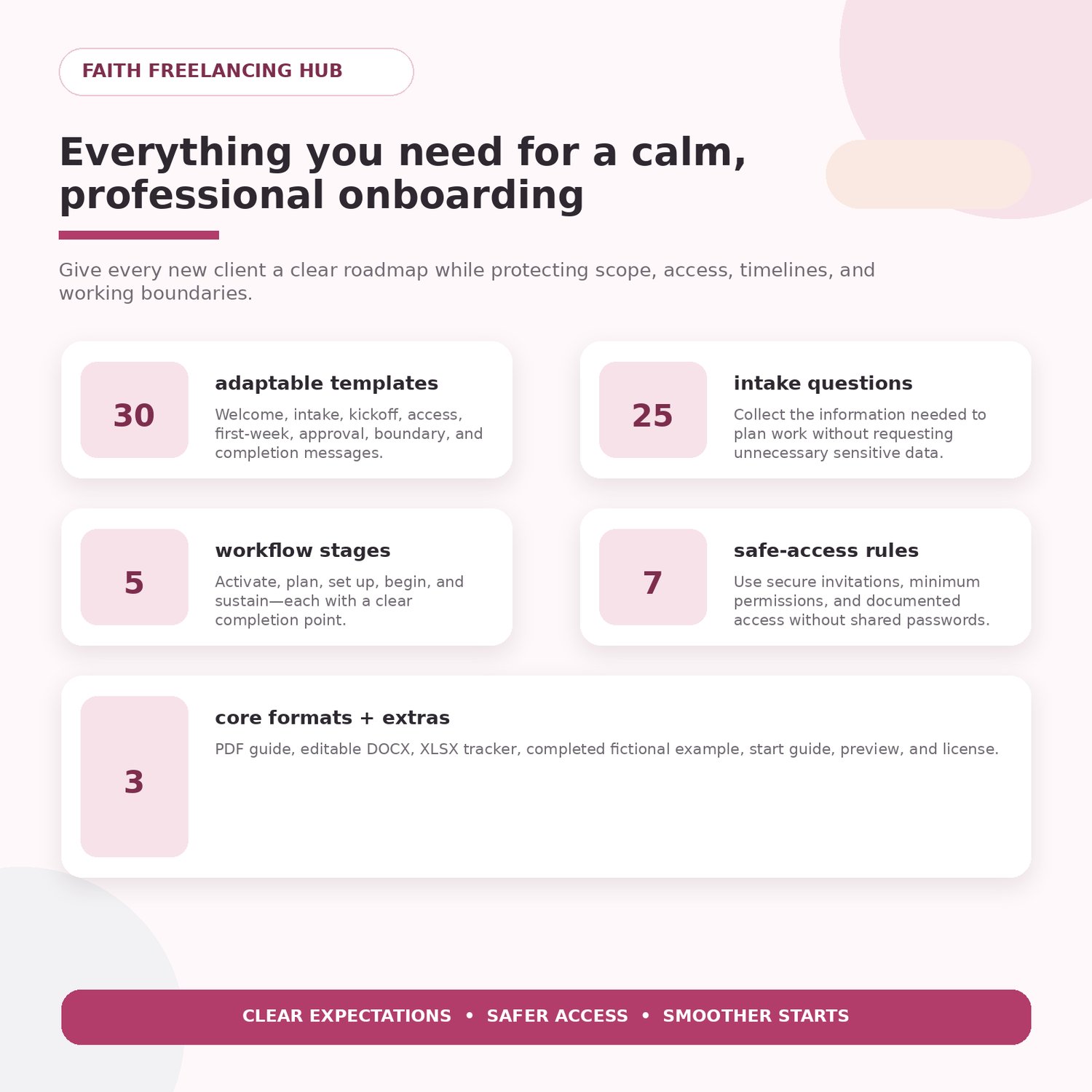
- Five-stage onboarding workflow: Activate, Plan, Set Up, Begin, and Sustain
- 30 adaptable onboarding messages and scripts
- 25-question client intake bank
- Kickoff agenda and onboarding-completion checklist
- Seven safe-access rules for handling invitations, permissions, and sensitive information
- Editable Excel tracker with dropdowns, formulas, follow-up flags, and a dashboard
- Completed fictional client onboarding example
- Start-here guide, file map, individual-use licence, and support instructions
FILES YOU WILL RECEIVE
- Complete-VA-Client-Onboarding-System.pdf — 24-page reference guide
- Complete-VA-Client-Onboarding-System.docx — editable messages, questions, and checklists
- VA-Client-Onboarding-Tracker.xlsx — editable five-sheet workbook
- Fictional-Client-Onboarding-Example.pdf — four-page completed learning example
- START-HERE.pdf — three-page setup guide
- File-Map.txt
- License-and-Support.pdf — three-page individual-use terms and support information
WHO THIS IS FOR
- Aspiring and beginner virtual assistants preparing for a first client
- VAs who want a consistent onboarding process for new projects
- Freelancers who need practical messages, intake questions, checklists, and tracking tools
HOW TO USE IT
1. Download and unzip the customer file.
2. Open START-HERE.pdf.
3. Review the workflow and completed fictional example.
4. Make working copies of the DOCX and XLSX files.
5. Replace every bracketed placeholder and check all dates, names, links, scope details, and access instructions before sending anything to a client.
FORMAT AND COMPATIBILITY
- PDF for reading and printing
- DOCX for Microsoft Word or a compatible document editor
- XLSX for Microsoft Excel or a compatible spreadsheet app
- Desktop editing is recommended. Mobile devices are best for viewing and light updates.
IMPORTANT NOTES
This product provides educational templates and organizational tools. It is not a legal contract, payment system, password manager, cybersecurity service, or guarantee of clients, employment, income, payment, or business results. Use your own judgment and comply with your agreements, platform rules, and applicable law.
LICENCE
One purchase is for one buyer’s individual VA business and direct client work. The original or modified files may not be resold, shared, redistributed, gifted, uploaded to a group or community, or used to create a competing template product.
SUPPORT
For a missing or damaged file, use the product-support option at https://faithfreelancinghub.com/#contact. Include your purchase email, product name, affected filename, and exact error or screenshot. Never send passwords, one-time codes, bank details, government identification, or confidential client data.
DIGITAL PRODUCT NOTICE
This is a digital download; no physical item will be shipped. Because access is provided immediately, purchases are generally final after delivery, subject to the posted refund policy and rights required by applicable law. If a file is missing or damaged, contact product support so the technical issue can be reviewed.
Start with START-HERE.pdf and build a clearer onboarding process for your next client.