


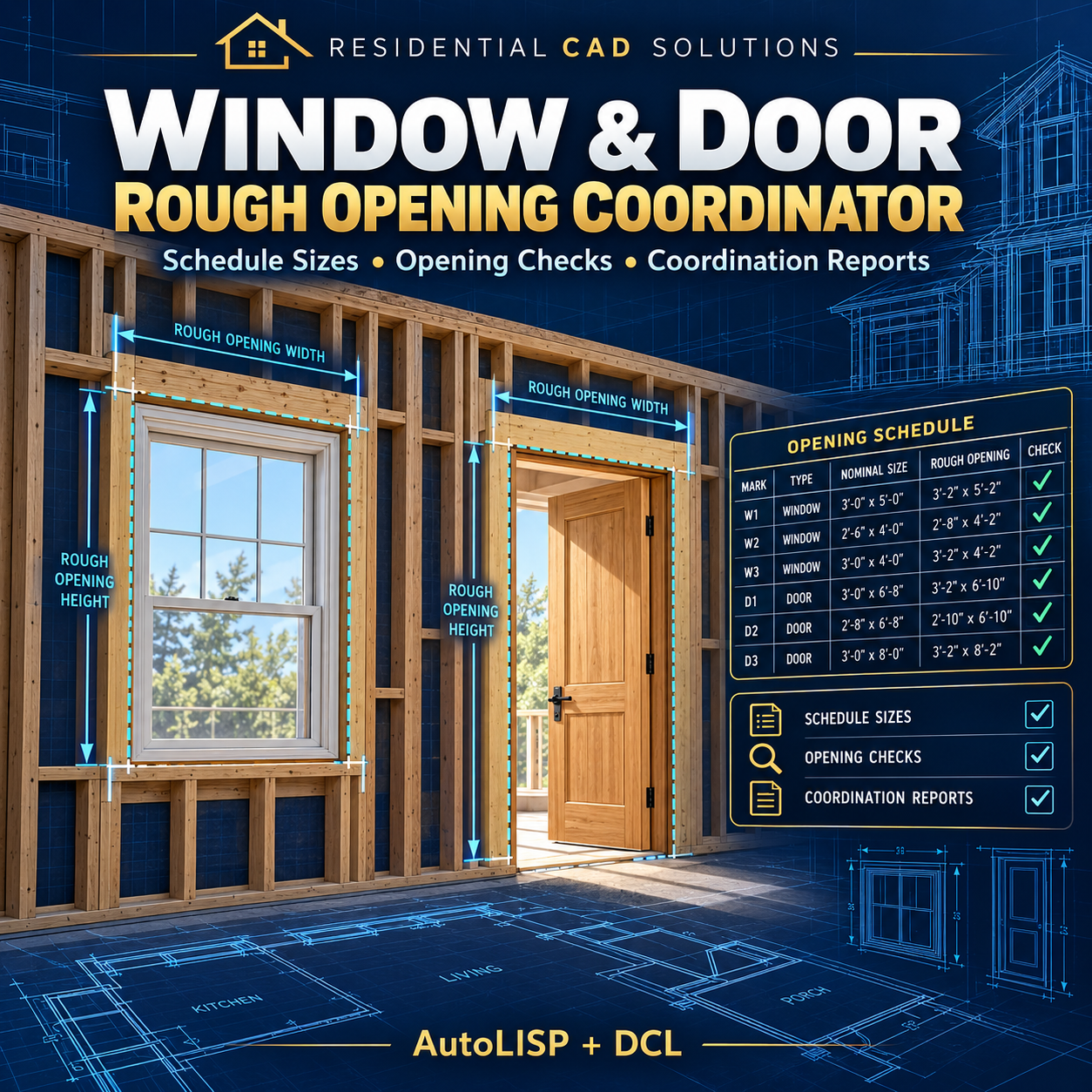

Window & Door Rough Opening Coordinator
Find opening size mismatches before they become coordination problems.
Organize door and window sizes in an AutoCAD workbook that compares your target rough openings with entered or measured dimensions. Keep opening marks, locations, product information, and specification references together for review.
Features include:
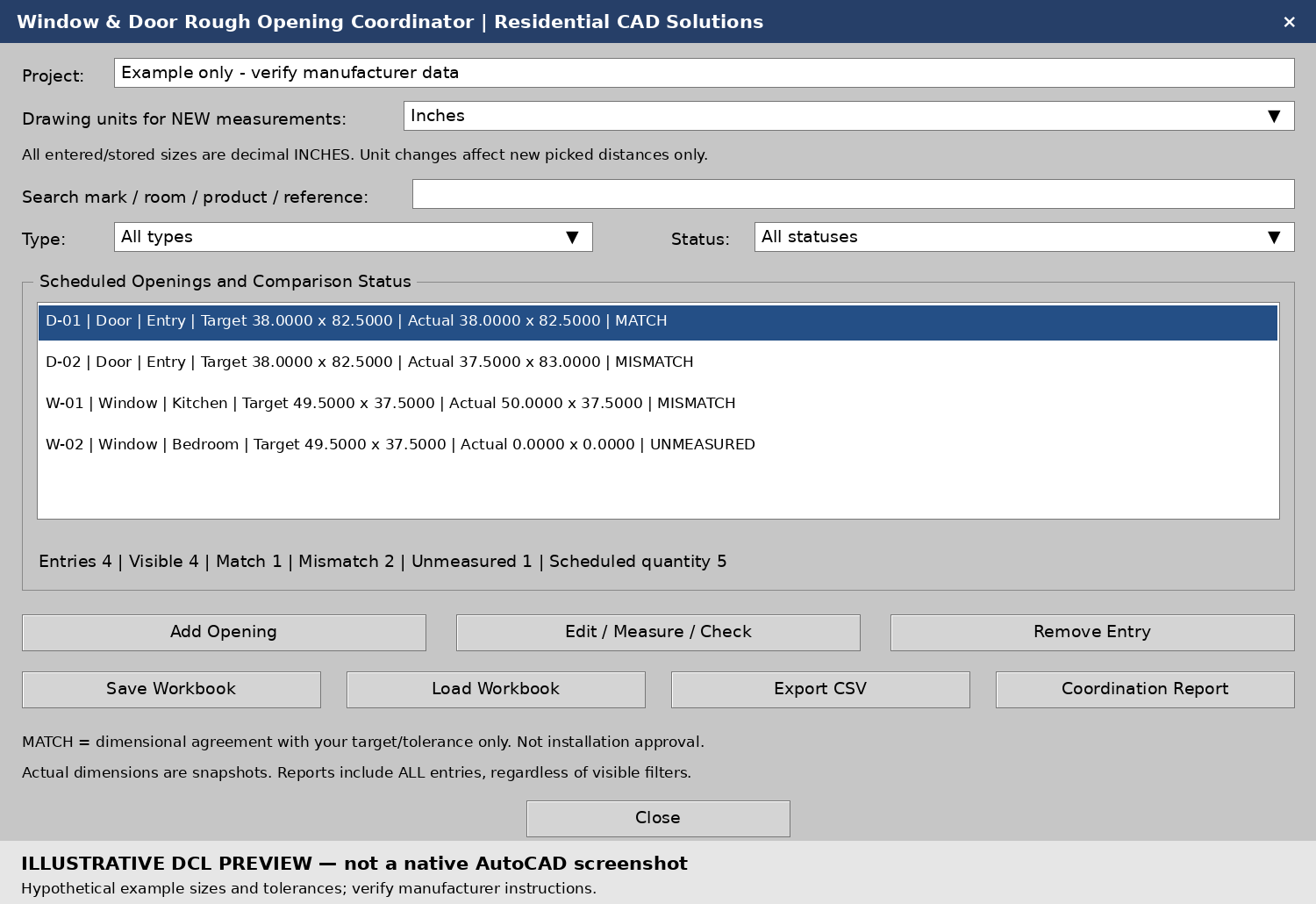
- Two target methods: Calculate rough openings from scheduled sizes plus your total allowances, or enter manufacturer-specified rough opening dimensions directly.
- Dimensional checks: Identify oversized, undersized, matching, and unmeasured openings using your chosen tolerance.
- Manual entry or drawing measurement: Enter actual dimensions or measure width and height using picked distances.
- Opening records: Track unique marks, door/window type, room, manufacturer/model, scheduled quantity, references, and coordination notes.
- Search and filters: Find entries by mark, room, product, notes, or reference; filter by opening type and comparison status.
- Workbook saving: Save and reload project records.
- Coordination reports: Export all entries to CSV or a detailed text report with targets, actual sizes, signed differences, and status totals.
- Drawing unit conversion: Convert newly measured distances from inches, feet, millimeters, or meters into stored decimal inches.
Your download includes:
AutoLISP program, DCL dialog file, installation instructions, example workbook, sample DXF elevations, example reports, validation notes, and preview images.
Please note: Schedule sizes, allowances, manufacturer dimensions, and tolerances are user-entered. The program does not automatically extract schedules or verify manufacturer requirements. Measurements are snapshots and must be updated after drawing changes. A “MATCH” means numerical agreement with the entered target and tolerance; it is not installation or code approval.
Designed for Windows AutoCAD with Visual LISP, targeting AutoCAD 2002. Local calculation and data checks passed; native AutoCAD 2002 testing remains required. AutoCAD software is not included.
Residential CAD Solutions — Keep scheduled sizes and rough openings coordinated.