

2027 Small Business Income and Expense Tracker Spreadsheet: Bookkeeping Template, Monthly Profit and Loss, Mileage Log, Tax Category Totals
Made with AI: the spreadsheet layout, formulas, and instructions were created with AI tools under my direction, then reviewed before release.
Keep your 2027 business money in one place. Log income and expenses, track business miles, and watch your monthly profit and loss and yearly totals fill in by themselves.
This is a digital download. No physical item will be shipped. You get one ZIP file right after purchase with the tracker, a filled sample copy, and a short "How to open" note.
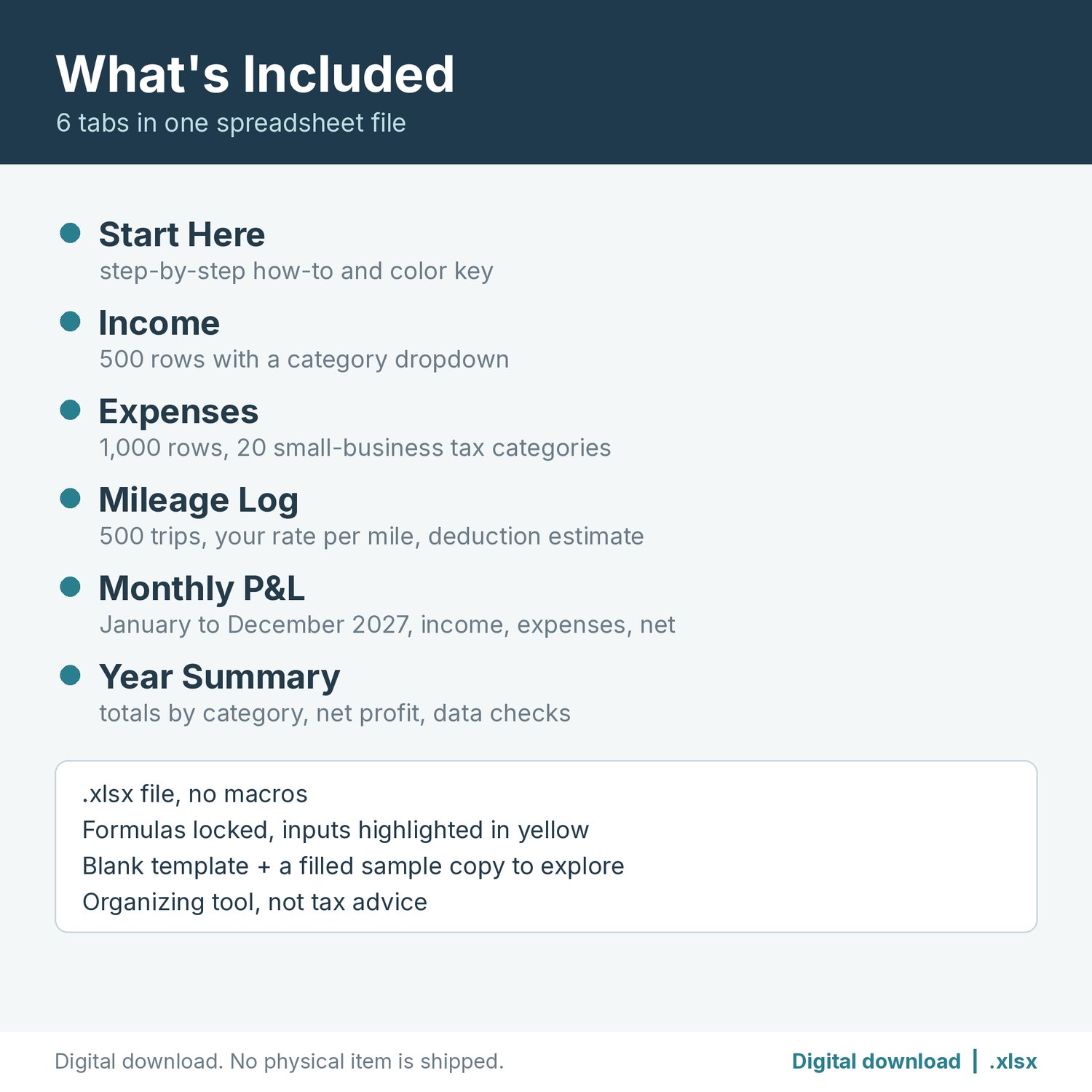
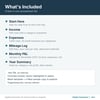
WHAT'S INCLUDED (6 tabs in one .xlsx file)
- Start Here: step-by-step how-to and a color key (yellow = you type, blue-gray = automatic).
- Income: 500 rows for date, description, category (dropdown), amount, and notes. Enter refunds as negative amounts.
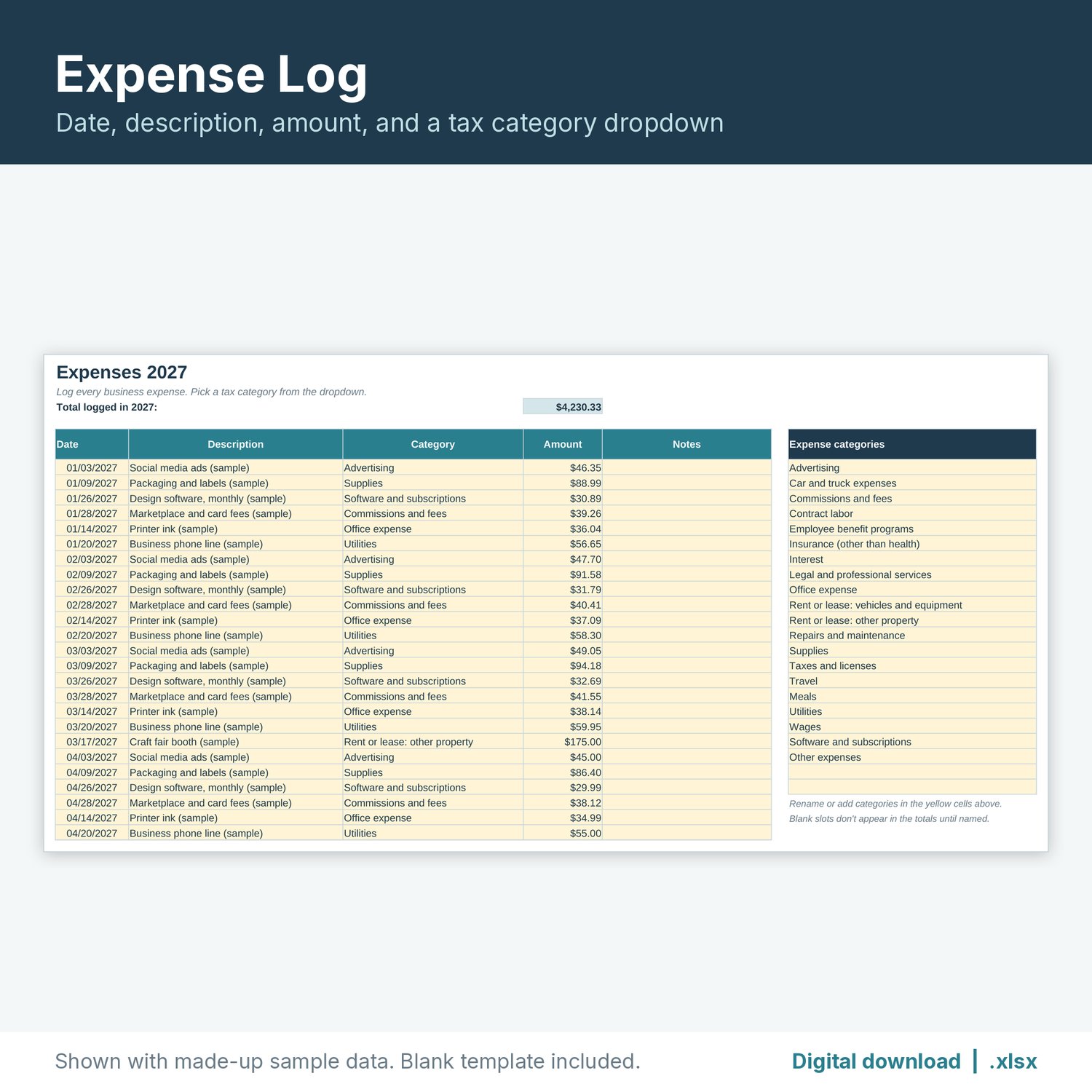
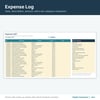
- Expenses: 1,000 rows for date, description, tax category (dropdown), amount, and notes. It comes with 20 general small-business categories (advertising, car and truck expenses, contract labor, office expense, supplies, travel, meals, utilities, and more), plus 2 spare slots. You can rename any category.
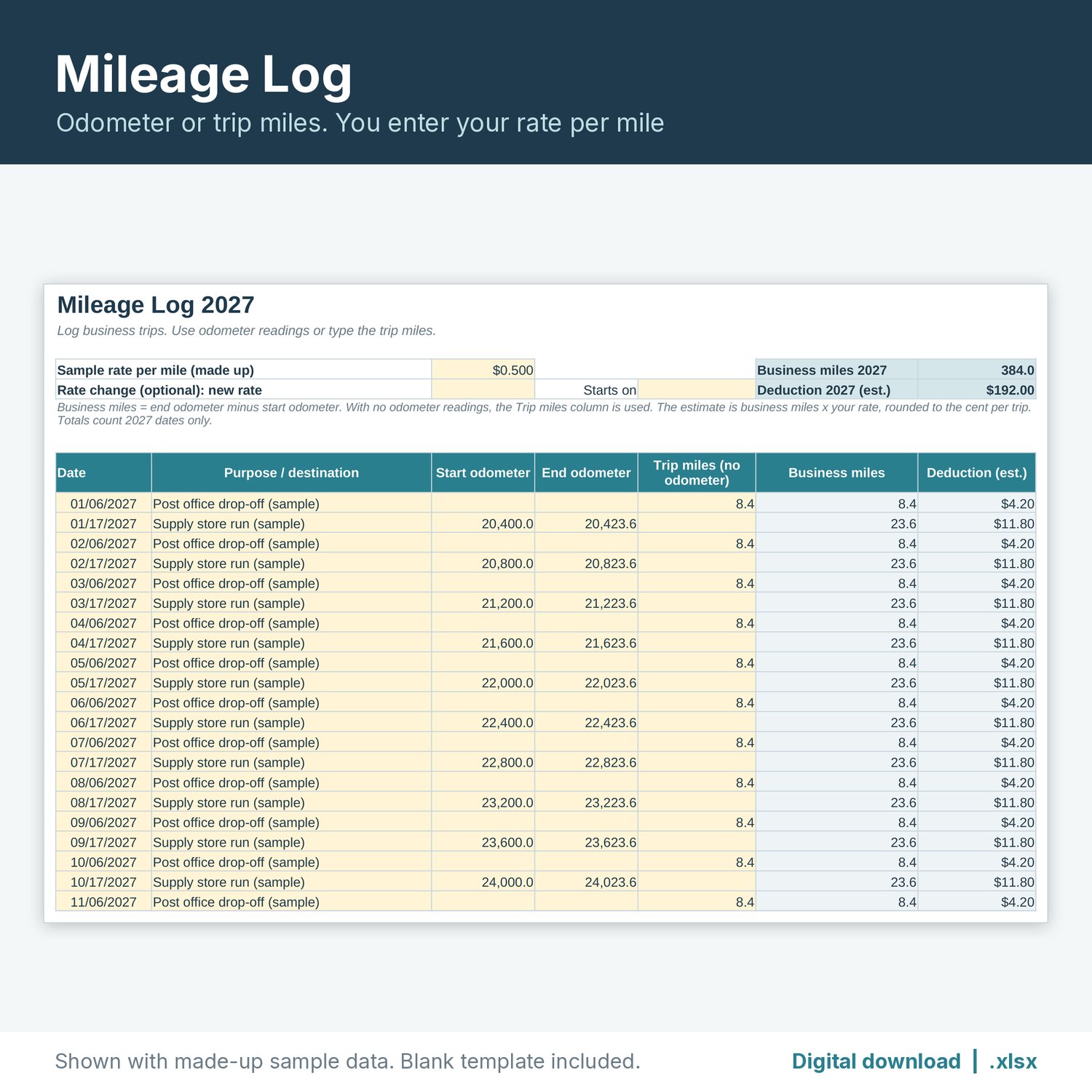
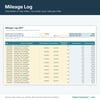
- Mileage Log: 500 trips. Use start and end odometer readings or just type the trip miles. An optional second rate with a start date handles a rate change during the year. Business miles and a deduction estimate fill in by themselves.
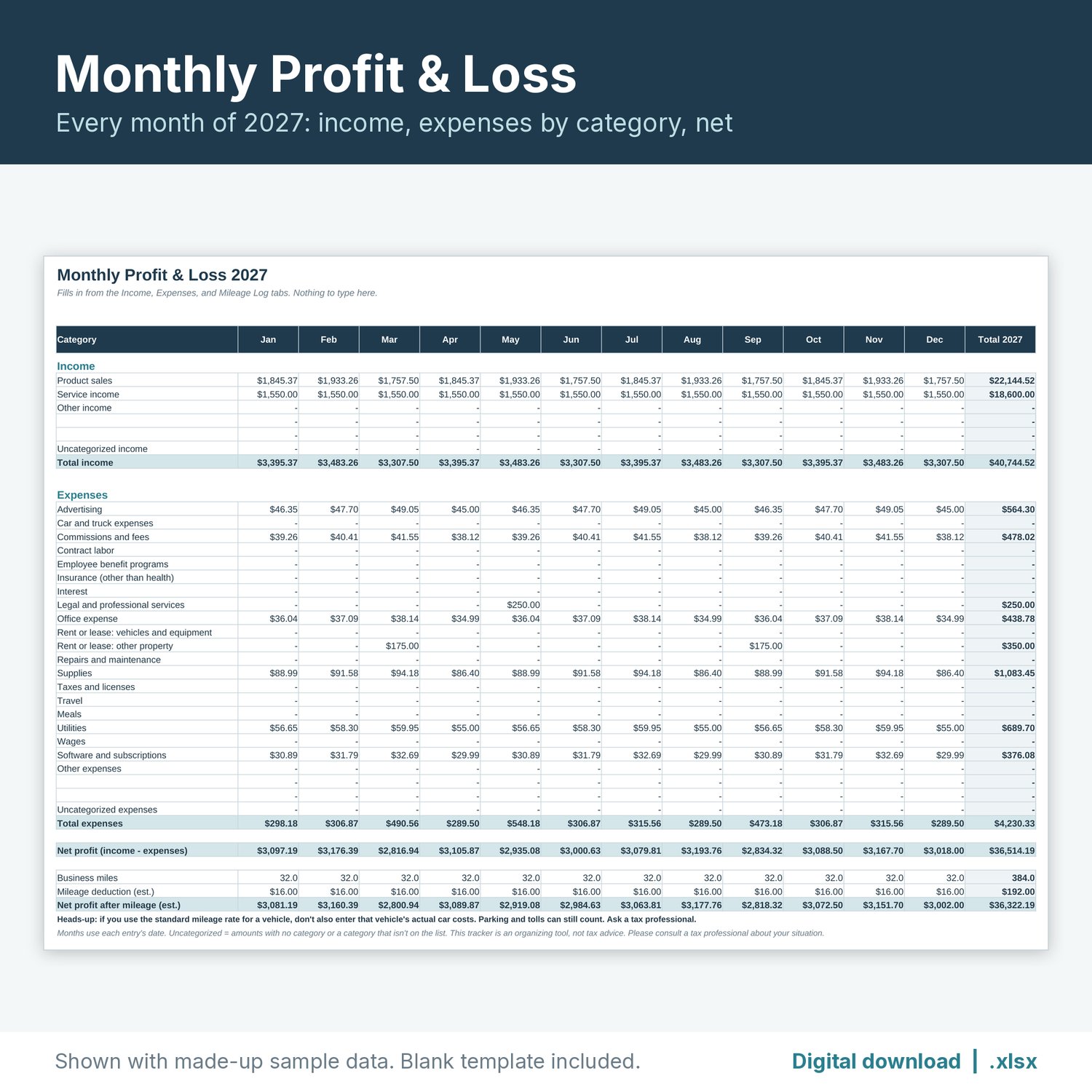
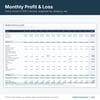
- Monthly P&L: January to December 2027. Income by category, expenses by category, total income, total expenses, net profit, business miles, and the mileage estimate for each month, plus a year total.
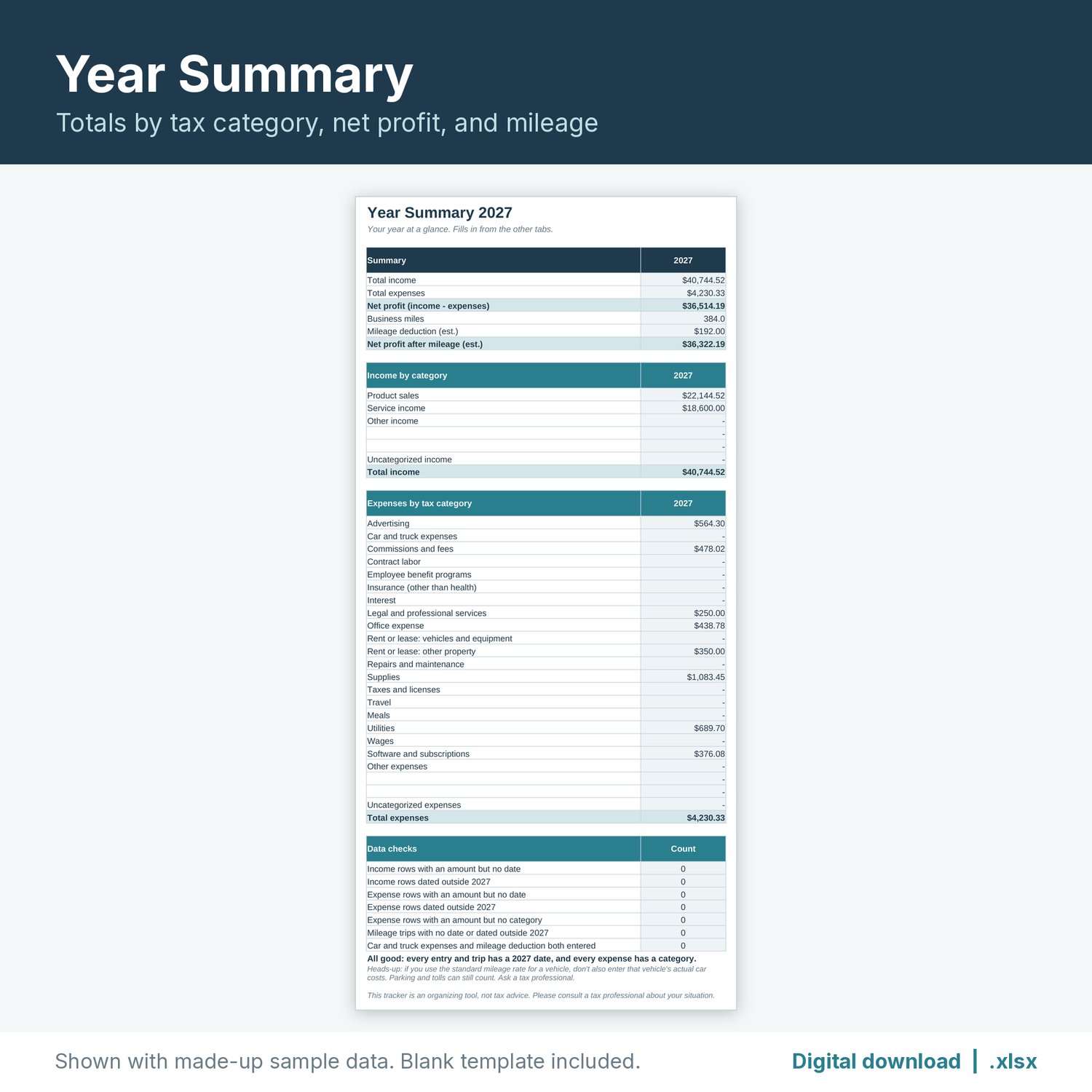
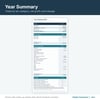
- Year Summary: 2027 totals by tax category, total income, total expenses, net profit, business miles, and mileage deduction estimate. A Data checks box flags rows missing a date, dated outside 2027, or missing a category, and gives a heads-up when car costs and a mileage deduction are both entered.
You also get a filled sample copy with made-up numbers, so you can see how it works before you enter your own.
MILEAGE RATE
The tracker does not include a mileage rate. You enter your own rate per mile in the yellow rate cell at the top of the Mileage Log tab (it ships blank). For most people that is the IRS business standard mileage rate for the year, which the IRS publishes at irs.gov.
FILE FORMAT
- One ZIP containing the .xlsx tracker, the .xlsx sample copy, and a "How to open" text note.
- Made for Excel and Google Sheets (.xlsx, no macros). Formulas tested by recalculation in LibreOffice.
- To open it in Google Sheets, upload the file to Google Drive and choose Open with > Google Sheets, or use File > Import in a blank sheet.
- Formula cells are locked so they can't be overwritten by accident. Tabs are protected with no password, so you can turn protection off to customize. Sheet protection may not carry over when you import into Google Sheets; the formula cells stay shaded either way.
PLEASE NOTE
- This is a digital download. No physical item will be shipped.
- This tracker is an organizing tool, not tax advice. Please consult a tax professional about your situation.
- For use in your own business. Please don't resell or share the file.
The listing images are real renders of the spreadsheet with made-up sample data. No AI-generated images are used.