

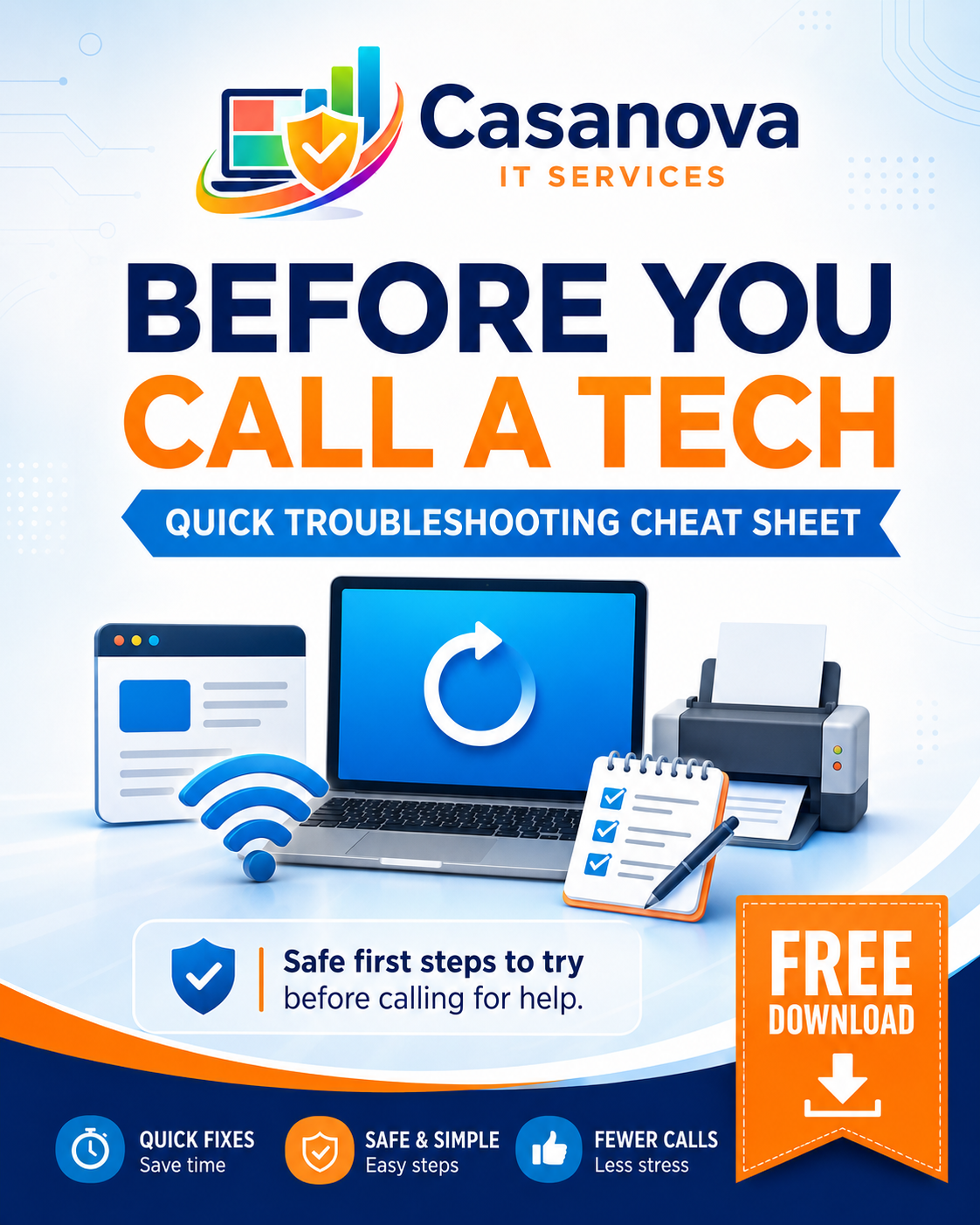
Before You Call A Tech: Quick Troubleshooting Cheat Sheet
Before You Call a Tech: Quick Troubleshooting Cheat Sheet is a free one-page PDF from Casanova IT Services that gives you safe first steps to try before replacing equipment, calling your internet provider, or paying for hands-on help.
This cheat sheet is designed for home users, remote workers, students, families, small business owners, and office staff who need a simple place to start when technology starts acting up.
It covers quick checks for:
• Slow or frozen computers
• Browser issues
• Wi-Fi or internet problems
• Printer issues
• Basic restart and connection checks
• What information to write down before asking for help
This free download is intentionally simple and safe. It does not include scripts, advanced commands, risky cleanup steps, or anything that changes your computer settings.
Use it when:
• Your computer is acting slow
• Your printer says offline
• Your internet is not working right
• A website is not loading correctly
• You are not sure what to check first
• You want to collect better information before contacting support
This cheat sheet also includes a small notes section so you can write down the device, exact error message, when the issue last worked, what changed recently, and what you already tried.
If the issue still is not resolved, Casanova IT Services offers deeper digital kits for laptop cleanup, printer troubleshooting, Wi-Fi issues, file organization, security readiness, and device readiness.
For San Antonio-area homes and small businesses, local support is also available.