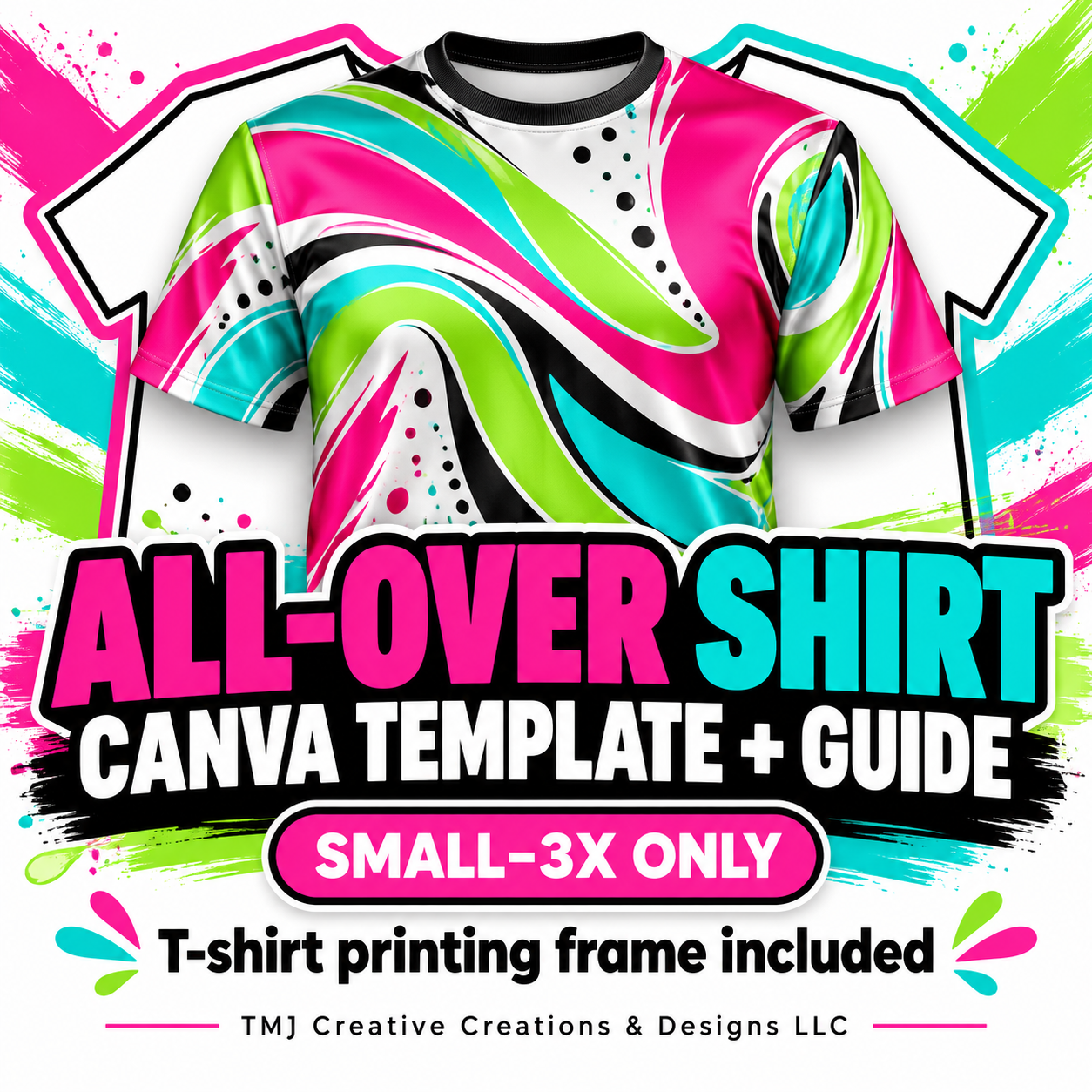
All-Over Shirt Canva Template + Printing Guide | Small–3X
Make your next all-over shirt design easier to set up with this reusable Canva template and quick-start printing guide!
Created for sizes Small through 3X only, this two-page template includes a T-shirt frame that helps reduce ink printed outside the shirt shape, so you do not have to print a big rectangle of artwork.
WHAT’S INCLUDED
• Canva template access link delivered inside a PDF
• Page 1 for creating your all-over shirt artwork
• Page 2 with the T-shirt printing frame
• Easy step-by-step instructions for designing, saving, re-uploading, and printing
HOW IT WORKS
1. Design your artwork on the first template page.
2. Download and save that page as a PNG.
3. Upload the saved image back into Canva and place it inside the T-shirt frame on the second page.
4. Download the second page. This is the file you use to print!
PLEASE NOTE
This is a digital Canva template and guide. No physical shirt or printed product is included. Sizes covered: S, M, L, XL, 2X, and 3X only. Canva access is required. Check the final print size and placement against your actual shirt before printing. The frame helps reduce excess artwork outside the shirt silhouette; actual ink usage depends on your design and print settings.
Cover artwork is illustrative. Your purchase includes the template and guide for adding your own designs.