
HDMI Made Simple: Get Your Classroom TV Ready in Minutes
Get Your Classroom TV Ready in Minutes!
Spend less time troubleshooting technology and more time teaching.
Have you ever walked into your classroom, connected your laptop to the TV, and seen “No Signal” just minutes before class starts?
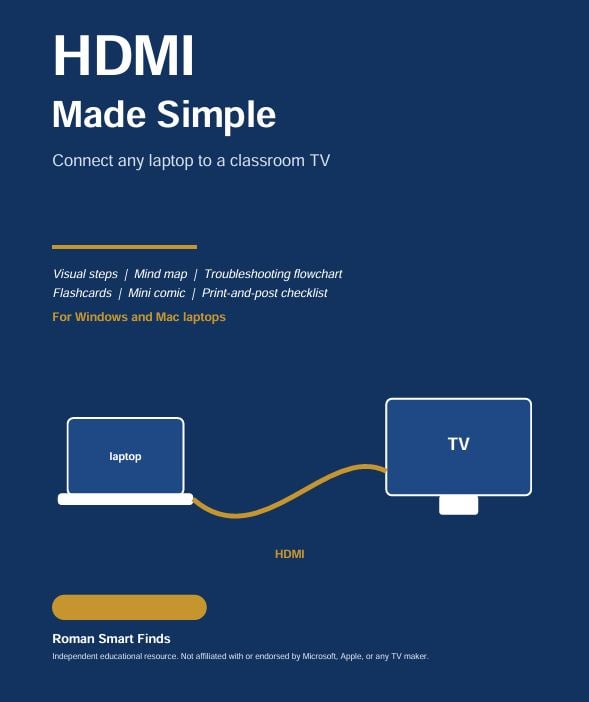
HDMI Made Simple is a practical, easy-to-follow guide designed to help teachers, substitute teachers, and school staff connect a Windows or Mac laptop to a classroom TV with less frustration.
Instead of guessing which cable, input, or display setting to check, follow simple visual instructions to get your presentation ready.
What's Inside?
- Connect in 4 Steps: Learn how to check your ports, connect the HDMI cable, select the correct TV input, and set your display.
- Windows and Mac Instructions: Learn how to mirror your laptop screen or extend your desktop.
- Visual HDMI Map: Quickly review six key things to check when connecting a laptop to a TV.
- Troubleshooting Flowchart: Follow a step-by-step process when the TV displays “No Signal.”
- Printable Troubleshooting Flashcards: Keep quick solutions handy for common classroom display problems.
- Monday Morning Mini Comic: See a relatable classroom technology problem and how to troubleshoot it.
- 30-Second Classroom Checklist: Use a printable checklist to prepare the TV before class begins.
Who Is This Guide For?
- Teachers and substitute teachers
- School staff who use classroom TVs for presentations
- Educators who want simple instructions without complicated technical language
Product Details
- Format: Digital PDF download
- Length: 7 pages
- Topics: HDMI connections, Windows and Mac display settings, and basic troubleshooting
- Price: $1.70
- Delivery: Download after purchase
Keep this guide handy so you can spend less time dealing with display problems and more time focusing on your students.
Please note: This is an independent educational resource published by Roman Smart Finds. It is not affiliated with or endorsed by Microsoft, Apple, or any TV manufacturer. Menu names and steps may vary by device and software version.
© Roman Smart Finds. For personal educational use. Please do not redistribute or resell this guide.