
Self-Employed Tax Tracker 2026–2027 | Quarterly Estimated Tax, 1099 Income & Expenses, Schedule C | Google Sheets + Excel
Know how much to set aside for taxes, what's due each quarter, and what you can deduct. Built for side hustles, freelancers, gig workers and anyone who gets a 1099.
MORE THAN "SAVE 30%"
Most tax trackers tell you to save a flat percentage. This one estimates the tax your business adds, using 2026 IRS figures:
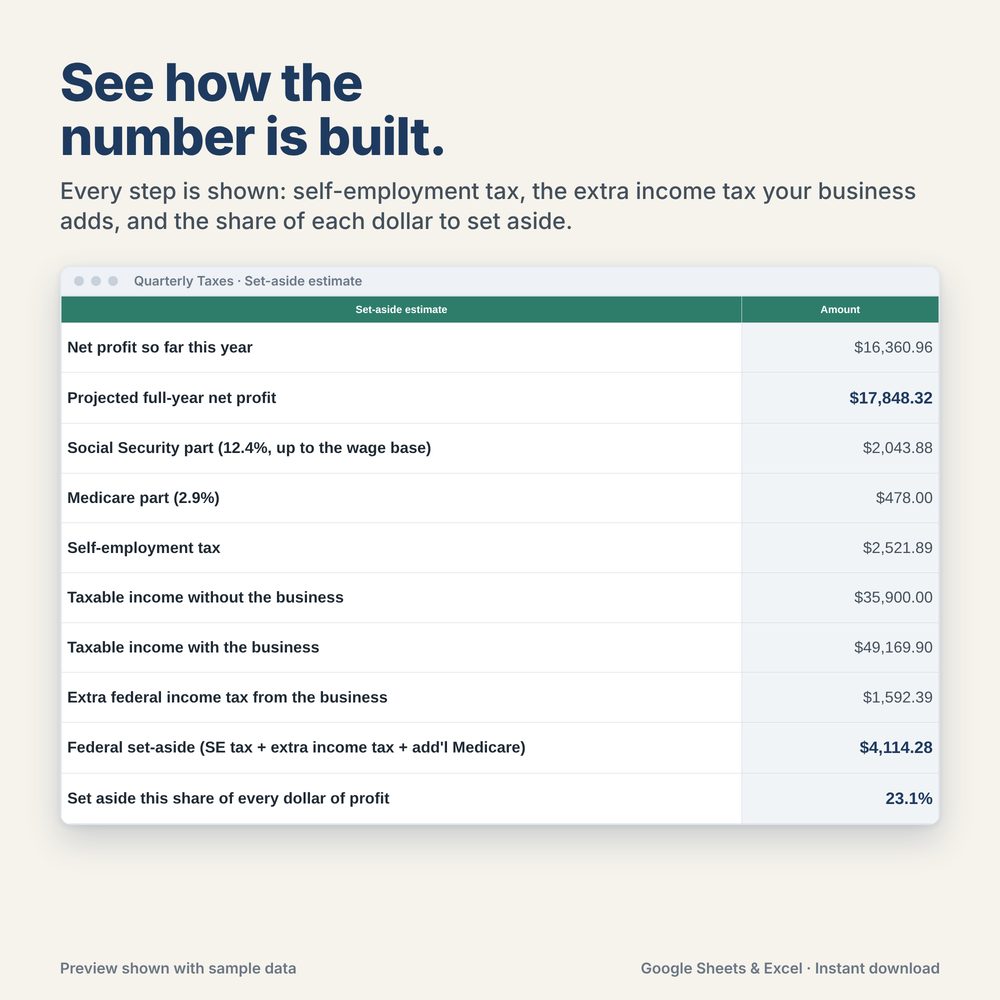
✔ Self-employment tax estimated the IRS way: 15.3% on 92.35% of profit, with the Social Security wage base reduced by your W-2 wages.
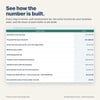
✔ The extra federal income tax your business adds, calculated with the 2026 brackets and standard deduction for your filing status, comparing your tax with and without the business.
✔ An optional 20% QBI deduction estimate and a flat state rate.
✔ A set-aside % for every dollar you earn, plus the total for the year.
✔ A safe-harbor minimum: what you need to pay to avoid an underpayment penalty (90% of this year, or 100%/110% of last year, minus withholding).
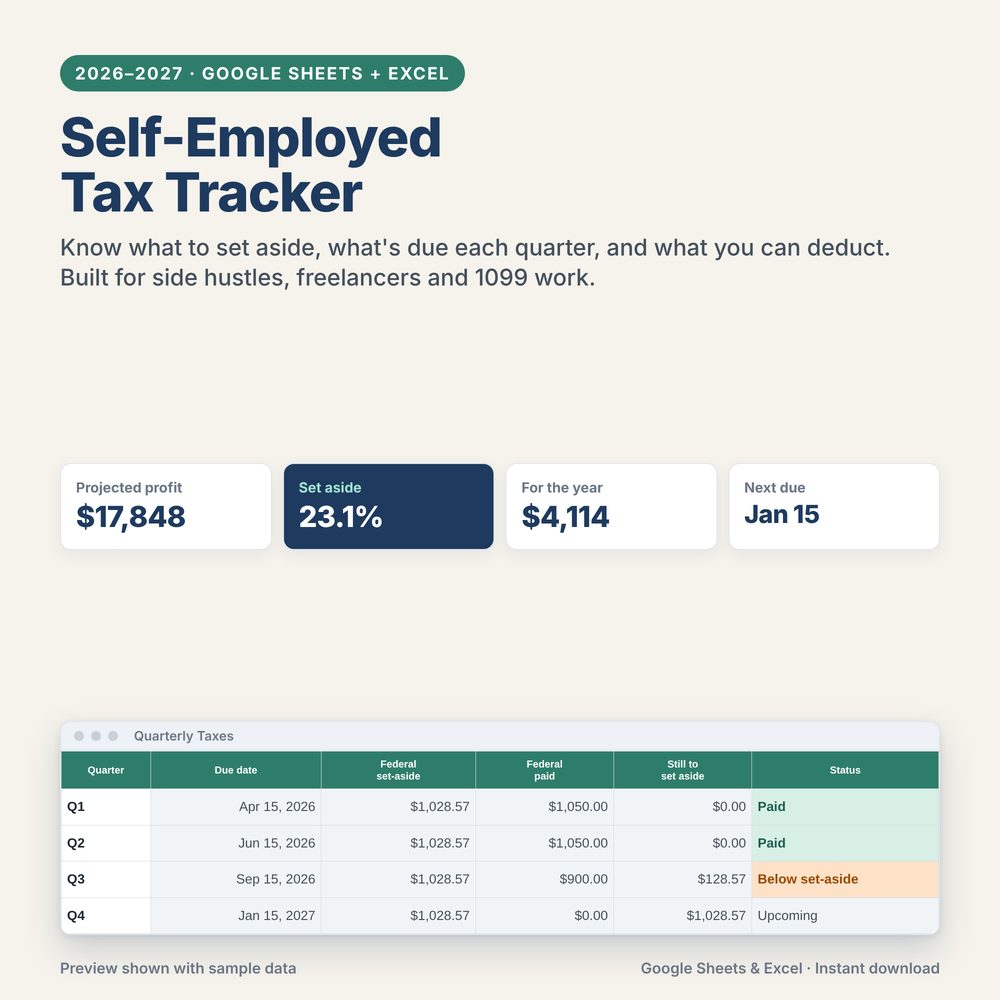
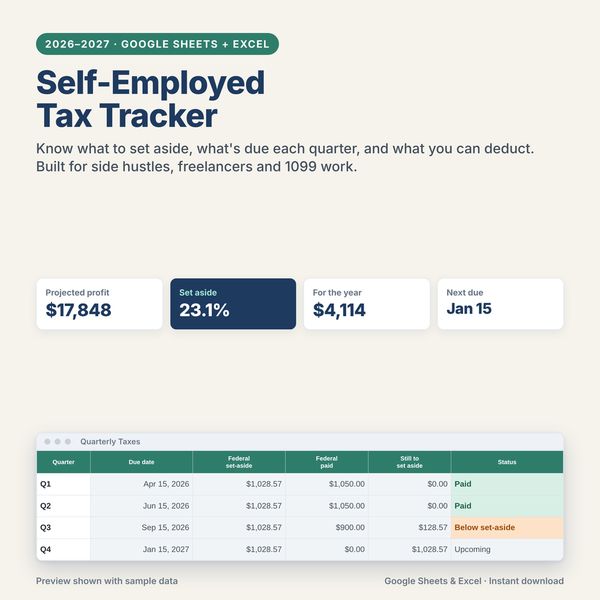
✔ Quarterly due dates, a payments log, and a status for each quarter: Paid, Below set-aside, Due soon or Past due.
✔ Mileage at the IRS rate for each trip's date (72.5¢ before July 1, 2026, then 76¢), with parking and tolls.
✔ A home office deduction using the simplified ($5/sq ft) or regular method.
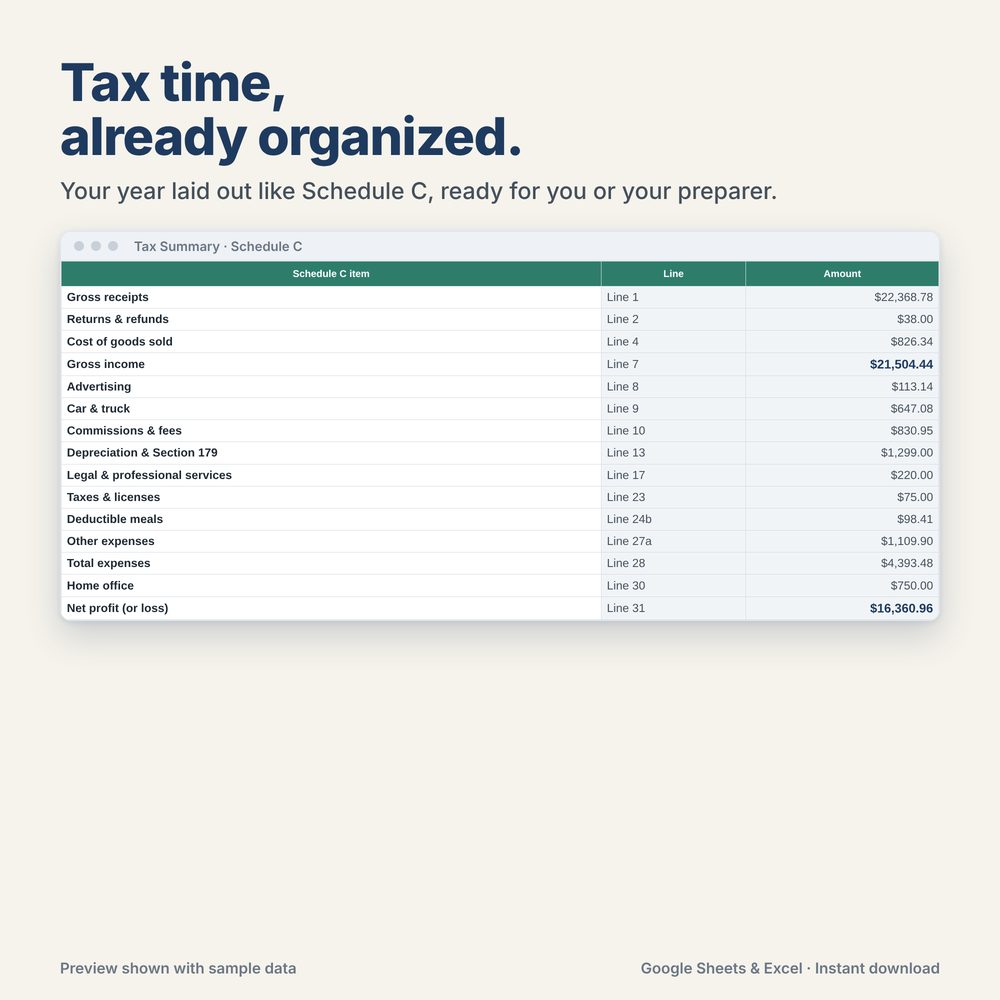
✔ A Schedule C-style summary, the Part IV vehicle questions and a 1099 check against your records.
✔ Tips tracked separately for the 2025–2028 tips deduction.
WHAT'S INSIDE
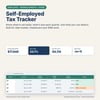
• Dashboard: income, expenses, profit, set-aside, payments made, next due date, and a monthly chart.
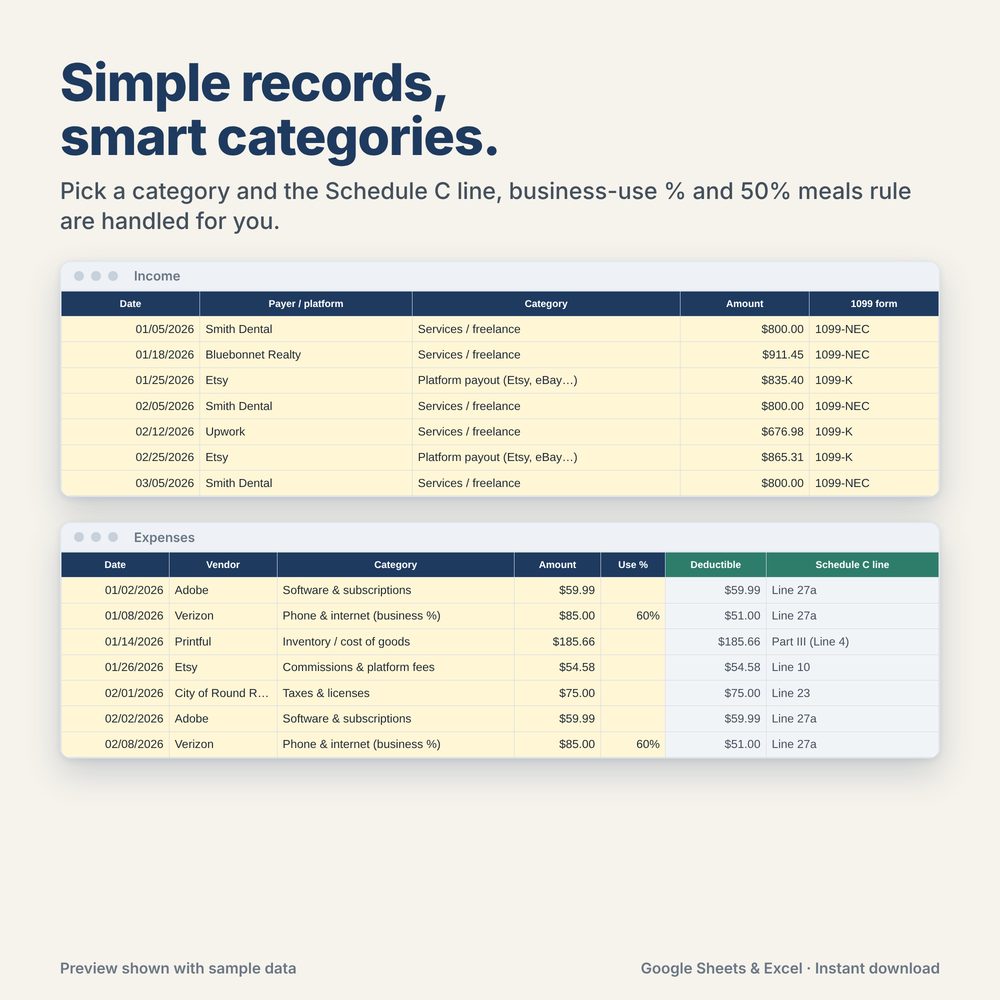
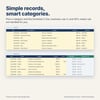
• Income: payer, category, gross amount, tips and the 1099 you expect.
• Expenses: 26 categories mapped to Schedule C lines. Business-use % and the 50% meals rule are applied for you, and receipts over $75 are flagged.
• Mileage: business trips with the IRS rate for each date.
• Home Office: simplified or regular method, limited to your profit.
• Quarterly Taxes: the set-aside estimate step by step, the penalty minimum, the schedule and your payments.
• Tax Summary: Schedule C lines 1–31, cost of goods sold, Schedule 1 items, vehicle info and a 1099 check.
• Settings: your situation plus the IRS tables for 2026 and 2027, all editable.
WHAT YOU RECEIVE
• A PDF with your private link to make your own copy in Google Sheets
• The Excel file (.xlsx). It works in Excel 2016 or newer, Microsoft 365 and Excel for Mac.
PLEASE NOTE
• Digital download. No physical item will be shipped.
• It's an organizer and an educational estimate, not tax, legal or financial advice. Your actual tax depends on your whole return. Please talk to a tax professional before you file.
• Provided "as is," without warranties. Rates and figures come from published sources as of November 2026 and can change or contain errors, so please check results before relying on them. To the fullest extent permitted by law, Markup & Co. isn't liable for losses from formula errors, outdated figures or changes made to the file, and total liability is limited to the price paid. Found a problem? Email admin@markupandco.com and I'll fix it or refund you. Full terms of use are on the Start Here tab.
• IRS figures are current as of November 2026. The 2027 Social Security wage base is included. The IRS hadn't released 2027 brackets or the 2027 mileage rate yet; updated files will be added to this product when it does, and you can re-download them from your purchase email.
• Preview images show sample data. Your copy starts with one example row on each tab.
• For use by one person or one business. Please don't share or resell the file.
• Designed by Markup & Co. with the help of AI tools. Every formula is tested before release.
FAQ
Do I need Excel? No. A free Google account works. Click the link in the PDF and choose "Make a copy."
I have a W-2 job too. Will it handle that? Yes. Enter your wages and withholding on Settings, and the estimate shows the extra tax your side income adds.
Does it file my taxes? No. It organizes your numbers the way Schedule C is laid out, so filing or handing it to your preparer is quicker.
Which tax year is it for? 2026 and 2027. Change the year on Settings.
Questions? Email admin@markupandco.com.