

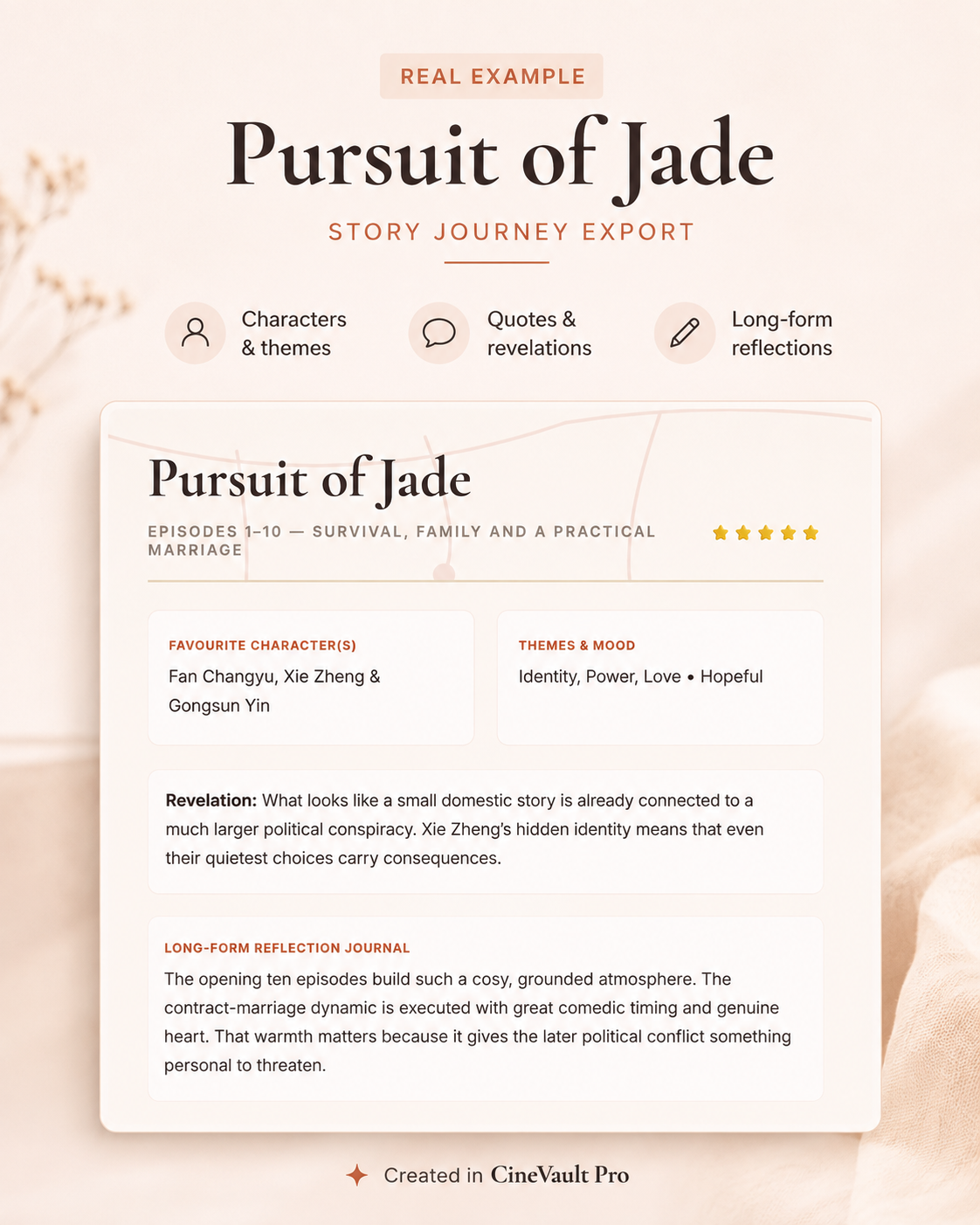
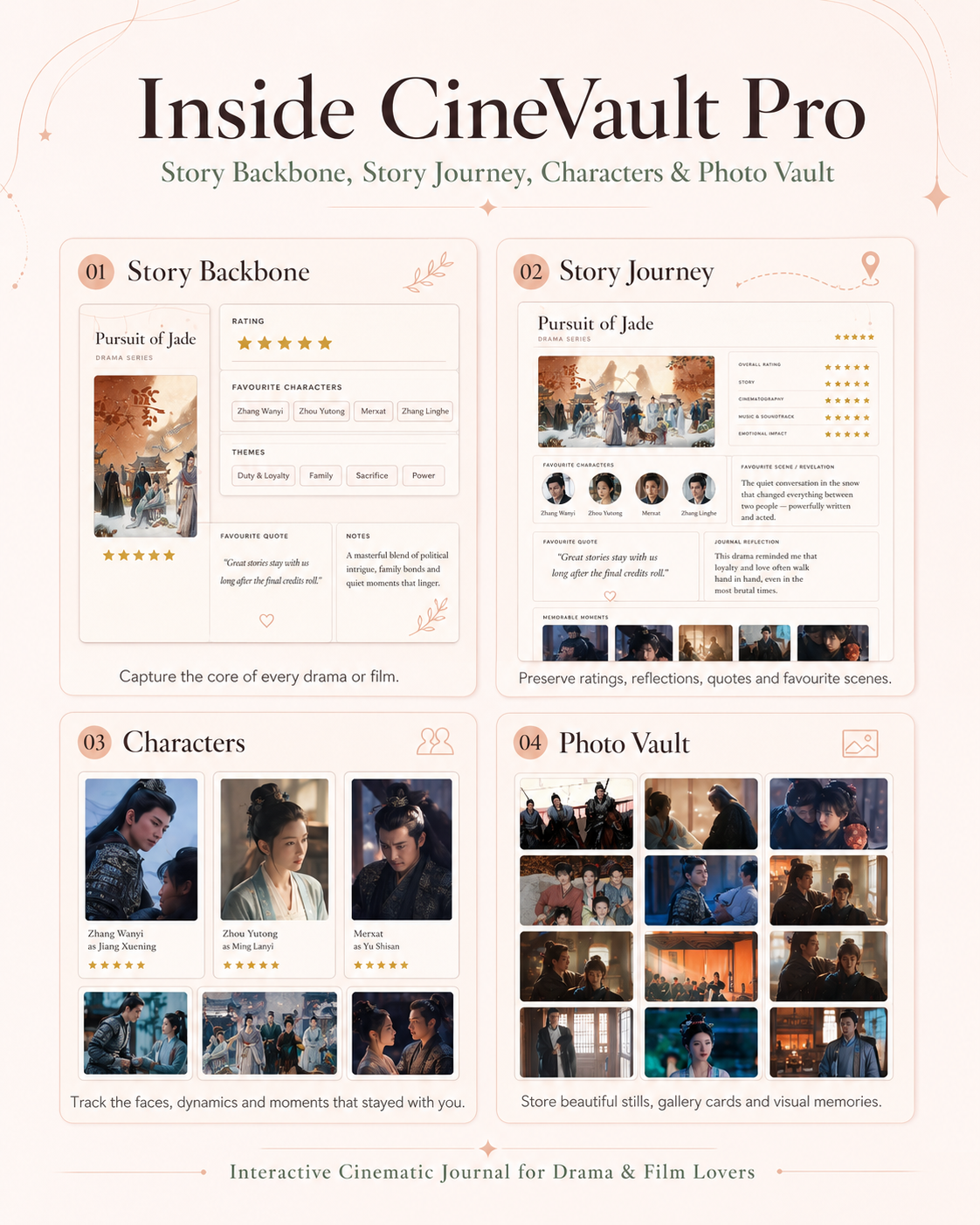
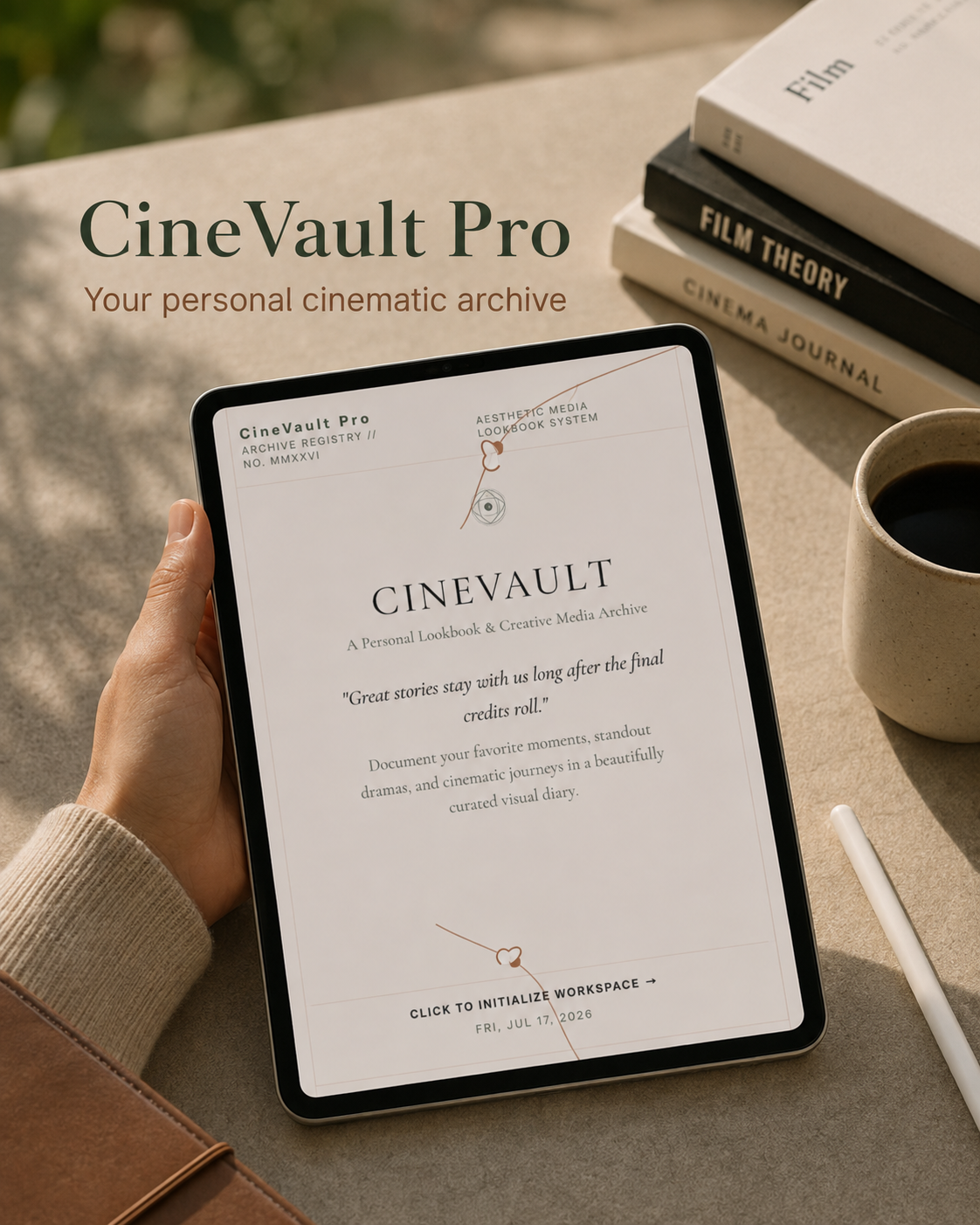
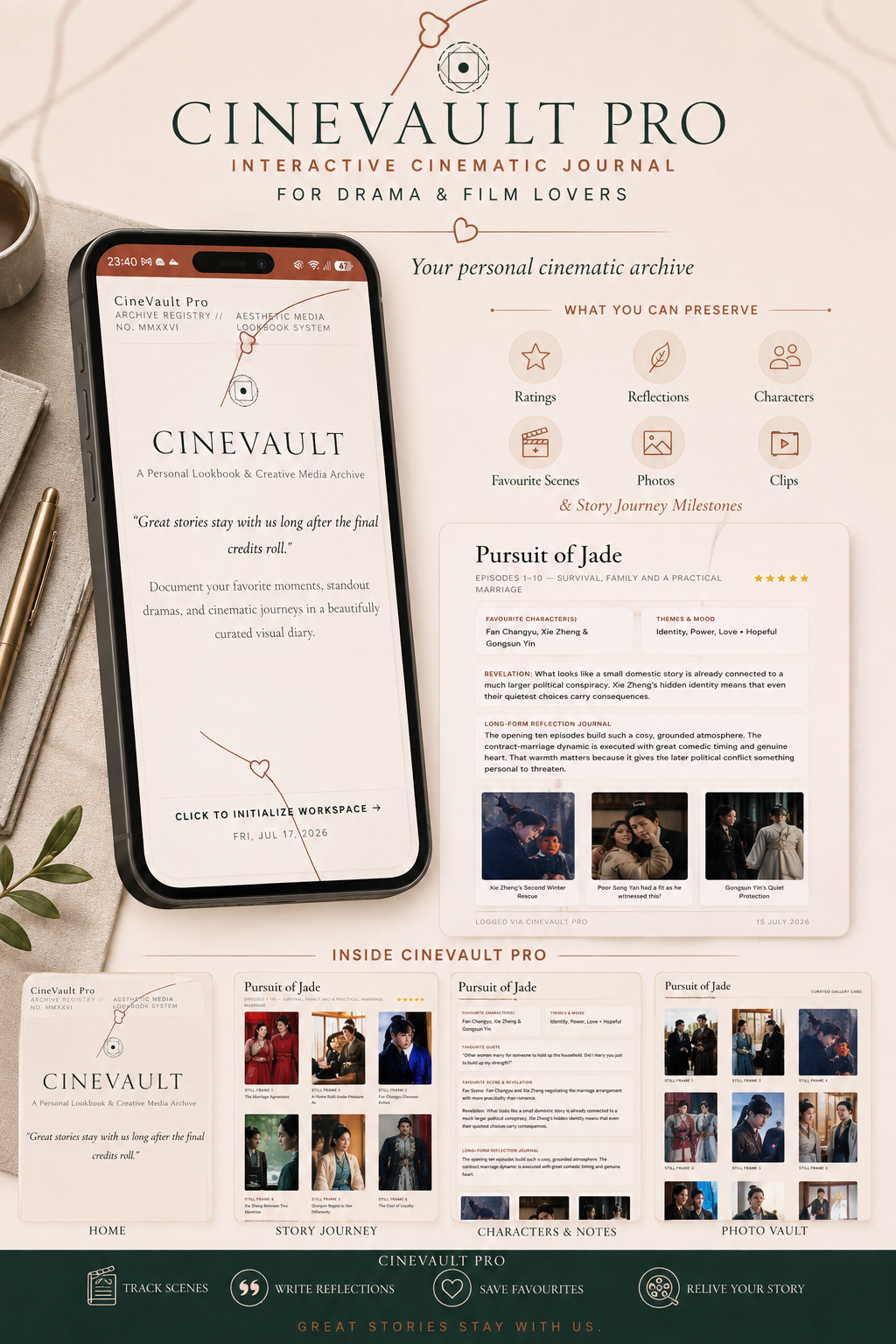








CineVault Pro — Interactive Cinematic Journal for Drama & Film Lovers
Stop losing your watch history to a messy Notes app.
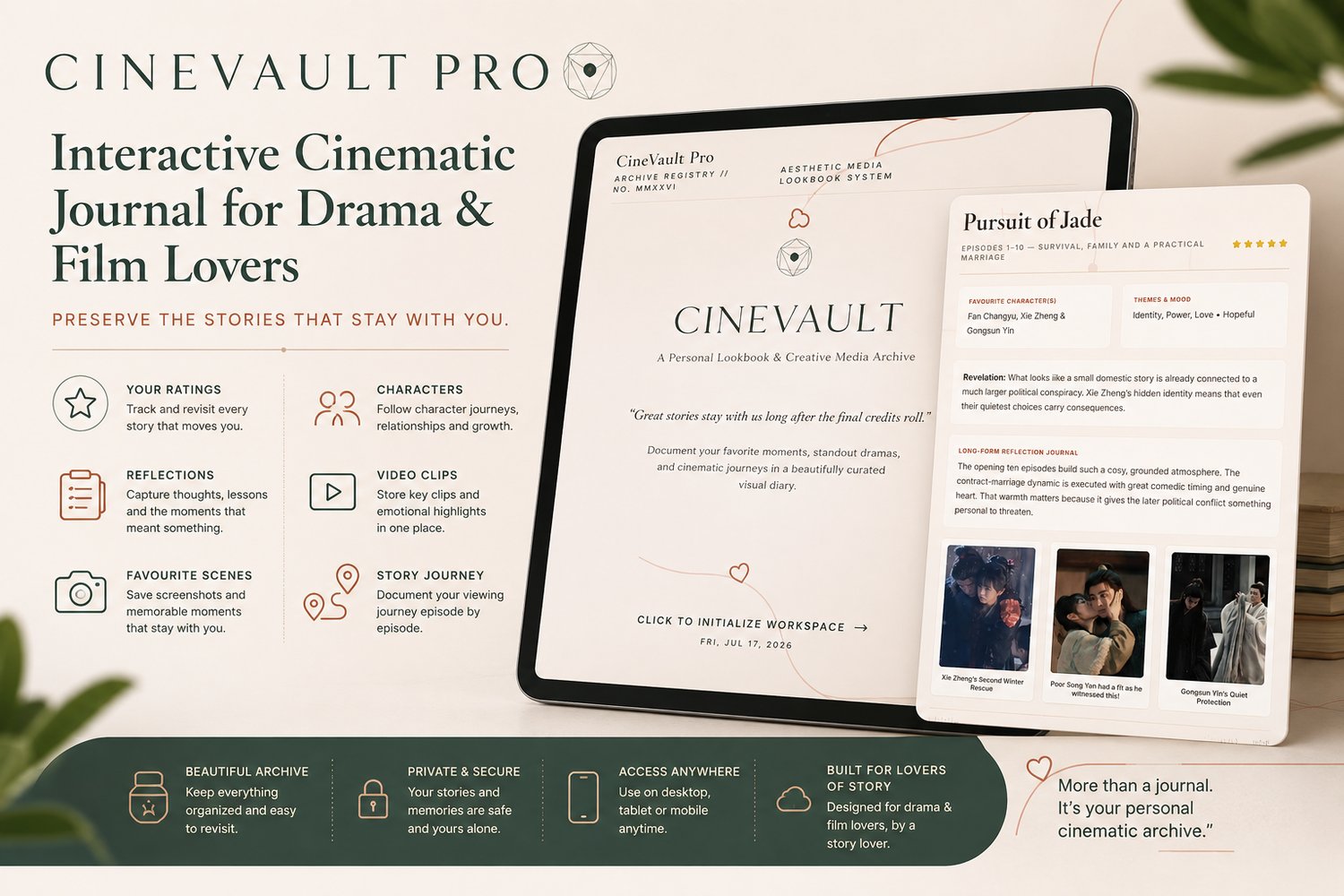
CineVault Pro is a private, offline-first journal built for people who don't just watch dramas and films — they live in them. Track what you're watching, archive character breakdowns and standout episodes, sketch your reflections with stylus support, and turn any entry into a polished, export-ready graphic in one click.
Built for three kinds of viewers:
🔗 Try the live demo first — explore the workspace and export a sample card before you buy.
📺 The dedicated fan — Keep a real archive, not just a list. Log story journeys, cast details, standout episodes, iconic sequences, and soundtrack notes for every C-drama, K-drama, or film you fall into.
✍️ The reviewer & content creator — Export single photo cards or full gallery spreads straight from your archive, styled across 12 export frame themes and 5 editorial workspace moods. Built for TikTok, Instagram, and blog-ready visuals — no separate design tool needed.
🖊️ The digital journal & stylus user — A dedicated Reflection Studio for freehand sketching and handwritten notes on iPad, tablet, or with any stylus.
Why it's different:
- No subscription, no account, no cloud dependency — everything lives on your device
- Works 100% offline — a genuine standalone app, not a bookmarked website
- One-click export — gallery-quality PNG cards across 12 frame themes, not screenshots
- Private by design — your archive, your device, nobody else's server
What's inside:
- Story Backbone & Highlights tracker
- Story Journey timeline with milestone photos
- Character & Cast archive (portrait format)
- Photo Vault for drama/film stills
- Video reference library
- Reflection Studio (stylus-ready sketching)
- Full JSON backup/export for your archive
One-time purchase. Yours forever. Works today, tomorrow, and with no wifi.
FAQ
Do I need an account or subscription? No. CineVault Pro runs entirely in your browser, on your device. Nothing is uploaded anywhere.
What happens if I clear my browser or switch devices? Use the built-in Export Archive (JSON backup) regularly — this is your safety net and lets you move your archive between devices. We recommend backing up monthly.
Can I use it on iPad/tablet with a stylus? Yes — the Reflection Studio is built for freehand sketching and handwritten notes.
Is this a Notion template or a PDF? No — it's a fully interactive standalone web app, not a template requiring a separate annotation app.