
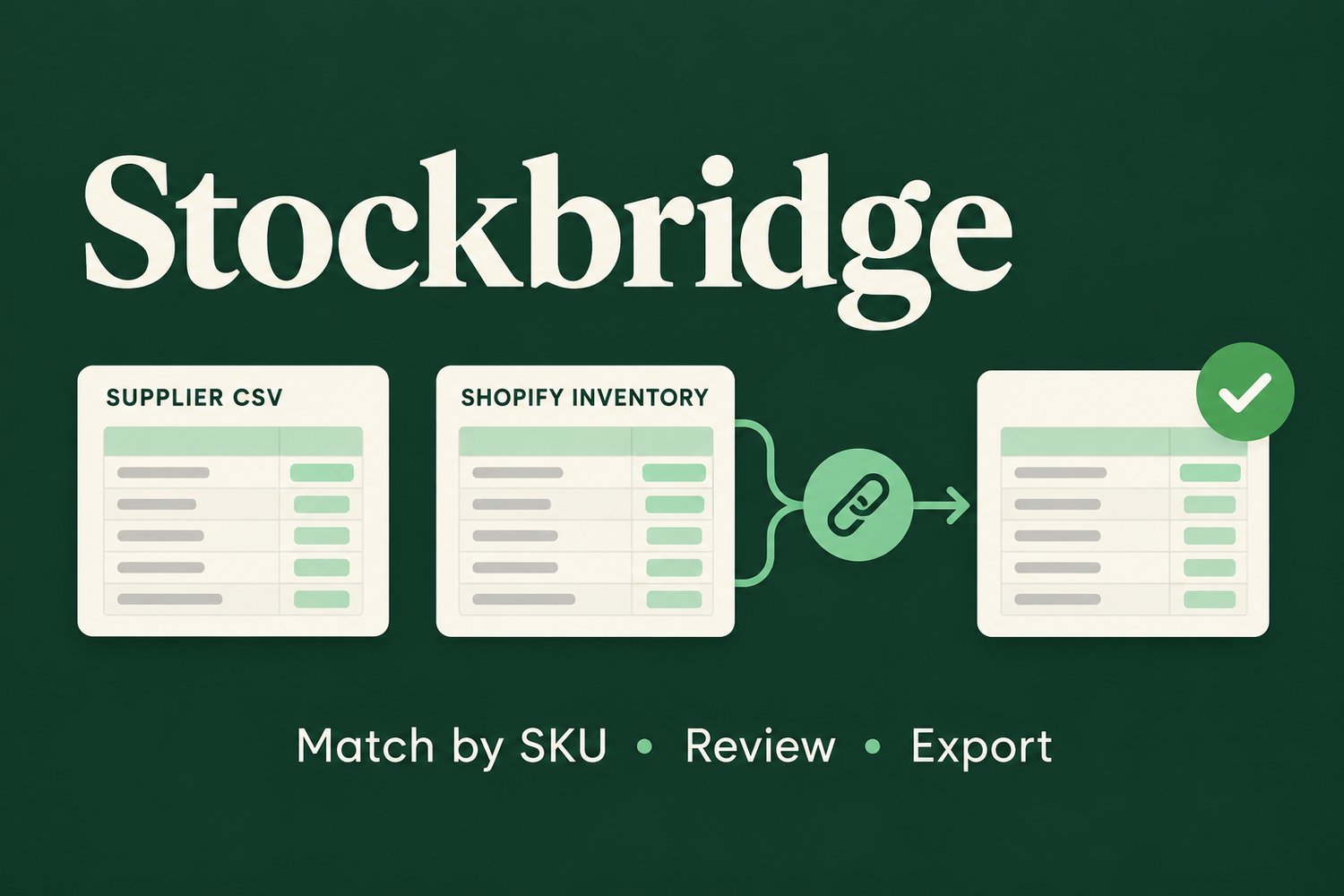
Stockbridge — Shopify Supplier Stock CSV Mapper
Stockbridge helps Shopify merchants turn a supplier stock-count CSV into a reviewed inventory update file.
Choose the supplier SKU and quantity columns, choose Shopify’s SKU column, and select the Shopify location to update. Stockbridge shows matched rows and rows held out, then exports only matched rows for that location. The output keeps Shopify’s current on-hand values for Shopify’s import safety check.
The tool runs in your browser. It does not connect to your store, and your CSV files are processed locally in the browser.
INCLUDED
• Stockbridge 0.1 browser tool (index.html)
• Quick-start instructions
• Example supplier and Shopify inventory CSV files
• One-time purchase with ZIP download
REQUIREMENTS AND LIMITS
• Requires a Shopify All states inventory CSV export and a supplier CSV.
• Supports CSV files and exact SKU matching only.
• Duplicate or blank SKUs, missing matches, and invalid counts are held for review.
• Does not import into Shopify or change your store.
• Does not support XLSX, alternate supplier codes, unit conversions, or multiple locations in one run.
• Review the output and Shopify’s import preview before importing. Stockbridge cannot verify that a supplier file is current or correct.
SETUP
Download and unzip the files. Open index.html in a modern browser, try the included samples, then follow the README with your own Shopify and supplier exports. No Shopify app installation or account connection is needed.