
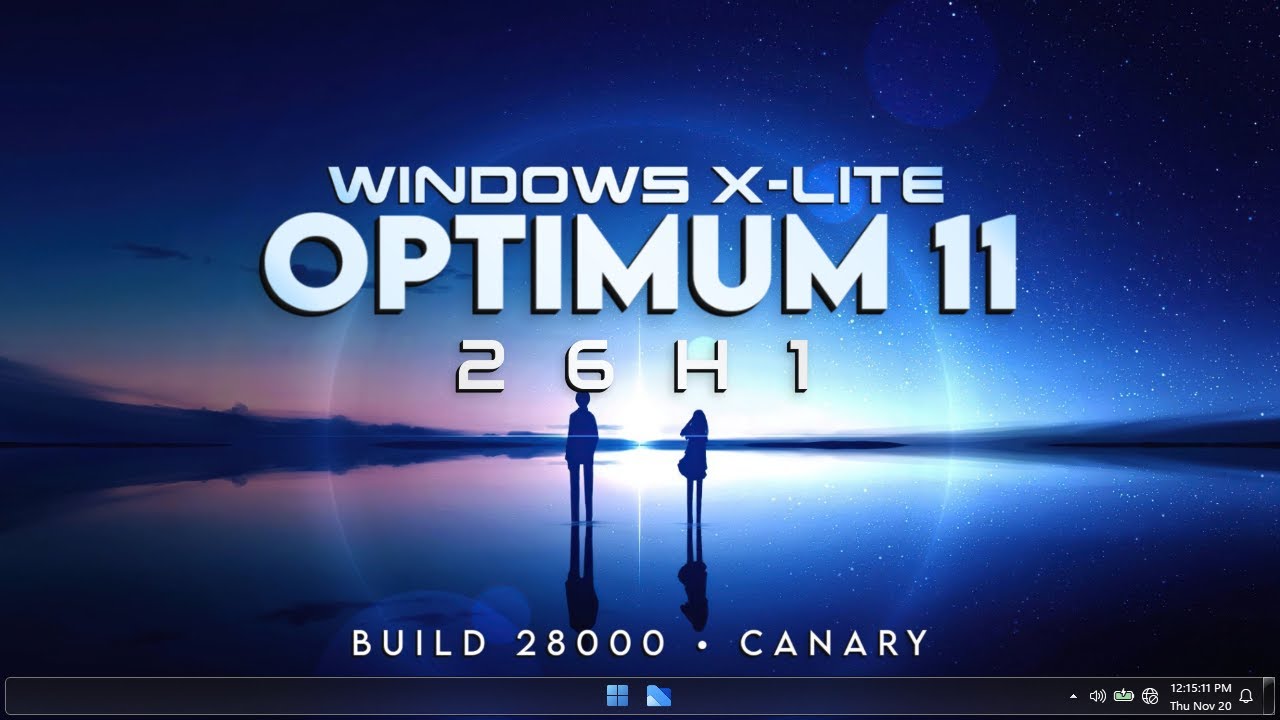
Windows X-Lite Optimum 11 26H1 Pro v2.7z (Free download)
FULL INSTALLATION WINDOWS X LITE 26H1 – THE BEST WINDOWS 11 GAMER 2026
Today I bring you the complete installation of Windows X Lite 26H1, the new version based on Windows 11 that has just been released and is already available in its X LITE edition, specifically designed for maximum performance, stability, and ultra-low resource consumption.
In multiple gaming performance tests, Windows X Lite 26H1 has achieved higher FPS than other modified Windows 11 versions and, of course, also outperforms the official Windows 11, thanks to the removal of unnecessary services, background processes, and bloatware.
In this tutorial, you will learn step by step how to:
- Properly boot your USB
- Install Windows X Lite from scratch
- Configure and optimize the system
- Set Windows completely to Spanish
- Check real RAM, CPU, and storage usage
- Review the operating system in detail
- Perform performance tests on Android emulators like BlueStacks or MSI App Player
If you’re looking for a lightweight, fast Windows perfect for gaming, emulators, and low-end PCs, this post is for you.
⚡ What does Windows X Lite 26H1 help with?
Windows X Lite 26H1 is designed to fully maximize your hardware:
✅ Increases FPS in games
✅ Reduces RAM and CPU usage
✅ Removes unnecessary services and apps
✅ Much faster boot time
✅ Lower latency for mouse, keyboard, and system
✅ Ideal for old or low-end PCs
✅ Excellent performance in Android emulators
It’s a perfect option for both competitive gamers and users who want to revive older PCs.
💻 System Requirements
🔹 Minimum Requirements (Ultra Low)
Processor: 1 GHz (2 cores)
RAM: 1 GB
Storage: 8 GB free
Graphics: DirectX 9 compatible
Firmware: BIOS or UEFI
USB: 8 GB for installation (recommended)
🔹 Recommended Requirements
Processor: 2.0 GHz (4 cores)
RAM: 2 GB or more
Storage: SSD with 32 GB free
Graphics: DirectX 11 compatible or higher
⚠️ Note: This Windows does NOT require TPM or Secure Boot, making it ideal for older PCs.
🛠️ What has been optimized in this version?
- Complete removal of bloatware
- Unnecessary services disabled
- Telemetry reduced to a minimum
- Lower disk and RAM usage
- Optimization for gaming and emulators
- Improved stability during long sessions
📊 System Usage
At idle, Windows X Lite 26H1 can consume:
- RAM: between 1.1 GB and 1.5 GB
- CPU: 0–2% at idle
- Storage: Uses much less than official Windows 11
This results in more resources available for games and applications.
🤖 Performance in Android Emulators
Windows X Lite 26H1 shows excellent performance in:
- BlueStacks 5
- MSI App Player
Lower input lag, higher stability, and better FPS—ideal for games like Free Fire, COD Mobile, or PUBG Mobile.
📌 Final Recommendations
- Always use a high-quality USB
- Perform a clean installation (full format)
- Install only necessary drivers
- Avoid automatic updates
If you liked this post, share it and save the page, as I’ll be uploading more optimizations and advanced configurations for Windows Gamer 🔥
🎮 Enjoy Windows X Lite 26H1 to the fullest!