
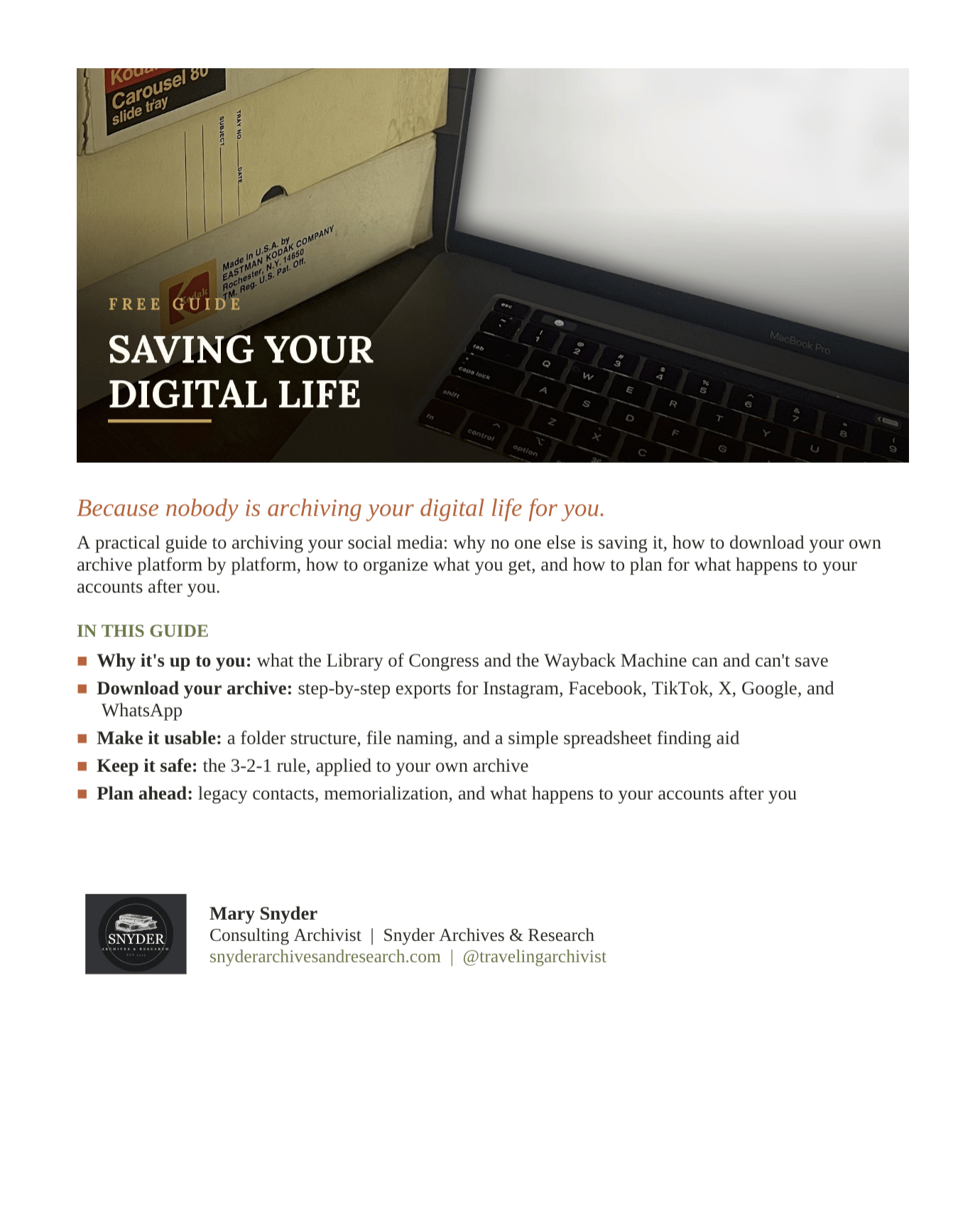
Save Your Digital Life: Social Media Archiving Guide
Your photos, posts, and messages are not backed up by the platforms hosting them. This guide shows you exactly how to save them yourself, step by step.
What's inside:
Exact download steps for Instagram, Facebook, TikTok, X, Google (Photos, Gmail, Drive), and WhatsApp
What each platform's export actually gives you, and what it leaves out (TikTok's export skips your video files entirely, and this guide tells you the one setting that fixes it)
A folder structure that keeps five years of exports organized instead of buried in a Downloads folder
A simple finding-aid spreadsheet template, the same method archives use to track a collection
The 3-2-1 backup rule, adapted for your phone and your platforms
What legacy contact and memorialization settings actually do after you're gone, and what they don't do
A once-a-year habit that keeps this from ever becoming a backlog
Who this is for:
Anyone who has ever lost photos when a phone died, a platform changed its rules, or an account got deleted. Anyone who wants their own record of their life to still exist in ten years. You don't need any technical skill. You need twenty minutes and a place to put the file.
Why an archivist wrote this:
I've spent over a decade processing collections for institutions like Monticello, The Henry Ford, and Historic Charleston Foundation. The same principles that keep a 200-year-old paper collection intact — consistent naming, redundant storage, real documentation — work just as well on a folder of Instagram exports. This guide translates archival practice into something you can do this weekend.